Virtual Staging for New Construction Homes

Use an empty-room photo to compare possible furnishing directions for a new build. The result is a visual concept and does not predict pre-sales, buyer response, or time on market.

Reviewed visual proof

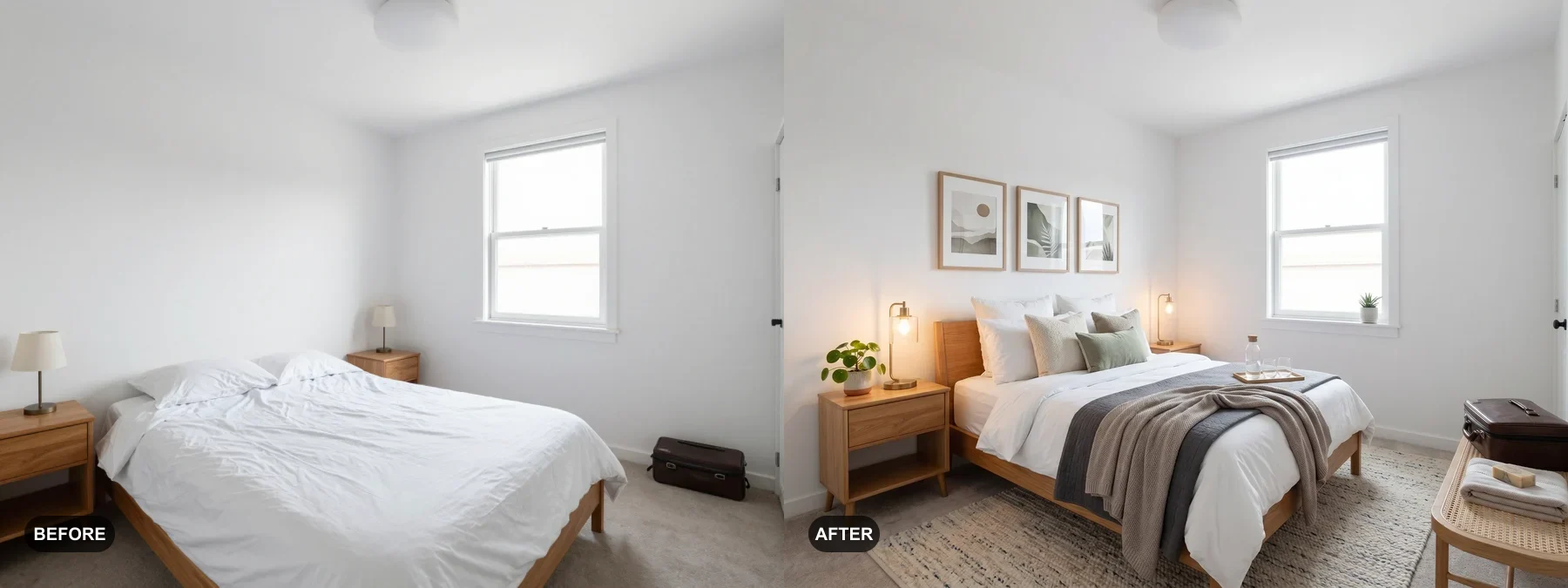
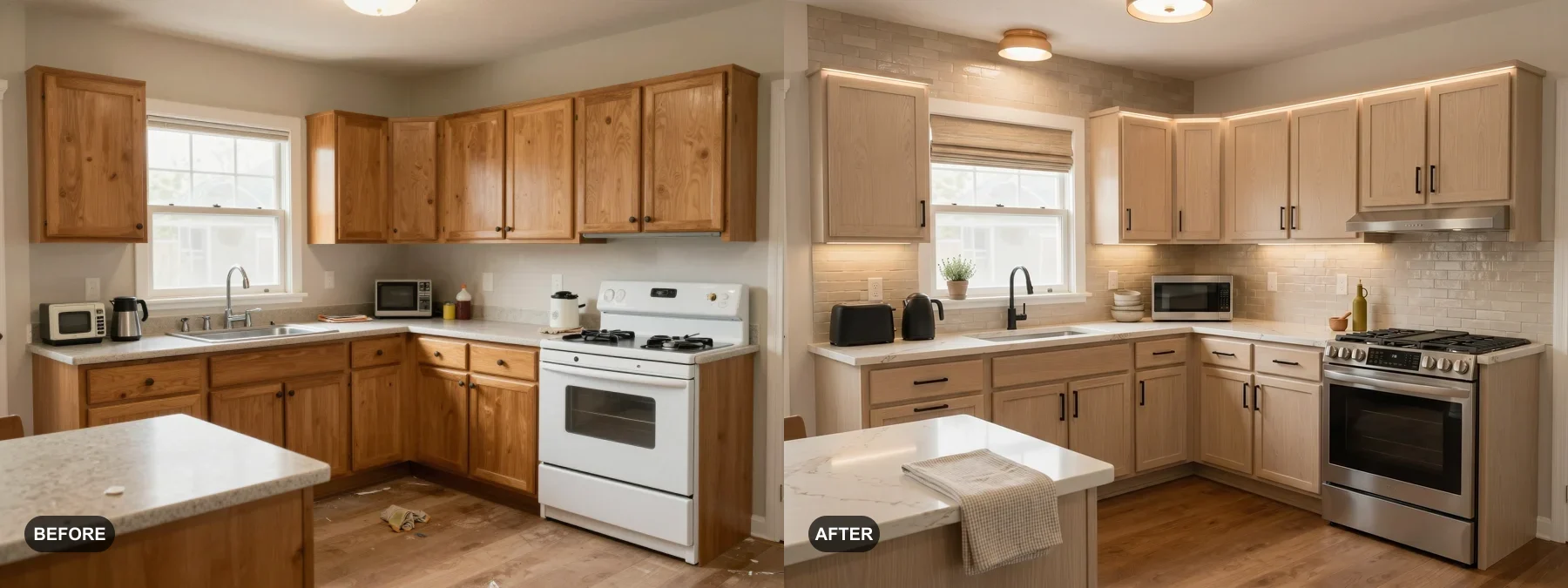
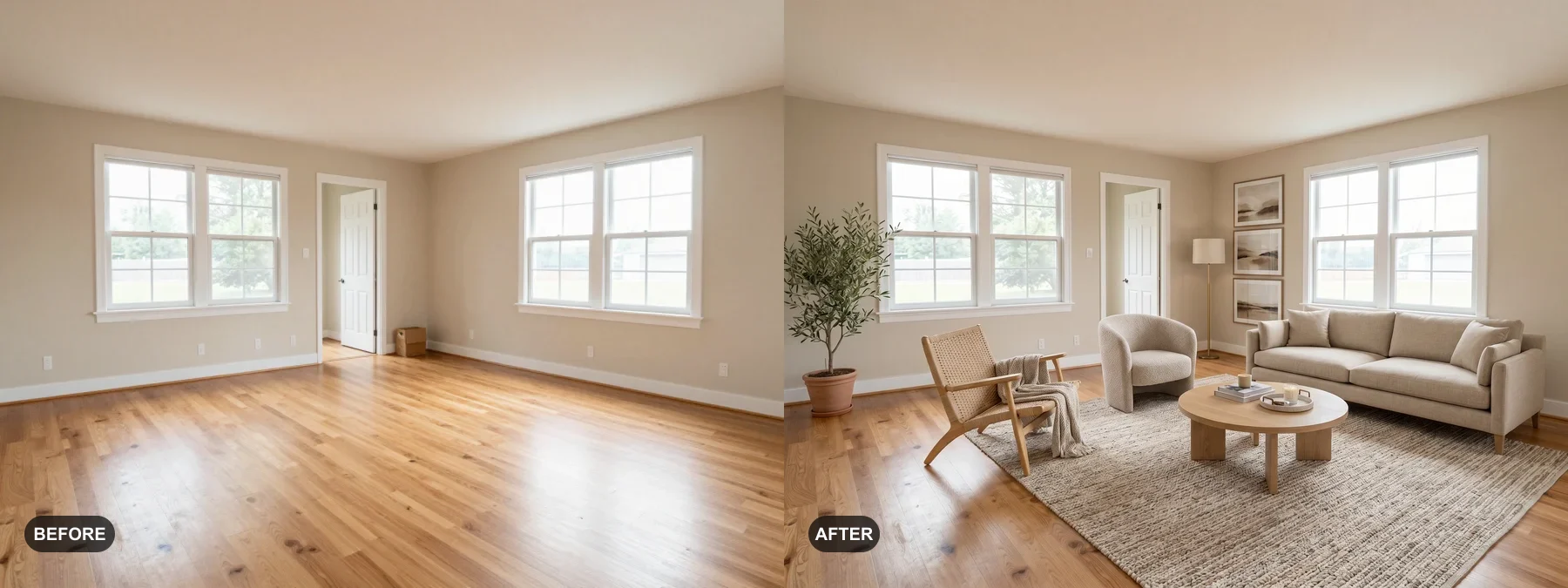
Before and after cases used for this topic

These examples were selected to show a clear paid-use reason: listing photos, rental appeal, renovation planning, or client presentation.
View Gallery

The New Construction Buyer Challenge

An empty new-construction room can be difficult to interpret from photos. A generated furnishing concept can illustrate one possible use, but it must not imply that furniture, finishes, fixtures, or incomplete work already exist.

Keep the original photo available and label the generated concept clearly. Verify visible dimensions, finishes, architecture, completion status, and all marketing claims against the actual property.

Stage Before Construction Is Complete

Use a clear photo only when the visible room is stable enough to compare with a concept. If construction is incomplete, state that condition explicitly and do not use a generated image to hide unfinished work or promise a completion detail.

Multi-Unit Development Economics

For multi-unit developments, physical staging and generated concepts have different costs and purposes. Obtain current physical-staging quotes and use the RoomFlip credits shown before generation for a project-specific comparison.

Style Variety for Different Buyer Demographics

You can compare more than one style on the same room photo when a single direction is not enough. Do not claim that a style represents or predicts a demographic response; choose directions that fit the actual property and marketing brief.

Best Styles for New Construction Staging

Move-in Ready (Modern) offers a restrained contemporary direction, while Luxury Showcase (Contemporary) offers a more polished direction. Compare both with the real room; neither style predicts buyer response, appraisal value, or a justified price.

Tips for Best Results

Follow these recommendations to get the most impactful virtual staging results.

  1. 1
    Photograph rooms after flooring and paint are complete for best results
  2. 2
    Stage model units first to establish the property's lifestyle narrative
  3. 3
    Generate multiple styles when the room needs more than one direction
  4. 4
    Start with the rooms that are most prominent or hardest to understand while empty

Key Statistics

Pre-sale clarity
Avg Days Reduced
Processing time varies
Time To Stage
Move-in Ready
Top Style

Frequently Asked Questions

When should I virtually stage a new construction home?

Use a clear photo once the visible room is stable enough to compare with a generated concept. Treat the result as a planning or marketing preview, not a representation of unfinished work or a promise about buyer response.

What styles can I try for new construction?

Move-in Ready offers a restrained modern direction, while Luxury Showcase offers a more polished contemporary direction. Choose based on the actual property and review every result against the source photo.

Can I stage the same room in multiple styles?

Yes. RoomFlip can generate multiple visual directions from the same room photo. Each result uses credits and may vary from the source, so compare architectural details and disclose virtual staging where required.

virtual staging new construction new build virtual staging construction staging

Ready to stage your space?

Upload a photo and create a virtual-staging concept to review against the real room. Start with 10 starter credits after signing in.

Explore More Virtual Staging

Virtual Staging for Real Estate

Create a furnishing concept from a vacant listing photo to help viewers interpret a possible room use. Keep the original...

View details →

Virtual Staging for Airbnb & Vacation Rentals

Preview how a short-term rental could feel with better furniture, color, and decor before you spend on the real upgrade....

View details →

Virtual Staging Before and After Examples

Compare real before and after AI virtual staging examples that show how a vacant listing, a short-term rental bedroom, a...

View details →

Virtual Staging Cost

Compare the different cost components of physical staging and AI-generated room concepts. RoomFlip uses the credits show...

View details →

Virtual Staging for Listing Presentations

RoomFlip helps agents turn a seller's real room photo into a quick before-and-after visual for a listing conversation. U...

View details →

Renovation Preview Visuals

RoomFlip helps investors, homeowners, and renovation teams create a quick visual preview from a real room photo. Use it ...

View details →

AI Contractor Proposal Visuals

RoomFlip helps contractors and remodelers show a visual direction from the client's real room photo before detailed quot...

View details →

Seasonal STR Refresh Visuals

RoomFlip helps Airbnb and short-term rental hosts preview seasonal room refresh ideas before buying decor or changing th...

View details →

Virtual Staging: Living Room

A virtual staging preview can illustrate one possible use and furnishing direction for an empty or dated living room. It...

View details →

Virtual Staging: Bedroom

AI virtual staging can illustrate a possible bedroom furnishing direction with generated bedding, furniture, and lightin...

View details →

Virtual Staging: Kitchen

AI virtual staging can illustrate a possible styling direction for visible counters and decor. It does not renovate the ...

View details →

Virtual Staging Pricing

Compare RoomFlip AI staging with traditional staging, manual virtual staging, and photo preview packs.

View details →

AI Virtual Staging

Add furniture, remove furniture first, or rearrange existing furniture from one room photo.

View details →