Measure the path, not only the wall
A sofa can fit against a wall and still make the room hard to live in. Check walkways, closet doors, drawers, and balcony doors.
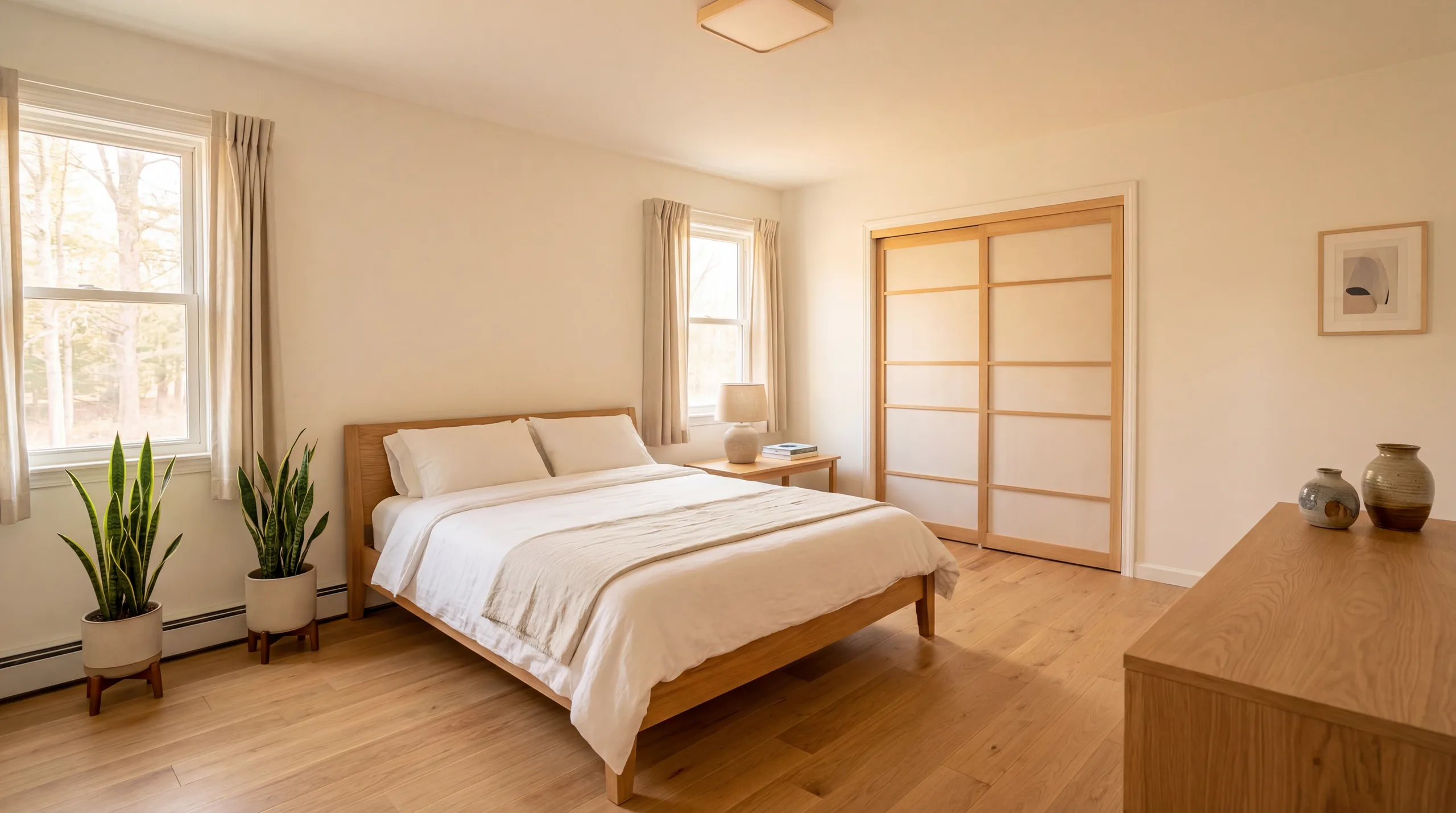
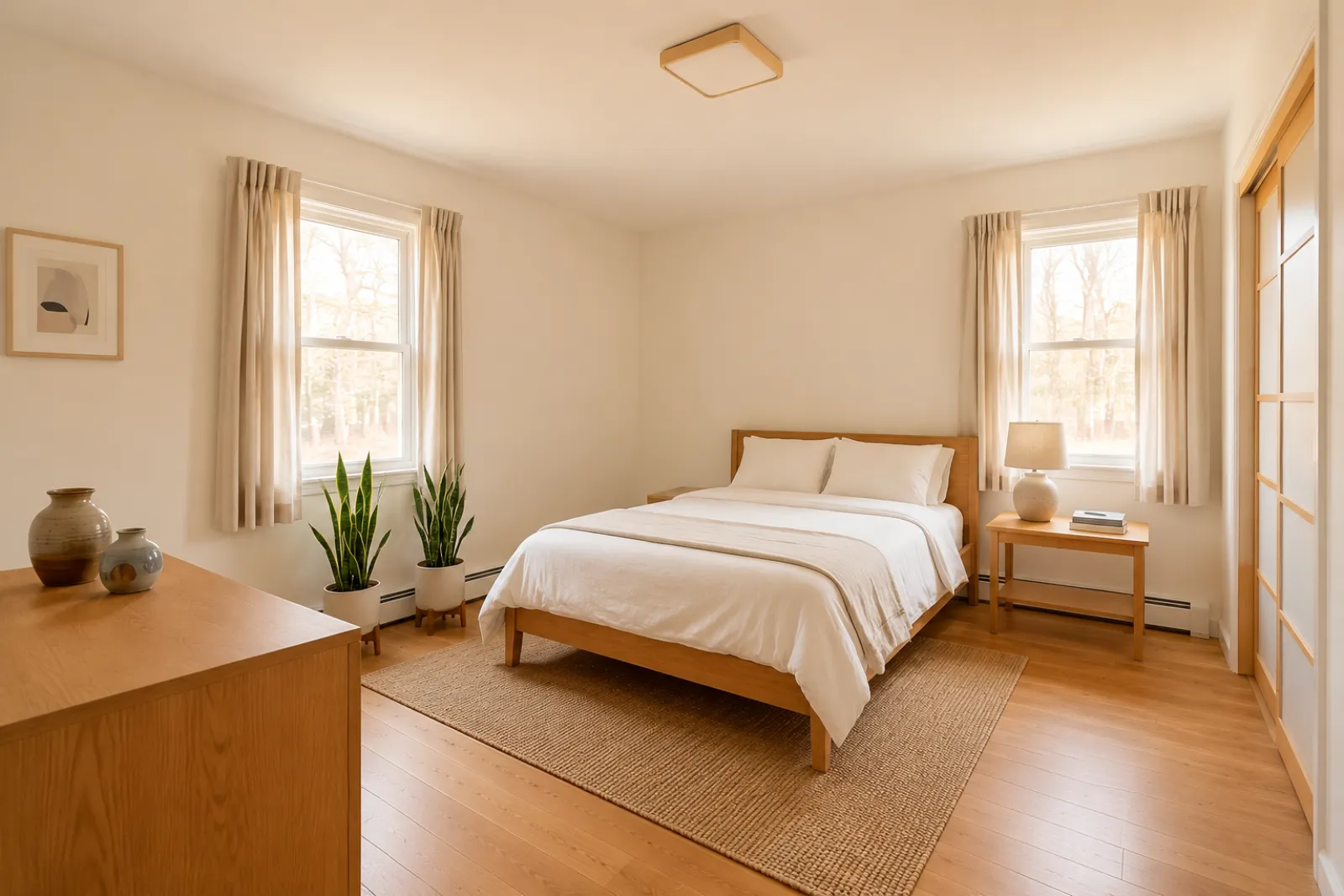
The expensive mistake is not just buying the wrong style. It is buying a sofa, table, bed, or cabinet that technically fits but blocks the walkway. Use dimensions first, then preview the visual direction from your real room photo.
Choose one photo, or up to six angles or rooms. Your choices stay on this device until you sign in.
Furniture checks before you click buy
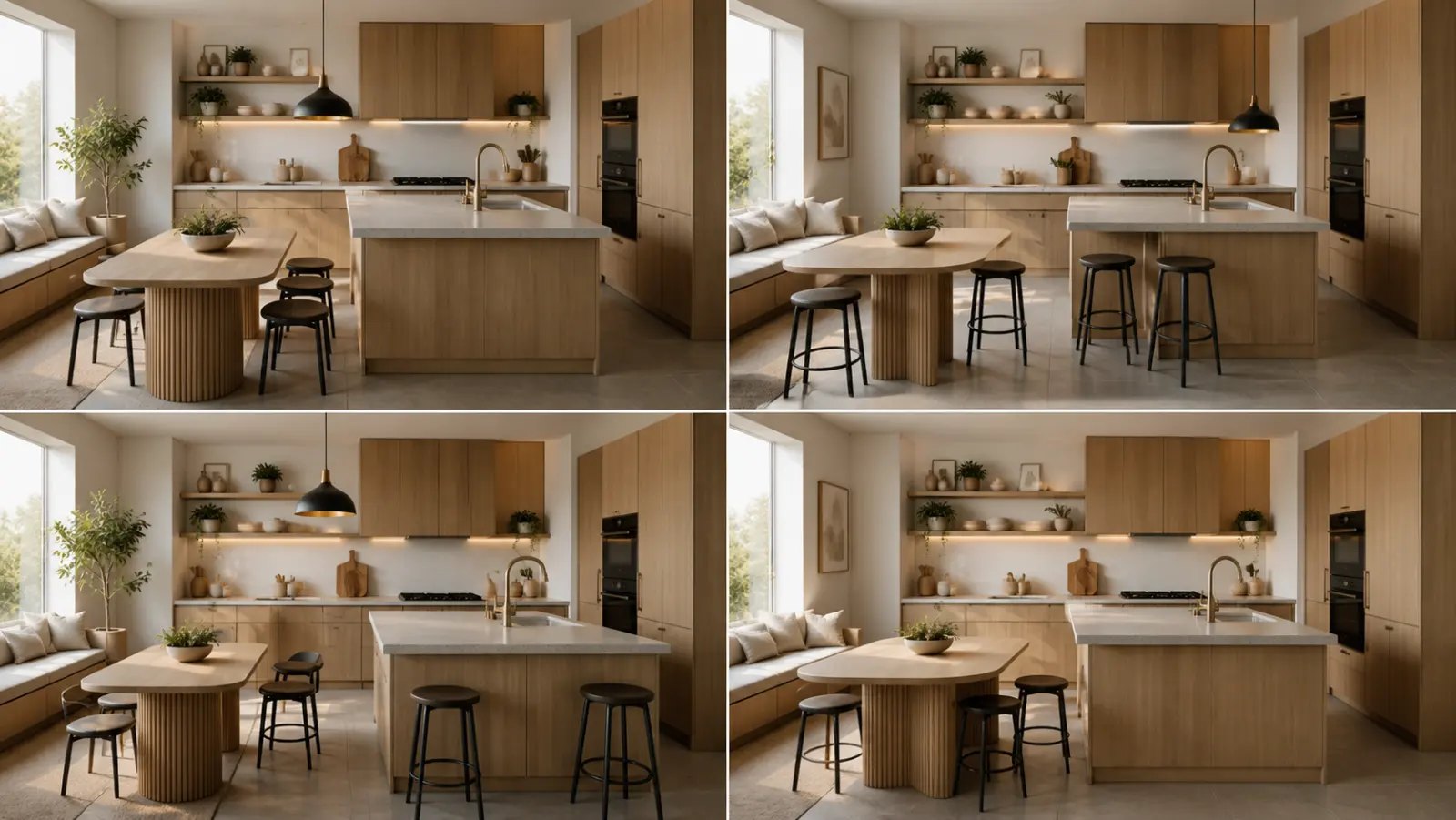
Dimensions protect you from obvious fit problems. A visual preview helps with softer decisions: whether the room feels too heavy, whether the wood tone fights the floor, and whether a layout direction feels worth pursuing.
RoomFlip is useful after the measurement check. Upload a room photo, choose a direction, and use the result as a planning draft before spending real money.
A sofa can fit against a wall and still make the room hard to live in. Check walkways, closet doors, drawers, and balcony doors.
Depth is where many online furniture mistakes happen. A deep sofa or chair can consume more floor space than the listing photo suggests.
Use painter's tape or boxes to mark the item on the floor. Walk around it for a day before ordering anything hard to return.
Start with the room's actual area before choosing furniture.
View details →Find a rug size that supports the furniture layout.
View details →Layout guidance for studios, rentals, and compact rooms.
View details →Use AI previews without hiding doors, windows, walls, or movement paths.
View details →Generate visual ideas from the room you actually have.
View details →Upload your room photo and compare realistic directions before buying.
View details →