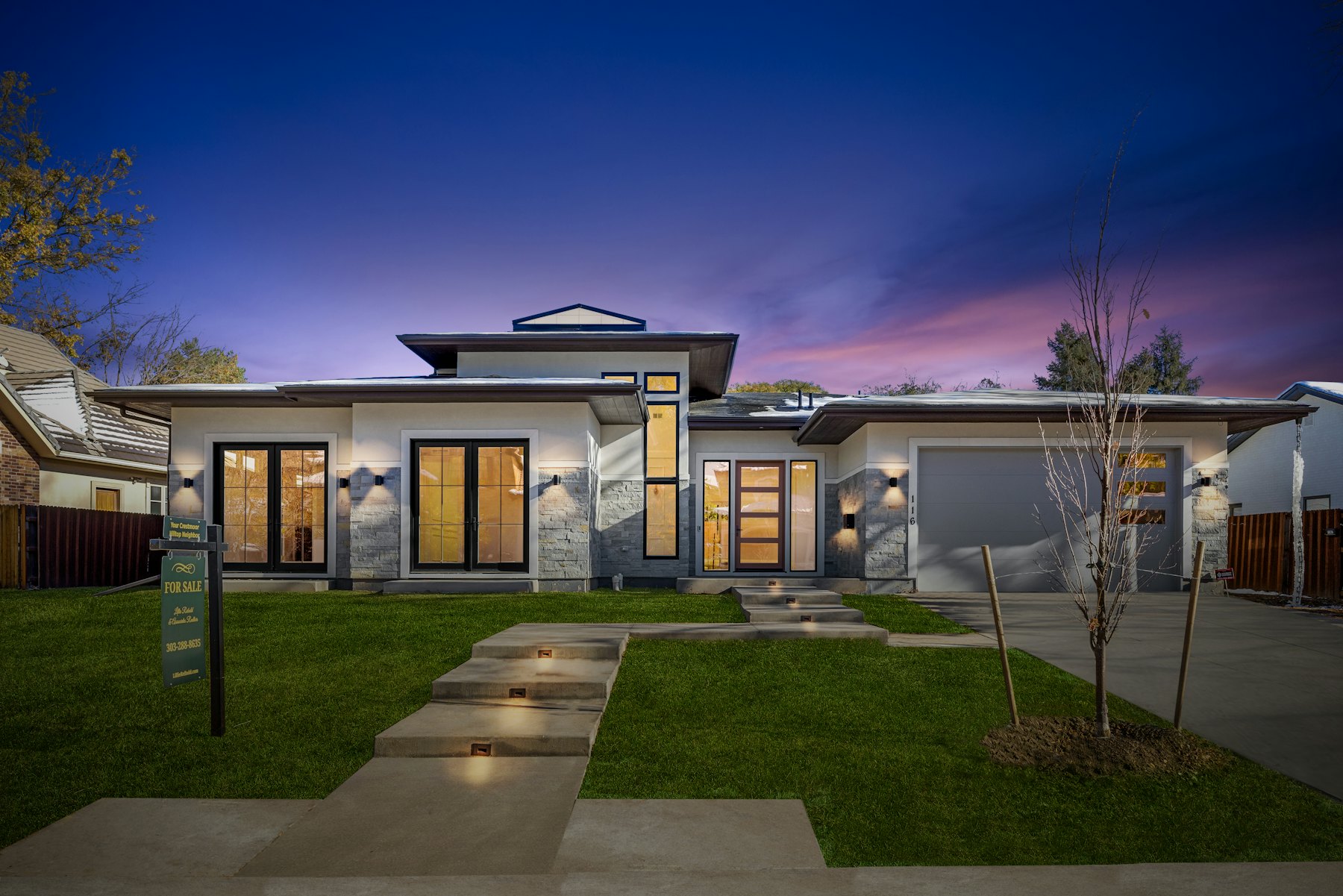
AI House Exterior Design from a Photo
Upload a photo of your house and compare siding, roof, paint, and landscaping ideas. Sign in to get 5 starter credits.
AI exterior planner
Upload your home exterior, get 3 curb-appeal directions
RoomFlip uses the visible house structure as a reference while comparing exterior directions for paint, trim, entry details, garage treatment, and front-yard depth. Generated structure and materials can differ, so verify the result against the real home.
1. Upload your exterior photo
Use a daylight photo from across the street or driveway. Show the roof, front door, garage or driveway, and front yard; move parked cars if you can.
Included directions
Common constraints next: keep roof unchanged, keep brick or stone, budget-friendly only, low-maintenance yard.
How AI Home Exterior Design Works
Upload a Photo of Your Home's Exterior
Take a photo of your home's front facade in daylight. The AI works best with a clear, straight-on shot showing the full house from foundation to roofline.
Choose an Exterior Style
Pick from modern, farmhouse, contemporary, craftsman, and more. Each option generates a different visual direction for siding, roofing, paint, and landscaping.
See Your Home Transformed
Processing time varies. Compare each generated exterior direction with the original using the slider, then download it or try another style.
Exterior Design Styles
Each style explores a different exterior direction for siding, roofing, paint, landscaping, and architectural details. Compare the concept with the real home.
Modern Exterior
A concept with clean lines, flat-roof cues, larger-window ideas, minimalist landscaping, neutral tones, and geometric shapes. Generated architecture can differ from the real home.
Farmhouse Exterior
A concept with board-and-batten siding, porch cues, metal roofing, and warm wood accents. Generated structure and function are not verified by the preview.
Contemporary Exterior
A concept with mixed stone, wood, and metal cues, stronger angles, larger-window ideas, texture, and asymmetry. Verify all architecture separately.
Craftsman Exterior
A concept with tapered-column, exposed-rafter, stone-detail, and earthy-color cues associated with Arts & Crafts architecture.
Mediterranean Exterior
A concept with stucco, terracotta-roof, arched-doorway, and courtyard-landscaping cues. Suitability depends on the real home and location.
Colonial Exterior
A concept with a symmetrical facade, columned entry, shuttered-window cues, and brick or clapboard siding. Verify the generated structure against the real home.
What AI Can Change on Your Home Exterior
Siding & Paint
Compare siding and paint directions using vinyl, wood, stone, brick, or stucco references. A concept can show, for example, a white farmhouse-inspired facade or a darker modern direction; verify materials and details against the real home.
Roofing
Preview roofing material and color directions. The generated roof shape can differ from the original, so use the result as a concept and consult qualified professionals before real work.
Windows & Doors
Update window frames, front door style, garage doors, and entryway design. From modern black-frame windows to craftsman-style divided lights.
Landscaping & Curb Appeal
Compare front-yard directions ranging from restrained modern planting to cottage-inspired beds and stone paths. Generated plants and dimensions need separate review.
Who Uses AI Exterior Home Design
Homeowners Planning Renovations
Preview siding, paint, or landscaping directions before discussing products and feasibility with a contractor. The rendering is a visual reference, not a measured specification.
Real Estate Agents & Flippers
Compare clearly labeled exterior concepts for a fixer-upper while keeping the original photo available. The preview does not predict buyer response, value, or buildable scope.
Architects & Designers
Explore exterior concepts from a property photo during an early design conversation. Generated options are visual references and do not replace measured architectural work.
Paint & Siding Companies
Use a generated exterior concept to discuss possible material and color directions alongside real samples, specifications, measurements, and quotes.
How to Get an Exterior Image That Is Easier to Review
Five photo habits can make a preview clearer. None requires a different camera.
1. Shoot in flat, diffused daylight
Use a clear photo with even light when possible. Strong shadows under eaves and roof overhangs can make generated colors, materials, and structure harder to review, so compare the result carefully with the source image.
2. Frame the whole house, foundation to roof peak
Step back far enough to show the full facade, with some ground in front and sky above the roof. If the roof is cropped, the generated pitch may not match the real home. When there is not enough room to step back, try the phone's wide-angle setting and avoid panoramas that distort architectural lines.
3. Pick three styles that disagree with each other
For a more useful comparison, try directions that are genuinely different: one close to the current home, one that updates its architectural language, and one more contrasting option. Compare each result with the source photo before choosing a direction to develop.
4. Lock in the roof and the garage door first
Roofs and garage doors can occupy a large part of the visible elevation. Before choosing a paint color, compare how the roof material and garage-door style fit the direction you want. Verify all generated materials and dimensions against the real home.
5. Validate against your neighborhood
Look at nearby homes and note which materials and colors fit the setting. Use a preview to compare a direction, then confirm local requirements, material samples, and professional advice.
AI Exterior Home Design FAQ
Can AI design the exterior of my house?
Yes. Upload a daylight photo of the front of your house, choose a direction, and RoomFlip generates exterior concepts with different siding, roofing, paint, landscaping, or architectural details.
Is AI exterior home design free?
New users receive 5 starter credits after signing in. Each Preview uses 1 credit. If you need more generations, check the current packs and plans on the pricing and checkout pages.
What can AI change on my home exterior?
Concepts can cover siding, roofing, windows, doors, landscaping, driveway surfaces, lighting, and trim accents.
How accurate is AI exterior home design?
An exterior preview can help compare materials, colors, and landscaping directions, but generated texture, scale, proportions, windows, roof lines, and structure can be inaccurate. Verify the result against the real home and use qualified professionals for buildable decisions.
What photo works best for exterior AI design?
When possible, use a straight-on or slight-angle daylight photo. Include the whole house from foundation to roofline and avoid obstructions such as parked cars or large trees blocking the facade.
Will AI change my home's roof line or add a second story?
RoomFlip aims to use the existing roof line, windows, and footprint as context, but generated architecture can change. Use an architect or suitable measured modeling tool for additions, roof-line changes, and buildable plans.
How many exterior styles should I compare before deciding on paint colors?
Start with a small set of distinct directions and compare each one with the real home and its surroundings. Every new Preview uses the credit amount shown before confirmation, so choose variations that add a useful point of comparison.
Can I use AI exterior renders when talking to a painting or siding contractor?
You can show a generated exterior concept to a contractor as a visual reference. It is not a specification or measured drawing, so provide real product identifiers and dimensions and let the contractor verify feasibility, price, code requirements, and scope.
Does AI exterior design work for townhouses or attached homes?
You can upload the street-facing elevation as context for one exterior direction. The model may also alter neighboring units, roof lines, windows, scale, or other details, so compare the result carefully with the original photo.
Which exterior style adds the most curb appeal for resale?
Resale preferences vary by property, neighborhood, market, and buyer. Compare several directions with nearby homes, then confirm local requirements and seek qualified valuation advice; an AI style preview does not predict appraisal or resale performance.
See Your Home's Next Look
Upload a photo of your home exterior and preview available design styles. Start with credits after signing in.
Also explore: Free AI Room Design