AI Home Design — Transform Your Entire Home
Preview a new direction for rooms throughout your home. Upload one photo at a time, choose an available style, and review each generated result before making real changes.
Real AI Home Design Before & After
Every result below comes from a single uploaded photo redesigned by RoomFlip. Generated details can differ from the original, so use each image as a visual concept rather than a measured plan.
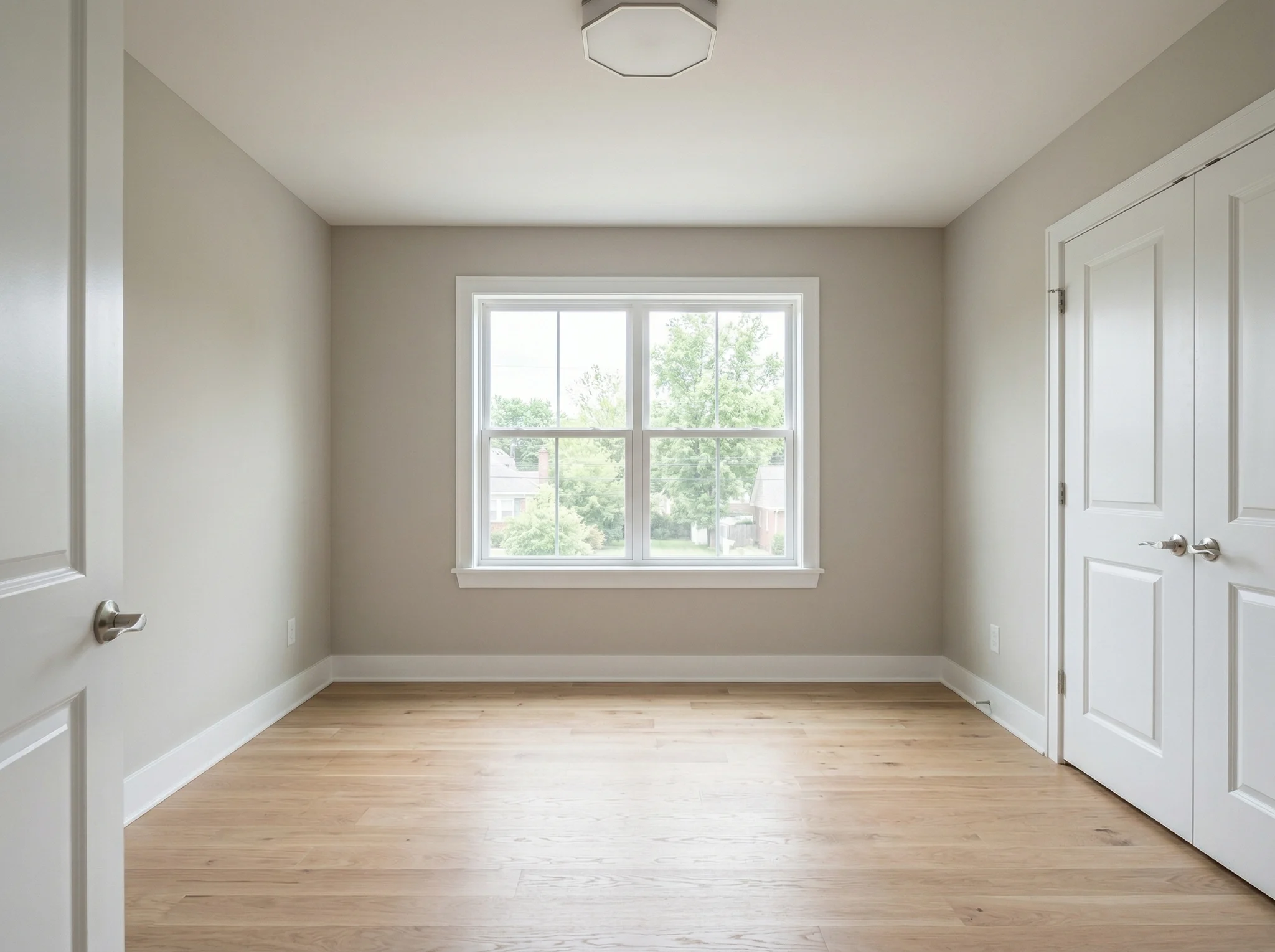 Before
 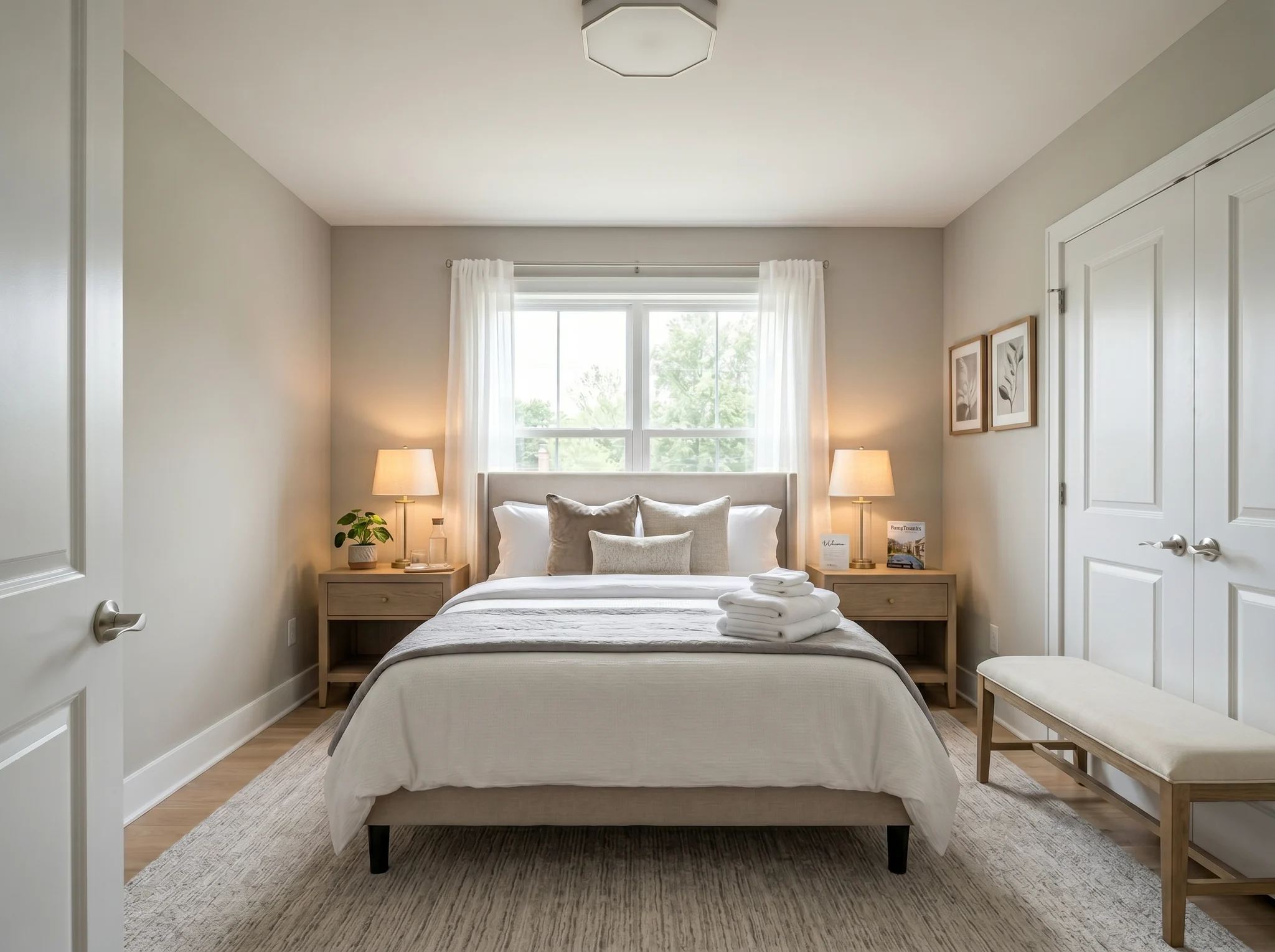 After
After 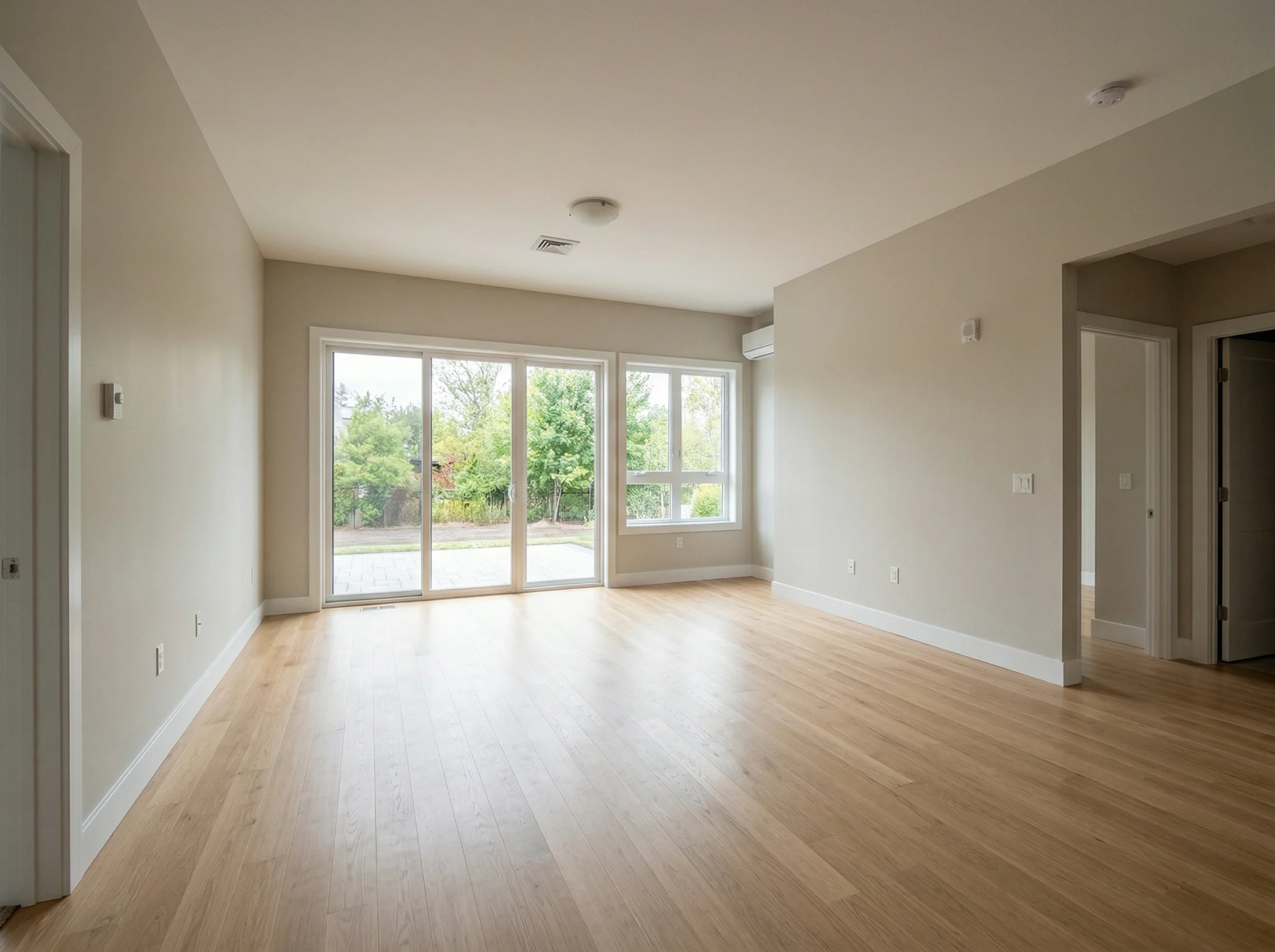 Before
 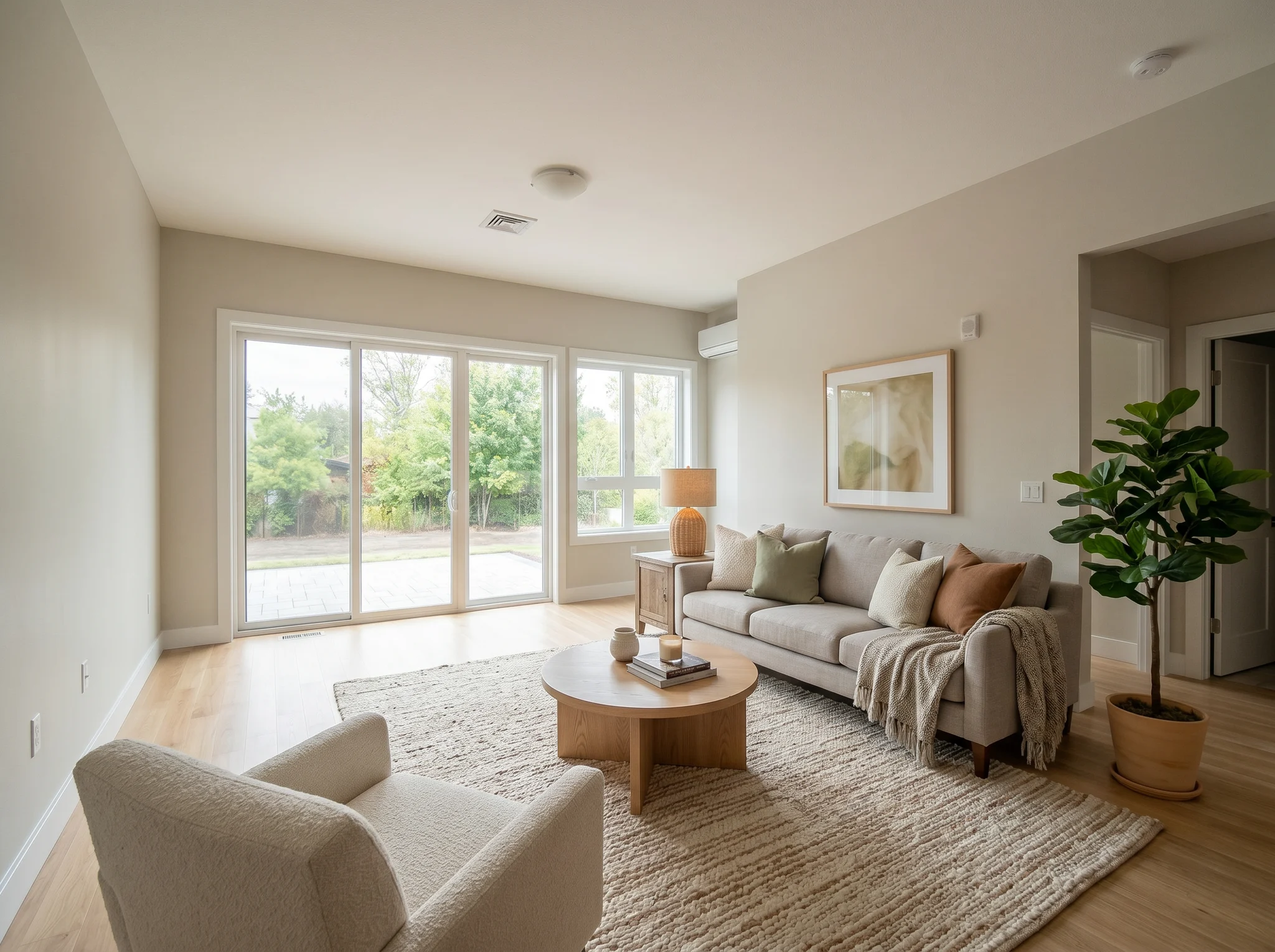 After
After 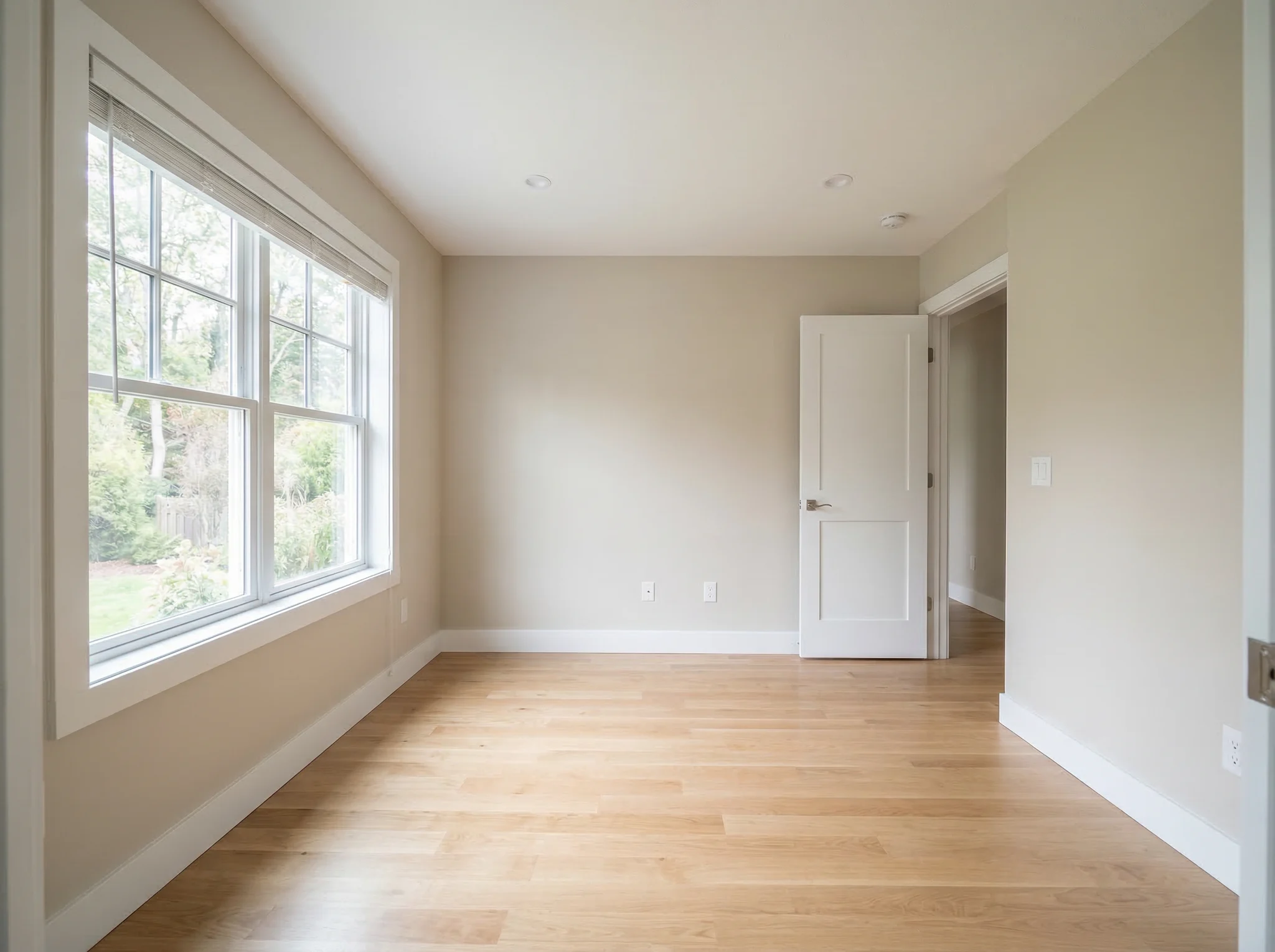 Before
 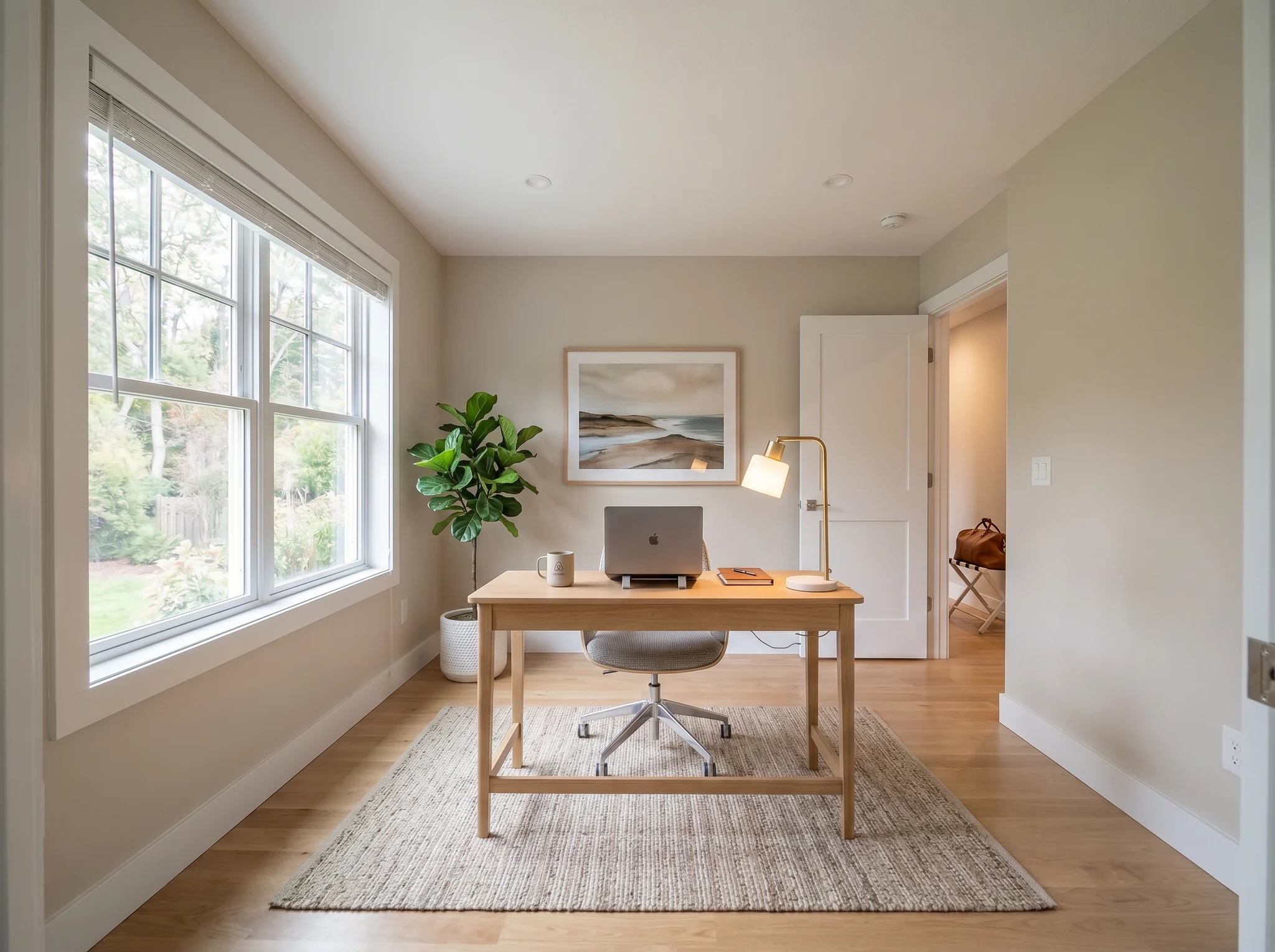 After
After AI Home Design Room by Room
Your home is made of distinct spaces, each with its own purpose. AI home design lets you transform every room individually or create a cohesive look across your entire home.
Living Room
The centerpiece of your home. Test furniture layouts, color schemes, and lighting to create a space that is both inviting for guests and comfortable for everyday life.
Design Living Room →Bedroom
Your personal retreat. Explore calming palettes, bedding styles, and furniture arrangements that turn your bedroom into a sanctuary for rest.
Design Bedroom →Kitchen
The heart of the home. See how updated cabinetry tones, countertop materials, and styling details could refresh your cooking and gathering space.
Design Kitchen →Bathroom
A space that deserves attention. Visualize spa-like upgrades, modern vanities, and cohesive tile choices without committing to a costly remodel.
Design Bathroom →Home Office
Where productivity meets comfort. Find the right balance of functional workspace and inspiring design to make remote work feel intentional.
Design Home Office →Dining Room
Set the scene for memorable meals. Explore table arrangements, lighting fixtures, and wall treatments that elevate your dining experience.
Design Dining Room →Why Use AI for Home Design?
Traditional home design may involve consultations, mood boards, and several rounds of planning. With AI room design, you can create visual directions from photos of your actual rooms before deciding what to change.
Instead of choosing a style from a generic inspiration image, you can preview Scandinavian design or an Urban Loft aesthetic using your own room photo. Additional styles require additional generations, and processing time varies.
RoomFlip uses the credit amounts shown on the pricing page. Professional design, construction, and furnishing costs are separate and vary by project. Generated results can serve as visual references when discussing a direction with contractors, stores, or family members.
AI home design does not replace architects or qualified professionals for structural work. It can help you compare ideas about style, color, and furniture before discussing a project with the people responsible for design and construction. Whether you are using starter credits or planning a full-home makeover, you can explore one room at a time.
Whole Home Design Workflow
Work through your home methodically — start with the most visible spaces and build outward.
Start with Main Living Area
Your living room sets the design tone for the entire home. Upload a photo, try 2-3 styles, and pick the direction that feels right. This becomes your anchor style — the reference point for every other room.
Move to Bedrooms
With your living room style chosen, apply a complementary look to bedrooms. You might use the same style for consistency, or go softer — a Zen Retreat bedroom pairs beautifully with a Move-in Ready living room.
Update Kitchen & Dining
Kitchens and dining rooms often suit warm, social directions such as Warm Family Home or Luxury Showcase. Upload a kitchen photo to compare how those styles may look in the space.
Refresh Bathrooms
Bathrooms are often the most impactful rooms to redesign. Even small changes in style can make a bathroom feel like a spa. Finish your whole-home design by giving each bathroom its own AI makeover.
Featured Home Design Styles
Each style explores a different visual direction. Browse all 12+ styles or start with one of these featured choices.
Move-in Ready
A clean redesign direction with a neutral palette and contemporary furniture. Appeal is subjective, so compare it with other styles and the real room.
Explore Move-in Ready →Premium Guest Suite
Uses soft-texture, muted-color, and polished-accessory cues for a more refined visual direction. Consider it for guest bedrooms or short-term-rental planning, then make the real room and published photos match.
Explore Premium Guest Suite →Warm Family Home
Cozy, inviting, and comfortable. Wood tones, warm lighting, and layered textures make a room feel like a place where families gather and relax. Works beautifully in kitchens, dining rooms, and living rooms.
Explore Warm Family Home →Urban Loft
Industrial attitude with a modern edge. Exposed textures, darker tones, and bold furniture choices give any room personality and character. Best for living rooms, home offices, and open-plan spaces.
Explore Urban Loft →Zen Retreat
A restrained direction using natural materials, fewer objects, and a muted palette. It can be explored for bedrooms and bathrooms depending on the room and your preference.
Explore Zen Retreat →Luxury Showcase
A polished direction using premium-looking materials, reflective surfaces, and statement furniture. Compare it with the real room and other styles before choosing a direction.
Explore Luxury Showcase →AI Home Design FAQ
Can I design my entire home with AI?
Yes. RoomFlip lets you preview living rooms, bedrooms, kitchens, bathrooms, home offices, and dining rooms. Upload one space at a time, pick a style, and review the generated result before moving to the next room.
How much does AI home design cost?
You can start with 10 credits after signing in. Current one-time packs and subscriptions are listed on the pricing page. Each generation uses the credit amount shown before confirmation; professional design fees vary independently by project and market.
Should I use the same style for every room?
It depends on your preference. You can test one direction across several rooms or compare different styles. Lighting, scale, architecture, and details can vary between generations, so review each room separately before deciding whether the set feels coherent.
How do I get started with AI home design?
Start with your main living area, upload a photo, and choose a style. Then work through bedrooms, kitchens, and bathrooms one room at a time. Processing time varies for each image.
Can I use AI home design for a new house?
Yes. You can use photos of empty rooms in a new construction or a house you are considering to compare visual directions. Treat results as references and verify measurements, products, condition, structure, and source-photo rights separately.
Is AI home design realistic enough for renovation planning?
RoomFlip is designed to retain the recognizable room structure while changing furniture, colors, and materials, but generated images can alter details. Treat results as visual references and verify dimensions, construction details, and product availability separately.
Explore More
AI Room Designer
The main RoomFlip tool — upload any room photo and redesign it in 12+ styles with AI.
View details →Free AI Room Design Online with RoomFlip Credits
Explore a room design concept with AI. New users get 10 starter credits after signing in, then can upload a photo, choose a style, and compare the result with the original.
View details →Design My Room
A personal approach to AI room design — upload your photo and see your space transformed.
View details →AI Room Design
Learn how AI room design works, explore supported room types, and decide whether it fits your planning needs.
View details →AI Interior Design Styles
Browse all 12+ interior design styles available in RoomFlip — from modern to bohemian.
View details →Virtual Staging
Transform vacant properties into beautifully staged spaces for real estate listings.
View details →Pricing & Credit Packs
See all credit pack options — from 30 credits at $4.99 to 300 credits at $29.99.
View details →Design Your Home with AI
Upload a photo of any room and preview a new design direction. Start with your living room, then work through your home using the starter credits shown after sign-in.