Modern · Style Guide

Move-in Ready AI Room Design

A restrained first direction — cleaner, brighter, and easier to compare. Use this page as a quick guide to what defines the look — then try it on your own room photo.

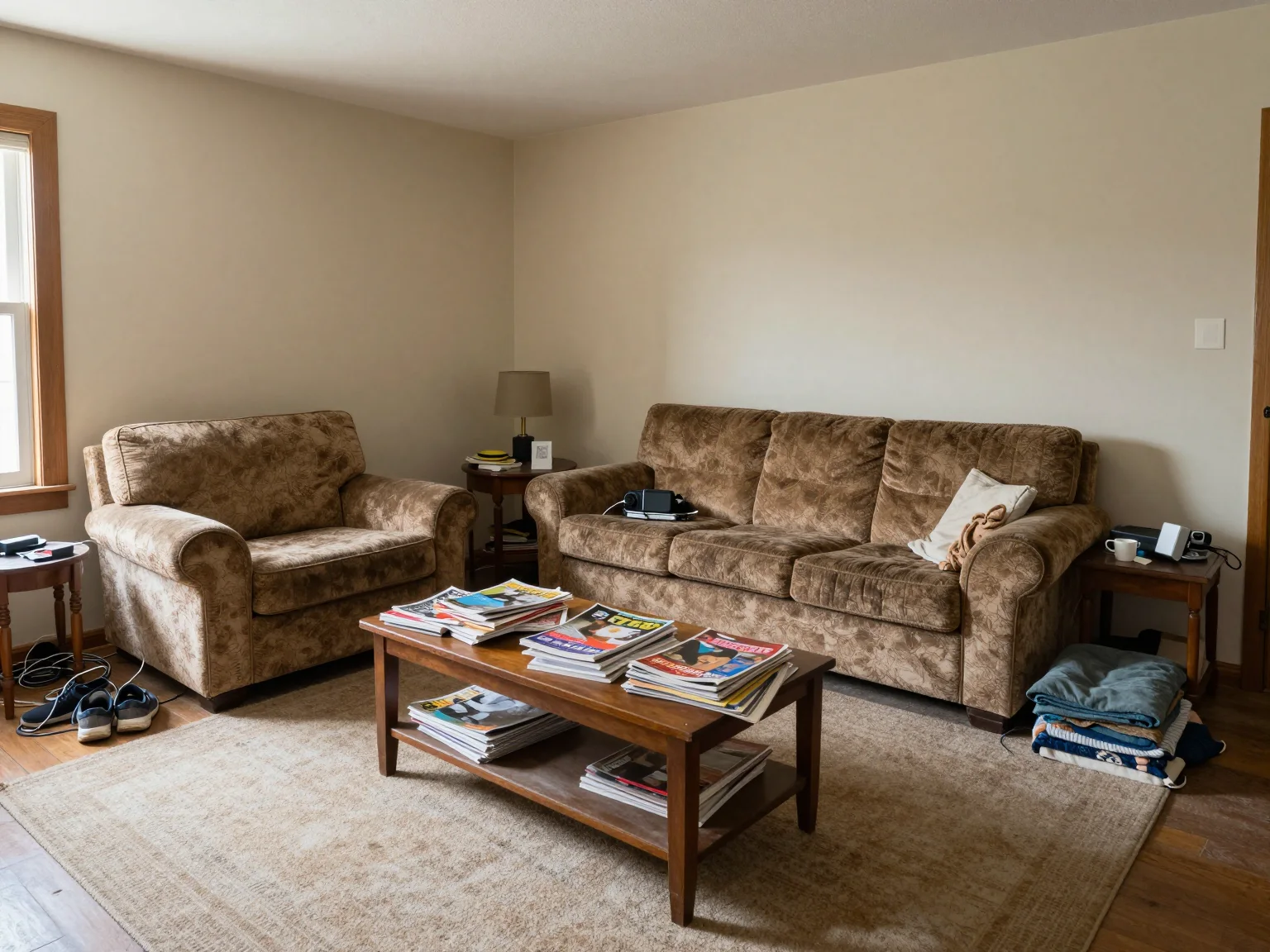
Move-in Ready room, original photo before AI redesign
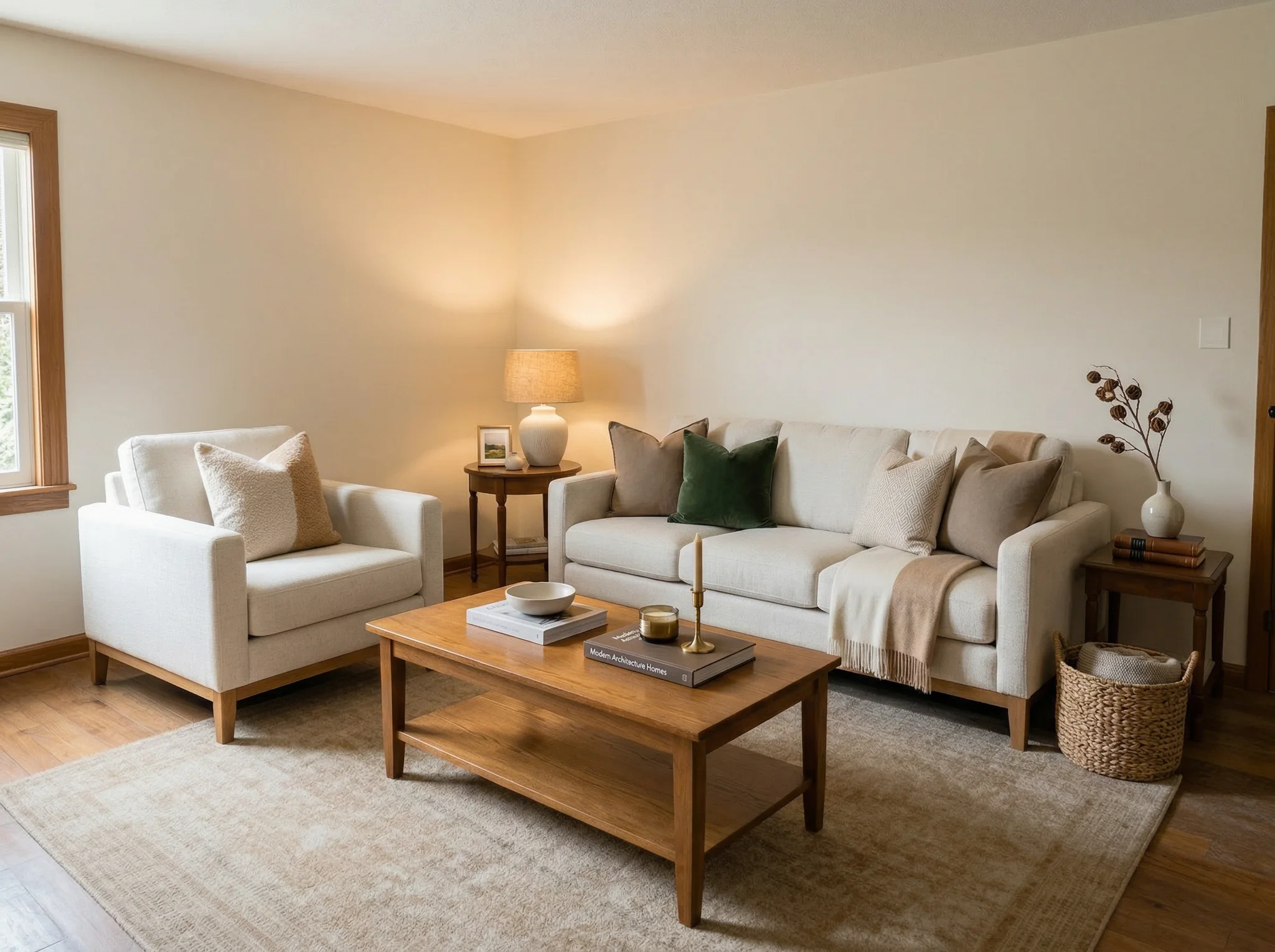
Move-in Ready style AI room redesign example
BeforeAfter

Drag to compare — AI-generated redesign preview

What makes a room feel “Move-in Ready”?

Most move-in ready interiors come down to a handful of consistent choices: furniture silhouettes, materials, colors, and lighting. A generated redesign uses the visible room as context, but windows, doors, layout, scale, and other details can still change and require review.

  • Color palette: a style-appropriate set of neutrals + accent tones.
  • Materials: typical textures (wood, metal, stone, textiles) for the look.
  • Furniture: silhouettes that immediately signal the style.
  • Decor: lighting, art, plants, and accessories consistent with the vibe.

Tips to get better AI redesigns

  1. 01 Use a bright, sharp photo (daylight works best). Avoid heavy motion blur.
  2. 02 Shoot from a corner to capture more of the room in a single frame.
  3. 03 Keep your photo level (straight horizon) so walls and lines look natural.
  4. 04 If you want a specific direction, try prompts like: “Move-in Ready living room, cozy lighting, realistic materials, high-end furniture”

Virtual Staging with Move-in Ready

Preparing a listing? Use Move-in Ready to create one possible furnishing direction for a vacant room. Keep the original photo and check required disclosure before publishing.

Explore Virtual Staging →