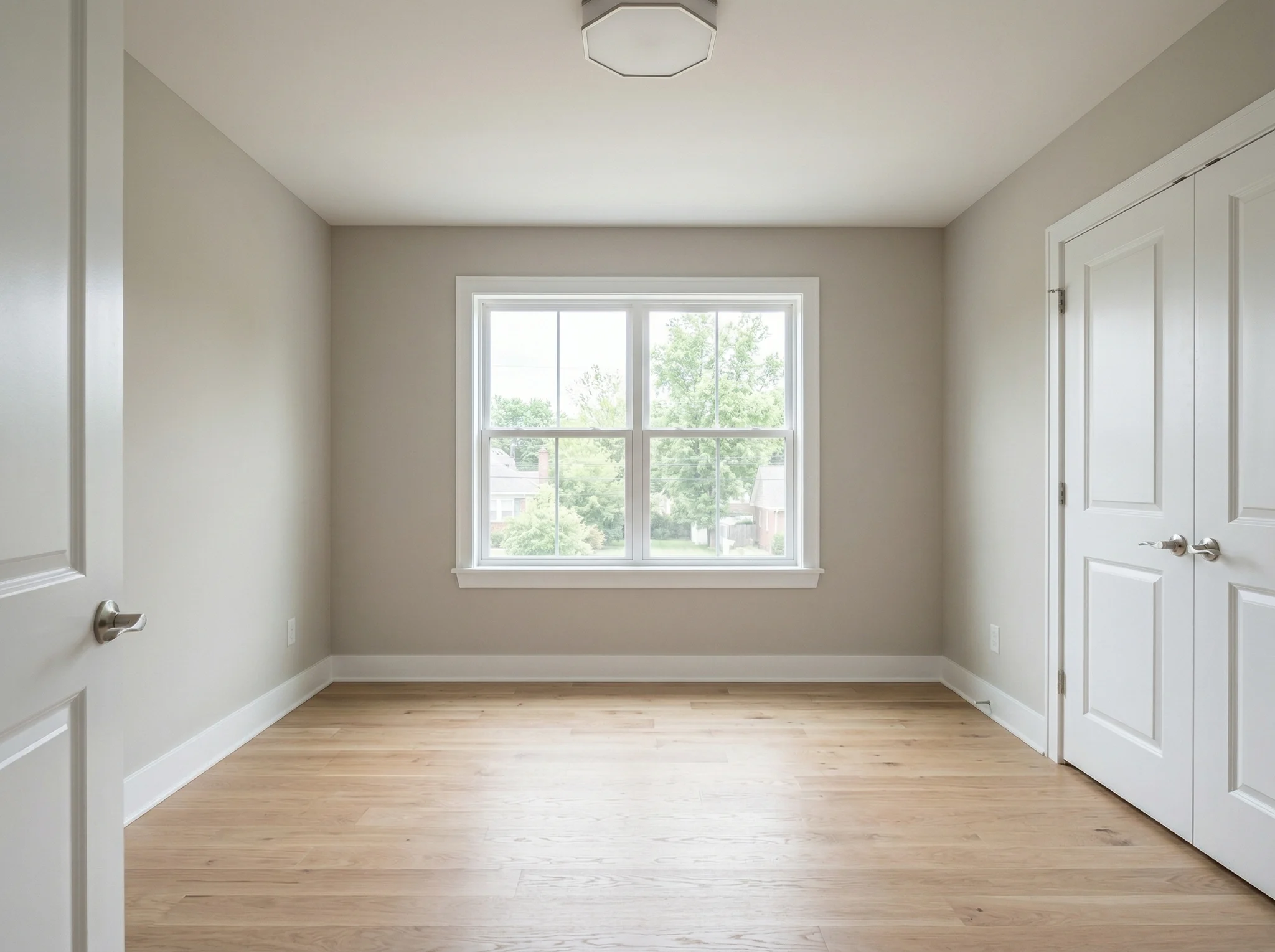
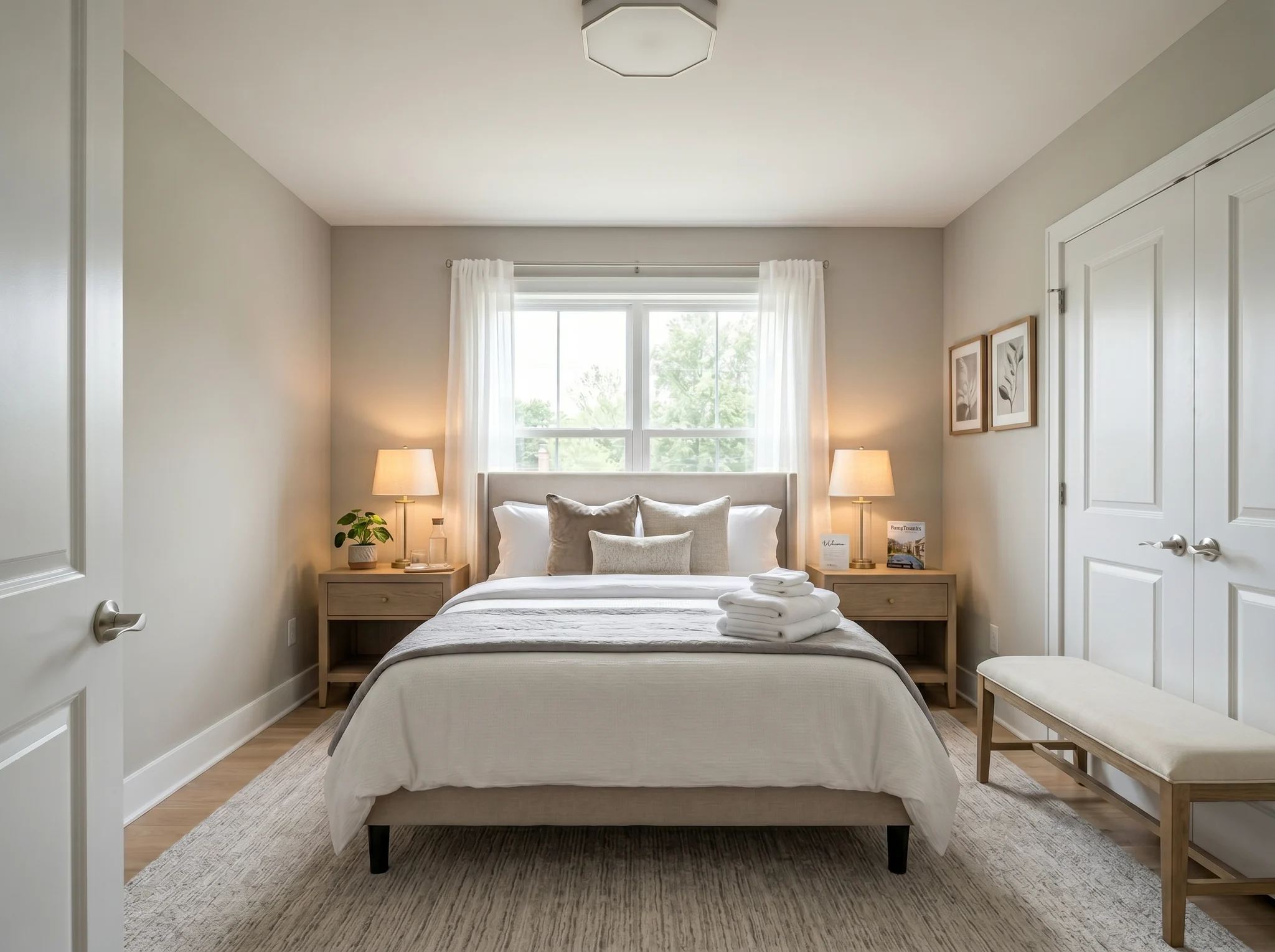
Bedroom
Upload a room photo, choose what you want to change, and compare a generated design concept before you buy furniture, renovate, rent, or list.
Choose one photo to begin, or select up to six angles or rooms before you enter the workspace.
Before / After cases
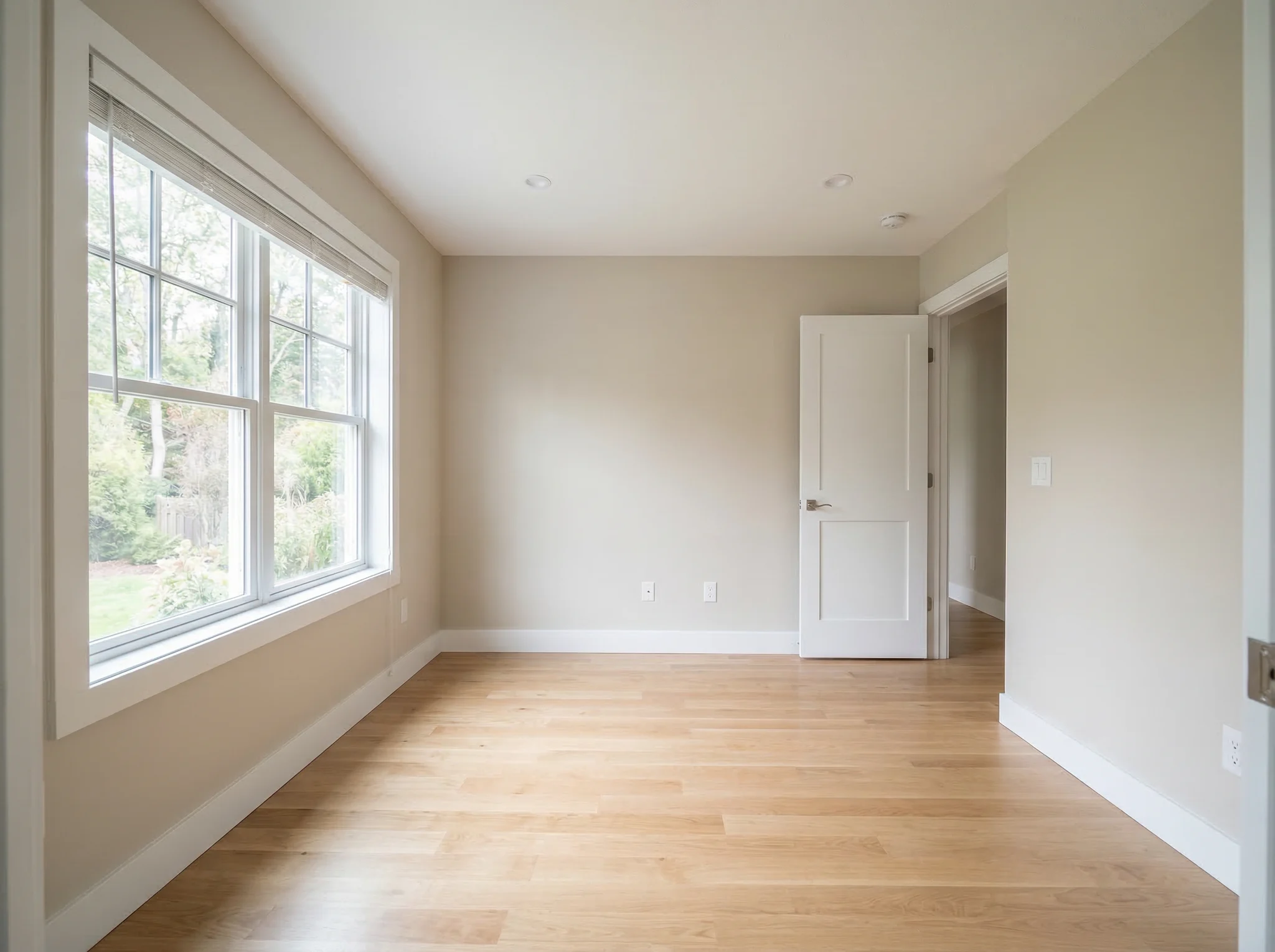
Each example starts with the real room, keeps the before visible, and shows a direction that makes the space easier to understand.
Bedroom
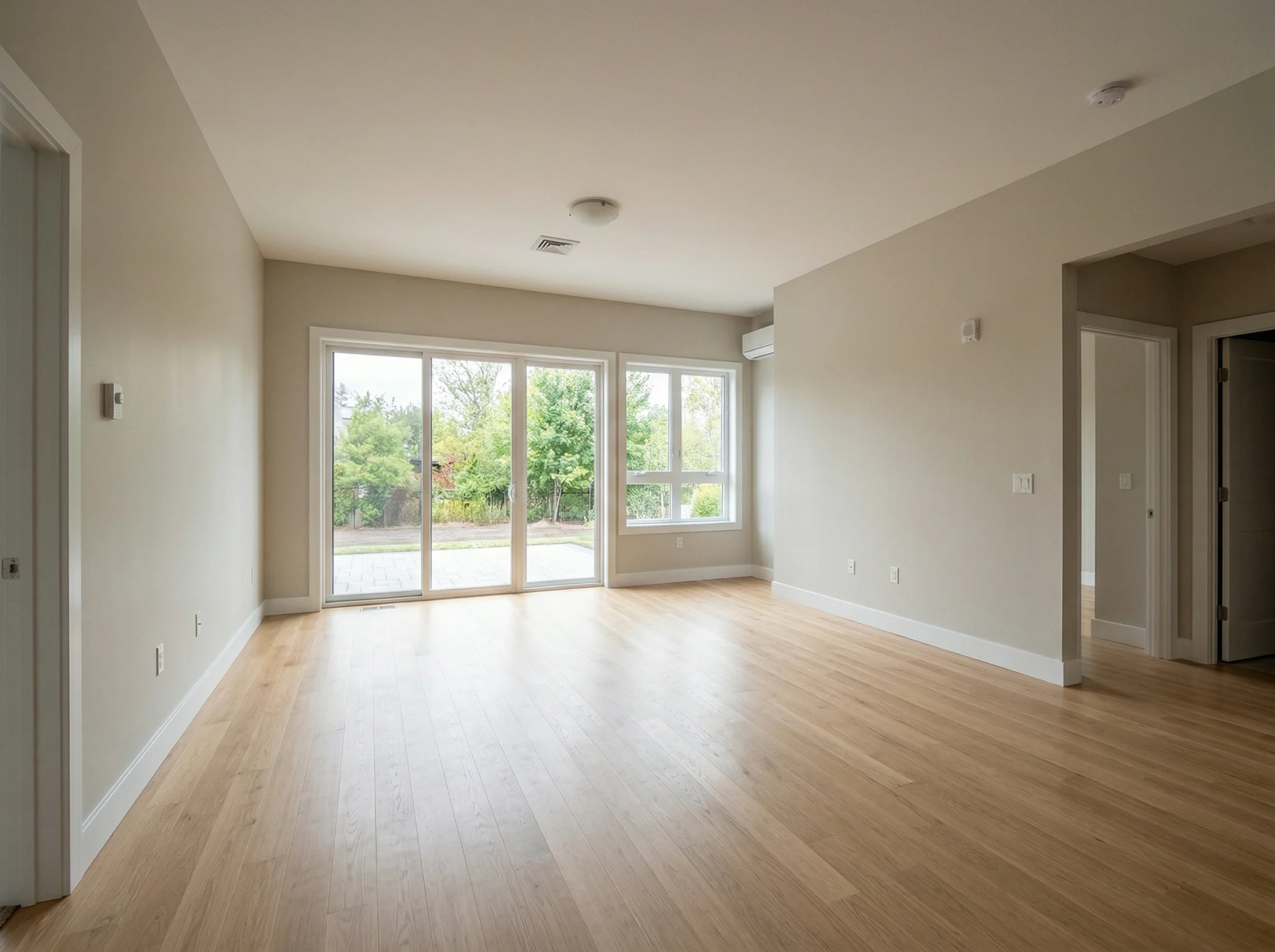
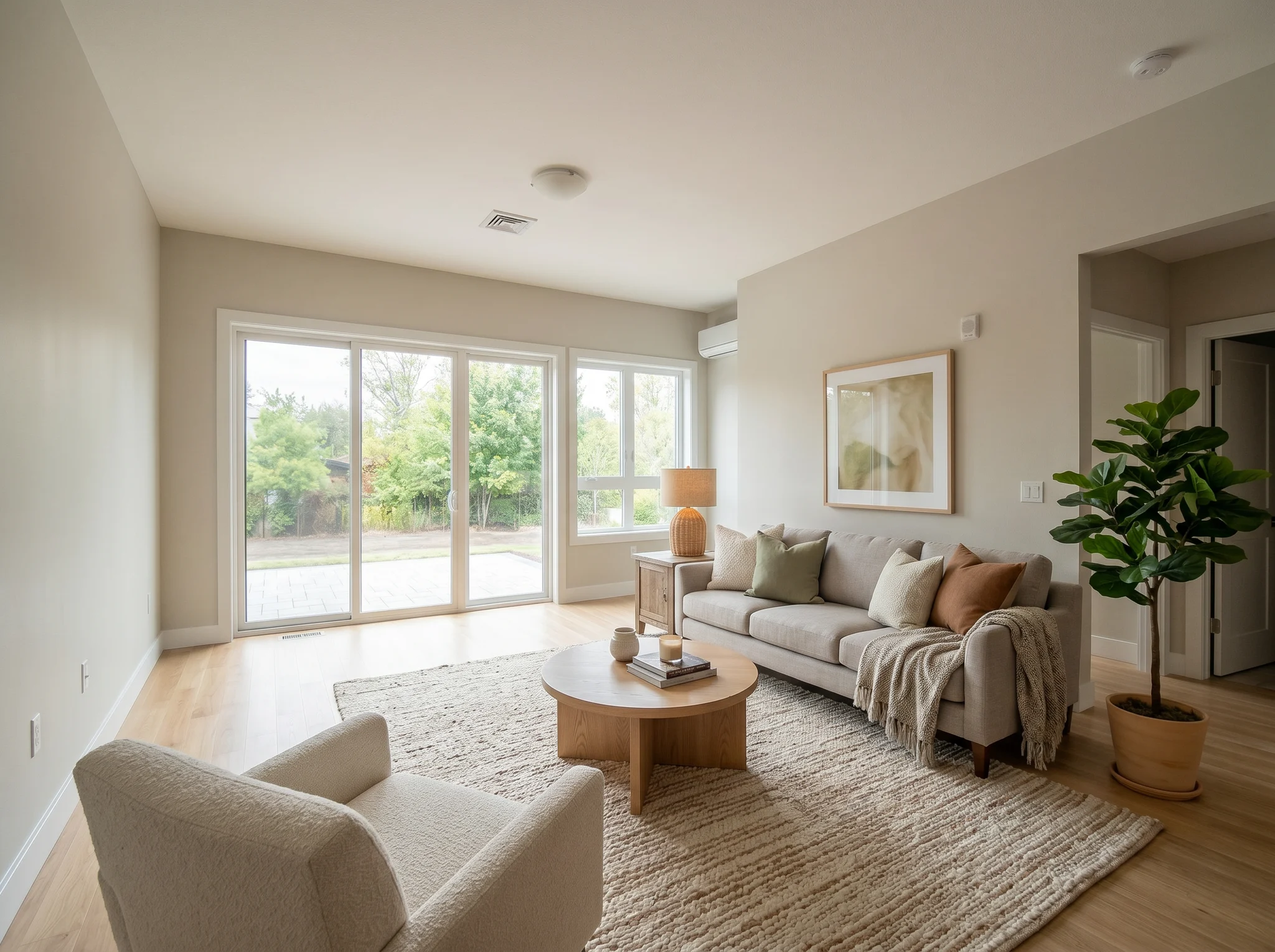
Living room
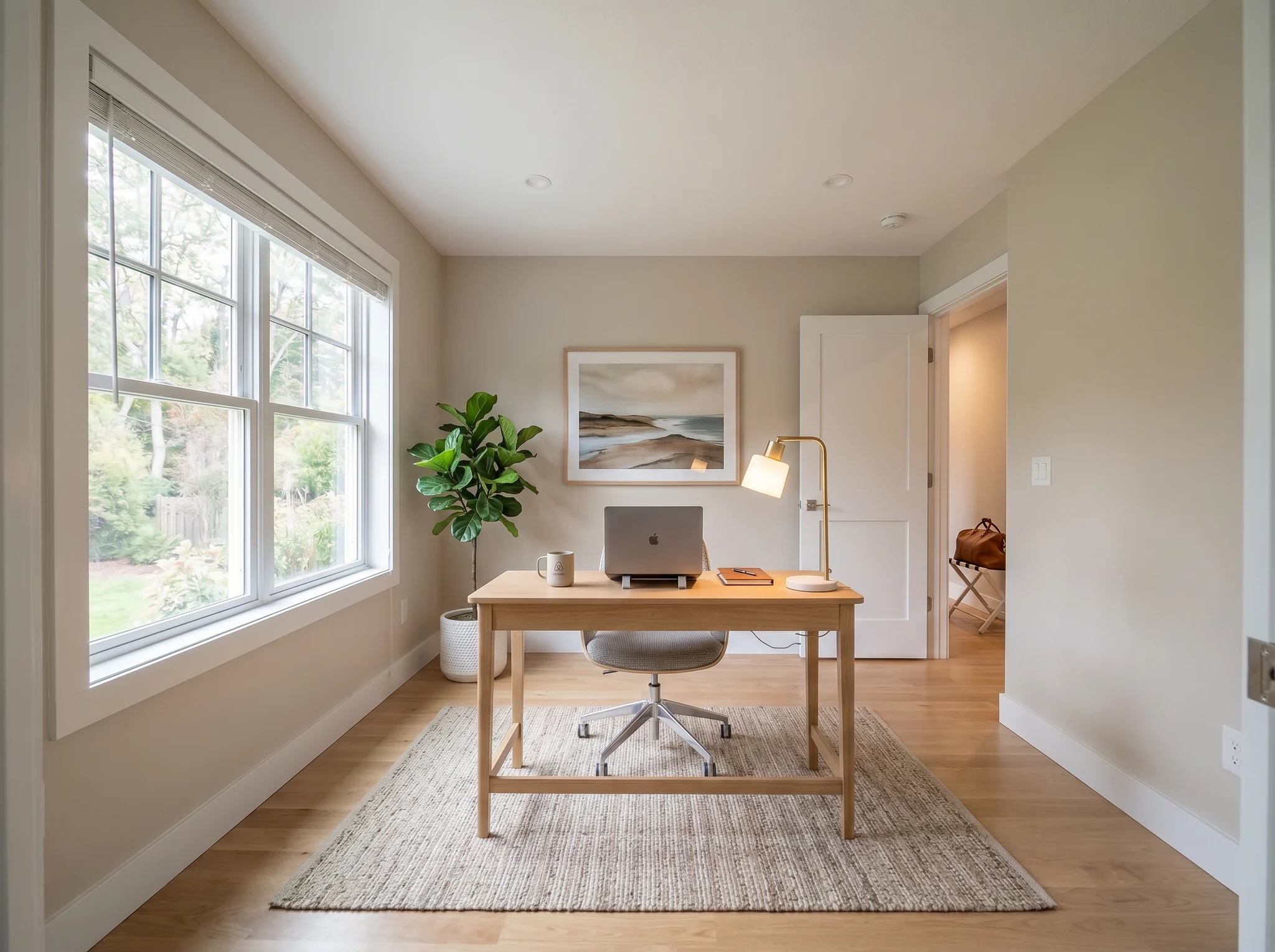
Home office
Before / After cases
Use a real room photo to compare a few believable directions before you buy, renovate, rent, or list.
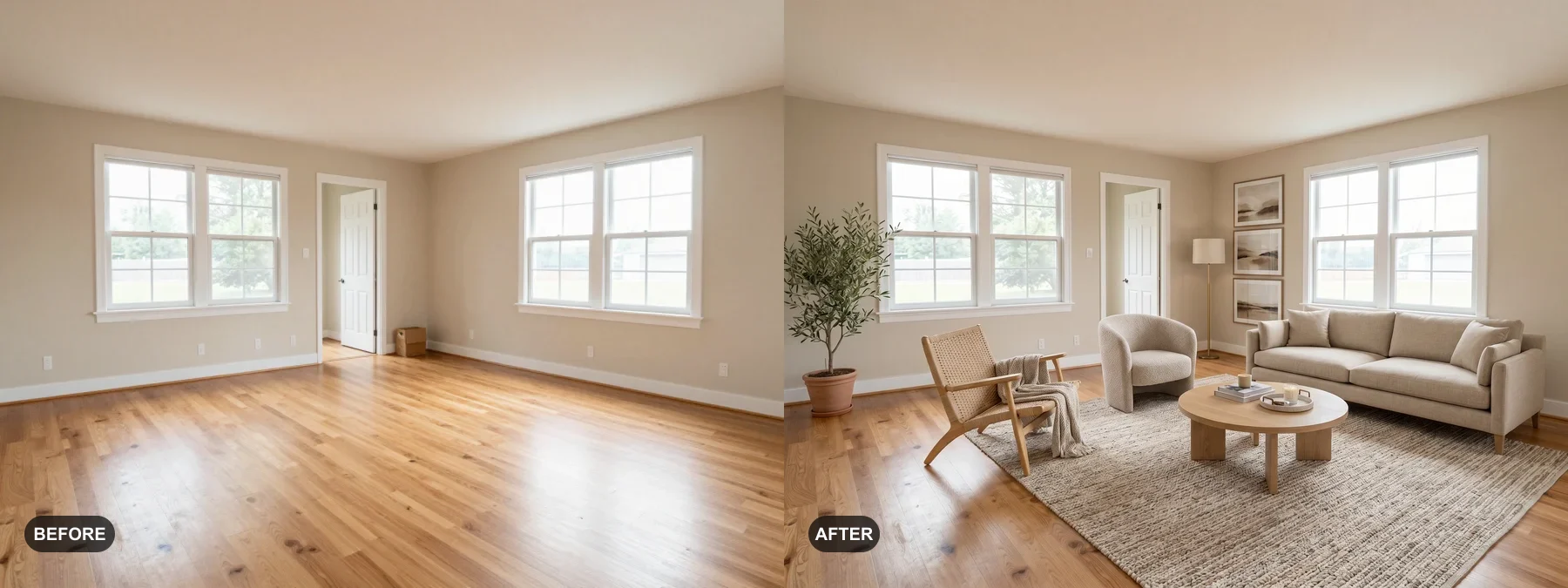 1
1 Check whether the room can feel cleaner, warmer, or more finished before you buy furniture or repaint.
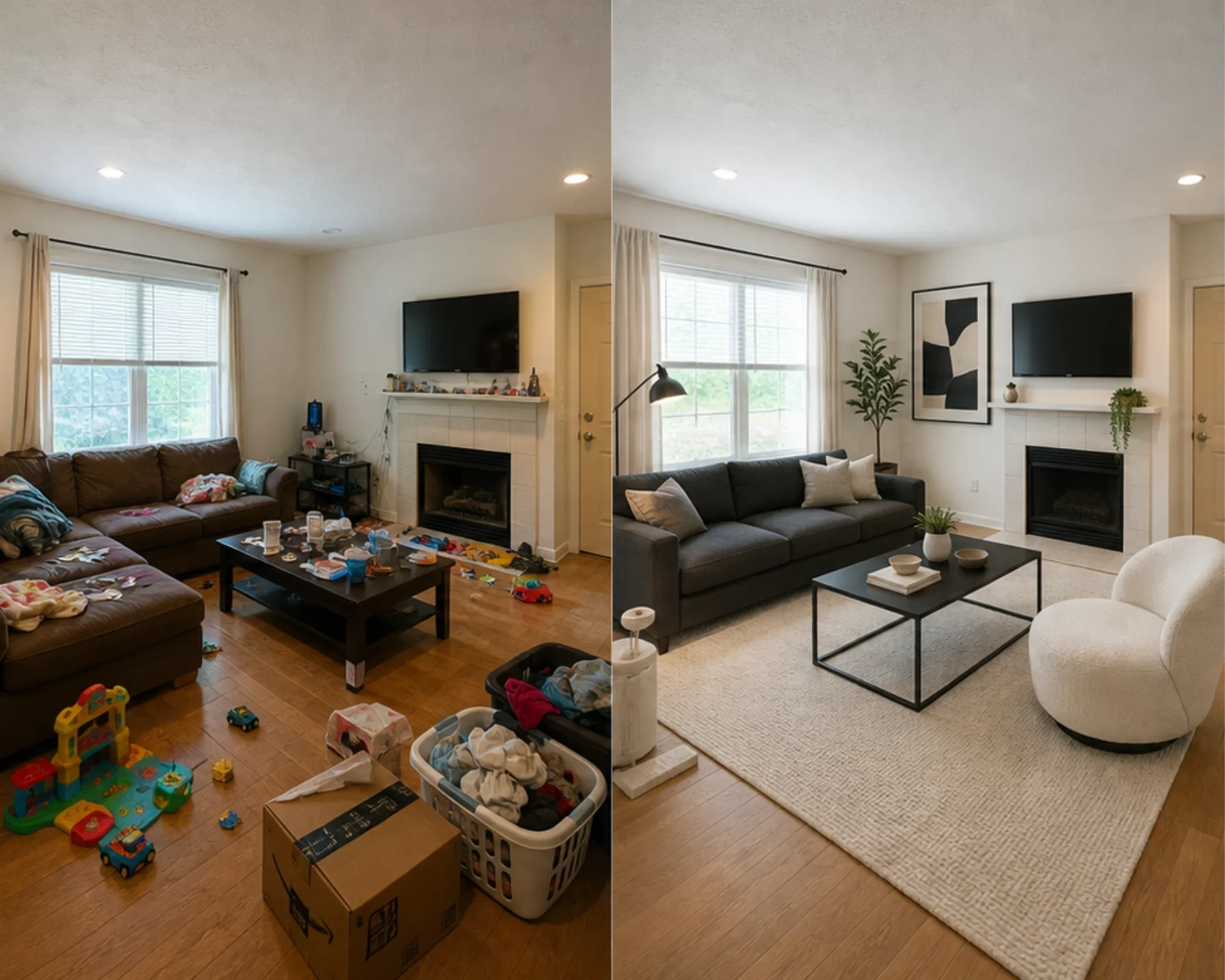 2
2 Preview whether a room direction makes sense before spending on a sofa, rug, bed, or decor set.
 3
3 Create an honest before-and-after staging preview while keeping the original room visible for trust.
RoomFlip keeps the real room at the center of the process. Start with a clear photo, identify the room and the change you want to test, then choose a design direction. Your first AI room design appears beside the original so you can compare the layout, furniture, color, and overall feel. If the direction is close, mark the areas that need more work and create a new version without losing the earlier result. When every room has a selected final version, download the finished images together.
Best for
RoomFlip works best when the room has a practical job: choose a furniture direction, refresh a rental, prepare a listing photo, or make a renovation idea easier to approve.
Before spending
Turn an ordinary room photo into a believable direction before buying furniture, repainting, or changing the layout.
Best for: furniture choices, room refreshes, layout ideas
Before buying furniture
Check whether a sofa, rug, bed, or style direction makes sense inside the actual room before committing money.
Best for: pre-shopping checks, mood tests, fit planning
Before publishing photos
Preview whether a bedroom or living space can feel more intentional before buying decor or changing the listing hero image.
Best for: guest-suite refreshes, hero photo targets, pre-shopping plans
Before listing or pitching
Show a believable direction while keeping structural reality clear for sellers, buyers, guests, and clients.
Best for: listing prep, seller review, project direction
Simple credits and subscriptions
10 starter credits
USD 0.00
100 credits / month
USD 9.99 / month
400 credits / month
USD 24.99 / month
Secure checkout via Stripe. Review plan and checkout terms before purchasing.
AI Room Design FAQs
Everything you need to know about AI Room Designer
RoomFlip.pro is an AI room design and virtual staging tool for real room photos. Upload a room photo, choose a direction, and generate before-and-after visuals that help with furniture, layout, style, rental, listing, or renovation decisions.
Upload one room photo or a small set of photos, choose a room direction, and RoomFlip generates staged or redesigned images while adding furniture, decor, color, and lighting cues. Processing time varies by image and current demand.
Yes. RoomFlip supports up to 6 room photos in one set. You can choose a shared direction, but lighting, scale, architecture, and style details can still vary, so review each result separately.
New users get 10 free credits after signing in. Each preview uses 1 credit and may include free-tier limitations. Paid credits unlock more previews and cleaner download options. See our free AI room design page for the current details.
The clearest users are people trying to make a decision about a real room: homeowners, renters, furniture shoppers, Airbnb hosts, listing agents, photographers, and renovation teams. The shared goal is to see whether the room can look better before spending more time or money.
Yes. After a result is generated, choose Refine, mark up to five areas, and describe the change for each one. RoomFlip saves the new result as another version, so you can compare it with the original design and return to the earlier version at any time.
Before. After. Your call.
Upload a real room photo, create a believable before-and-after direction, and keep the original context nearby while you decide.