RoomFlip virtual staging

AI virtual staging for real room photos

Create quick before-and-after room previews for listings, rentals, renovation planning, and client conversations. Use the result as a visual aid, not a substitute for disclosure or real-world verification.

Upload a real photoPick the room goalCompare before and afterUse with context

Start from a real room photo and keep the original nearby for trust.

Style proof

Approved before and after staging directions.

A virtual staging page needs to show the difference quickly. These examples keep the original room context visible while switching between room types and staging jobs.

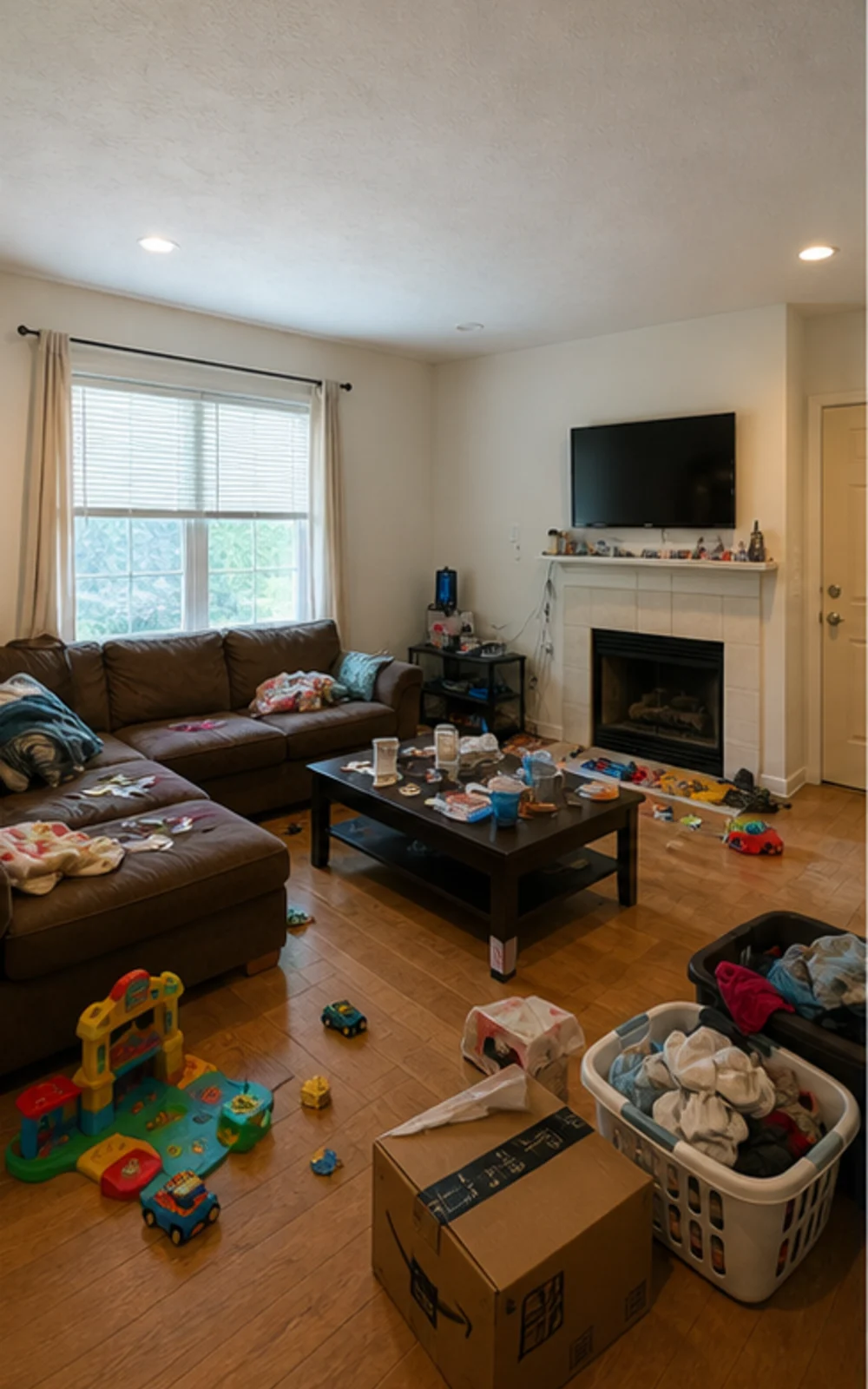
Original lived-in living room with clutter before AI virtual staging
Original
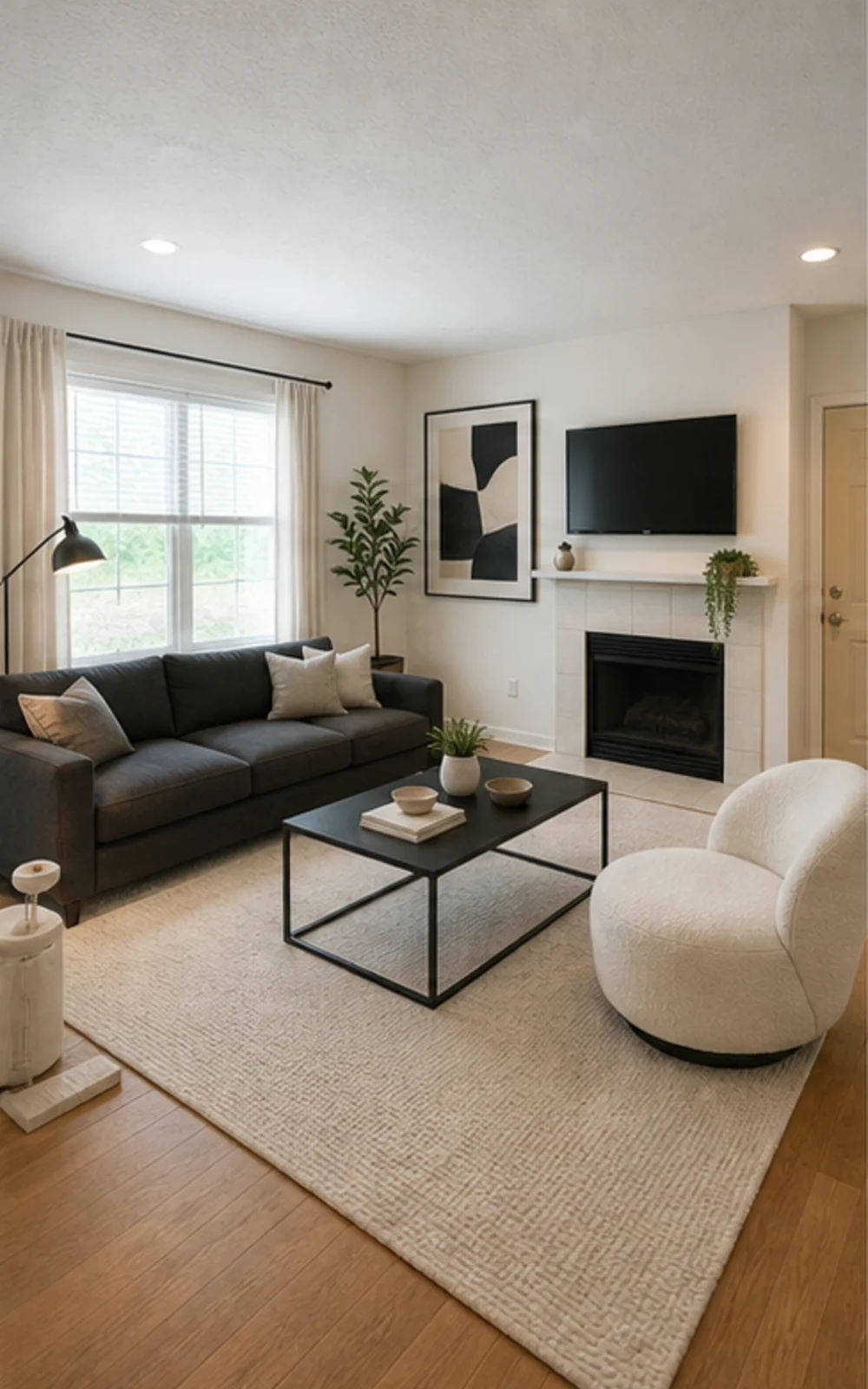
Modern AI virtual staging result for a cleaned living room
Modern

Remove clutter, then stage

A cluttered family room cleaned and restaged three ways

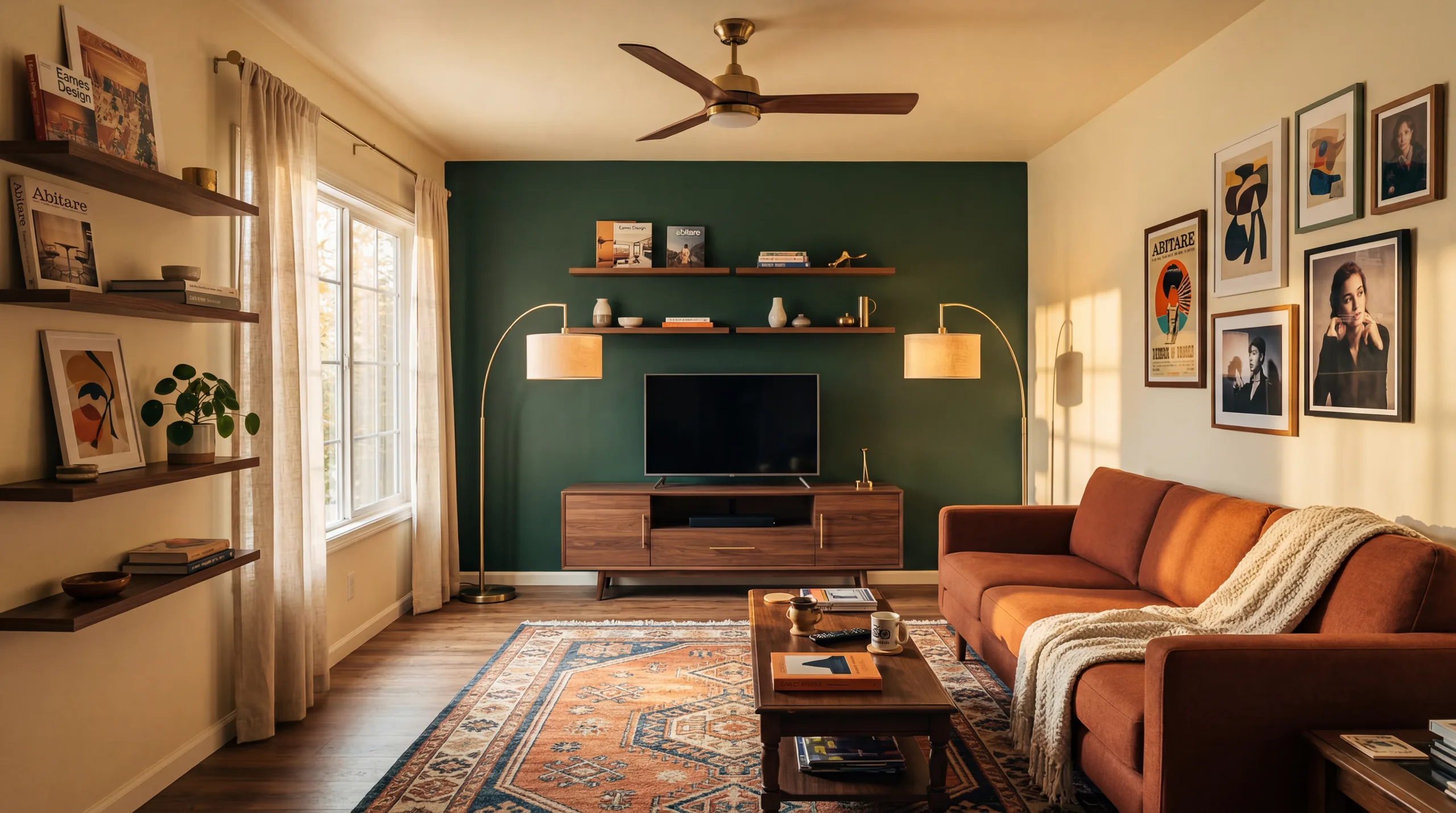
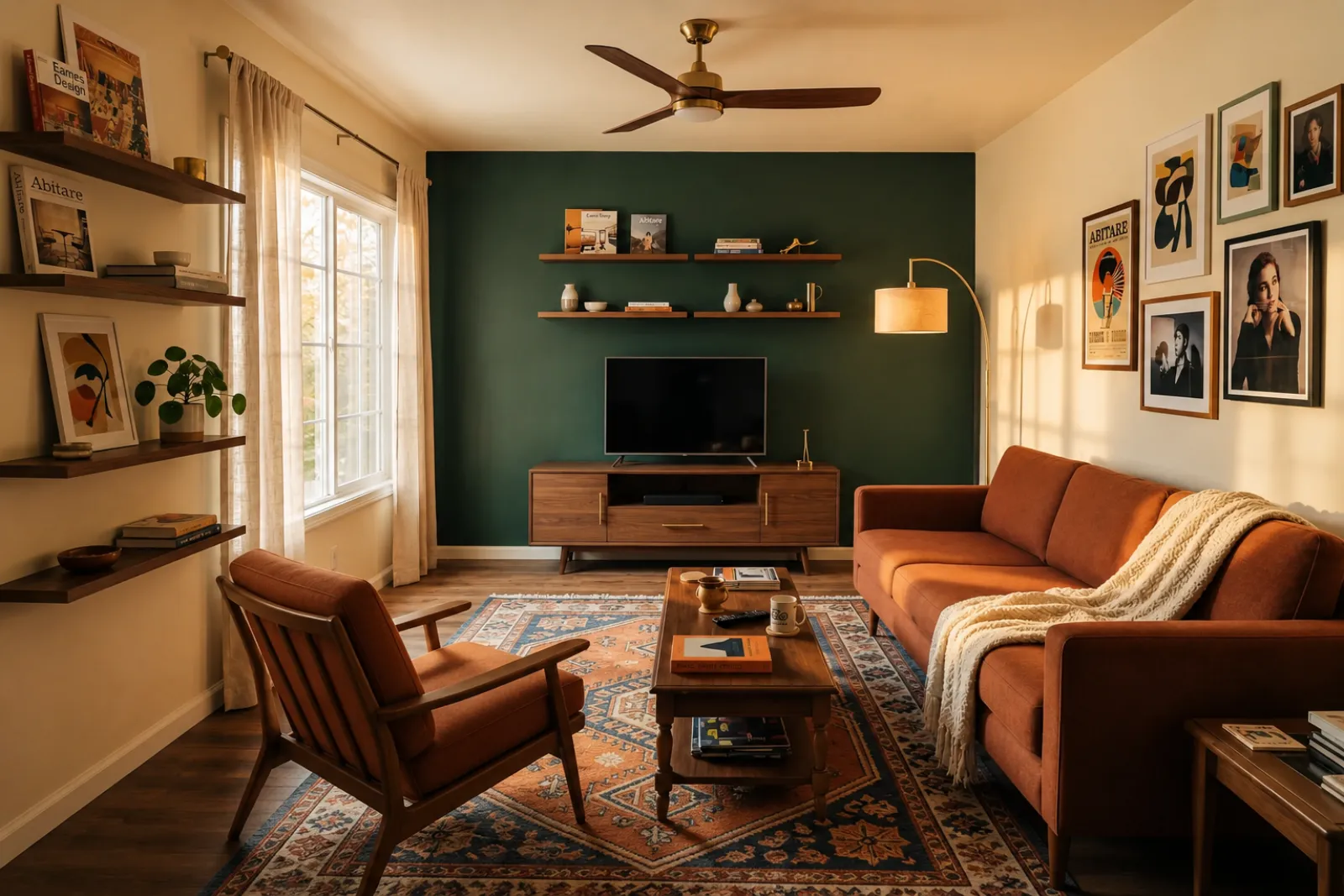
The messy family room becomes a clean modern listing photo with sharper furniture lines, a calm rug, abstract art, and brighter daylight.

Истории на трансформация

Стаята се продава по-лесно, когато бъдещето изглежда конкретно

Реални разговори, които брокери, домакини, инвеститори и изпълнители използват, за да помогнат на някого да си представи по-добър живот в същото пространство.

Real estate agents

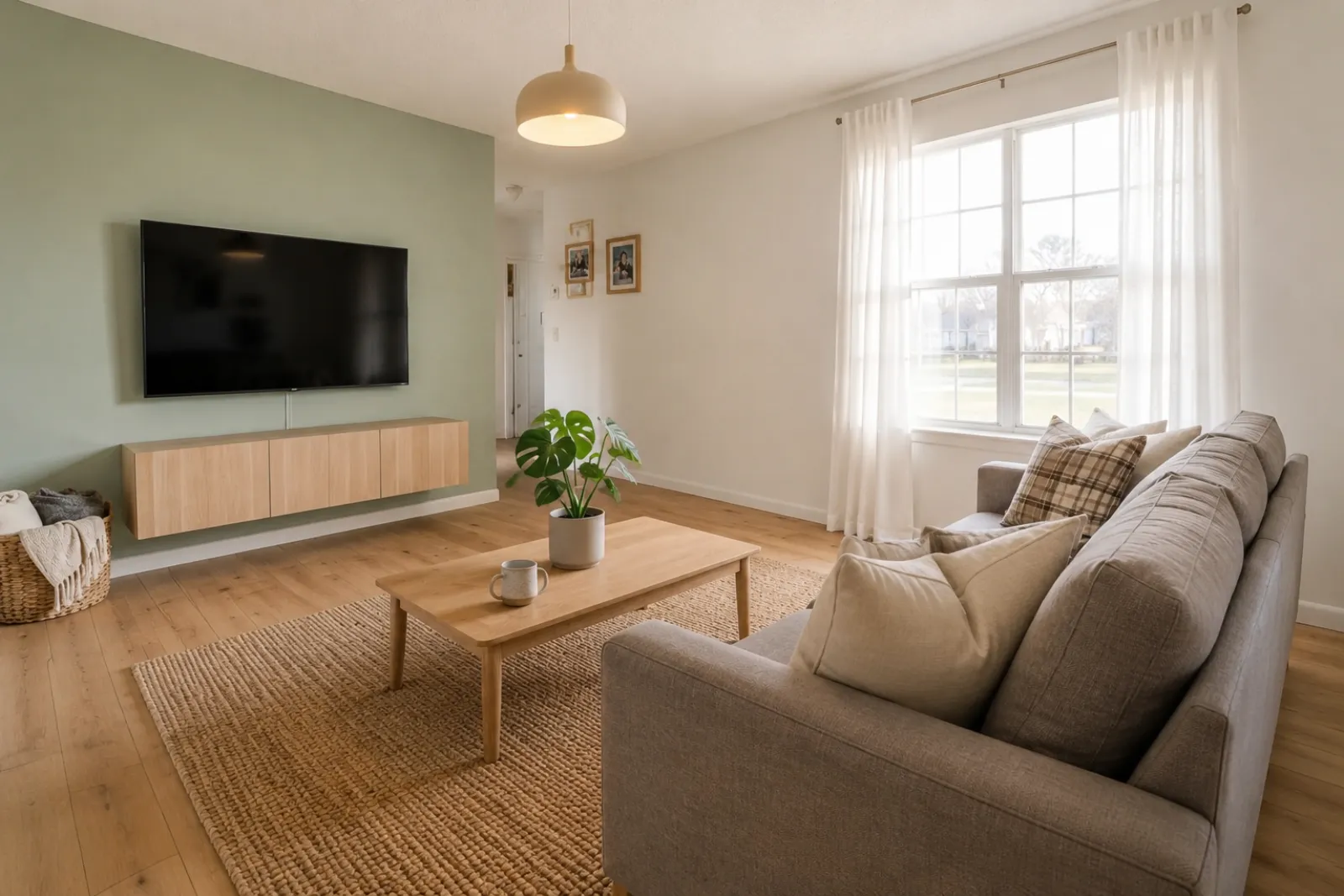
Listing staging that makes empty rooms easier to read

Before redesign
Before
After redesign
After

Talk Track

"Upload listing photos and compare before-and-after staging directions. Keep the original visible so sellers and buyers can understand what changed."

Airbnb hosts

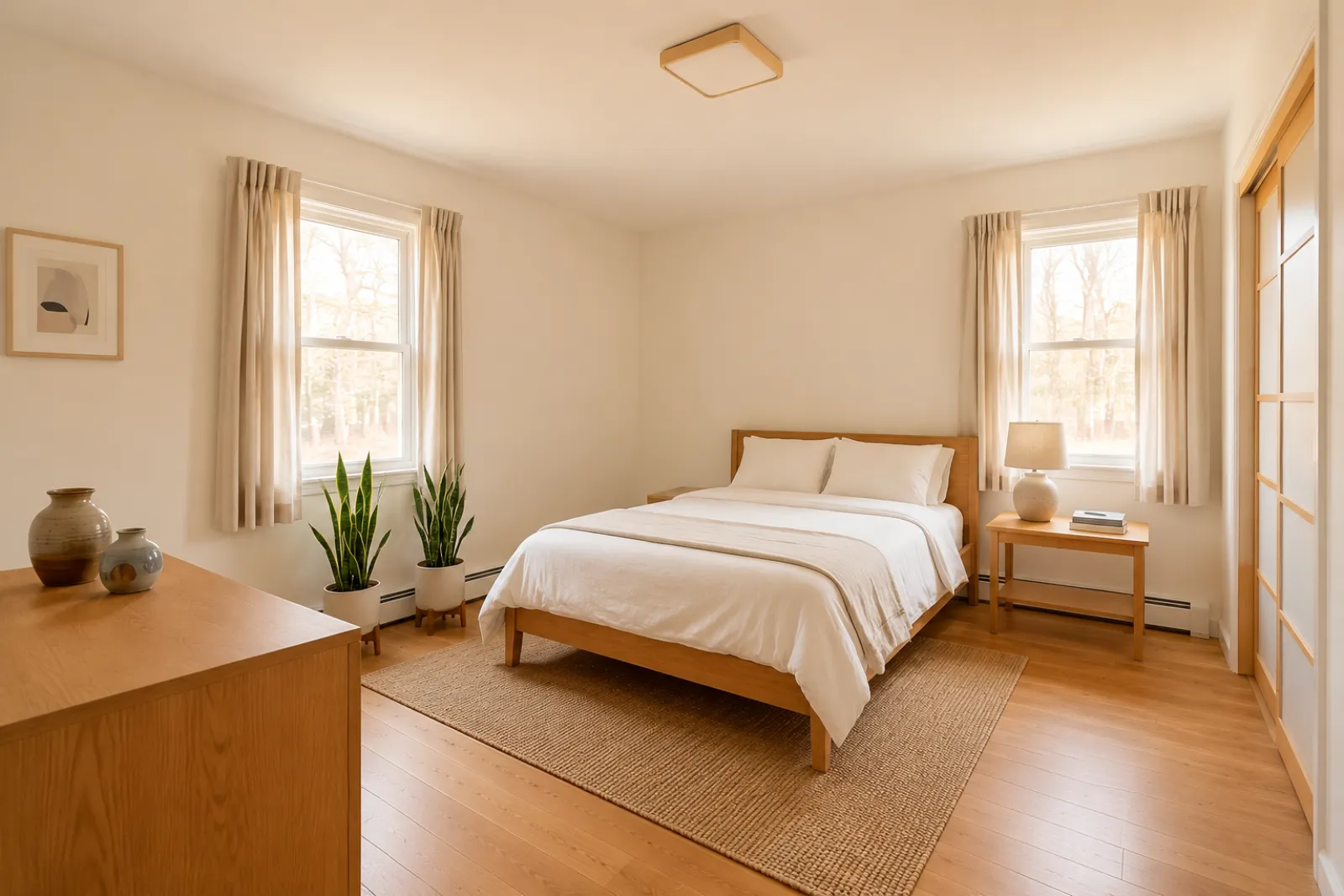
Seasonal refresh ideas before buying new decor

Before redesign
Before
After redesign
After

Talk Track

"Test seasonal looks before you commit. Use the strongest direction as a planning reference, then photograph the real room once the refresh is done."

Investors & flippers

Renovation direction before a deeper property review

Before redesign
Before
After redesign
After

Talk Track

"Use a real room photo to compare cosmetic directions before you spend contractor time. Verify scope, budget, and value outside RoomFlip."

Contractors

Proposal visuals that make the direction easier to approve

Before redesign
Before
After redesign
After

Talk Track

"Show a before-and-after direction from the client's own room photo, then pair it with your real estimate, measurements, and proposal process."

Pick the room job you actually have

Start with the current visual tools. Use professional pages for listing, rental, and client planning context without assuming a complete listing or proposal workflow.

Как работи RoomFlip Virtual Staging

Four steps from raw room photo to a preview you can judge.

1

Качете реална снимка на стая

Пуснете широка снимка на обявата — празна, полу-мебелирана или обитавана. Моделът запазва реалните стени, прозорци, подове и естествена светлина непокътнати.

2

Изберете задачата с обявата

Изберете от брокерско стилизиране, опресняване на Airbnb, преглед на ремонт или предложение за изпълнител. Всяка задача стартира настроен prompt и създава правилния вид.

3

Получете стилизирана стая

За около 30 секунди получавате фотореалистично стилизирано изображение, което запазва реалната архитектура на стаята и изглежда естествено заснето.

4

Use the result with context

Keep the original photo nearby, label virtual staging when required, and verify real-world details before publishing or quoting.

Built around honest room previews

Before/after

Core workflow

30s

Typical preview time

Real photo

Starting point

Planning aid

Best use

Стилизирайте със скоростта, от която обявите ви се нуждаят

Започнете с три безплатни кредита след регистрация. Добавете пакет кредити за едно затваряне или се абонирайте, когато стилизирането е част от всяка обява.

Simple pricing for room credits

Start free with 3 credits after sign-in. Pay only when you want more — a one-time pack or a monthly plan.

Free

$0

3 starter credits

  • No credit card required
  • 3 Preview drafts
  • Watermarked preview quality

30 credits

$4.99

$0.17 per credit

Best Detail about $0.33 per image

  • Best Detail: 15 images · Clean: 15 images · Preview: 30 drafts
  • All staging actions and styles
  • One-time payment · watermark-free
Most popular

100 credits

$12.99

$0.13 per credit

Best Detail about $0.26 per image

  • Best Detail: 50 images · Clean: 50 images · Preview: 100 drafts
  • All staging actions and styles
  • One-time payment · watermark-free

300 credits

$29.99

$0.10 per credit

Best Detail about $0.20 per image

  • Best Detail: 150 images · Clean: 150 images · Preview: 300 drafts
  • All staging actions and styles
  • One-time payment · watermark-free

Billing questions

Is this a subscription? Will I be charged again?
One-time credit packs are a single payment — no subscription and no recurring charge. Subscription plans are clearly labeled and renew only while active; you can cancel anytime.
How do photos and credits work?
Each generated image uses credits by quality: Preview drafts use 1 credit, Clean images use 2 credits, and Best Detail images use 2 credits. Packs and subscriptions show credits first so the higher-quality cost is clear before checkout.
Can I cancel a subscription?
Yes. Cancellation takes effect at the end of the current billing cycle — you keep Pro access and any remaining monthly credits until then.
What about refunds?
Credits are digital goods delivered instantly. For web purchases where no photos have been generated yet, contact support and we'll review a goodwill refund.
Why does my free Preview have a watermark?
Free Preview drafts can include a small watermark so you can check the direction first. Paid Clean and Best Detail images are watermark-free and saved at higher resolution.

Често задавани въпроси

What to know before using RoomFlip virtual staging for a real room, listing, rental, or client conversation.

What is RoomFlip virtual staging best for?

RoomFlip is best for creating before-and-after room previews from real photos. Use it to understand a direction, prepare a conversation, or plan a refresh. It does not replace disclosure rules, appraisals, contractor quotes, or platform requirements.

Колко реалистични са стилизираните снимки на стаи?

Results work best when the original photo is clear, level, and well lit. Review every output against the real room before using it publicly.

Мога ли да използвам виртуално стилизирани снимки в MLS, Zillow и Airbnb?

Да. AI виртуалното стилизиране е законно за обяви на имоти в САЩ, а Airbnb позволява точни представяния на съществуваща единица. Повечето MLS системи и Националната асоциация на брокерите изискват ясно разкриване, че снимките са виртуално стилизирани, така че RoomFlip автоматично добавя надпис за разкриване, който можете да копирате с изображението. Винаги маркирайте стилизираните изображения, за да поддържате доверие с купувачи и гости.

Колко бързо е всяко рендиране и колко струва?

New users get starter credits after sign-in. Paid credit packs and subscriptions are available when you need more previews or cleaner downloads.

Ще измисли ли AI стени, прозорци или стаи, които не съществуват?

Не. Prompt-ът изрично казва на модела да запази стени, прозорци, врати, настилка, тавани и фиксирана архитектура непроменени. Единственото, което AI добавя, са мебели, декор и по-меки докосвания на осветлението. Ако качите ясна, добре осветена снимка от ъгъл или врата, изходът се чете като професионално заснета версия на същата стая, а не като съвсем различна стая.

Мога ли да стилизирам една и съща стая в различни стилове?

Yes. You can generate multiple directions for the same room and compare them before deciding which one is worth saving or using as a planning reference.

Кои стаи работят най-добре за виртуално стилизиране?

Всяко вътрешно пространство работи: дневни, спални, кухни, бани, трапезарии, домашни офиси, детски стаи и допълнителни помещения. Моделът се представя най-добре на широки, добре осветени снимки, направени от ъгъл или врата, които обхващат пода, тавана, прозорците и основните стенни плоскости. Силно отрупани снимки също работят, но дават по-малко предвидими резултати — почистете пода, когато е възможно.

Имам ли нужда от опит в дизайна, за да го използвам?

Не. Всеки работен процес е изграден така, че агент по обяви, домакин, инвеститор или изпълнител с нулев опит в дизайна да може да изпрати изображения, готови за публикуване. Изберете задачата, качете снимка и работното пространство се справя с настройката на prompt-а, корекциите на осветлението и текста на обявата. Ако искате повече контрол, платените планове разкриват плъзгачи за стил и заобикаляния за всяка стая — но пътят по подразбиране произвежда използваем резултат при първото рендиране.