Highest conversion fit
Listing agents & stagers
Turn ordinary listing photos into a clearer story about how the room could feel after a light refresh, before you spend on physical staging.
Best for
listing decks, open-house prep, seller walkthroughs

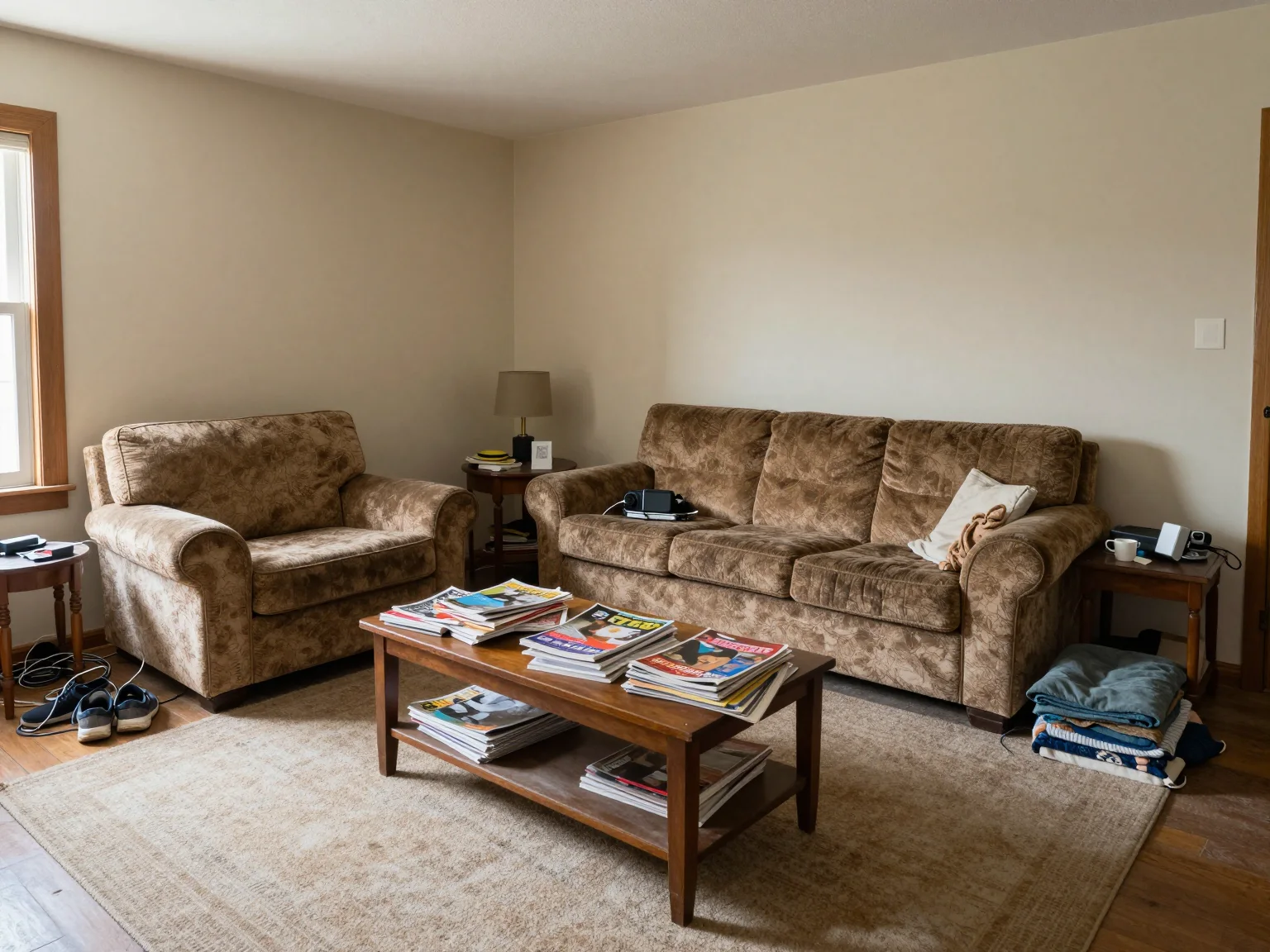

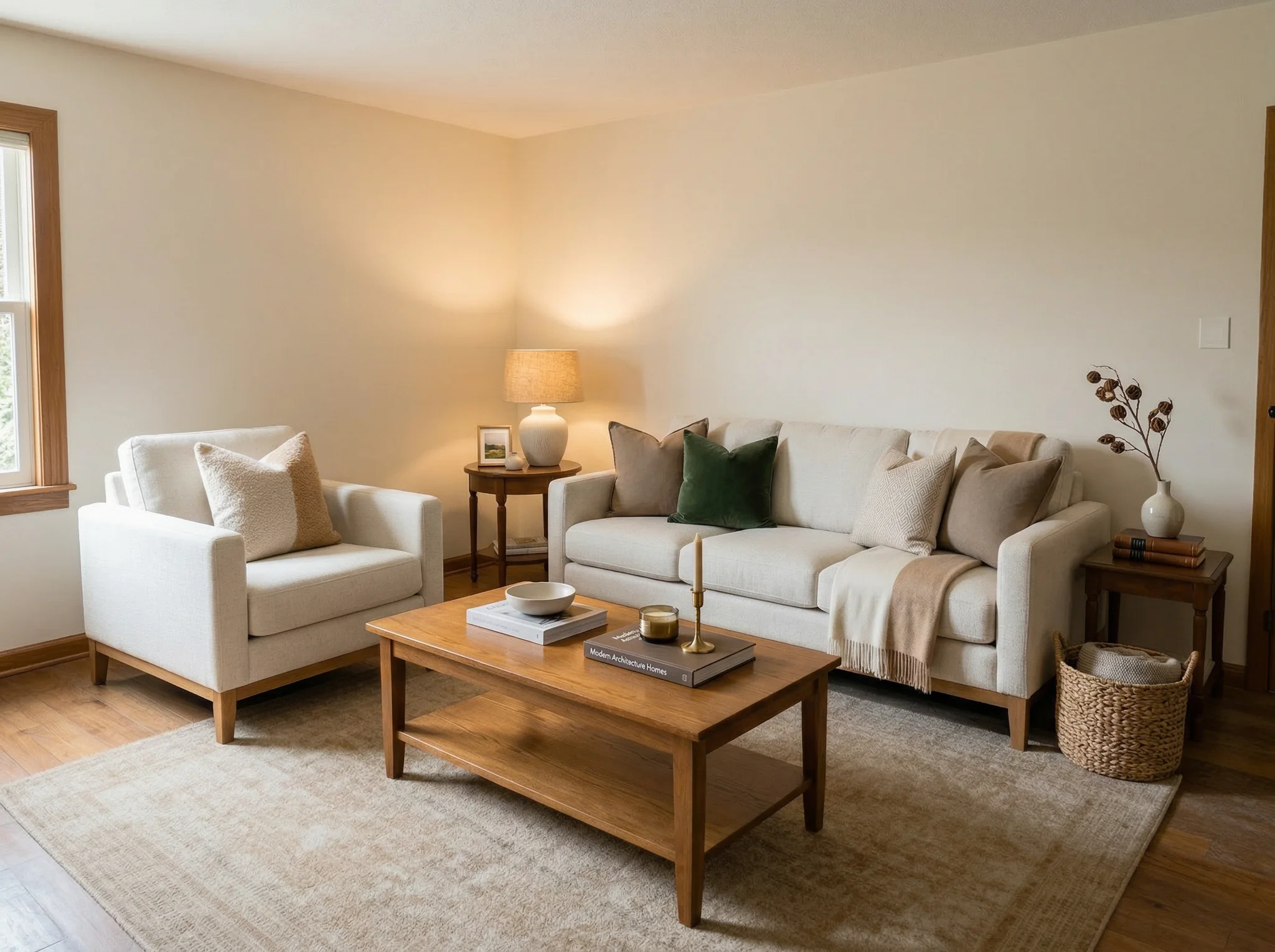
Upload a room photo, choose from 6 effect–based outcomes, and instantly see a photorealistic redesign — ideal for listing photos, rental staging, or planning your next renovation.
Drop photos here or click to browse
Up to 6 photos (0/6)
Brand hub
If you searched for RoomFlip, roomflip, or even room flip, you are in the right place. RoomFlip is the AI room designer and virtual staging tool behind this site, built for listing agents, hosts, remodelers, and homeowners who need a believable visual direction fast.
Most people start by trying the tool above, then move into RoomFlip virtual staging, check the credit packs, or read the RoomFlip FAQ before they decide how to use it in a listing, renovation plan, or client pitch.
Stage vacant listing photos, Airbnb rooms, and new construction images with RoomFlip.
Open page →Upload one photo and see how RoomFlip redesigns your actual room in seconds.
Open page →Compare credit packs, free credits, and paid downloads before you buy.
Open page →Get quick answers about credits, ownership, downloads, and who RoomFlip is best for.
Open page →The highest-value users are usually the people trying to help someone else believe in the room: agents, hosts, consultants, and anyone pitching an upgrade before money is spent in the real world.
Highest conversion fit
Turn ordinary listing photos into a clearer story about how the room could feel after a light refresh, before you spend on physical staging.
Best for
listing decks, open-house prep, seller walkthroughs
Revenue-minded
Test whether a bedroom or living space should feel calmer, brighter, or more premium before buying furniture that may not photograph well.
Best for
Airbnb upgrades, guest-room refreshes, occupancy experiments
Pitch support
Get a fast visual direction for early proposals so clients react to a concrete mood instead of a vague style name or mood board.
Best for
proposal visuals, discovery calls, concept alignment
Still useful
Explore options before buying paint, changing layouts, or negotiating with a partner about what the room should become.
Best for
DIY planning, renovation ideas, furniture confidence
Transform vacant listing photos into beautifully furnished spaces. Used by real estate agents, Airbnb hosts, and developers to sell faster and earn more. Traditional staging costs $2,000-$5,000 — AI virtual staging starts free.
Transformation Stories
Real talk-tracks that listing agents, hosts, and consultants use to help someone picture a better life inside the same footprint.
Listing Agent

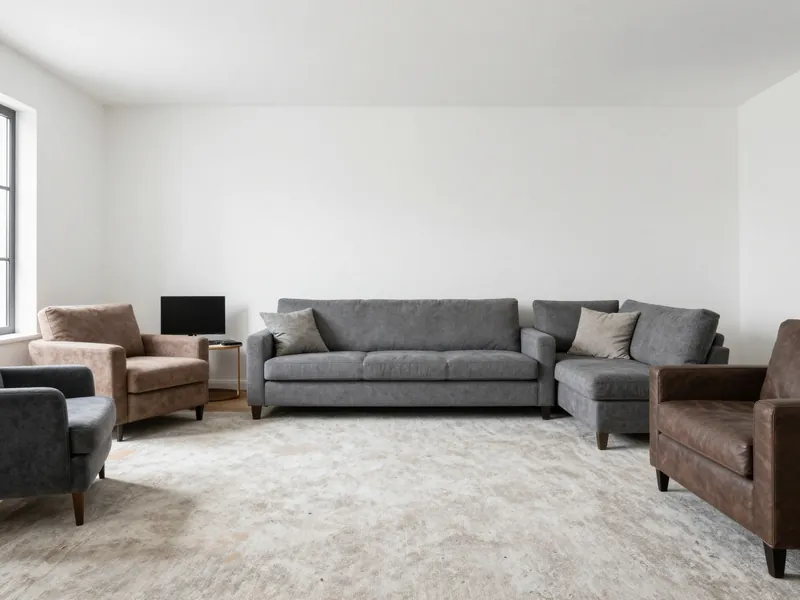 Before
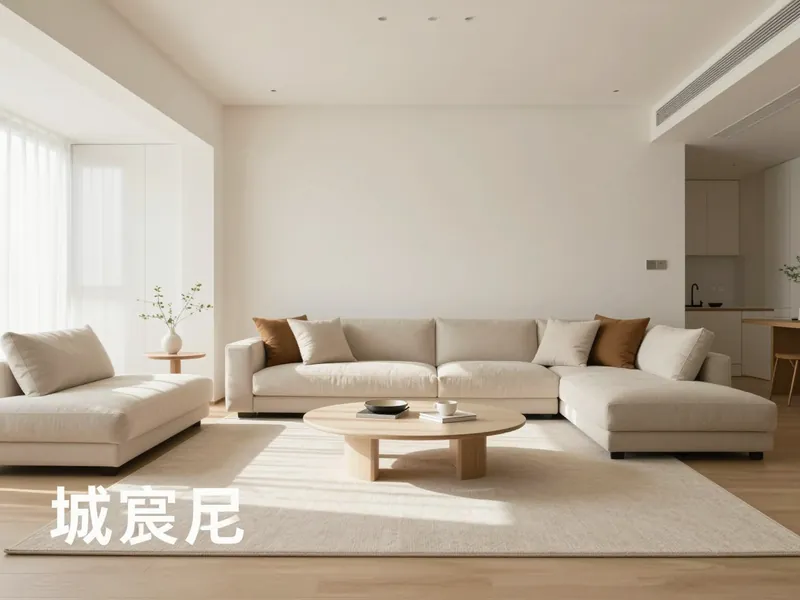 After
AfterTalk Track
"Buyers stop calculating repairs and start imagining dinner parties. This one image moved a listing from 'maybe' to 'write the offer tonight' because it made the future feel specific, not hypothetical."
Airbnb Superhost

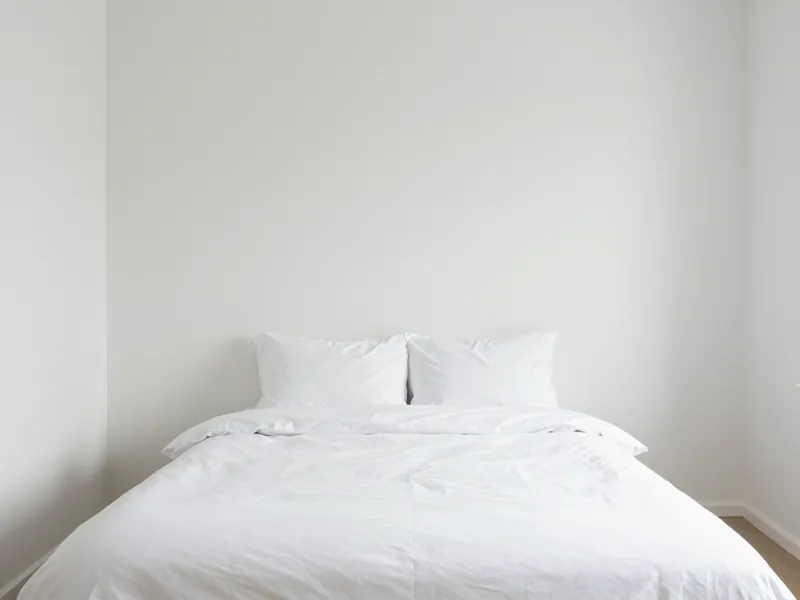 Before
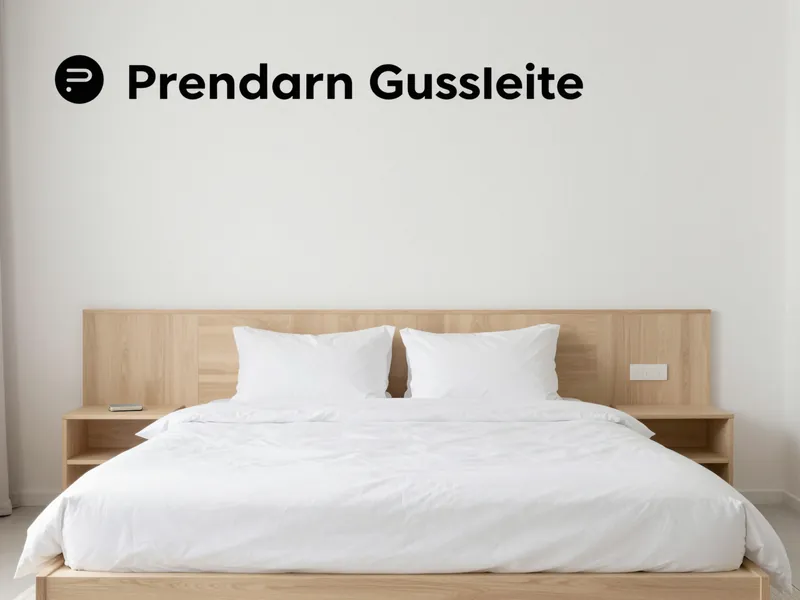 After
AfterTalk Track
"Five-star reviews write themselves when the room looks this intentional. One host raised her nightly rate 40% after restaging to match this direction — guests said it felt like a boutique hotel, not a spare room."
Renovation Consultant

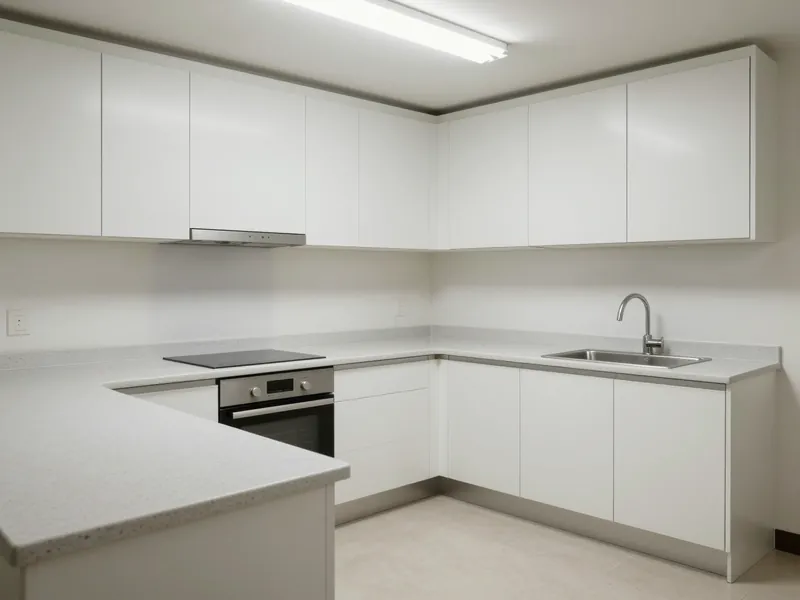 Before
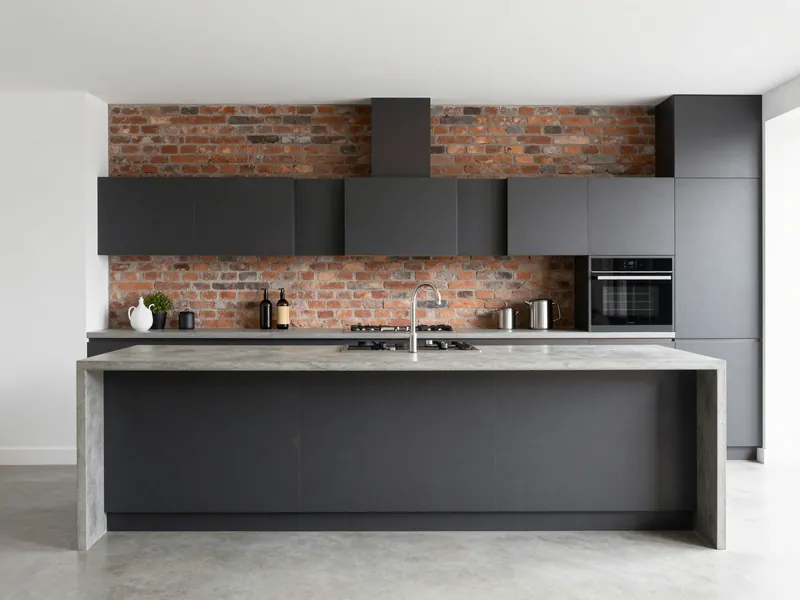 After
AfterTalk Track
"Instead of nodding politely at mood boards, the client pointed at this image and said 'that — do exactly that.' The project went from proposal to signed contract in one week instead of the usual six."
Growing Family

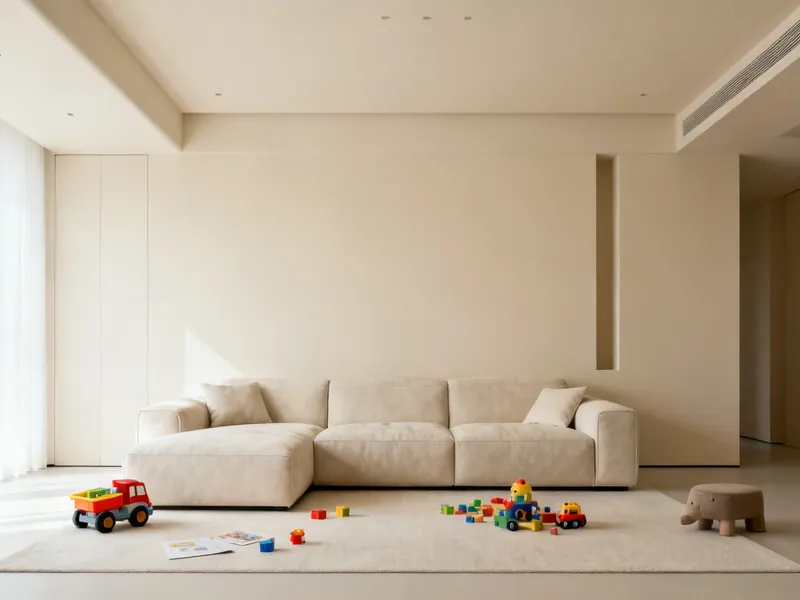 Before
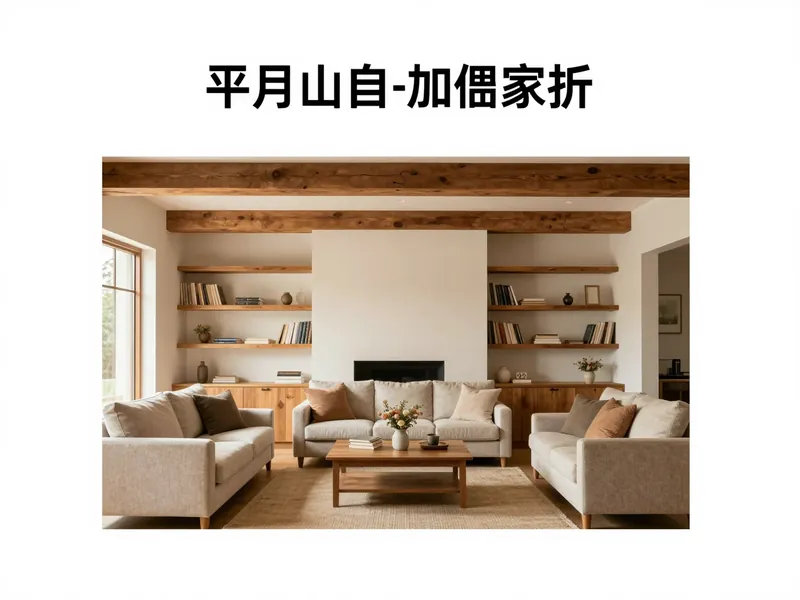 After
AfterTalk Track
"We kept saying 'we'll fix the family room eventually.' Seeing this made eventually feel like this weekend. The kids still have space to play, but now the room has a soul instead of just square footage."
Each option is named for the feeling it delivers. You pick the result you want — the AI handles the design vocabulary behind it.
Clean, bright, and move-in ready — buyers picture themselves here instantly
View examples →High-end hospitality feel — guests photograph it before they unpack
View examples →Warm, inviting, and comfortable — a family wants to stay here
View examples →City-smart attitude — small space, big personality
View examples →Quiet, restful, and intentional — a space that calms you down
View examples →Looks 10x more expensive — polished, current, and impressive
View examples →Transform any room in three simple steps using our AI-powered interior design tool.
Take a photo of any room you want to redesign and upload it. The AI works best with well-lit photos taken from a corner of the room. JPG, PNG, and WebP formats are supported up to 10MB.
Hover or tap the effect cards to preview what each outcome feels like. No design jargon — just pick the vibe you want and the AI handles the rest.
In 15-30 seconds, the AI generates a photorealistic redesign of your room. Use the before/after slider to compare, then download the result or try another style.
Whether you are renovating a single room or reimagining your entire home, AI Room Designer helps you explore design possibilities for any space.
Transform your living room from cluttered to curated. See how different sofa styles, coffee tables, rugs, and wall art would look in your actual space. Popular styles for living rooms include Modern, Scandinavian, and Mid-Century Modern.
Create your ideal bedroom sanctuary. Visualize new bed frames, nightstands, lighting, and color schemes. Japanese/Japandi and Minimalist styles are especially popular for bedrooms, creating calm and restful environments.
Reimagine your kitchen with new cabinetry styles, countertop materials, backsplashes, and lighting. See how Farmhouse, Contemporary, or Industrial styles would transform your cooking space before committing to a renovation.
Visualize bathroom renovations with new vanities, tile patterns, fixtures, and accessories. Coastal and Scandinavian styles create bright, spa-like bathroom environments that AI Room Designer can render from your existing space.
Explore more: Free AI Room Design · Design My Room · AI Home Design
Everything you need to know about AI Room Designer
Need the brand-level overview? Visit the RoomFlip FAQ for pricing, credits, virtual staging, and download questions.
AI Room Designer is an online tool that uses artificial intelligence to transform photos of your existing rooms into different interior design styles. Simply upload a photo of any room, select from 12+ professional design styles, and our AI generates a photorealistic visualization of how your room would look with that style applied. The room layout, windows, and doors remain the same while furniture, decor, colors, and materials are completely transformed.
Our AI room designer uses advanced image-to-image generation technology. When you upload a room photo, the AI analyzes the room's structure including walls, windows, doors, and spatial layout. It then generates a new version of the room with furniture, colors, textures, and decor that match your chosen interior design style. The result is a photorealistic image showing how your room could look after a redesign, all in about 15-30 seconds.
New users get 3 free credits when they sign up. Each preview generation costs 1 credit (low resolution with watermark). For high-resolution, watermark-free results, credits start at $4.99 for 30 credits. There are no subscriptions required — buy credits only when you need them. See our <a href="/free-ai-room-design/">free AI room design</a> page for full details on what's included at no cost.
The strongest commercial use cases are listing agents, home stagers, short-term rental hosts, and design/remodel professionals who need to help someone imagine a better version of the same room quickly. Homeowners and renters still get value too, but the biggest ROI usually comes from people trying to sell, pitch, stage, or upgrade a space with less guesswork.
AI Room Designer works with any indoor space: living rooms, bedrooms, kitchens, bathrooms, dining rooms, home offices, nurseries, and more. For best results, take a well-lit photo from a corner of the room that shows as much of the space as possible. The AI handles rooms of all sizes, from studio apartments to large open-plan living areas.
We offer 6 effect-based outcomes: Move-in Ready, Premium Guest Suite, Warm Family Home, Urban Loft, Zen Retreat, and Luxury Showcase. Each effect is named for the feeling it delivers rather than a design style label, making it easier for non-designers to choose. Additional styles are available for advanced users.
Most people don't naturally know what labels like Japandi or Mid-Century Modern will feel like inside a real room. By naming each option for the result it delivers — like 'Move-in Ready' or 'Premium Guest Suite' — you can pick the feeling you want without needing design expertise. The AI handles the style vocabulary behind the scenes.
Each AI room redesign typically takes 15-30 seconds to generate. The exact time depends on the complexity of the room and current server load. You will see a progress indicator while the AI processes your image. The result is a high-quality photorealistic image that you can download immediately.
Yes. All generated images belong to you and can be used for personal inspiration, client presentations, social media, real estate listings, or any other purpose. High-resolution downloads (2K and 4K) are available with paid credits and come without watermarks, making them suitable for professional use.
AI Room Designer accepts JPG, PNG, and WebP images up to 10MB. For optimal results, use a photo that is at least 800x600 pixels. Images are automatically resized to 1024px on the longest side before processing. We recommend using well-lit, level photos taken at eye height for the best AI redesign results.
No installation required. AI Room Designer runs entirely in your web browser. Simply visit roomflip.pro, upload a photo of your room, choose a design style, and get your redesigned room in seconds. It works on desktop, tablet, and mobile devices with any modern browser including Chrome, Safari, Firefox, and Edge.
Upload a photo, preview the mood, and generate a direction you can use for staging, pitching, or planning. Free preview available — no credit card required.
Start Designing Now