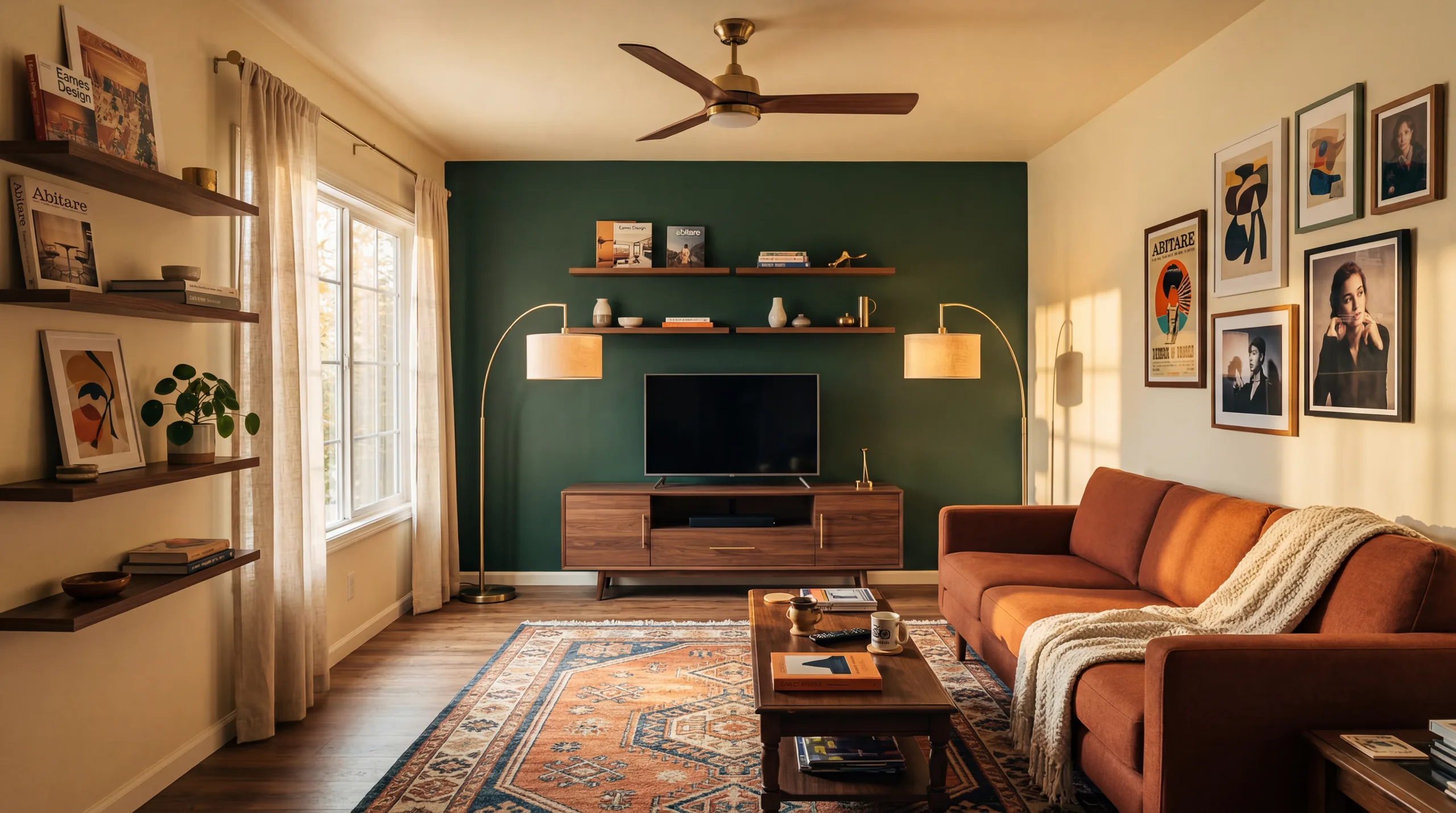
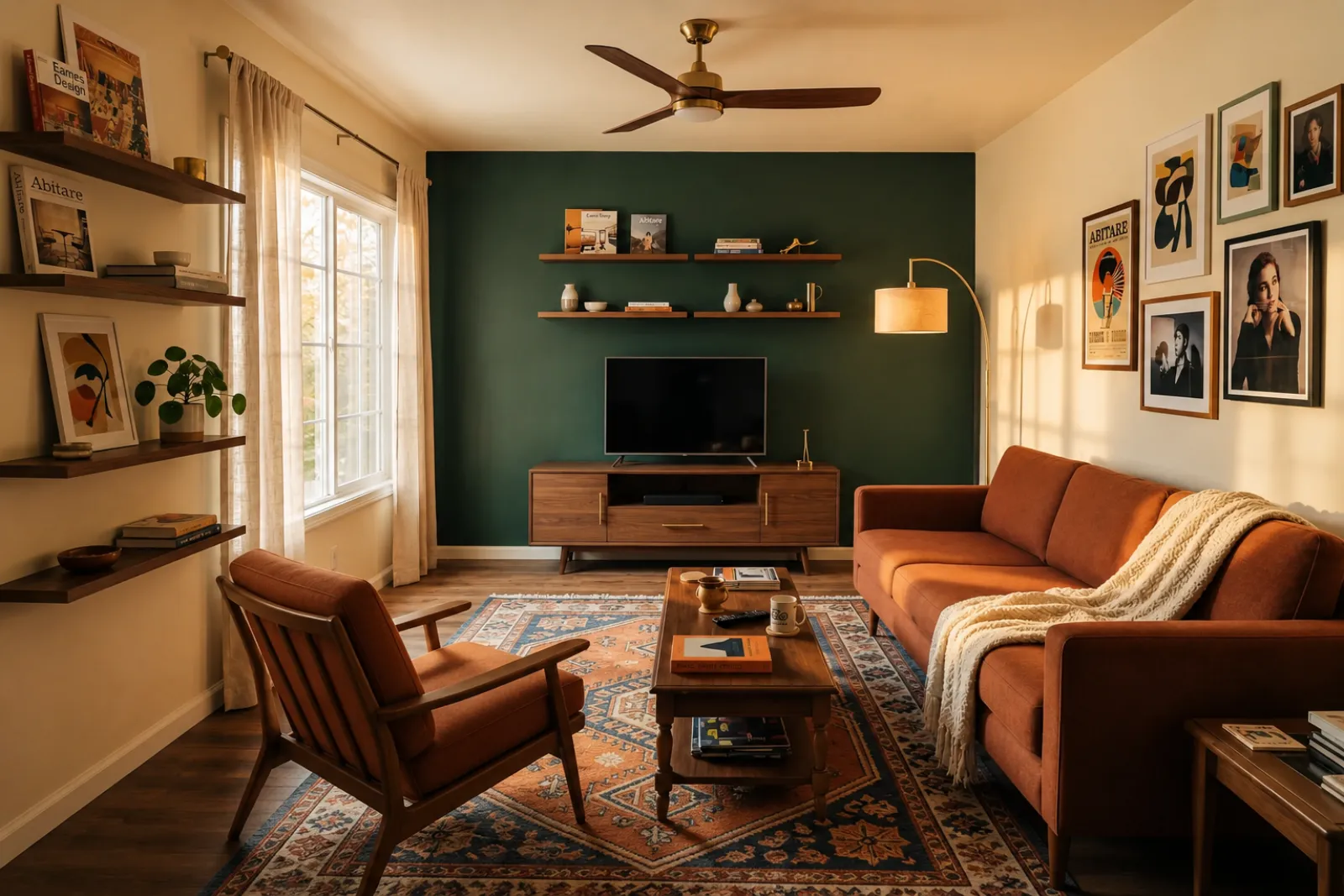
RoomFlip virtual staging

AI virtual staging for real room photos

Create quick before-and-after room previews for listings, rentals, renovation planning, and client conversations. Use the result as a visual aid, not a substitute for disclosure or real-world verification.

Upload a real photoPick the room goalCompare before and afterUse with context

Start from a real room photo and keep the original nearby for trust.

Style proof

Approved before and after staging directions.

A virtual staging page needs to show the difference quickly. These examples keep the original room context visible while switching between room types and staging jobs.

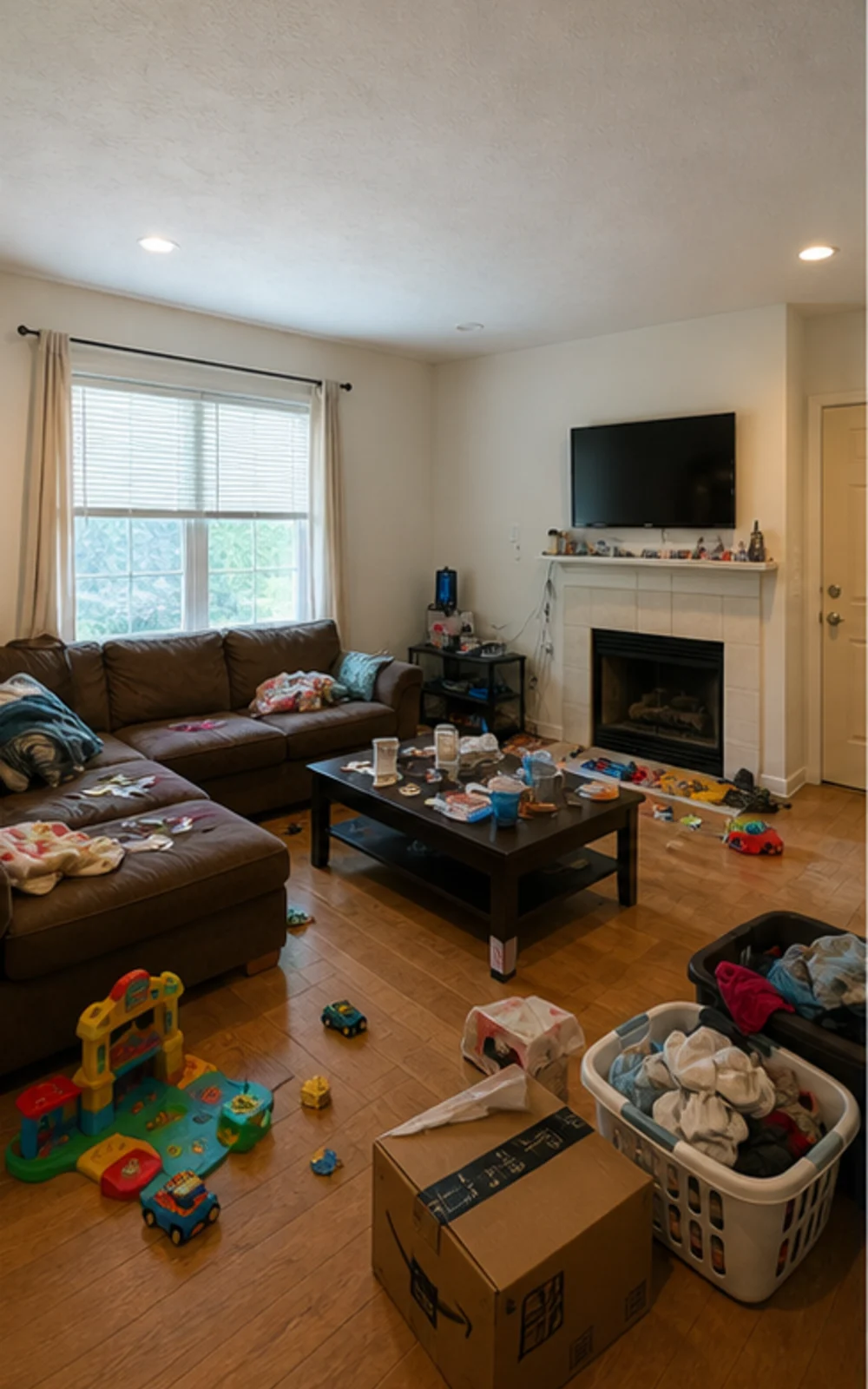
Original lived-in living room with clutter before AI virtual staging
Original
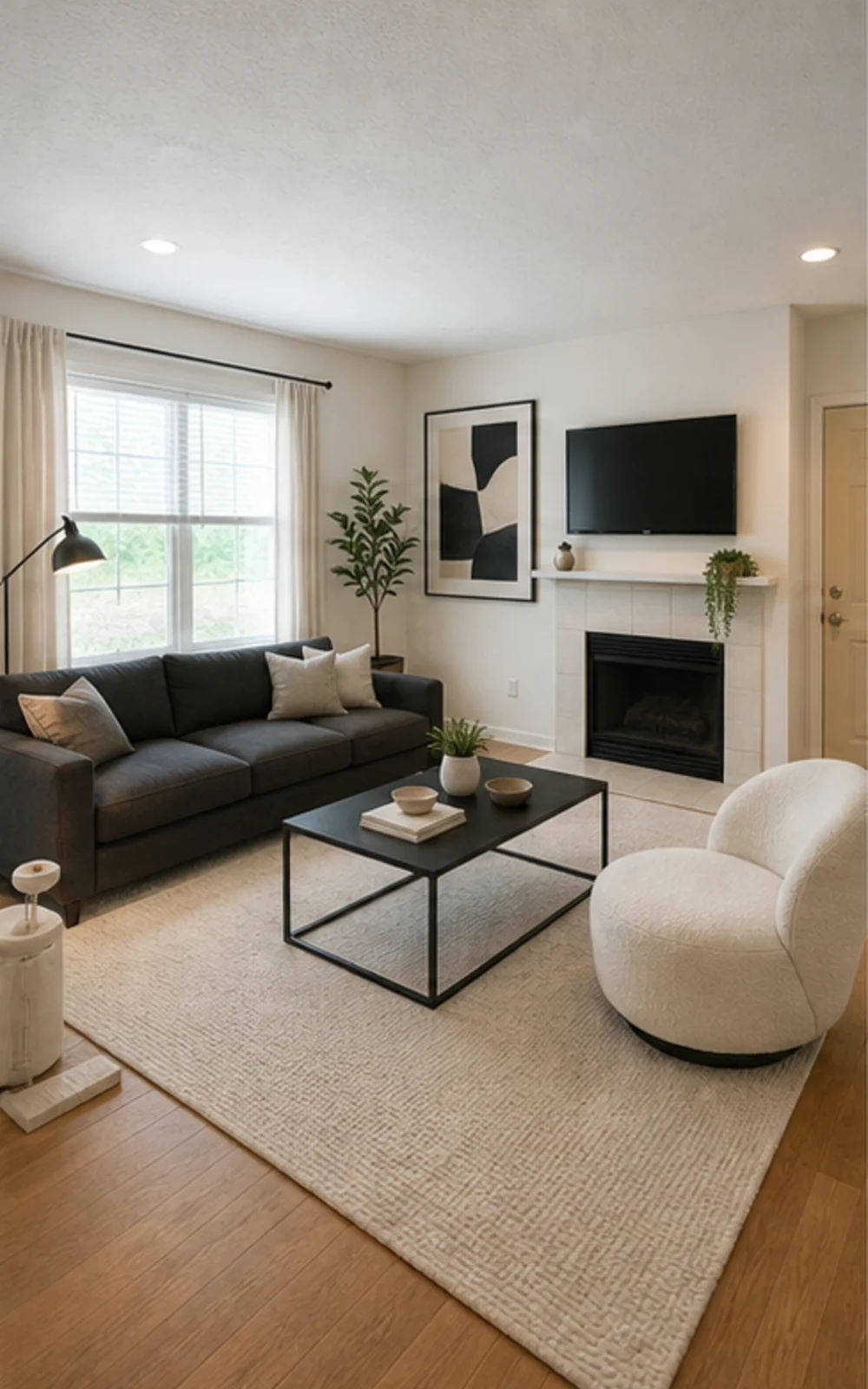
Modern AI virtual staging result for a cleaned living room
Modern

Remove clutter, then stage

A cluttered family room cleaned and restaged three ways

The messy family room becomes a clean modern listing photo with sharper furniture lines, a calm rug, abstract art, and brighter daylight.

Histoires de transformation

La pièce se vend plus facilement quand le futur devient concret

Vrais argumentaires utilisés par agents, hôtes, investisseurs et entrepreneurs pour aider à imaginer une vie meilleure dans le même espace.

Real estate agents

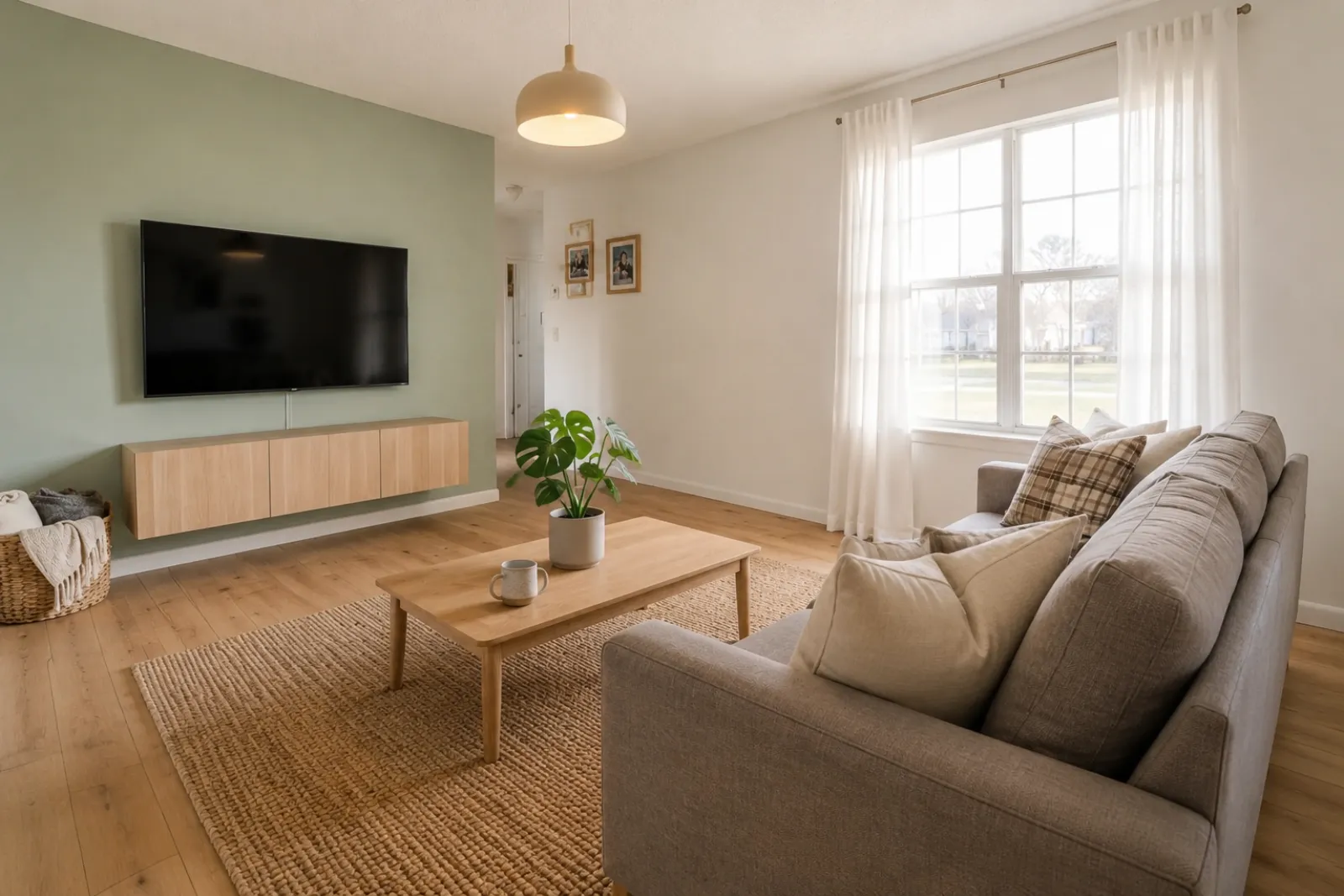
Listing staging that makes empty rooms easier to read

Before redesign
Before
After redesign
After

Talk Track

"Upload listing photos and compare before-and-after staging directions. Keep the original visible so sellers and buyers can understand what changed."

Airbnb hosts

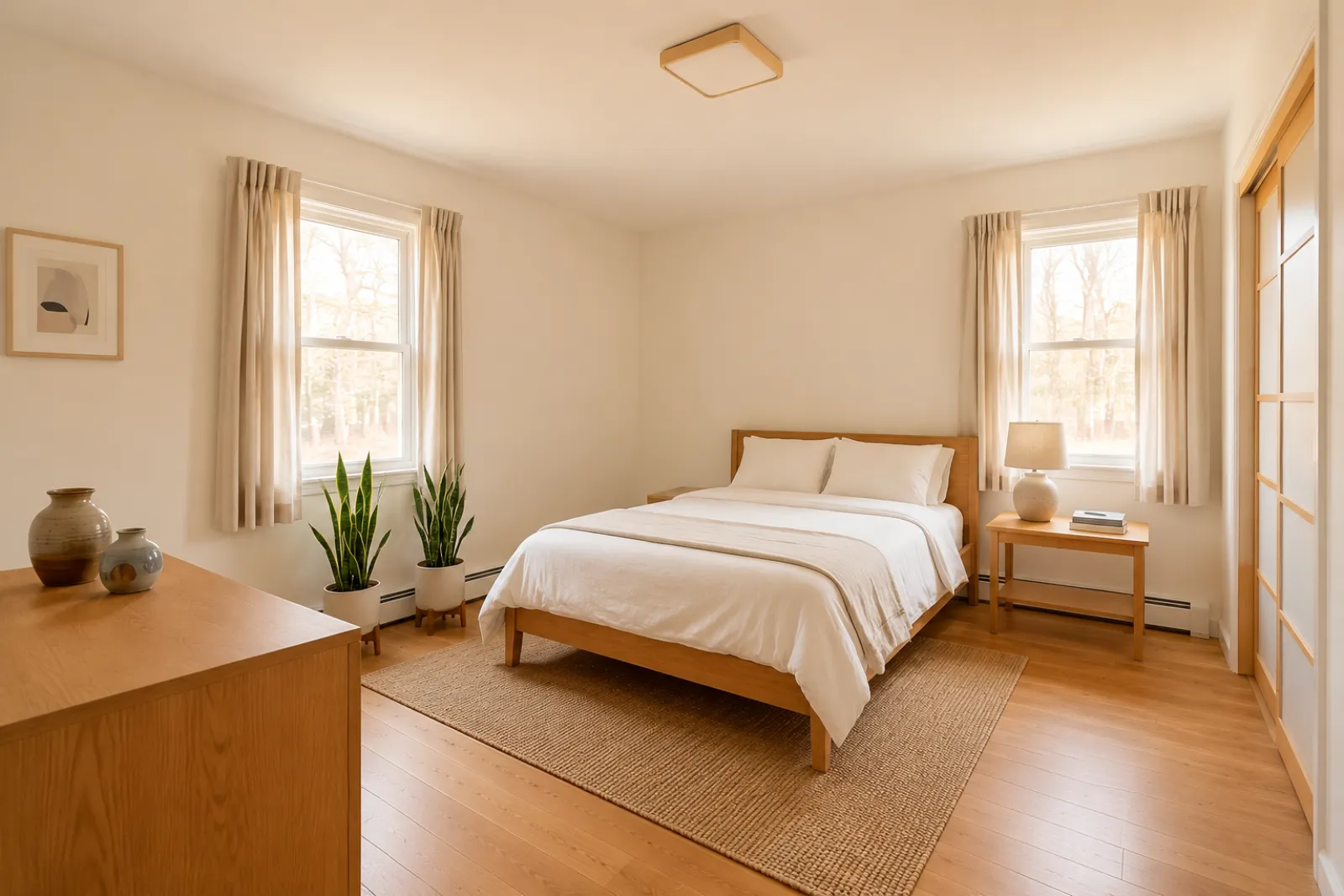
Seasonal refresh ideas before buying new decor

Before redesign
Before
After redesign
After

Talk Track

"Test seasonal looks before you commit. Use the strongest direction as a planning reference, then photograph the real room once the refresh is done."

Investors & flippers

Renovation direction before a deeper property review

Before redesign
Before
After redesign
After

Talk Track

"Use a real room photo to compare cosmetic directions before you spend contractor time. Verify scope, budget, and value outside RoomFlip."

Contractors

Proposal visuals that make the direction easier to approve

Before redesign
Before
After redesign
After

Talk Track

"Show a before-and-after direction from the client's own room photo, then pair it with your real estimate, measurements, and proposal process."

Comment fonctionne RoomFlip Home Staging Virtuel

Four steps from raw room photo to a preview you can judge.

1

Téléversez une vraie photo de pièce

Déposez une photo large — vide, semi-meublée ou habitée. Le modèle conserve les vrais murs, fenêtres, sols et lumière naturelle.

2

Choisissez le type de travail

Choisissez entre staging agent, refresh Airbnb, prévisualisation de rénovation ou proposition entrepreneur. Chaque travail utilise un prompt ajusté et rend le bon style.

3

Recevez la pièce aménagée

En environ 30 secondes, vous obtenez une image photoréaliste qui conserve l'architecture réelle et semble photographiée naturellement.

4

Use the result with context

Keep the original photo nearby, label virtual staging when required, and verify real-world details before publishing or quoting.

Built around honest room previews

Before/after

Core workflow

30s

Typical preview time

Real photo

Starting point

Planning aid

Best use

Aménagez au rythme de vos annonces

Commencez avec trois crédits gratuits après inscription. Ajoutez un pack pour une transaction unique, ou abonnez-vous quand le staging fait partie de chaque annonce.

Simple pricing for room credits

Start free with 3 credits after sign-in. Pay only when you want more — a one-time pack or a monthly plan.

Free

$0

3 starter credits

  • No credit card required
  • 3 Preview drafts
  • Watermarked preview quality

30 credits

$4.99

$0.17 per credit

Best Detail about $0.33 per image

  • Best Detail: 15 images · Clean: 15 images · Preview: 30 drafts
  • All staging actions and styles
  • One-time payment · watermark-free
Most popular

100 credits

$12.99

$0.13 per credit

Best Detail about $0.26 per image

  • Best Detail: 50 images · Clean: 50 images · Preview: 100 drafts
  • All staging actions and styles
  • One-time payment · watermark-free

300 credits

$29.99

$0.10 per credit

Best Detail about $0.20 per image

  • Best Detail: 150 images · Clean: 150 images · Preview: 300 drafts
  • All staging actions and styles
  • One-time payment · watermark-free

Billing questions

Is this a subscription? Will I be charged again?
One-time credit packs are a single payment — no subscription and no recurring charge. Subscription plans are clearly labeled and renew only while active; you can cancel anytime.
How do photos and credits work?
Each generated image uses credits by quality: Preview drafts use 1 credit, Clean images use 2 credits, and Best Detail images use 2 credits. Packs and subscriptions show credits first so the higher-quality cost is clear before checkout.
Can I cancel a subscription?
Yes. Cancellation takes effect at the end of the current billing cycle — you keep Pro access and any remaining monthly credits until then.
What about refunds?
Credits are digital goods delivered instantly. For web purchases where no photos have been generated yet, contact support and we'll review a goodwill refund.
Why does my free Preview have a watermark?
Free Preview drafts can include a small watermark so you can check the direction first. Paid Clean and Best Detail images are watermark-free and saved at higher resolution.

Questions fréquentes

What to know before using RoomFlip virtual staging for a real room, listing, rental, or client conversation.

What is RoomFlip virtual staging best for?

RoomFlip is best for creating before-and-after room previews from real photos. Use it to understand a direction, prepare a conversation, or plan a refresh. It does not replace disclosure rules, appraisals, contractor quotes, or platform requirements.

Les photos aménagées sont-elles réalistes ?

Results work best when the original photo is clear, level, and well lit. Review every output against the real room before using it publicly.

Puis-je utiliser des photos aménagées virtuellement sur MLS, Zillow et Airbnb ?

Oui. Le home staging virtuel IA est légal pour les annonces immobilières aux États-Unis, et Airbnb autorise des représentations précises d'un logement existant. La plupart des MLS et la NAR exigent une mention claire que les photos sont aménagées virtuellement, donc RoomFlip ajoute automatiquement une mention que vous pouvez copier avec l'image. Étiquetez toujours pour maintenir la confiance.

Combien de temps et combien coûte chaque rendu ?

New users get starter credits after sign-in. Paid credit packs and subscriptions are available when you need more previews or cleaner downloads.

L'IA va-t-elle inventer des murs, fenêtres ou pièces qui n'existent pas ?

Non. Le prompt indique explicitement au modèle de conserver murs, fenêtres, portes, sols, plafonds et architecture fixe. L'IA n'ajoute que mobilier, décoration et éclairage adouci. Si vous téléversez une photo nette et bien éclairée depuis un coin ou une porte, le résultat ressemble à une version professionnellement photographiée de la même pièce, pas à une autre pièce.

Puis-je aménager la même pièce dans différents styles ?

Yes. You can generate multiple directions for the same room and compare them before deciding which one is worth saving or using as a planning reference.

Quelles pièces fonctionnent le mieux ?

Tout espace intérieur : salons, chambres, cuisines, salles de bain, salles à manger, bureaux à domicile, chambres d'enfant et pièces multifonctions. Le modèle rend mieux avec des photos larges, bien éclairées, prises depuis un coin ou une porte, montrant sol, plafond, fenêtres et plans principaux. Les photos très encombrées fonctionnent aussi mais avec des résultats moins prévisibles — dégagez le sol si possible.

Faut-il une expérience en design ?

Non. Chaque flux est conçu pour qu'un agent, hôte, investisseur ou entrepreneur sans aucune expérience design livre des images prêtes à publier. Choisissez le travail, téléversez une photo et l'espace gère l'ajustement du prompt, les corrections d'éclairage et le copy. Pour plus de contrôle, les plans payants exposent des curseurs de style et des overrides par pièce — mais la voie par défaut produit un résultat utilisable au premier rendu.