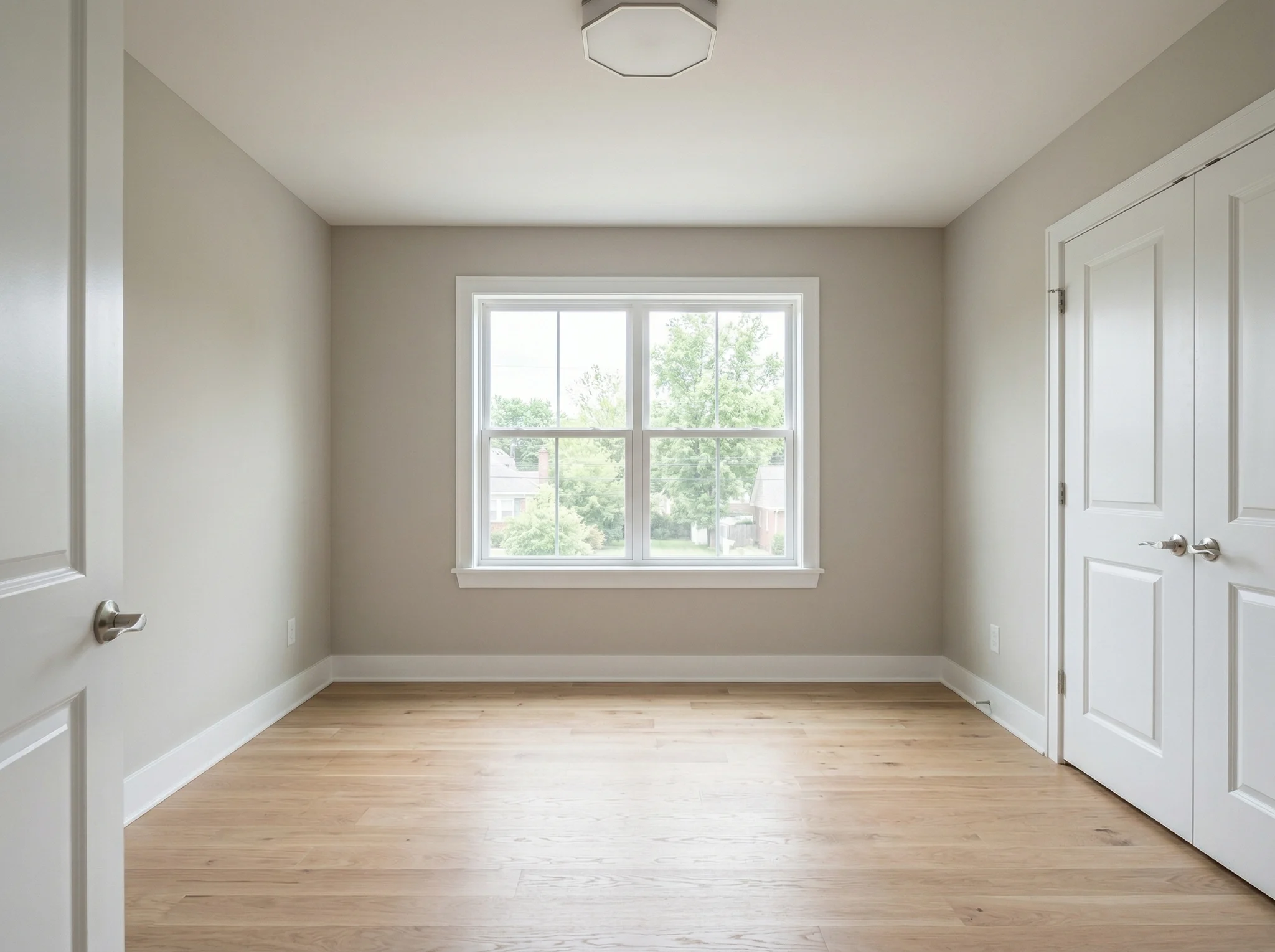
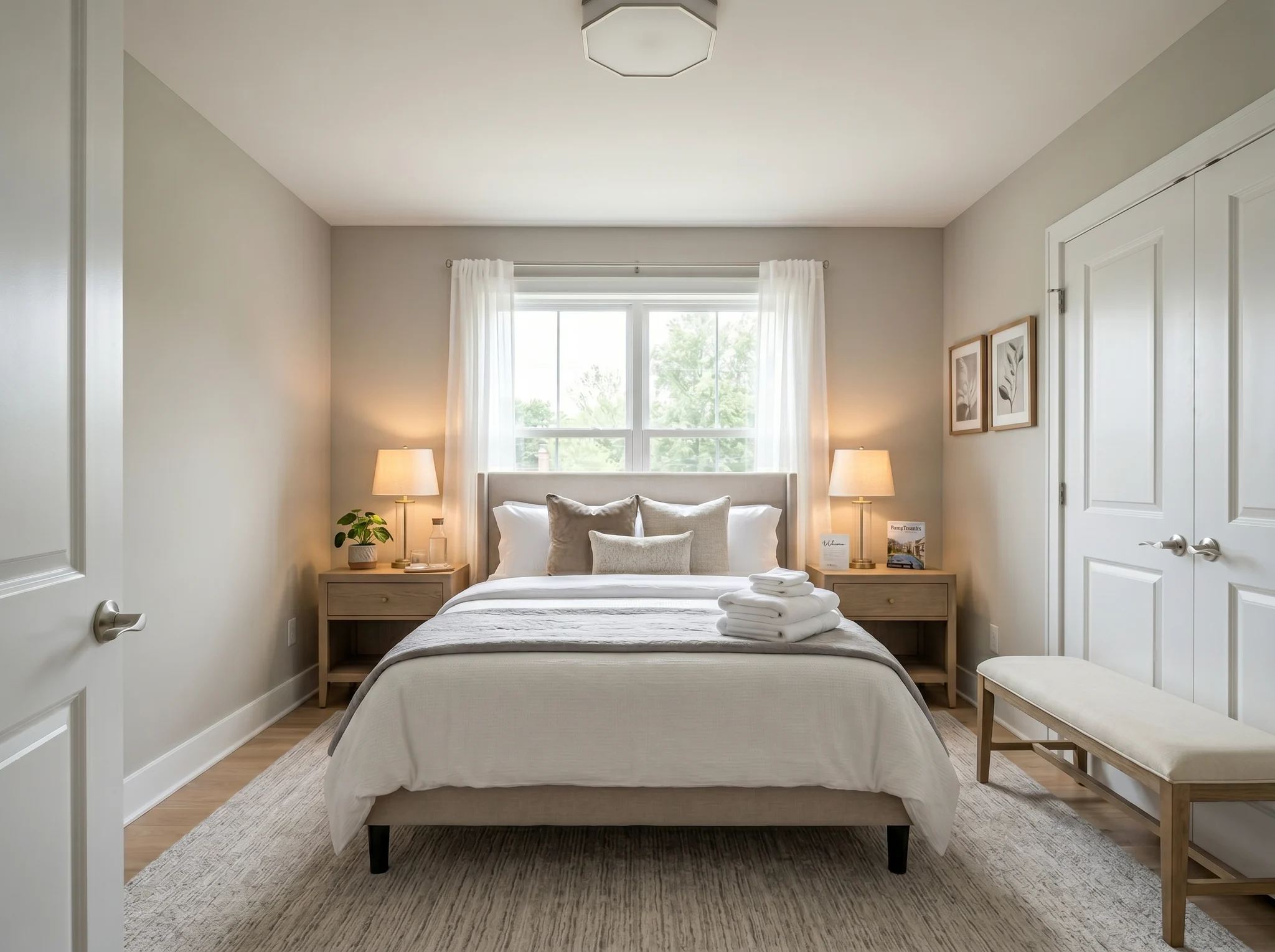
Chambre
Téléchargez la photo d'une pièce et voyez à quoi elle pourrait ressembler meublée, réagencée ou rafraîchie — avant d'acheter quoi que ce soit ou de déplacer le moindre meuble.
Choisissez une photo pour commencer, ou sélectionnez jusqu'à six angles ou pièces avant d'entrer dans l'espace de travail.
Cas Avant / Après
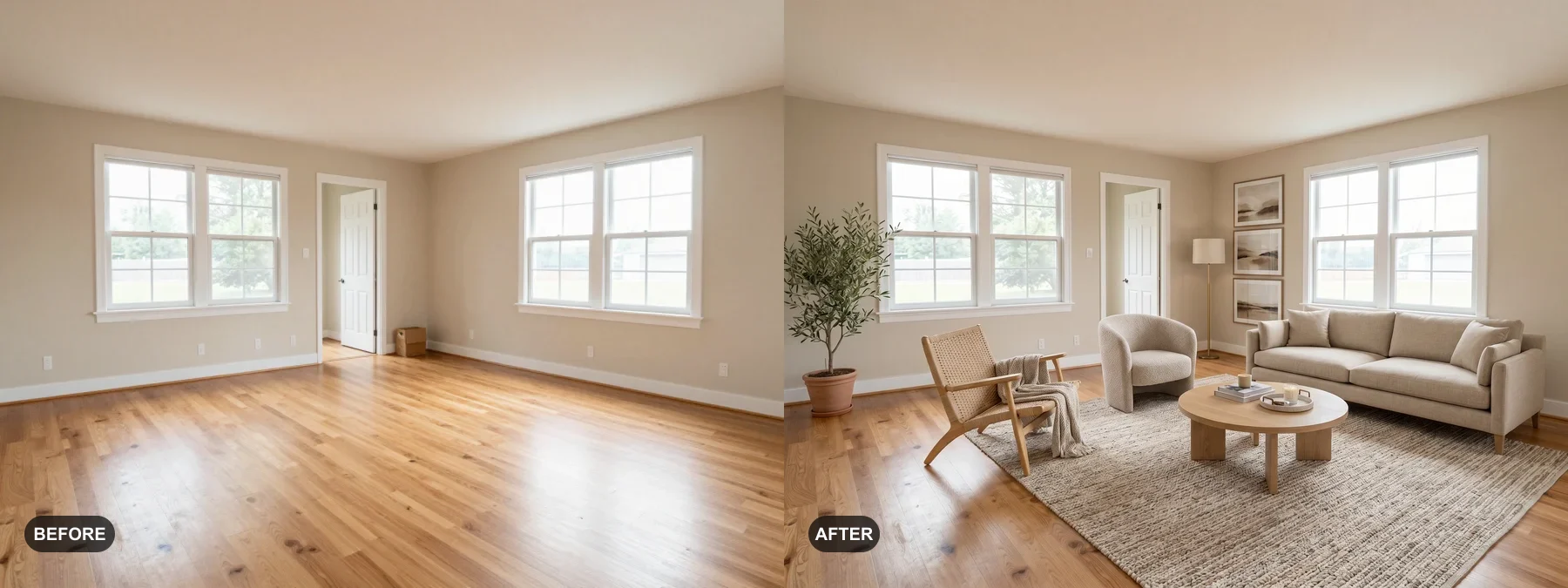
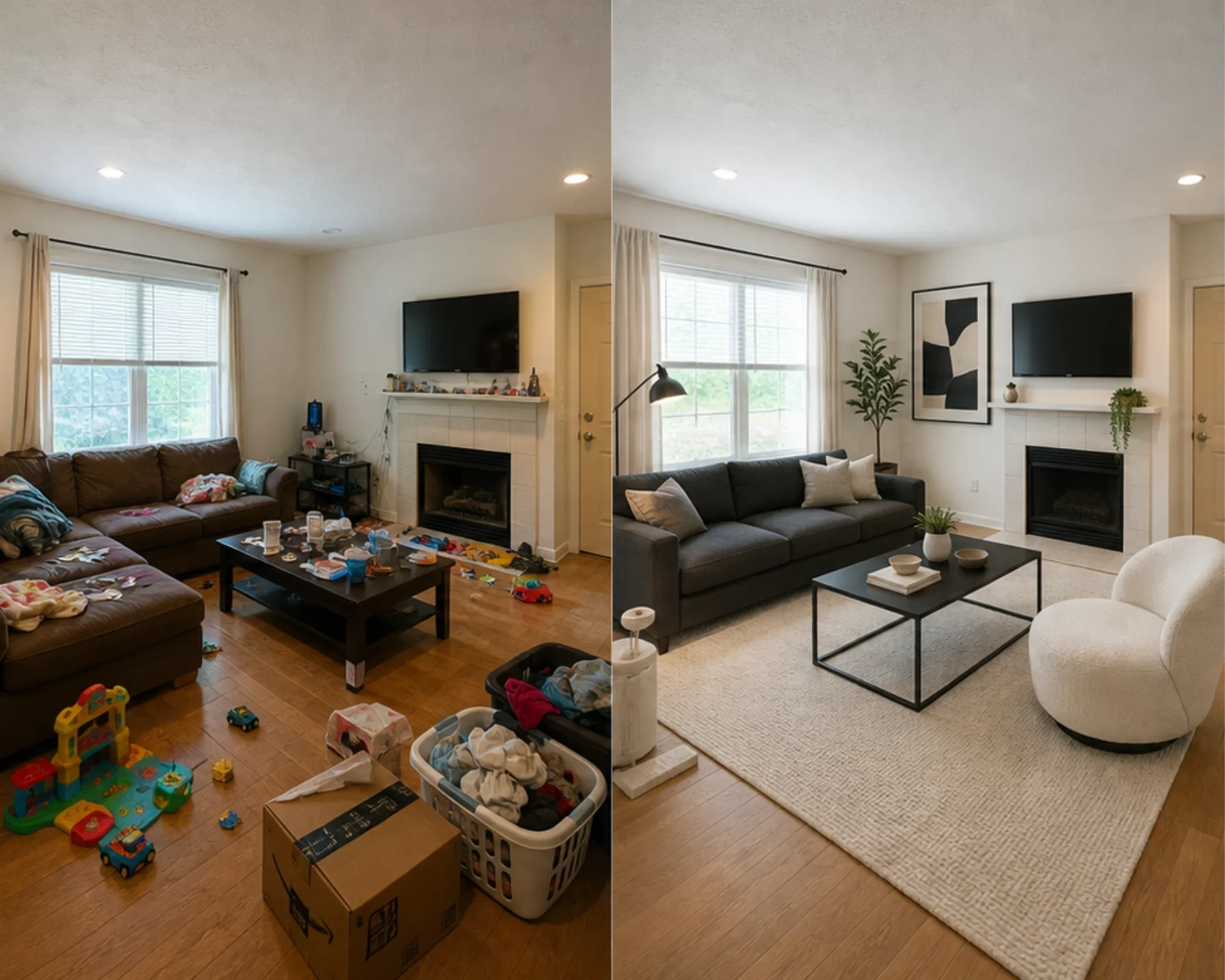
Chaque exemple part de la vraie pièce, garde l'avant visible et montre une direction qui rend l'espace plus facile à comprendre.
Chambre
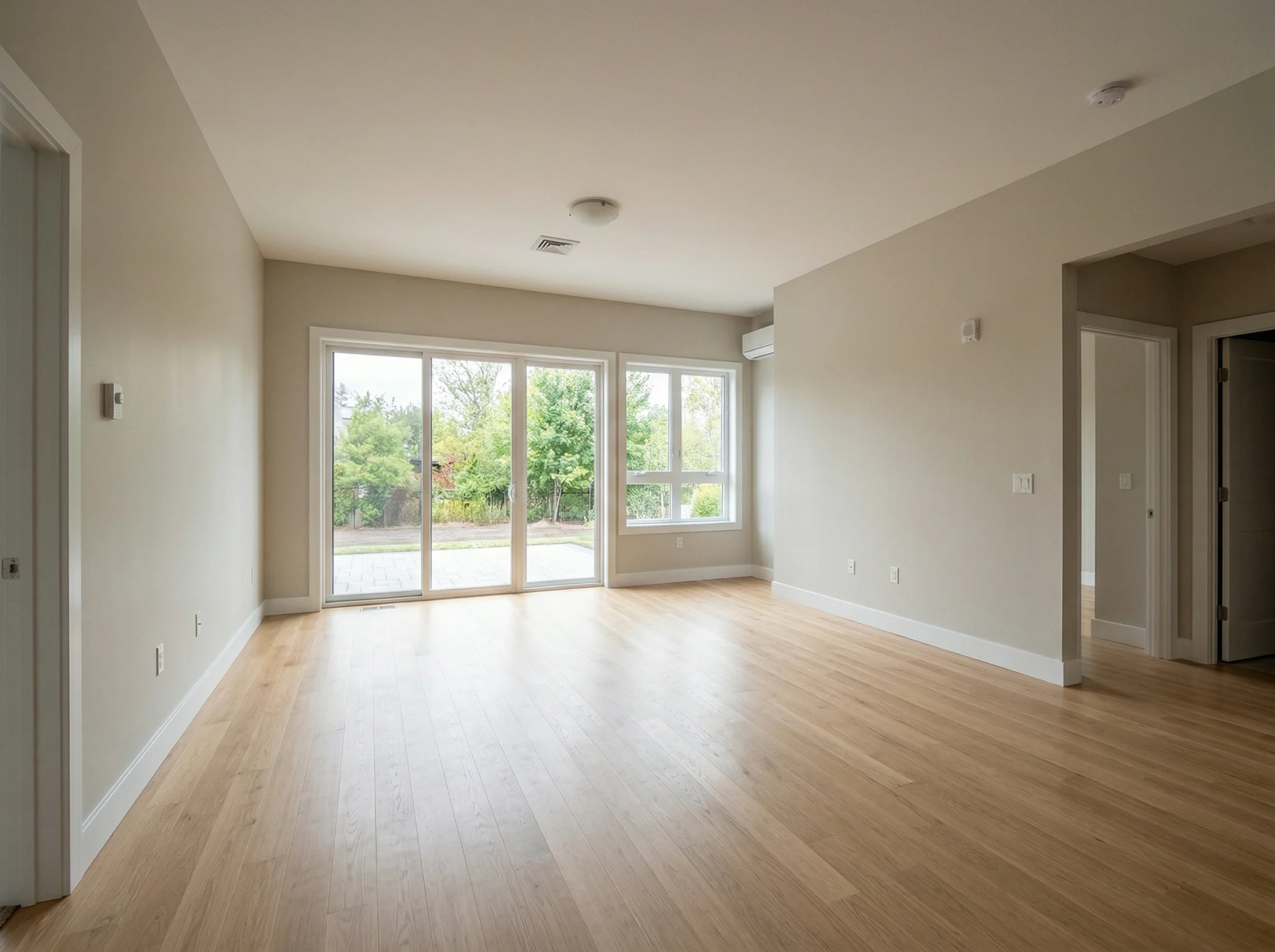
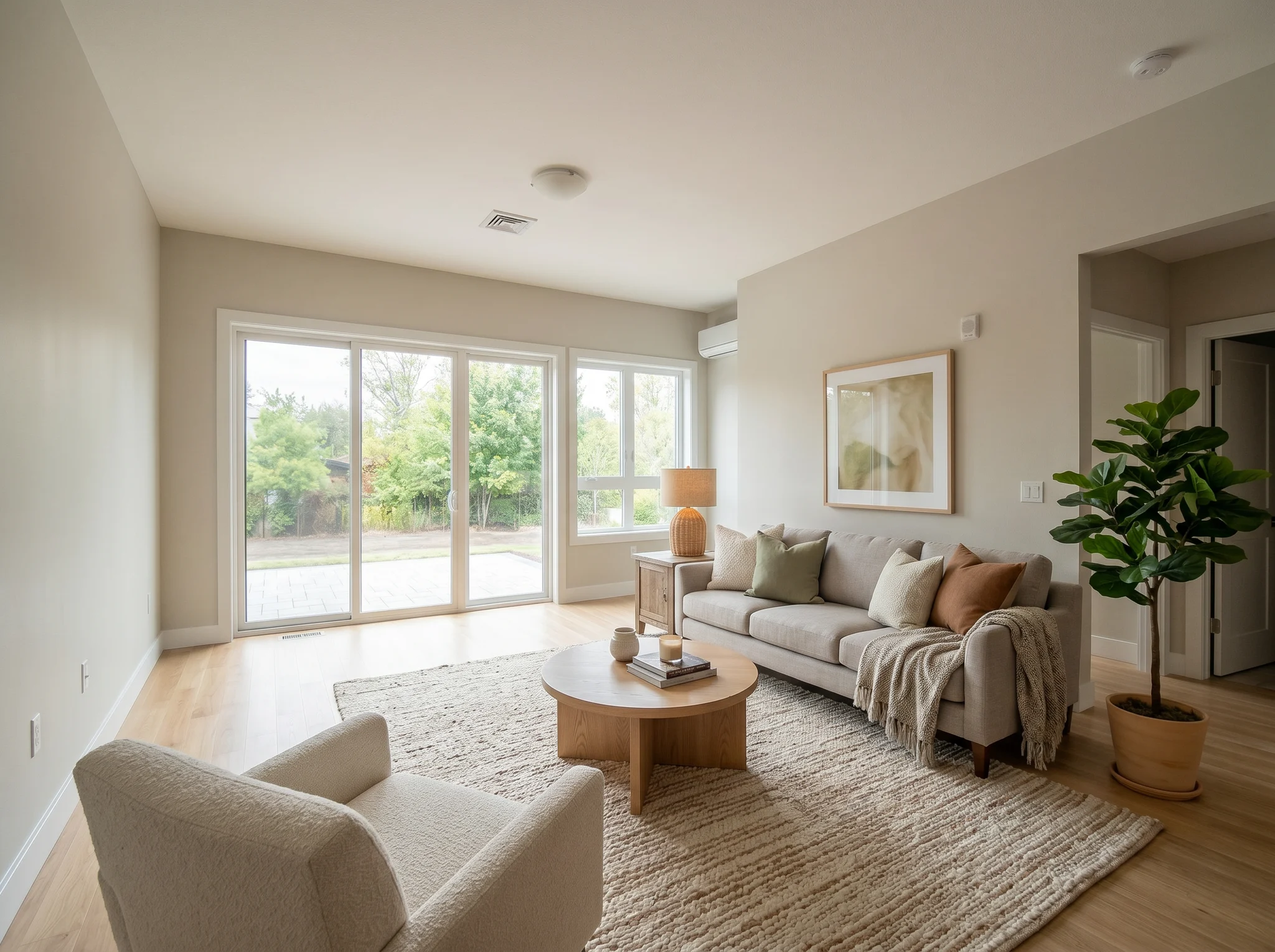
Salon
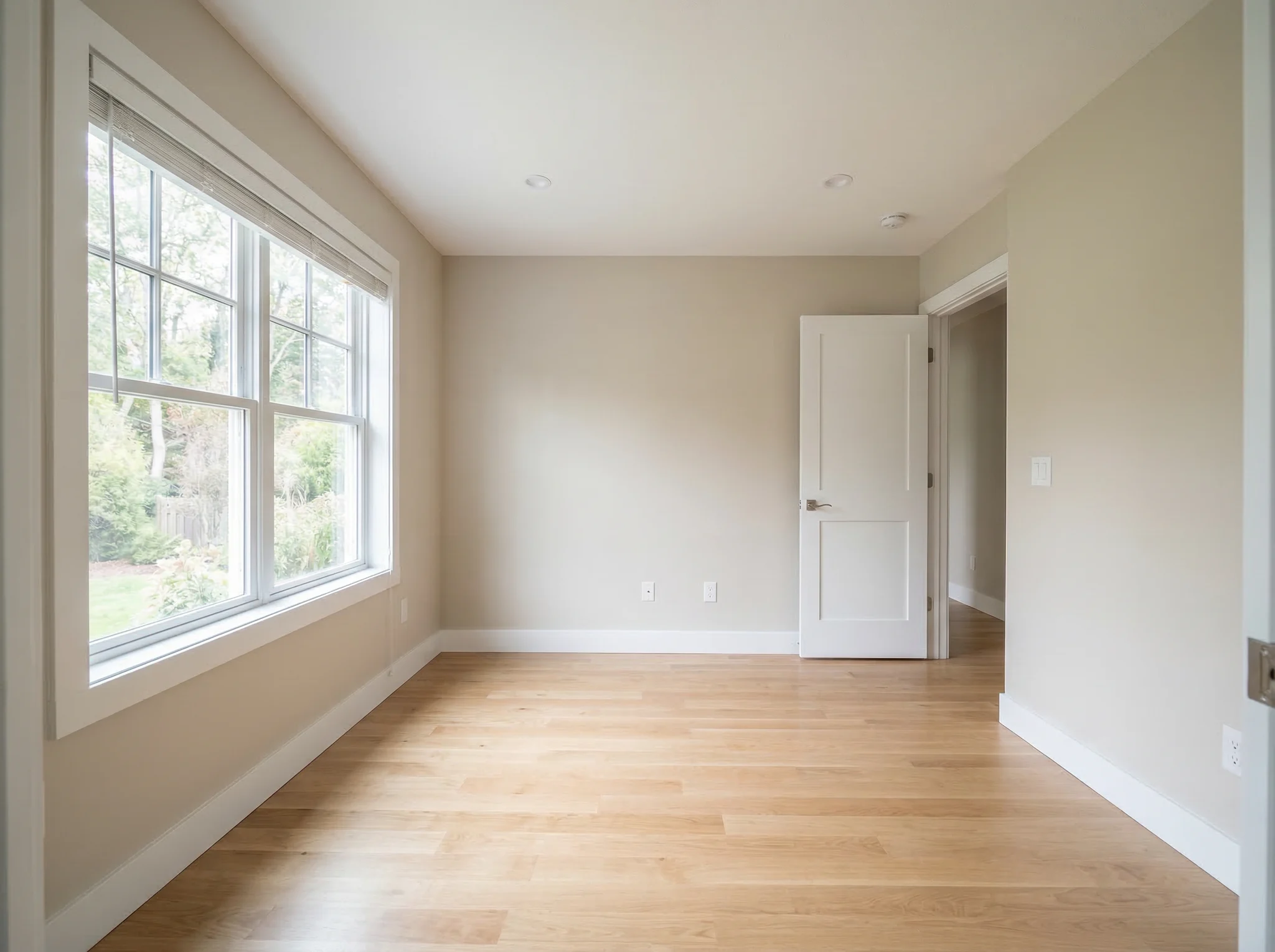
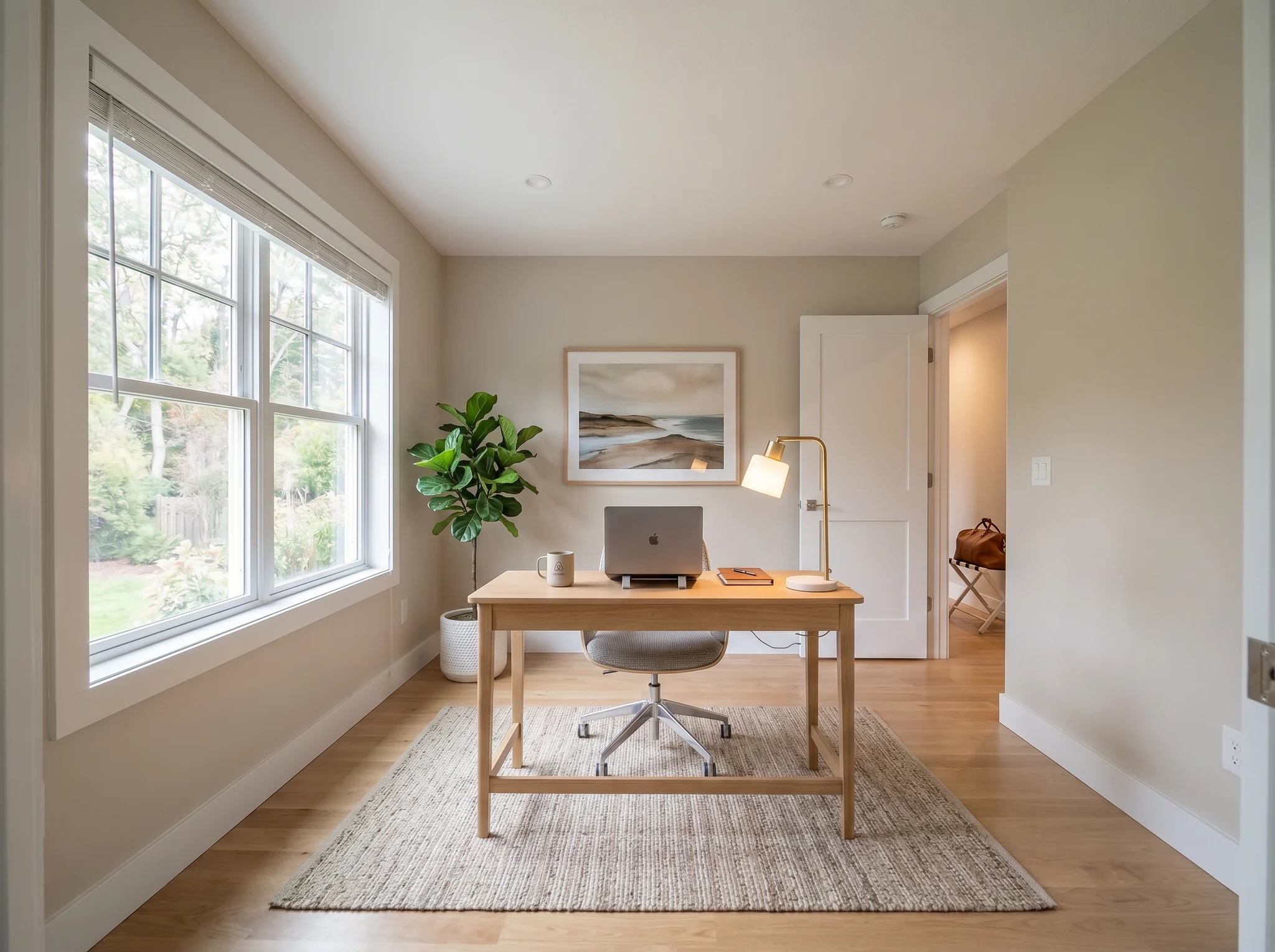
Coin bureau
Cas Avant / Après
Utilisez la photo d'une vraie pièce pour comparer quelques directions crédibles avant d'acheter, de rénover, de louer ou de publier une annonce.
 1
1 Vérifiez si la pièce peut sembler plus nette, plus chaleureuse ou plus aboutie avant d'acheter des meubles ou de repeindre.
 2
2 Prévisualisez si une direction fonctionne avant de dépenser dans un canapé, un tapis, un lit ou un ensemble déco.
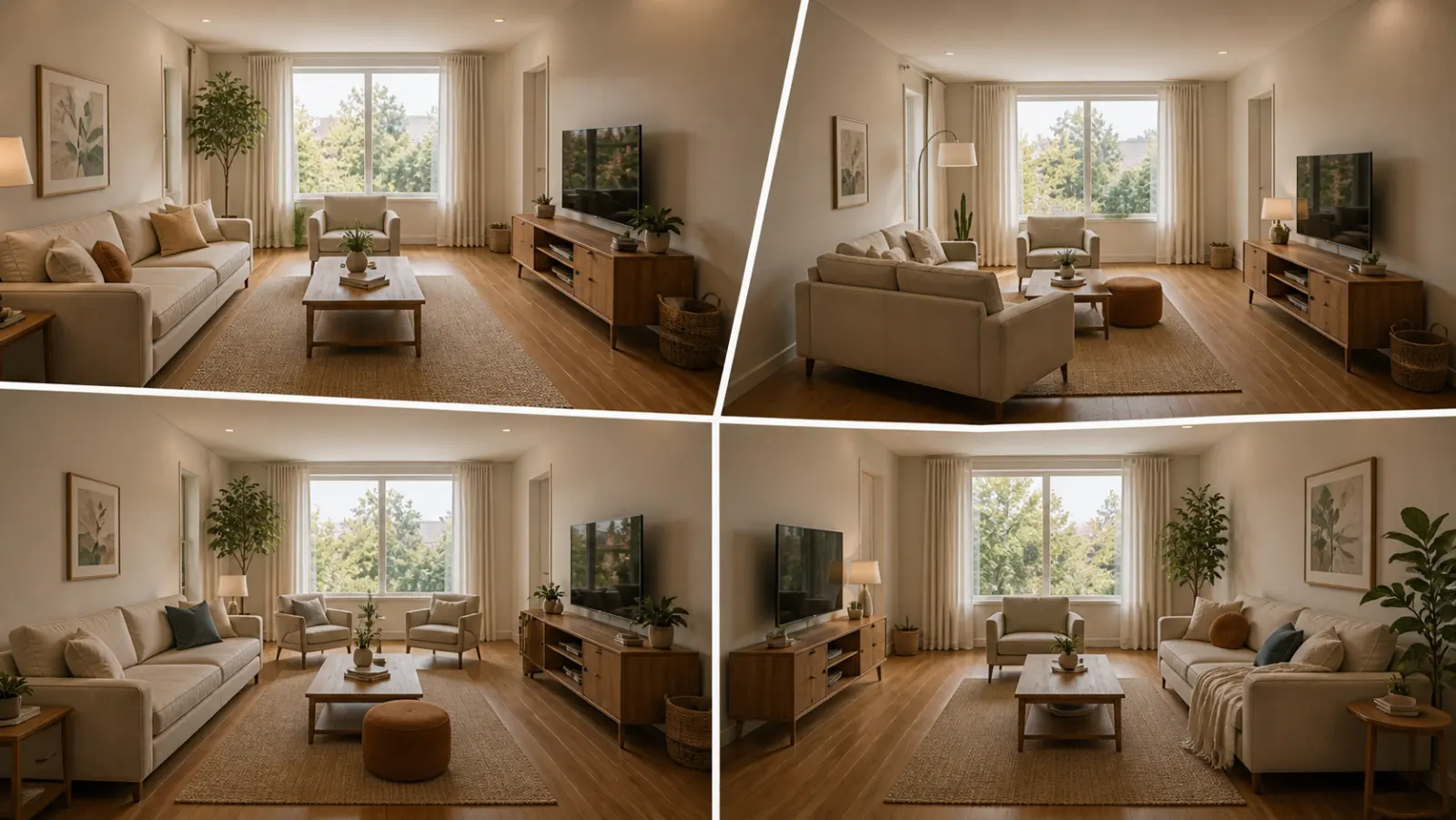 3
3 Créez un aperçu avant/après honnête en home staging virtuel, en gardant la pièce d'origine visible pour plus de confiance.
Partez de la pièce telle qu'elle est, puis créez une version qui vous aide à décider de la suite.
Idéal pour
RoomFlip est le plus utile quand la pièce a un objectif concret : choisir une direction pour les meubles, rafraîchir une location, préparer une photo d'annonce ou faire valider plus facilement une idée de rénovation.
Avant de dépenser
Transformez la photo d'une pièce ordinaire en une direction crédible avant d'acheter des meubles, de repeindre ou de changer l'agencement.
Idéal pour: choix de meubles, rafraîchissement de la pièce, idées d'agencement
Avant d'acheter des meubles
Vérifiez si un canapé, un tapis, un lit ou une direction stylistique fonctionne vraiment dans la pièce avant d'engager de l'argent.
Idéal pour: vérifications avant achat, tests d'ambiance, planification de l'agencement
Avant de publier les photos
Prévisualisez si une chambre ou un salon peut sembler plus abouti avant d'acheter de la décoration ou de changer la photo principale de l'annonce.
Idéal pour: rafraîchissement de chambre d'amis, photo principale à viser, plan avant achat
Avant de publier ou de présenter
Montrez une direction crédible tout en gardant la réalité structurelle claire pour vendeurs, acheteurs, invités et clients.
Idéal pour: préparation d'annonce, validation vendeur, direction de projet
Crédits et abonnements simples
10 crédits de démarrage
0,00 USD
100 crédits / mois
9,99 USD / mois
400 crédits / mois
24,99 USD / mois
Paiement sécurisé via Stripe. Consultez les conditions du plan et de la commande avant d'acheter.
Questions fréquentes
Tout ce que vous devez savoir sur le décorateur de pièce par IA
RoomFlip.pro est un outil de décoration de pièce par IA et de home staging virtuel pour de vraies photos de pièces. Téléchargez une pièce, choisissez une direction et générez des visuels avant/après qui aident à décider du mobilier, de l'agencement, du style, de la location, de l'annonce ou de la rénovation.
Téléchargez une photo de pièce ou un petit ensemble de photos, choisissez une orientation, et RoomFlip génère des images mises en scène ou redécorées en ajoutant mobilier, décoration, couleurs et indications d’éclairage. Le temps de traitement varie selon l’image et la demande du moment.
Oui. RoomFlip prend en charge jusqu'à 6 photos de pièces dans un même ensemble, ce qui est utile pour obtenir des visuels cohérents dans le cadre d'un rafraîchissement de logement, d'une annonce immobilière, d'une location Airbnb, d'un projet de rénovation ou d'une présentation client.
Les nouveaux utilisateurs reçoivent 10 crédits gratuits après s'être connectés. Chaque aperçu utilise 1 crédit et peut inclure des limitations du niveau gratuit. Les crédits payants débloquent plus d'aperçus et des options de téléchargement plus propres. Consultez notre page conception de pièces par IA gratuite pour les détails actuels.
Les utilisateurs les plus évidents sont ceux qui doivent prendre une décision sur une vraie pièce : propriétaires, locataires, acheteurs de meubles, hôtes Airbnb, agents immobiliers, photographes et équipes de rénovation. L'objectif commun est de voir si la pièce peut être plus belle avant d'y consacrer plus de temps ou d'argent.
Le décorateur de pièce par IA fonctionne avec n'importe quel espace intérieur : salons, chambres, cuisines, salles de bains, salles à manger, bureaux à domicile, chambres d'enfants, et plus encore. Pour de meilleurs résultats, prenez une photo bien éclairée depuis un coin de la pièce qui montre autant d'espace que possible. L'IA gère les pièces de toutes tailles, des studios aux grands espaces de vie ouverts.
Voyez-le avant de l'acheter — décoration de pièce par IA 2026
Téléchargez la photo d'une vraie pièce, créez une direction avant/après crédible et gardez le contexte d'origine à portée de main pendant que vous décidez.