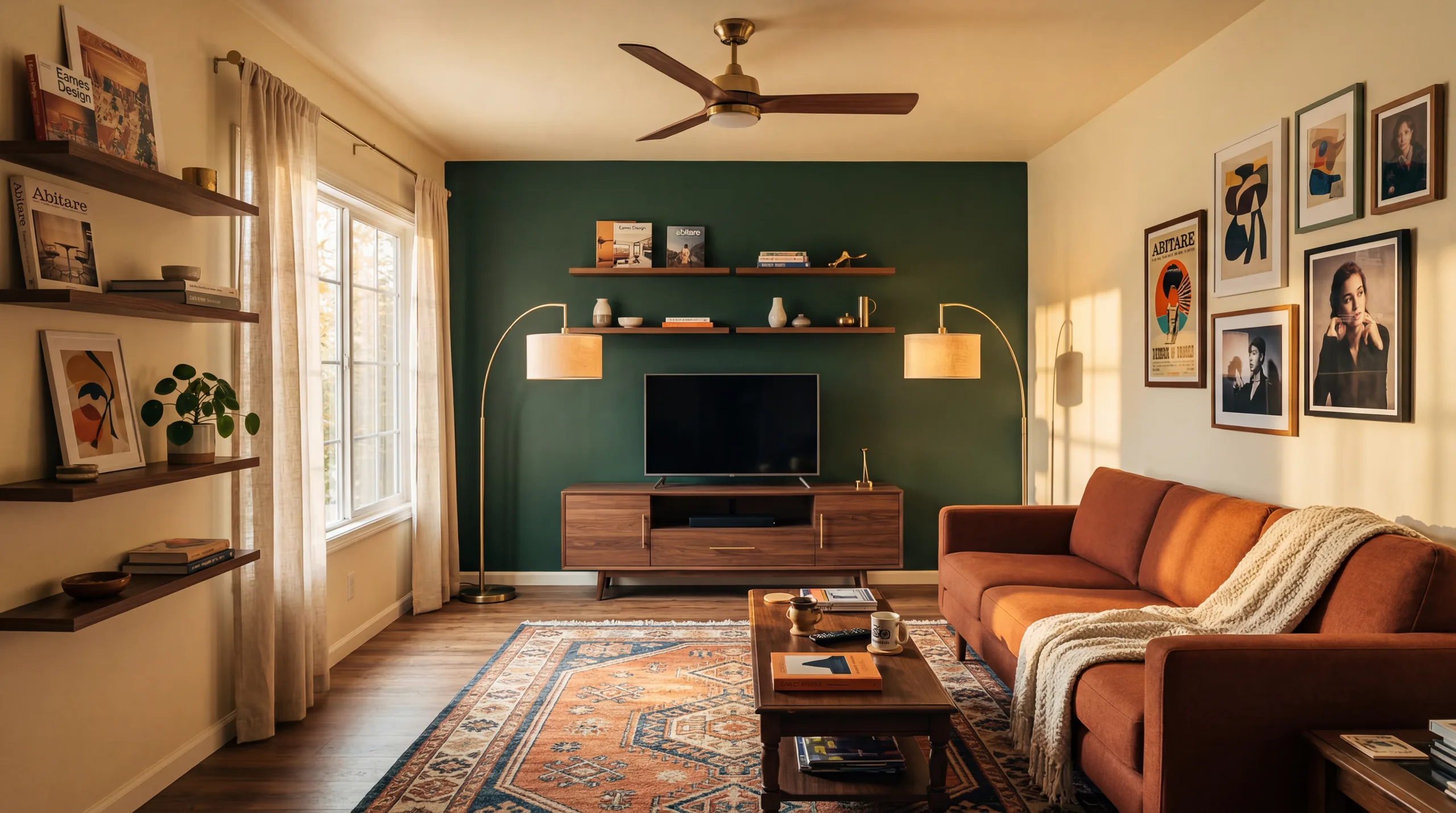
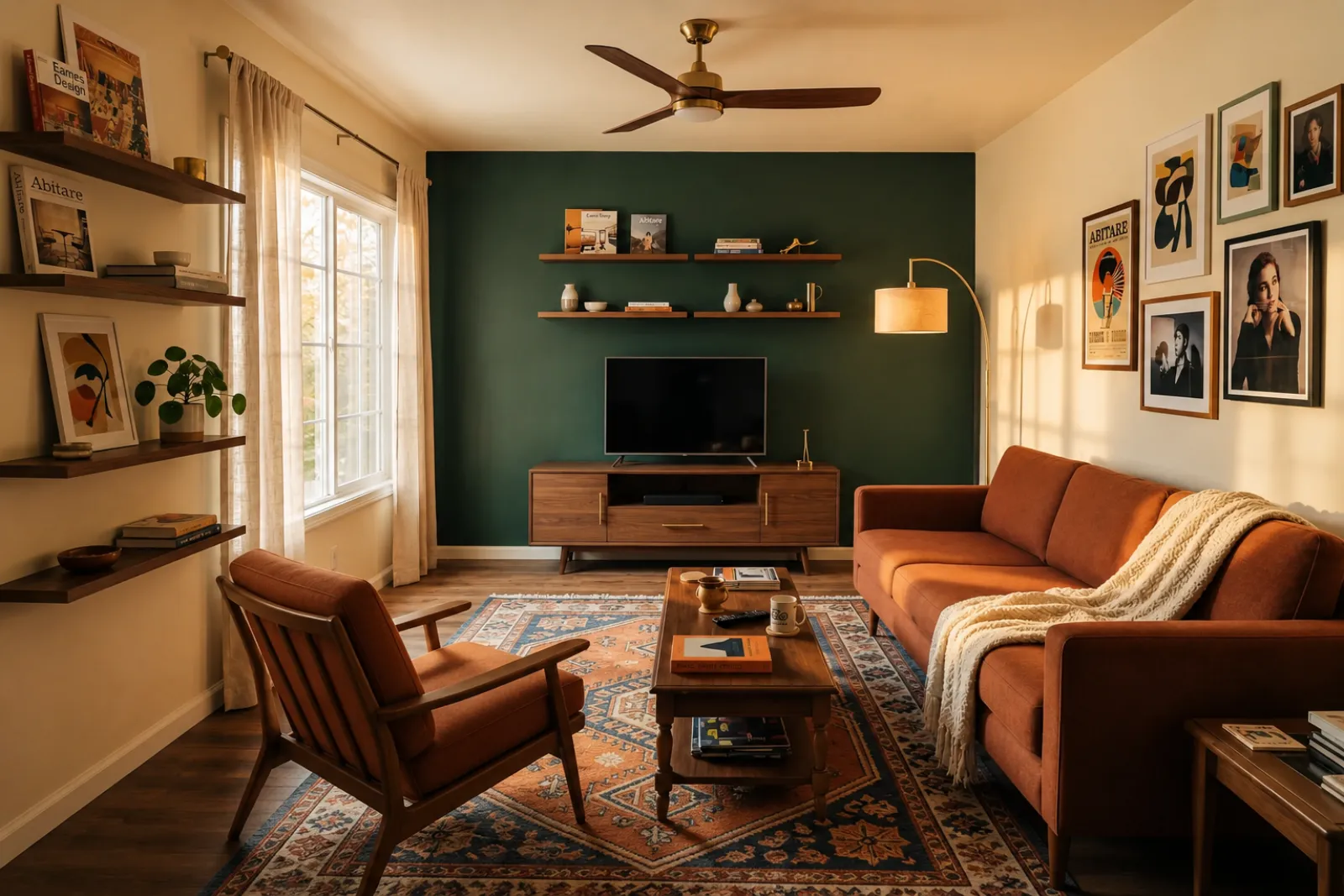
RoomFlip virtual staging

AI virtual staging for real room photos

Create quick before-and-after room previews for listings, rentals, renovation planning, and client conversations. Use the result as a visual aid, not a substitute for disclosure or real-world verification.

Upload a real photoPick the room goalCompare before and afterUse with context

Start from a real room photo and keep the original nearby for trust.

Style proof

Approved before and after staging directions.

A virtual staging page needs to show the difference quickly. These examples keep the original room context visible while switching between room types and staging jobs.

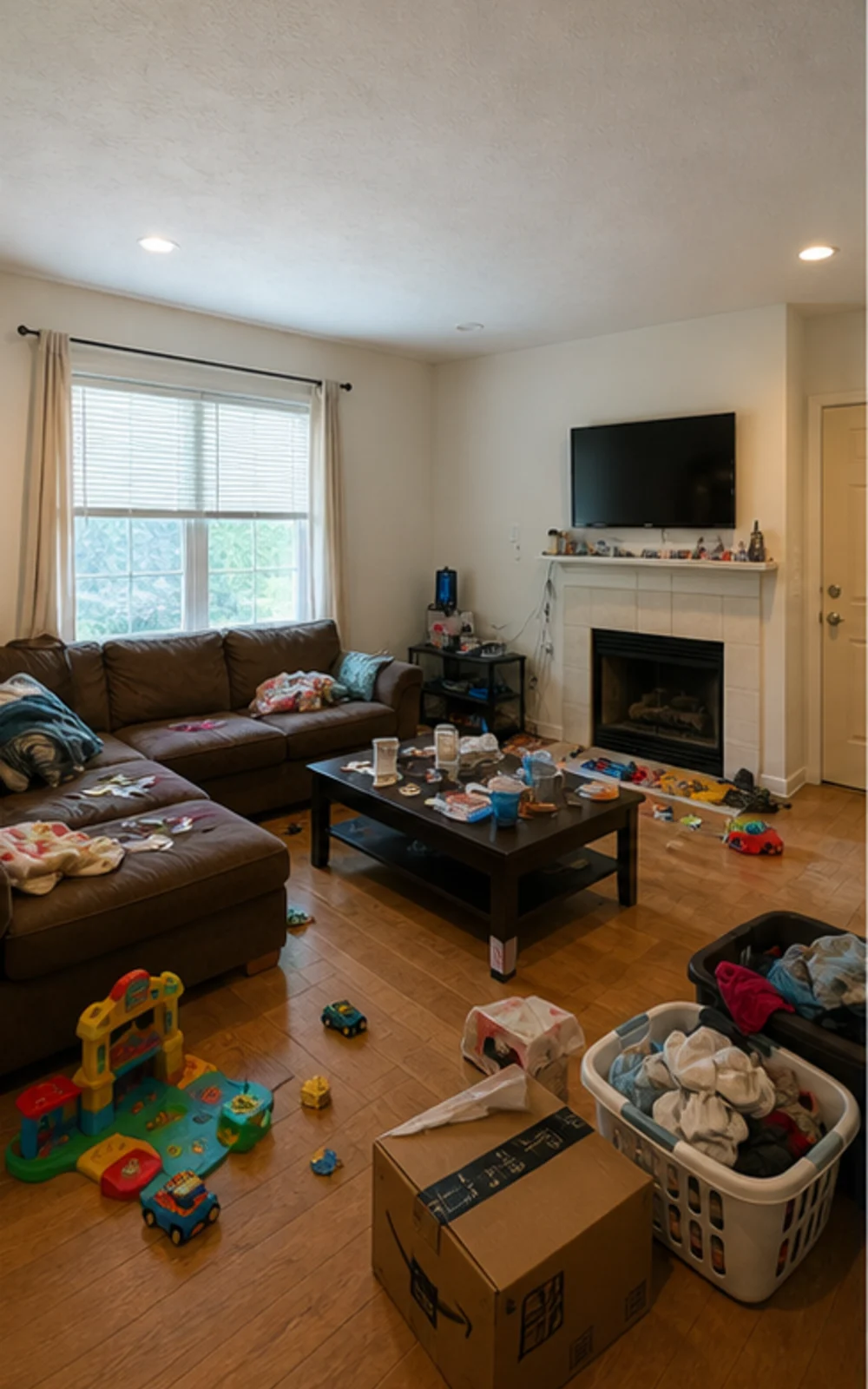
Original lived-in living room with clutter before AI virtual staging
Original
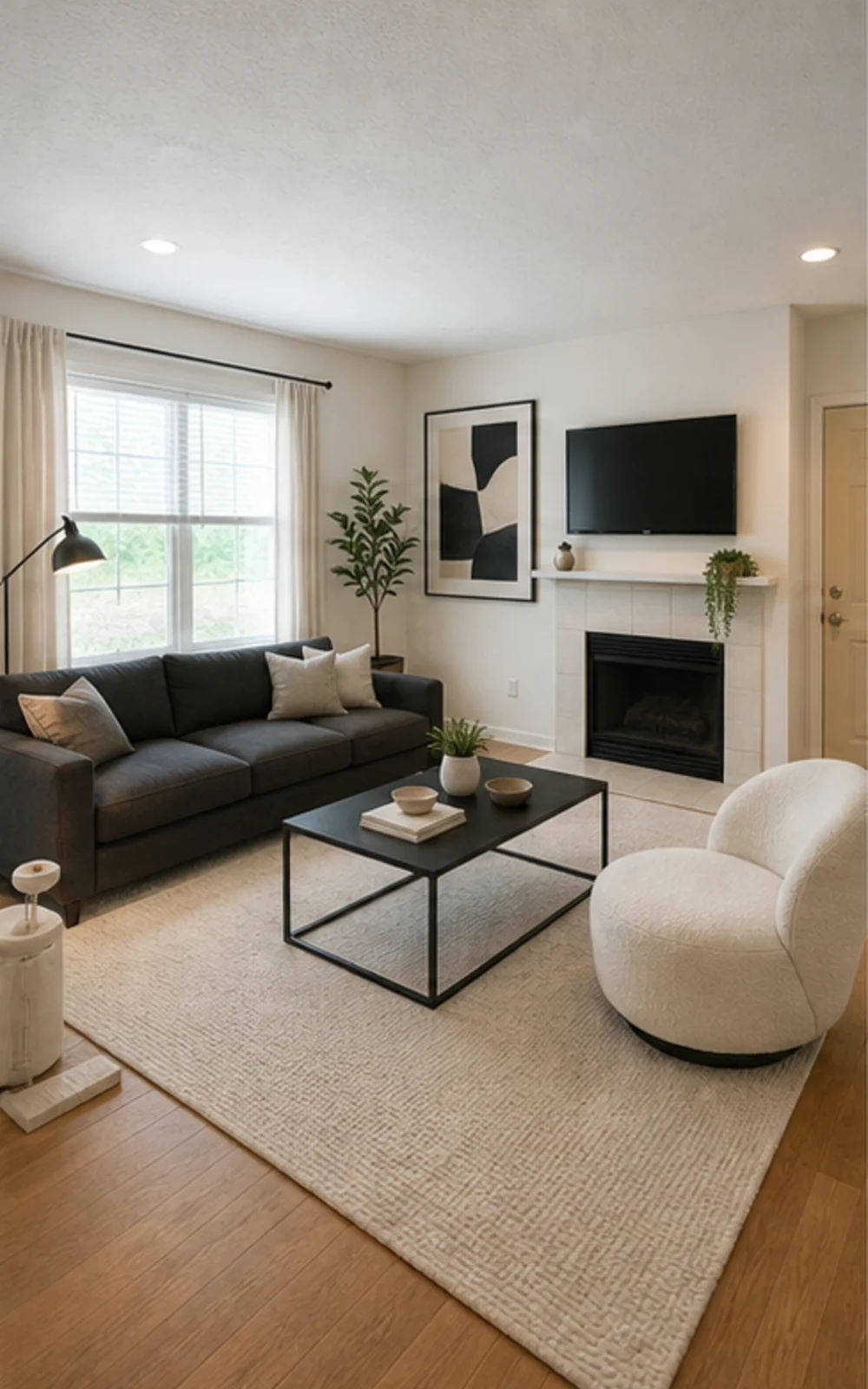
Modern AI virtual staging result for a cleaned living room
Modern

Remove clutter, then stage

A cluttered family room cleaned and restaged three ways

The messy family room becomes a clean modern listing photo with sharper furniture lines, a calm rug, abstract art, and brighter daylight.

Historie transformacji

Pokój łatwiej sprzedać, gdy przyszłość staje się konkretna

Realne scenariusze rozmów, których agenci, gospodarze, inwestorzy i wykonawcy używają, aby pomóc komuś wyobrazić sobie lepsze życie w tej samej przestrzeni.

Real estate agents

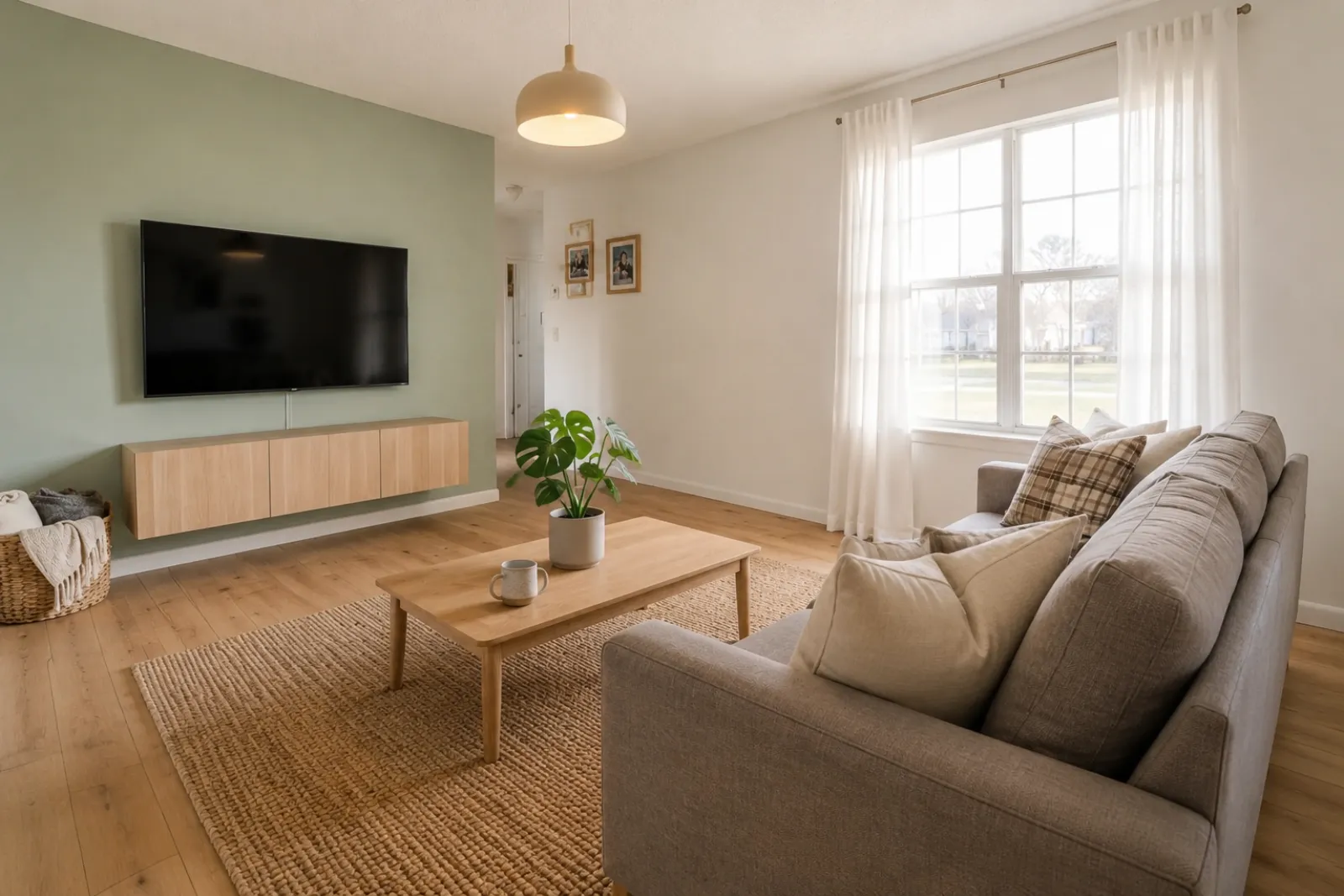
Listing staging that makes empty rooms easier to read

Before redesign
Before
After redesign
After

Talk Track

"Upload listing photos and compare before-and-after staging directions. Keep the original visible so sellers and buyers can understand what changed."

Airbnb hosts

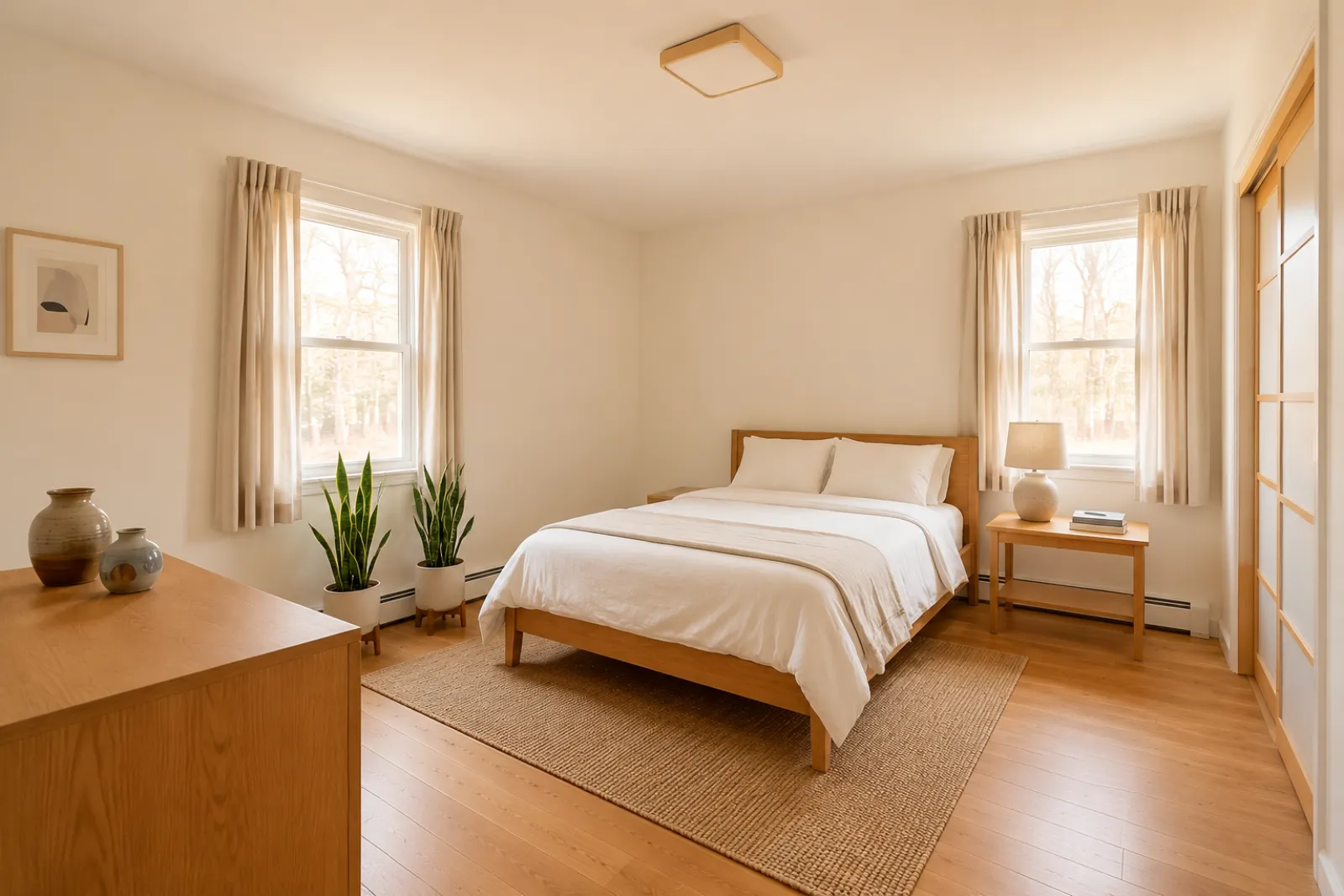
Seasonal refresh ideas before buying new decor

Before redesign
Before
After redesign
After

Talk Track

"Test seasonal looks before you commit. Use the strongest direction as a planning reference, then photograph the real room once the refresh is done."

Investors & flippers

Renovation direction before a deeper property review

Before redesign
Before
After redesign
After

Talk Track

"Use a real room photo to compare cosmetic directions before you spend contractor time. Verify scope, budget, and value outside RoomFlip."

Contractors

Proposal visuals that make the direction easier to approve

Before redesign
Before
After redesign
After

Talk Track

"Show a before-and-after direction from the client's own room photo, then pair it with your real estimate, measurements, and proposal process."

Jak działa RoomFlip Wirtualne Aranżacje

Four steps from raw room photo to a preview you can judge.

1

Wgraj prawdziwe zdjęcie pokoju

Wrzuć szerokie zdjęcie oferty — puste, częściowo umeblowane lub zamieszkane. Model zachowuje prawdziwe ściany, okna, podłogi i naturalne światło bez zmian.

2

Wybierz zadanie ofertowe

Wybierz spośród aranżacji dla pośrednika, odświeżenia Airbnb, podglądu remontu lub oferty wykonawcy. Każde zadanie uruchamia dostrojony prompt i renderuje odpowiedni wygląd.

3

Otrzymaj zaaranżowany pokój

W około 30 sekund otrzymujesz fotorealistyczny zaaranżowany obraz, który zachowuje rzeczywistą architekturę pokoju i wygląda jak naturalnie sfotografowany.

4

Use the result with context

Keep the original photo nearby, label virtual staging when required, and verify real-world details before publishing or quoting.

Built around honest room previews

Before/after

Core workflow

30s

Typical preview time

Real photo

Starting point

Planning aid

Best use

Aranżuj w tempie, którego potrzebują twoje oferty

Zacznij od trzech bezpłatnych kredytów po zalogowaniu. Dodaj pakiet kredytów na pojedyncze zamknięcie lub wykup subskrypcję, gdy aranżacja jest częścią każdej oferty.

Simple pricing for your room photos

Start free with 3 photos after sign-in. Pay only when you want more — a one-time pack or a monthly plan.

Free

$0

3 starter photos

  • No credit card required
  • Test a room direction instantly
  • Watermark preview quality

30 photos

$4.99

$0.17 per photo

  • 30 room photos
  • All staging actions and styles
  • One-time payment · watermark-free
Most popular

100 photos

$12.99

$0.13 per photo

  • 100 room photos
  • All staging actions and styles
  • One-time payment · watermark-free

300 photos

$29.99

$0.10 per photo

  • 300 room photos
  • All staging actions and styles
  • One-time payment · watermark-free

Billing questions

Is this a subscription? Will I be charged again?
One-time photo packs are a single payment — no subscription and no recurring charge. Subscription plans are clearly labeled and renew only while active; you can cancel anytime.
How do photos and credits work?
Each photo you generate uses credits by quality: Preview uses 1, Clean uses 2, and Best Detail uses 3. A pack's photo count is based on Preview quality, so higher-quality renders use proportionally more.
Can I cancel a subscription?
Yes. Cancellation takes effect at the end of the current billing cycle — you keep Pro access and any remaining monthly credits until then.
What about refunds?
Credits are digital goods delivered instantly. For web purchases where no photos have been generated yet, contact support and we'll review a goodwill refund.
Why does my free photo have a watermark?
Free previews carry a small watermark so you can check the direction first. Paid photos are watermark-free and saved at higher resolution.

Najczęściej zadawane pytania

What to know before using RoomFlip virtual staging for a real room, listing, rental, or client conversation.

What is RoomFlip virtual staging best for?

RoomFlip is best for creating before-and-after room previews from real photos. Use it to understand a direction, prepare a conversation, or plan a refresh. It does not replace disclosure rules, appraisals, contractor quotes, or platform requirements.

Jak realistyczne są zdjęcia zaaranżowanych pokoi?

Results work best when the original photo is clear, level, and well lit. Review every output against the real room before using it publicly.

Czy mogę używać wirtualnie zaaranżowanych zdjęć w MLS, Zillow i Airbnb?

Tak. AI wirtualna aranżacja jest legalna dla ofert nieruchomości w USA, a Airbnb zezwala na dokładne reprezentacje istniejącej jednostki. Większość systemów MLS i Krajowe Stowarzyszenie Pośredników wymaga jasnego ujawnienia, że zdjęcia zostały zaaranżowane wirtualnie, dlatego RoomFlip automatycznie dołącza podpis ujawniający, który możesz skopiować razem z obrazem. Zawsze etykietuj zaaranżowane obrazy, aby utrzymać zaufanie kupujących i gości.

Jak szybkie jest każde renderowanie i ile kosztuje?

New users get starter credits after sign-in. Paid credit packs and subscriptions are available when you need more previews or cleaner downloads.

Czy AI wymyśli ściany, okna lub pokoje, których tam nie ma?

Nie. Prompt wyraźnie nakazuje modelowi zachować ściany, okna, drzwi, podłogi, sufity i stałą architekturę bez zmian. Jedyne, co AI dodaje, to meble, dekoracje i delikatne akcenty świetlne. Jeśli wgrasz wyraźne, dobrze oświetlone zdjęcie z rogu lub drzwi, wynik czyta się jak profesjonalnie sfotografowaną wersję tego samego pokoju, a nie zupełnie inny pokój.

Czy mogę zaaranżować ten sam pokój w różnych stylach?

Yes. You can generate multiple directions for the same room and compare them before deciding which one is worth saving or using as a planning reference.

Jakie pokoje najlepiej działają w wirtualnej aranżacji?

Każda przestrzeń wewnętrzna działa: salony, sypialnie, kuchnie, łazienki, jadalnie, biura domowe, pokoje dziecięce i pokoje dodatkowe. Model najlepiej radzi sobie z szerokimi, dobrze oświetlonymi zdjęciami zrobionymi z rogu lub drzwi, które uchwycą podłogę, sufit, okna i główne płaszczyzny ścian. Mocno zaśmiecone zdjęcia też działają, ale dają mniej przewidywalne wyniki — jeśli to możliwe, oczyść podłogę.

Czy potrzebuję doświadczenia w projektowaniu, aby to używać?

Nie. Każdy przepływ pracy jest zbudowany tak, aby agent ofertowy, gospodarz, inwestor lub wykonawca bez doświadczenia w projektowaniu mógł wysłać obrazy gotowe do publikacji. Wybierz zadanie, wgraj zdjęcie, a miejsce pracy zajmie się dostrajaniem promptu, poprawkami oświetlenia i opisem oferty. Jeśli chcesz większej kontroli, plany płatne udostępniają suwaki stylu i nadpisania per pokój — ale domyślna ścieżka daje użyteczny wynik przy pierwszym renderze.