RoomFlip virtual staging

AI virtual staging for real room photos

Create quick before-and-after room previews for listings, rentals, renovation planning, and client conversations. Use the result as a visual aid, not a substitute for disclosure or real-world verification.

Upload a real photoPick the room goalCompare before and afterUse with context

Start from a real room photo and keep the original nearby for trust.

Style proof

Approved before and after staging directions.

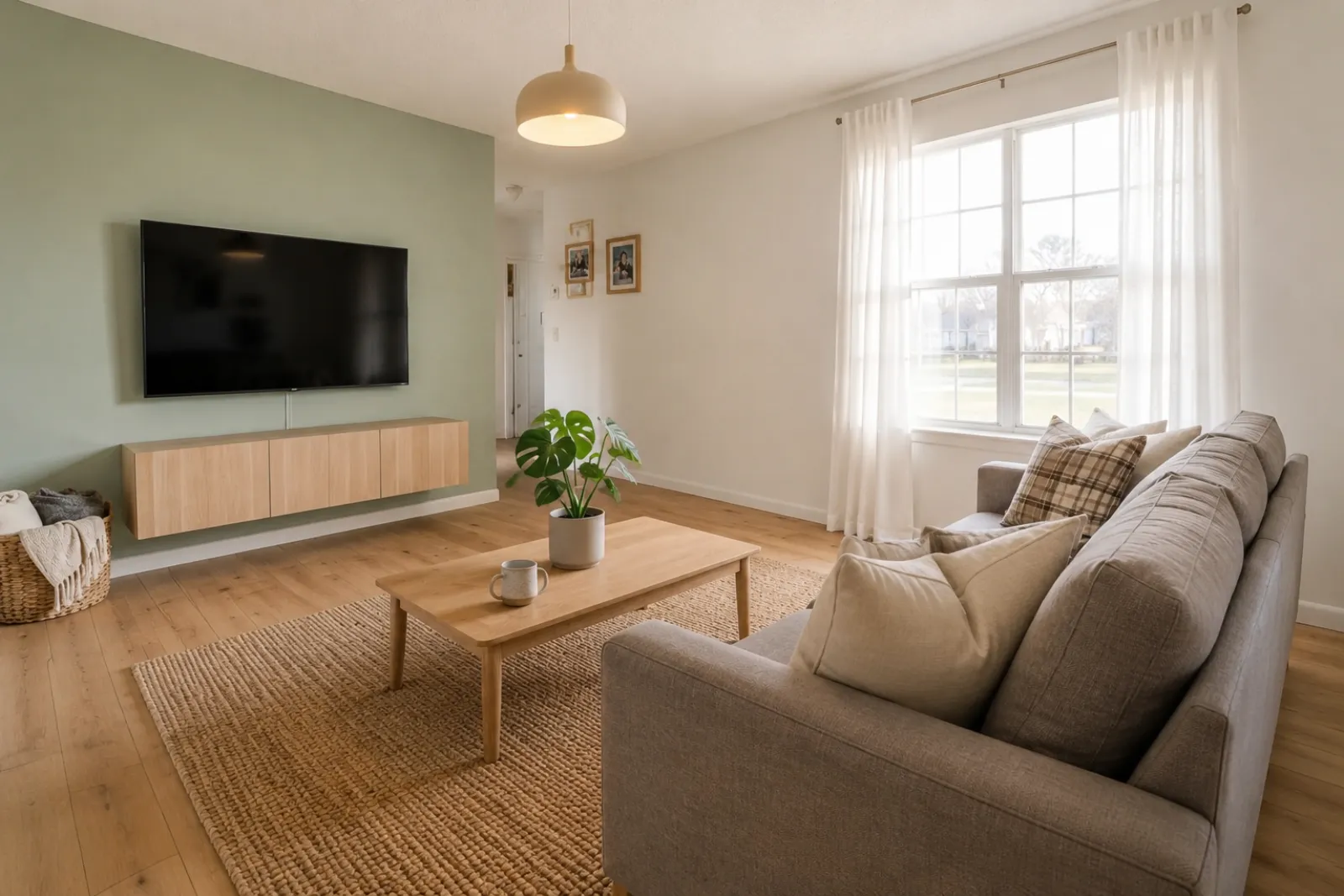
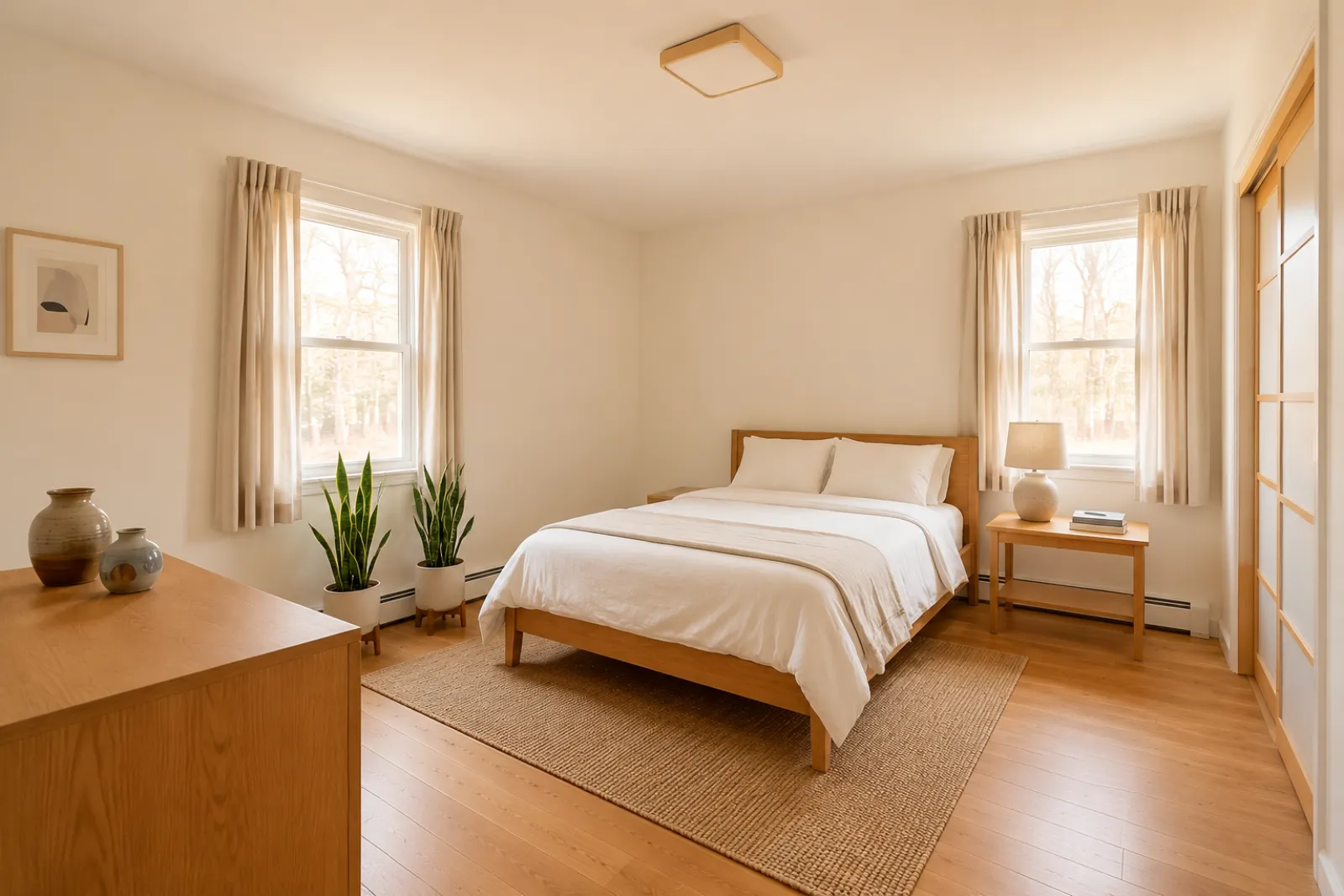
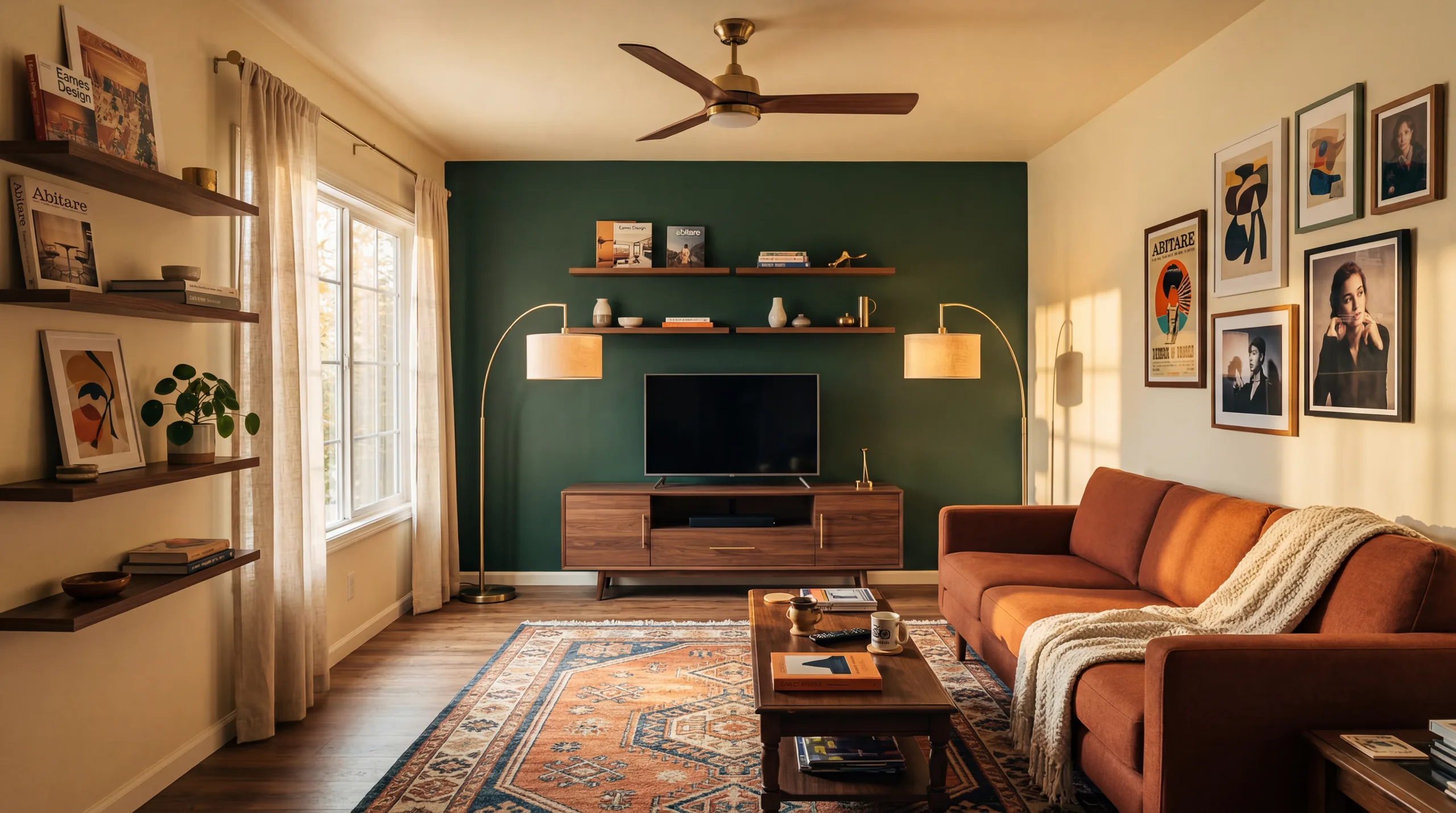
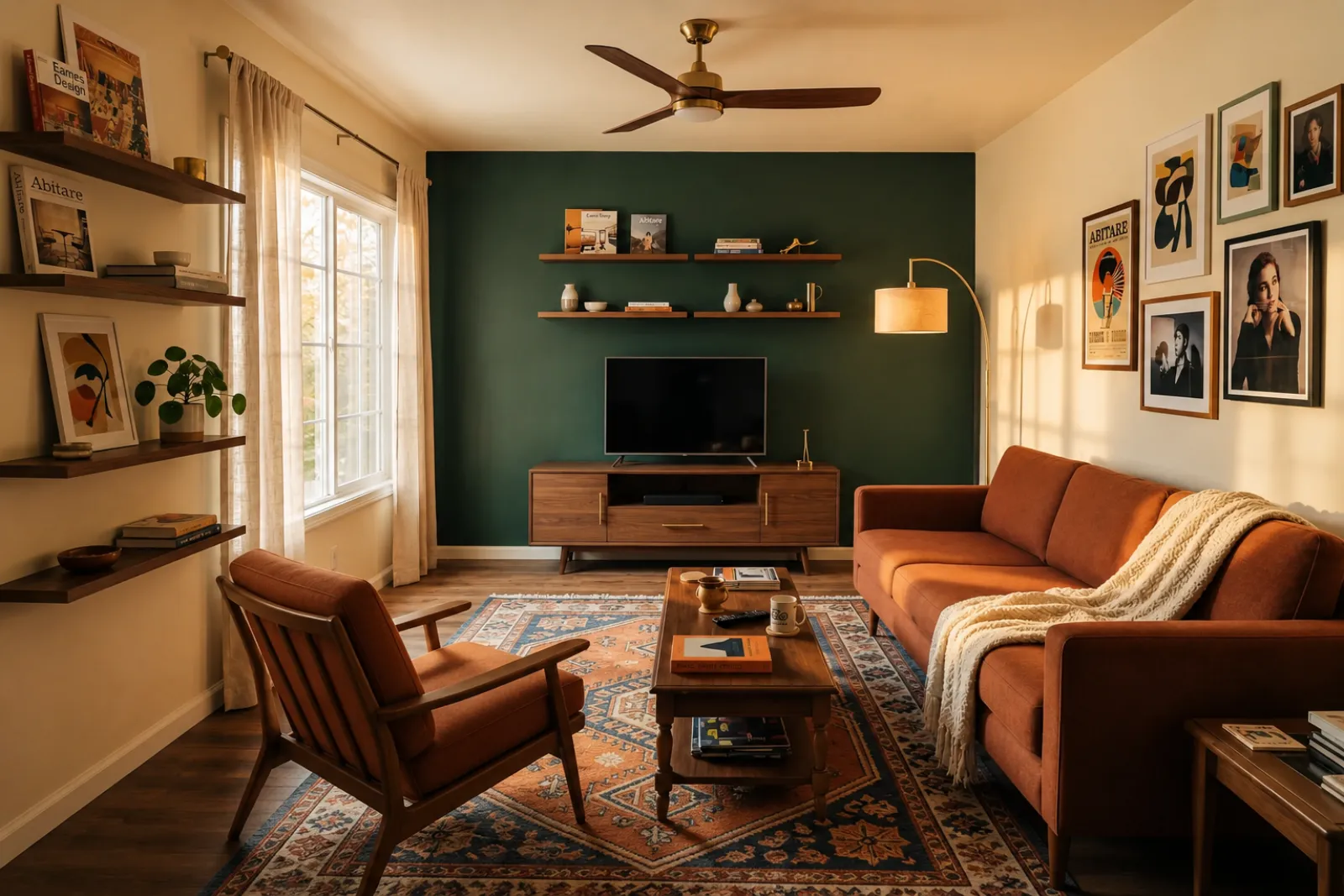
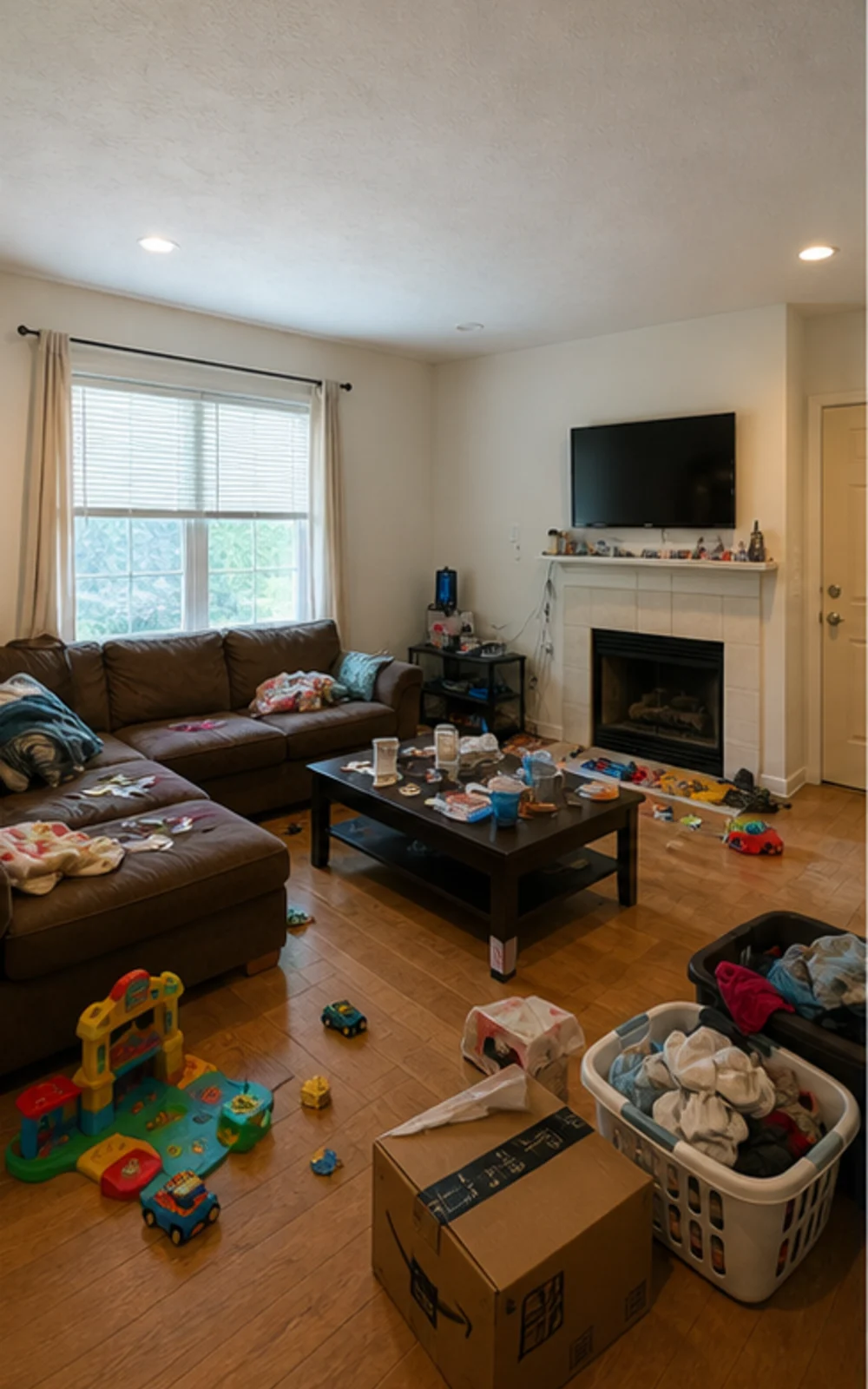
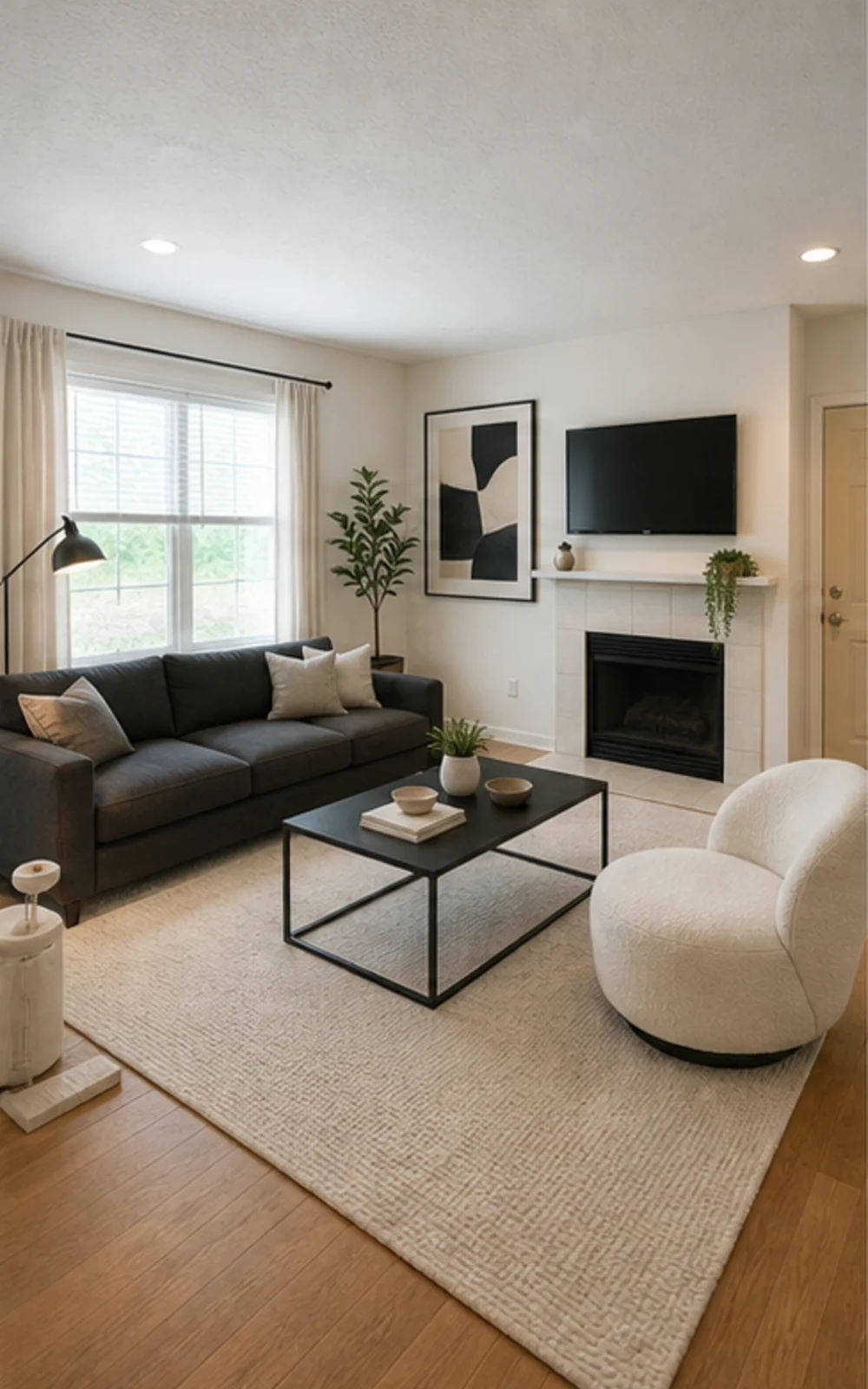
A virtual staging page needs to show the difference quickly. These examples keep the original room context visible while switching between room types and staging jobs.

Original lived-in living room with clutter before AI virtual staging
Original
Modern AI virtual staging result for a cleaned living room
Modern

Remove clutter, then stage

A cluttered family room cleaned and restaged three ways

The messy family room becomes a clean modern listing photo with sharper furniture lines, a calm rug, abstract art, and brighter daylight.

Mga Kwento ng Transformation

Mas madaling ibenta ang kuwarto kapag specific ang hitsura ng kinabukasan

Mga tunay na talk-track na ginagamit ng listing agent, host, investor, at contractor para tulungan ang isang tao na mailarawan ang mas magandang buhay sa loob ng parehong footprint.

Real estate agents

Listing staging that makes empty rooms easier to read

Before redesign
Before
After redesign
After

Talk Track

"Upload listing photos and compare before-and-after staging directions. Keep the original visible so sellers and buyers can understand what changed."

Airbnb hosts

Seasonal refresh ideas before buying new decor

Before redesign
Before
After redesign
After

Talk Track

"Test seasonal looks before you commit. Use the strongest direction as a planning reference, then photograph the real room once the refresh is done."

Investors & flippers

Renovation direction before a deeper property review

Before redesign
Before
After redesign
After

Talk Track

"Use a real room photo to compare cosmetic directions before you spend contractor time. Verify scope, budget, and value outside RoomFlip."

Contractors

Proposal visuals that make the direction easier to approve

Before redesign
Before
After redesign
After

Talk Track

"Show a before-and-after direction from the client's own room photo, then pair it with your real estimate, measurements, and proposal process."

Paano gumagana ang RoomFlip Virtual Staging

Four steps from raw room photo to a preview you can judge.

1

Mag-upload ng totoong room photo

Mag-drop ng wide listing photo — empty, half-furnished, o lived-in. Pinapanatili ng model ang totoong walls, windows, floors, at natural light.

2

Pumili ng listing job

Pumili mula sa realtor staging, Airbnb refresh, renovation preview, o contractor proposal. Ang bawat job ay nagpapatakbo ng tuned prompt at nag-rerender ng tamang itsura.

3

Kunin ang naka-stage na kuwarto

Sa loob ng 30 segundo makakakuha ka ng photorealistic staged image na pinapanatili ang totoong architecture ng kuwarto at natural ang dating.

4

Use the result with context

Keep the original photo nearby, label virtual staging when required, and verify real-world details before publishing or quoting.

Built around honest room previews

Before/after

Core workflow

30s

Typical preview time

Real photo

Starting point

Planning aid

Best use

Mag-stage sa pace na kailangan ng listings mo

Magsimula sa tatlong libreng credit pagkatapos mag-sign in. Magdagdag ng credit pack para sa isang closing, o mag-subscribe kapag bahagi ng bawat listing ang staging.

Simple pricing for room credits

Start free with 3 credits after sign-in. Pay only when you want more — a one-time pack or a monthly plan.

Free

$0

3 starter credits

  • No credit card required
  • 3 Preview drafts
  • Watermarked preview quality

30 credits

$4.99

$0.17 per credit

Best Detail about $0.33 per image

  • Best Detail: 15 images · Clean: 15 images · Preview: 30 drafts
  • All staging actions and styles
  • One-time payment · watermark-free
Most popular

100 credits

$12.99

$0.13 per credit

Best Detail about $0.26 per image

  • Best Detail: 50 images · Clean: 50 images · Preview: 100 drafts
  • All staging actions and styles
  • One-time payment · watermark-free

300 credits

$29.99

$0.10 per credit

Best Detail about $0.20 per image

  • Best Detail: 150 images · Clean: 150 images · Preview: 300 drafts
  • All staging actions and styles
  • One-time payment · watermark-free

Billing questions

Is this a subscription? Will I be charged again?
One-time credit packs are a single payment — no subscription and no recurring charge. Subscription plans are clearly labeled and renew only while active; you can cancel anytime.
How do photos and credits work?
Each generated image uses credits by quality: Preview drafts use 1 credit, Clean images use 2 credits, and Best Detail images use 2 credits. Packs and subscriptions show credits first so the higher-quality cost is clear before checkout.
Can I cancel a subscription?
Yes. Cancellation takes effect at the end of the current billing cycle — you keep Pro access and any remaining monthly credits until then.
What about refunds?
Credits are digital goods delivered instantly. For web purchases where no photos have been generated yet, contact support and we'll review a goodwill refund.
Why does my free Preview have a watermark?
Free Preview drafts can include a small watermark so you can check the direction first. Paid Clean and Best Detail images are watermark-free and saved at higher resolution.

Mga madalas itanong

What to know before using RoomFlip virtual staging for a real room, listing, rental, or client conversation.

What is RoomFlip virtual staging best for?

RoomFlip is best for creating before-and-after room previews from real photos. Use it to understand a direction, prepare a conversation, or plan a refresh. It does not replace disclosure rules, appraisals, contractor quotes, or platform requirements.

Gaano kareal ang mga naka-stage na room photo?

Results work best when the original photo is clear, level, and well lit. Review every output against the real room before using it publicly.

Maaari ko bang gamitin ang virtually staged photos sa MLS, Zillow, at Airbnb?

Oo. Legal ang AI virtual staging para sa real estate listings sa United States, at pinapahintulutan ng Airbnb ang accurate representation ng existing unit. Karamihan ng MLS systems at ang National Association of Realtors ay nag-require ng clear disclosure na ang photos ay virtually staged, kaya auto-appends ng RoomFlip ang disclosure caption na puwede mong kopyahin kasama ng image. Laging i-label ang naka-stage na images para mapanatili ang tiwala ng buyers at guests.

Gaano kabilis ang bawat render at magkano?

New users get starter credits after sign-in. Paid credit packs and subscriptions are available when you need more previews or cleaner downloads.

Iimbentuhin ba ng AI ang mga walls, windows, o rooms na wala doon?

Hindi. Explicitly sinasabi ng prompt sa model na panatilihin ang walls, windows, doors, flooring, ceilings, at fixed architecture na hindi nagbabago. Ang idinadagdag lang ng AI ay furniture, decor, at softer lighting touches. Kung mag-upload ka ng malinaw at well-lit na photo mula sa sulok o doorway, ang output ay parang professionally photographed version ng parehong kuwarto, hindi iba.

Puwede ko bang i-stage ang parehong kuwarto sa iba-ibang style?

Yes. You can generate multiple directions for the same room and compare them before deciding which one is worth saving or using as a planning reference.

Anong kuwarto ang pinakamagaling para sa virtual staging?

Lahat ng indoor space ay puwede: living rooms, bedrooms, kitchens, bathrooms, dining rooms, home offices, nurseries, at bonus rooms. Pinaka-magaling ang model sa wide, well-lit na photos na kinunan mula sa sulok o doorway na nag-capture ng floor, ceiling, windows, at main wall planes. Ang sobrang magulong photos ay puwede pa rin pero less predictable ang results — i-clear ang floor kung kaya.

Kailangan ko ba ng design experience para magamit ito?

Hindi. Bawat workflow ay ginawa para ang listing agent, host, investor, o contractor na walang design background ay makapag-ship ng publish-ready images. Piliin ang job, mag-upload ng photo, at ang workspace na ang bahala sa prompt tuning, lighting fixes, at listing copy. Kung gusto mo ng mas maraming control, ina-expose ng paid plans ang style sliders at per-room overrides — pero ang default path ay nagbibigay ng usable result sa unang render.