Makléra inzeráty
Vstúpte a cítite, ako vám padá hmotnosť dňa z ramien
 Pred
Pred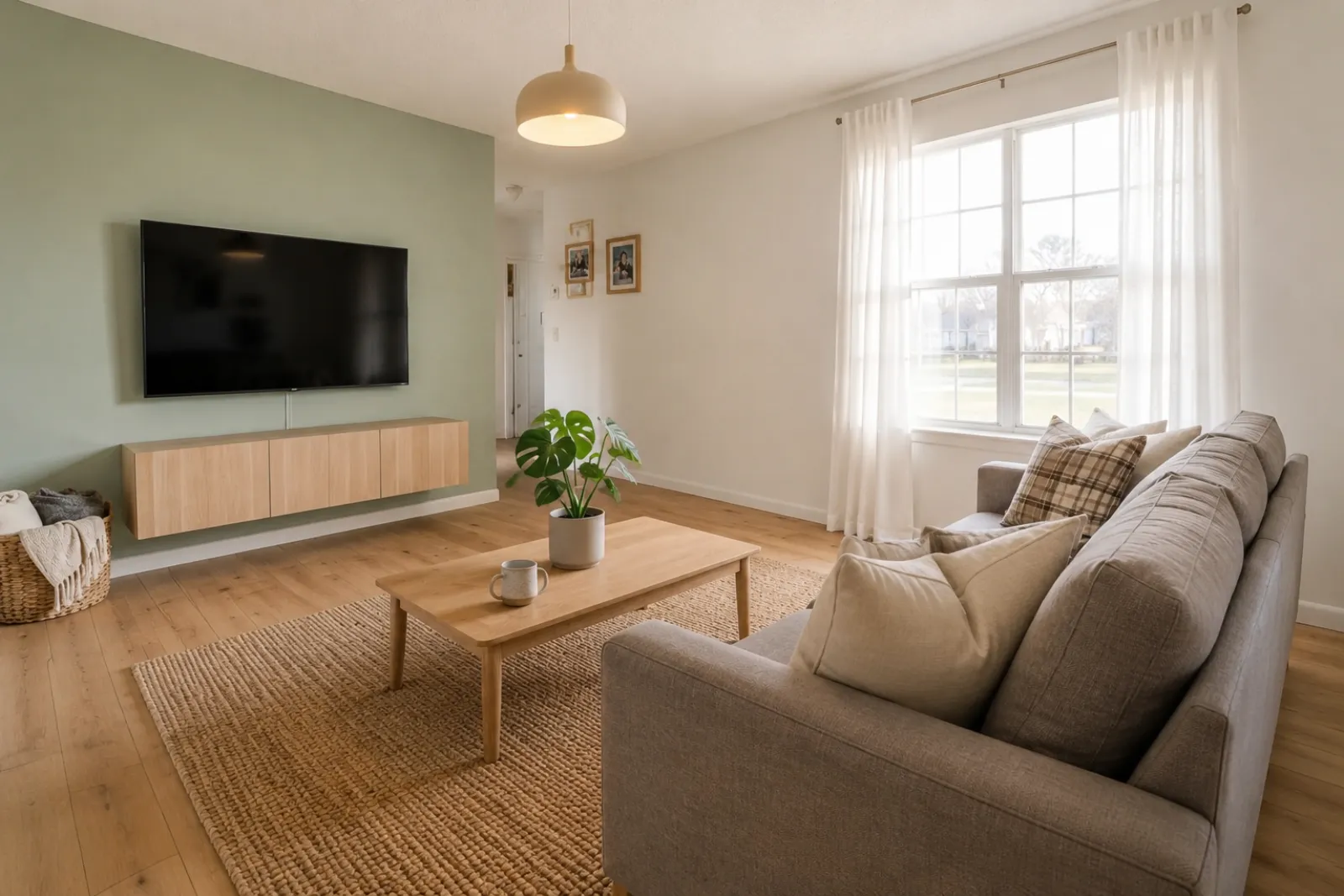 Po
PoPríbehy premeny
"Vygenerované obrázky sú vizuálne koncepty. Overte architektúru, rozmery, nábytok, materiály a označenia podľa skutočnej izby."
Vytvárajte rýchle náhľady virtuálneho home stagingu pred a po pre inzeráty, prenájmy, plánovanie rekonštrukcií a rozhovory s klientmi. Výsledok použite ako vizuálnu pomôcku, nie ako náhradu za zverejňovanie alebo overenie v reálnom svete.
Začnite od skutočnej fotky izby a pre dôveru ponechajte originál nablízku.
Pred / Po prípadoch
RoomFlip je najsilnejší, keď má jeden vygenerovaný obrázok pracovnú úlohu: pomôcť kupujúcemu pochopiť mierku, pomôcť hostovi predstaviť si pobyt alebo pomôcť klientovi schváliť smer pred tým, ako sa minú peniaze.
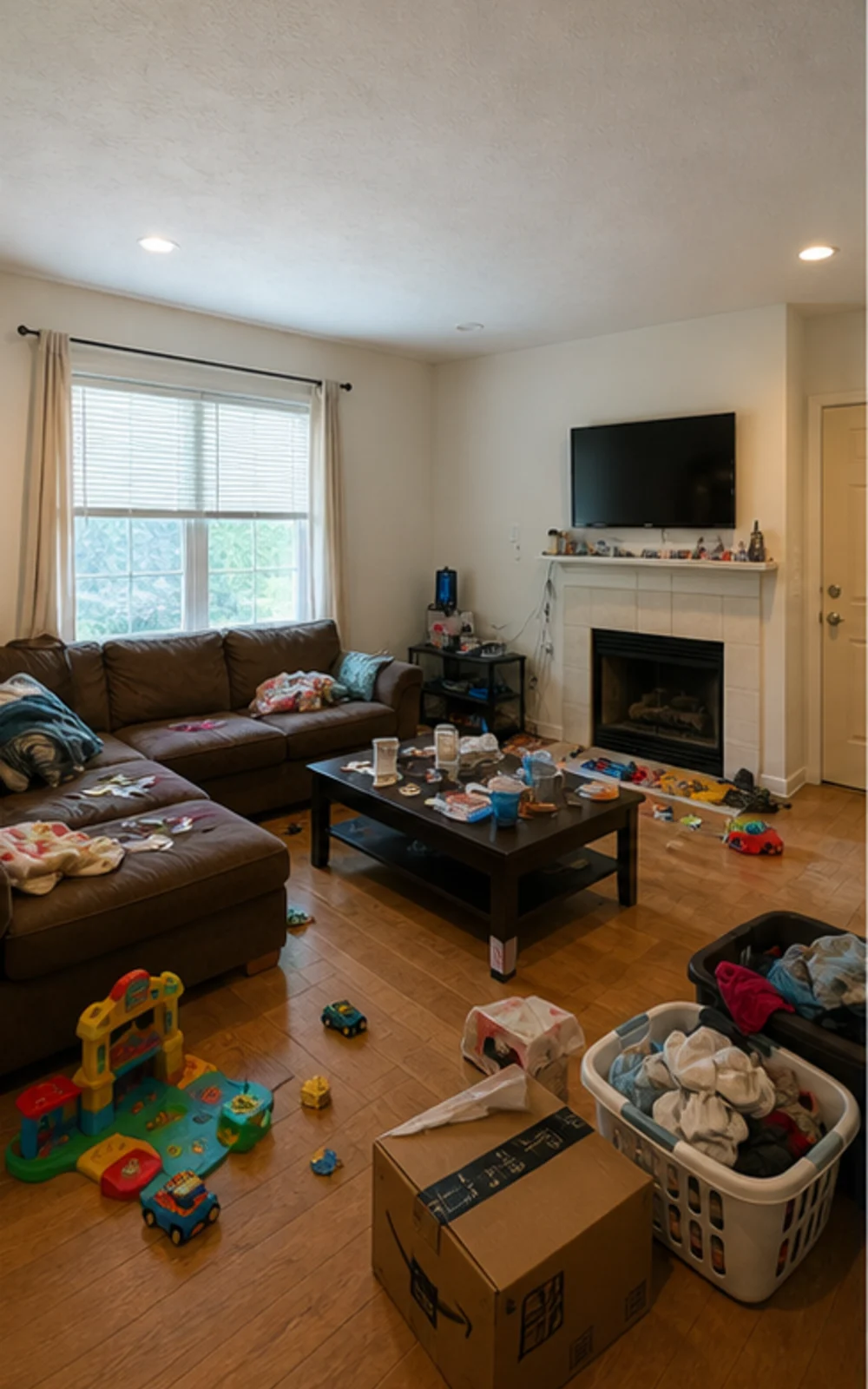
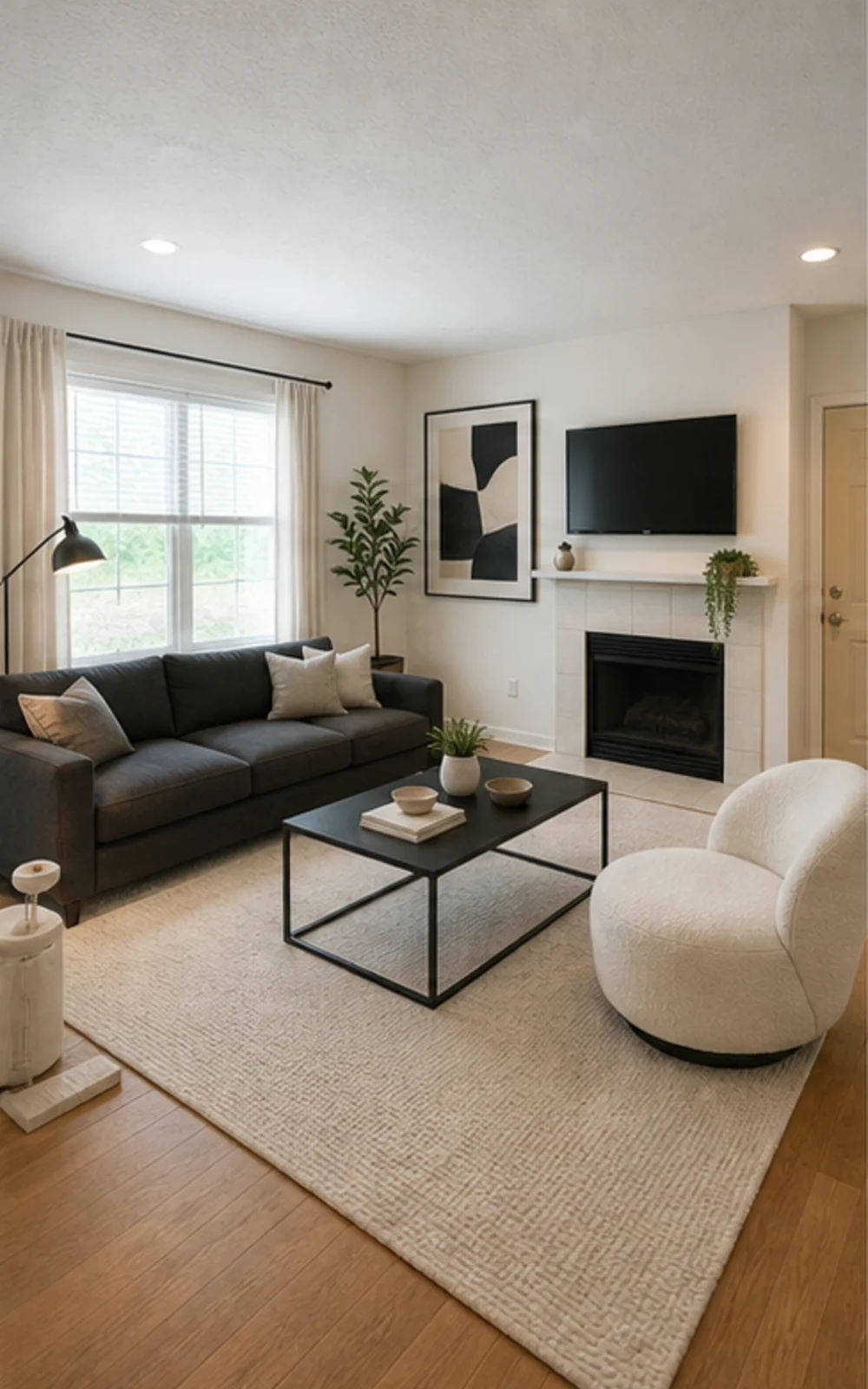
Odstrániť neporiadok, potom naštajlovať
Upchatá rodinná izba sa stáva čistou modernou fotkou inzerátu s ostrejšími líniami nábytku, pokojným kobercom, abstraktným umením a jasnejším denným svetlom.
Príbehy premeny
Vygenerované obrázky sú vizuálne koncepty. Overte architektúru, rozmery, nábytok, materiály a označenia podľa skutočnej izby.
Makléra inzeráty
PredPoPríbehy premeny
"Vygenerované obrázky sú vizuálne koncepty. Overte architektúru, rozmery, nábytok, materiály a označenia podľa skutočnej izby."
Superhost na Airbnb
 Pred
Pred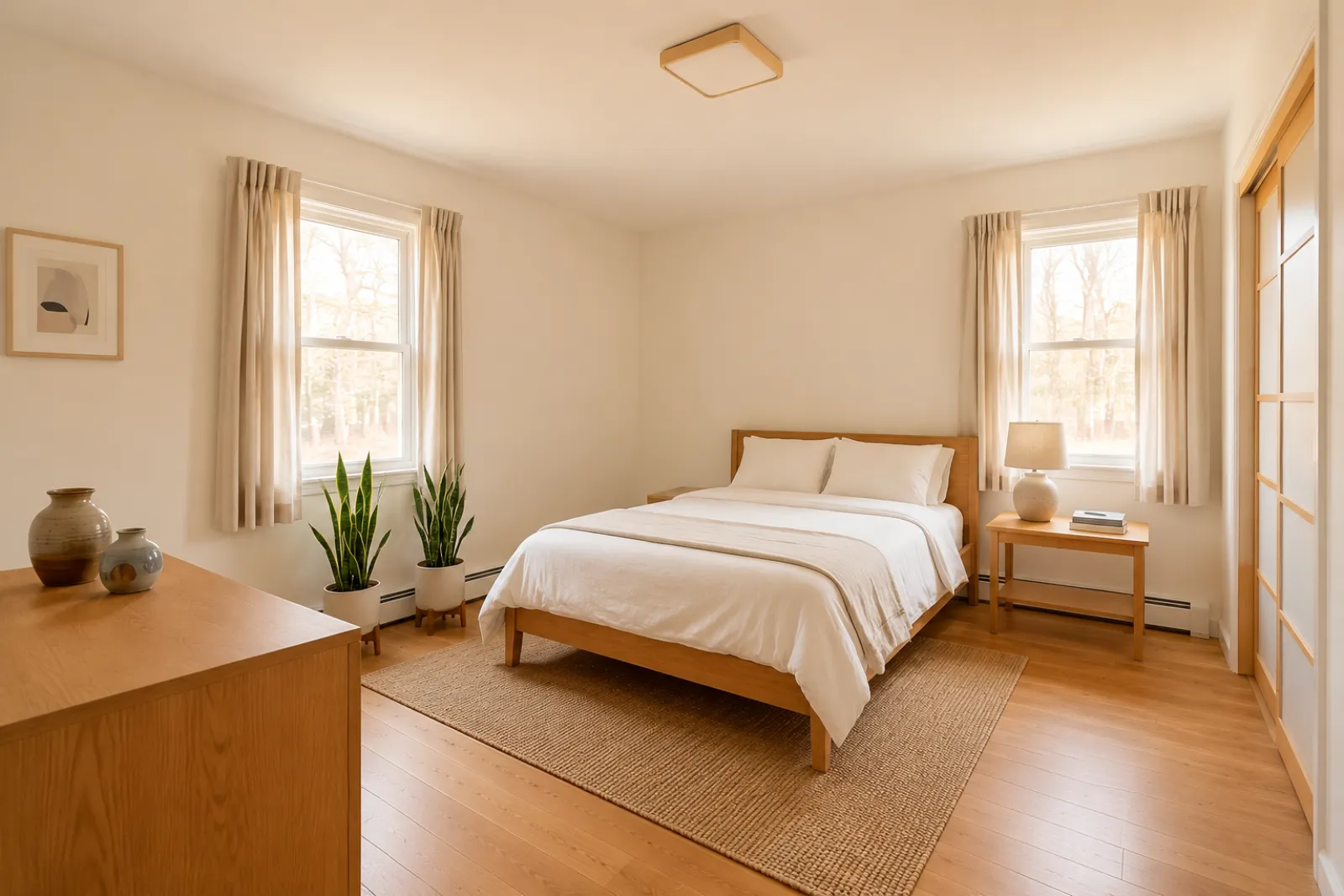 Po
PoPríbehy premeny
"Vygenerované obrázky sú vizuálne koncepty. Overte architektúru, rozmery, nábytok, materiály a označenia podľa skutočnej izby."
Konzultant na rekonštrukciu
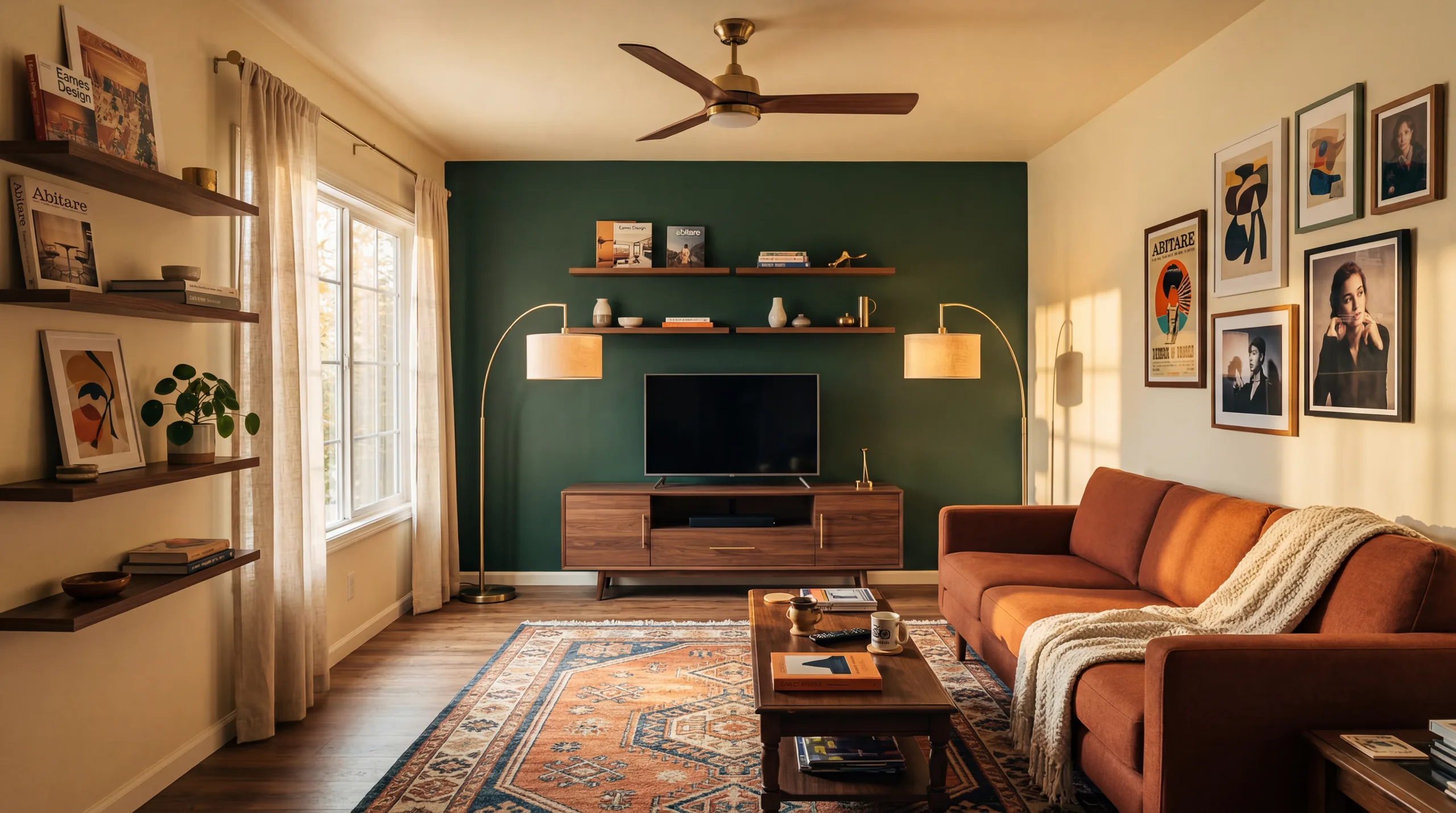 Pred
Pred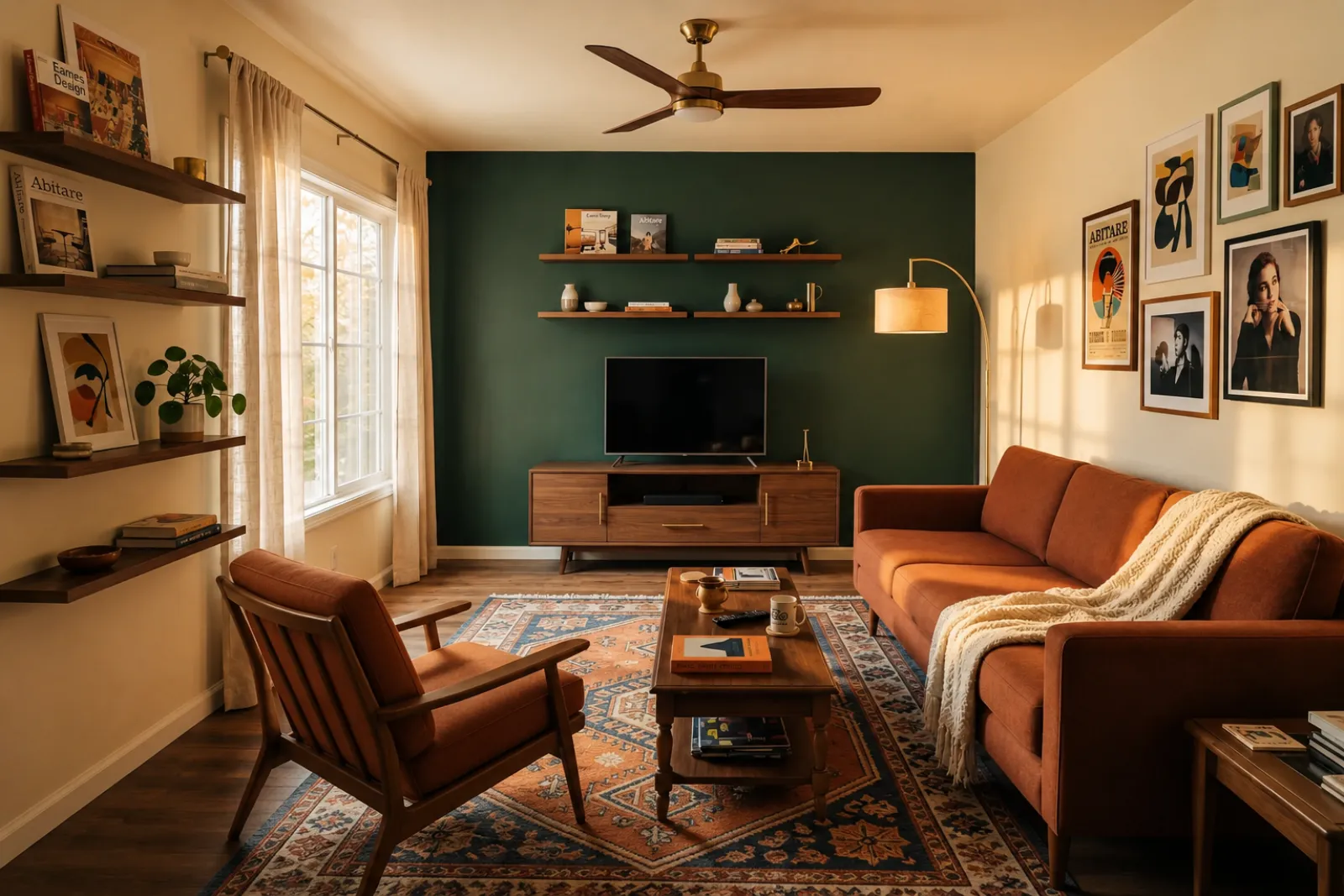 Po
PoPríbehy premeny
"Vygenerované obrázky sú vizuálne koncepty. Overte architektúru, rozmery, nábytok, materiály a označenia podľa skutočnej izby."
Rastúca rodina
PredPoPríbehy premeny
"Vygenerované obrázky sú vizuálne koncepty. Overte architektúru, rozmery, nábytok, materiály a označenia podľa skutočnej izby."
Začnite so súčasnými vizuálnymi nástrojmi. Profesionálne stránky používajte pre kontext plánovania inzerátov, prenájmov a klientov bez predpokladu kompletného workflow inzerátu alebo ponúk.
Vytvárajte náhľady stagingu pred a po pre fotky prázdnych alebo zastaraných inzerátov.
Vyskúšajte si nápady na osvieženie prenájmu, kým kúpite nábytok alebo aktualizujete skutočné fotky inzerátu.
Pomôžte kupujúcim pochopiť prázdne izby novej výstavby, kým príde nábytok.
Použite náhľad izby so stagingom, aby bol rozhovor s predávajúcim vizuálnejší a konkrétnejší.
Vyskúšajte si kozmetické smery zo skutočnej fotky izby pred hlbším posúdením rekonštrukcie.
Ukážte vizuálny smer z fotky izby klienta a potom pridajte vlastný rozsah a ceny.
Otestujte nápady na sezónne osvieženie prenájmu, kým zmeníte skutočný priestor.
Skontrolujte, či sa gauč, posteľ alebo stôl skutočne zmestí a ostane miesto na chodenie — ešte pred objednaním.
Štyri kroky od surovej fotky izby k náhľadu, ktorý môžete posúdiť.
Vygenerované obrázky sú vizuálne koncepty. Overte architektúru, rozmery, nábytok, materiály a označenia podľa skutočnej izby.
Vyberte staging pre maklérov, refresh Airbnb, náhľad rekonštrukcie alebo ponuku dodávateľa. Každá úloha používa vyladený prompt a vykreslí správny vzhľad.
Čas spracovania sa líši podľa obrázka a aktuálneho dopytu. Každý výsledok porovnajte s pôvodnou fotografiou.
Ponechajte pôvodnú fotku nablízku, označte virtuálny home staging tam, kde sa to vyžaduje, a pred zverejnením alebo cenovou ponukou overte detaily v reálnom svete.
Pred/po
Core workflow
Líši sa
Čas spracovania
Skutočná fotka
Starting point
Planning aid
Najlepšie použitie
Začnite s 10 kreditmi zdarma po prihlásení. Pridajte balík kreditov na jednu zákazku alebo si predplaťte, ak je staging súčasťou každého inzerátu.
Začnite s 10 kreditmi po prihlásení. Jednorazové balíčky a predplatné sú k dispozícii; pred platbou si prečítajte aktuálnu sumu a podmienky.
Predplatné plány
Pre opakovanú prácu na inzerátoch, prenájmoch alebo klientoch. Pred platbou si prečítajte načasovanie obnovenia a celkové sumy.
Vyskúšajte workflow skôr, než miniete peniaze
10 štartovacích kreditov po prihlásení
Pre majiteľov domov, maklérov a hostiteľov pripravujúcich pár izieb
100 kreditov / mesiac
Final design približne 0,20 USD / obrázok
Pre agentúry, prevádzkovateľov prenájmov a viacfotkové sady inzerátov
400 kreditov / mesiac
Final design približne 0,12 USD / obrázok · najnižšia cena za jednotku
Jednorazové kreditové balíčky
Pre občasné fotky inzerátov, osvieženia prenájmov alebo možnosti pre klientov: jedna platba, žiadne predplatné.
30 kreditov
0,17 USD za kredit
≈ 15 HD images
Covers one room100 kreditov
0,13 USD za kredit
≈ 50 HD images
300 kreditov
0,10 USD za kredit
≈ 150 HD images
Bezpečná platba cez Stripe · Ceny uvedené v USD
Čo vedieť, kým použijete virtuálny home staging RoomFlip pre skutočnú izbu, inzerát, prenájom alebo rozhovor s klientom.
RoomFlip je najlepší na vytváranie náhľadov izieb pred a po zo skutočných fotiek. Použite ho na pochopenie smeru, prípravu rozhovoru alebo plánovanie osvieženia. Nenahrádza pravidlá zverejňovania, odhady, cenové ponuky dodávateľov ani požiadavky platformy.
Výsledky fungujú najlepšie, keď je pôvodná fotka jasná, rovná a dobre osvetlená. Každý výstup pred verejným použitím porovnajte so skutočnou izbou.
Áno. AI virtuálny staging je legálny pre realitné inzeráty v USA a Airbnb povoľuje presné zobrazenie existujúcej jednotky. Väčšina MLS systémov a National Association of Realtors vyžaduje jasné označenie, že fotky sú virtuálne zariadené, takže RoomFlip automaticky pridá popisok s upozornením, ktorý sa dá skopírovať s obrazom. Zariadené fotky vždy označujte, aby ste udržali dôveru kupujúcich a hostí.
Noví používatelia dostanú štartovacie kredity po prihlásení. Platené kreditové balíčky a predplatné sú k dispozícii, keď potrebujete viac náhľadov alebo čistejšie sťahovanie.
Nie. Prompt modelu výslovne hovorí, aby steny, okná, dvere, podlahy, stropy a pevnú architektúru nechal bez zmeny. Jediné, čo AI pridá, je nábytok, dekor a jemnejšie dotyky osvetlenia. Ak nahráte jasnú, dobre osvetlenú fotku z rohu alebo dverí, výstup vyzerá ako profesionálne odfotená verzia tej istej miestnosti, nie ako úplne iná miestnosť.
Áno. Pre tú istú izbu môžete vygenerovať viac smerov a porovnať ich, kým sa rozhodnete, ktorý stojí za uloženie alebo použitie ako plánovaciu referenciu.
Akýkoľvek vnútorný priestor: obývačky, spálne, kuchyne, kúpeľne, jedálne, domáce kancelárie, detské izby a bonusové miestnosti. Model funguje najlepšie na širokých, dobre osvetlených fotkách z rohu alebo dverí, ktoré zachytia podlahu, strop, okná a hlavné plochy stien. Veľmi neprehľadné fotky stále fungujú, ale výsledok je menej predvídateľný — ak je to možné, uvoľnite podlahu.
Vygenerované obrázky sú vizuálne koncepty. Overte architektúru, rozmery, nábytok, materiály a označenia podľa skutočnej izby.
Nahrajte fotografie a detaily nehnuteľnosti a okamžite vygenerujte popisy MLS, texty pre Zillow, popisky na Instagram, príspevky na Facebook, SEO titulky a kontrolu dodržiavania Fair Housing. Vytvorené pre realitných maklérov.
Zobraziť detaily →Pred kúpou skontrolujte, či sa gauč, stôl, posteľ alebo skrinka pravdepodobne zmestí do izby. Použite rozmery izby, nábytku a priechodu na rýchly odhad.
Zobraziť detaily →Nahrajte až 6 fotografií miestnosti a vytvorte konzistentnú sadu virtuálneho aranžovania pomocou AI pre ponuky, prenájmy Airbnb, ukážky renovácií a prezentácie pre klientov.
Zobraziť detaily →Skontrolujte, či sa pohovka, stôl, posteľ alebo skriňa pravdepodobne zmestia do vašej izby pred objednaním. Najprv použite rozmery, potom si pozrite štýl na reálnej fotografii.
Zobraziť detaily →