RoomFlip virtual staging

AI virtual staging for real room photos

Create quick before-and-after room previews for listings, rentals, renovation planning, and client conversations. Use the result as a visual aid, not a substitute for disclosure or real-world verification.

Upload a real photoPick the room goalCompare before and afterUse with context

Start from a real room photo and keep the original nearby for trust.

Style proof

Approved before and after staging directions.

A virtual staging page needs to show the difference quickly. These examples keep the original room context visible while switching between room types and staging jobs.

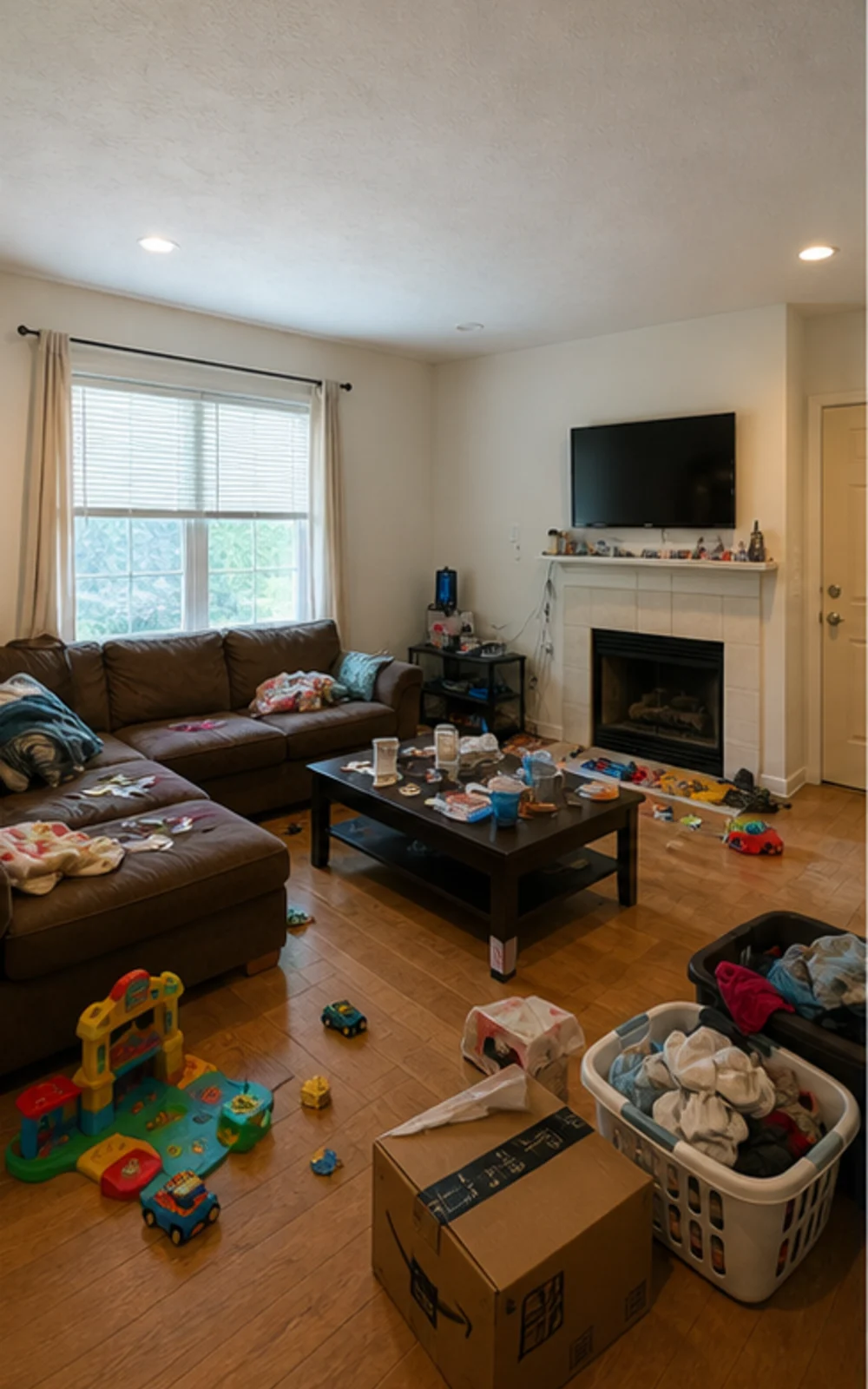
Original lived-in living room with clutter before AI virtual staging
Original
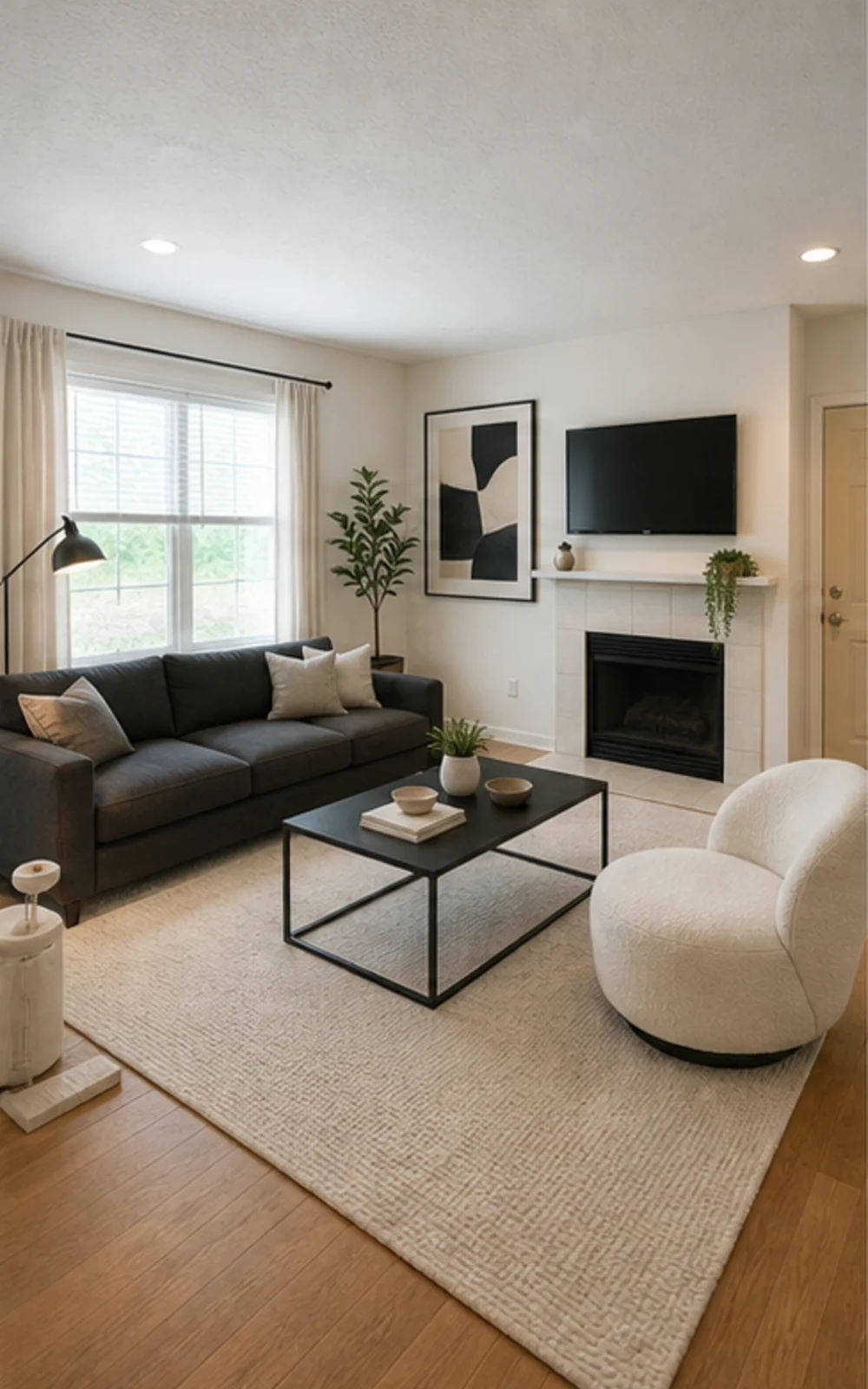
Modern AI virtual staging result for a cleaned living room
Modern

Remove clutter, then stage

A cluttered family room cleaned and restaged three ways

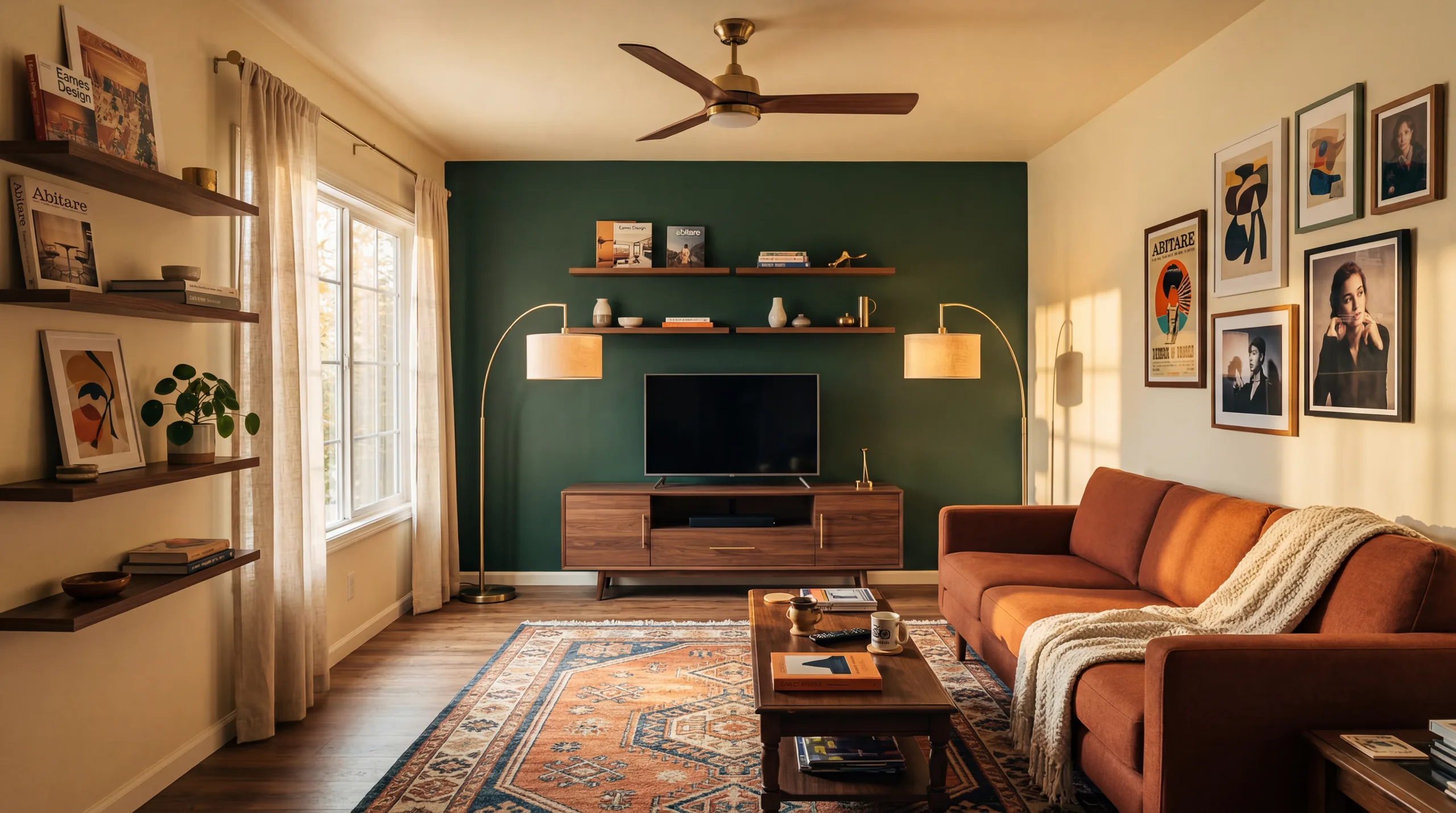
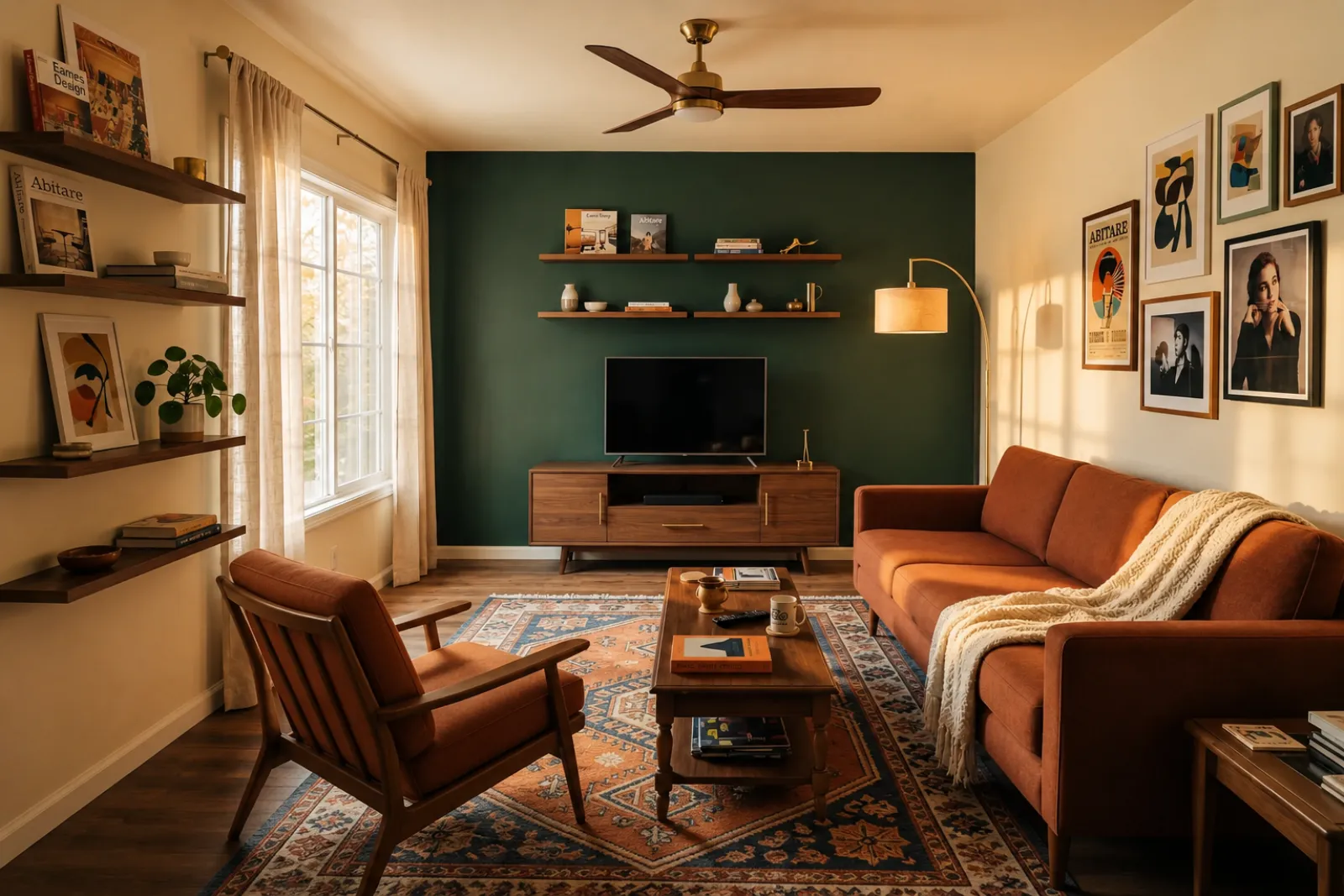
The messy family room becomes a clean modern listing photo with sharper furniture lines, a calm rug, abstract art, and brighter daylight.

Transformations-Stories

Ein Raum verkauft sich leichter, wenn die Zukunft konkret wirkt

Echte Argumentationslinien, die Listing-Makler, Gastgeber, Investoren und Bauunternehmer nutzen, um Käufern ein besseres Leben im selben Grundriss vorstellbar zu machen.

Real estate agents

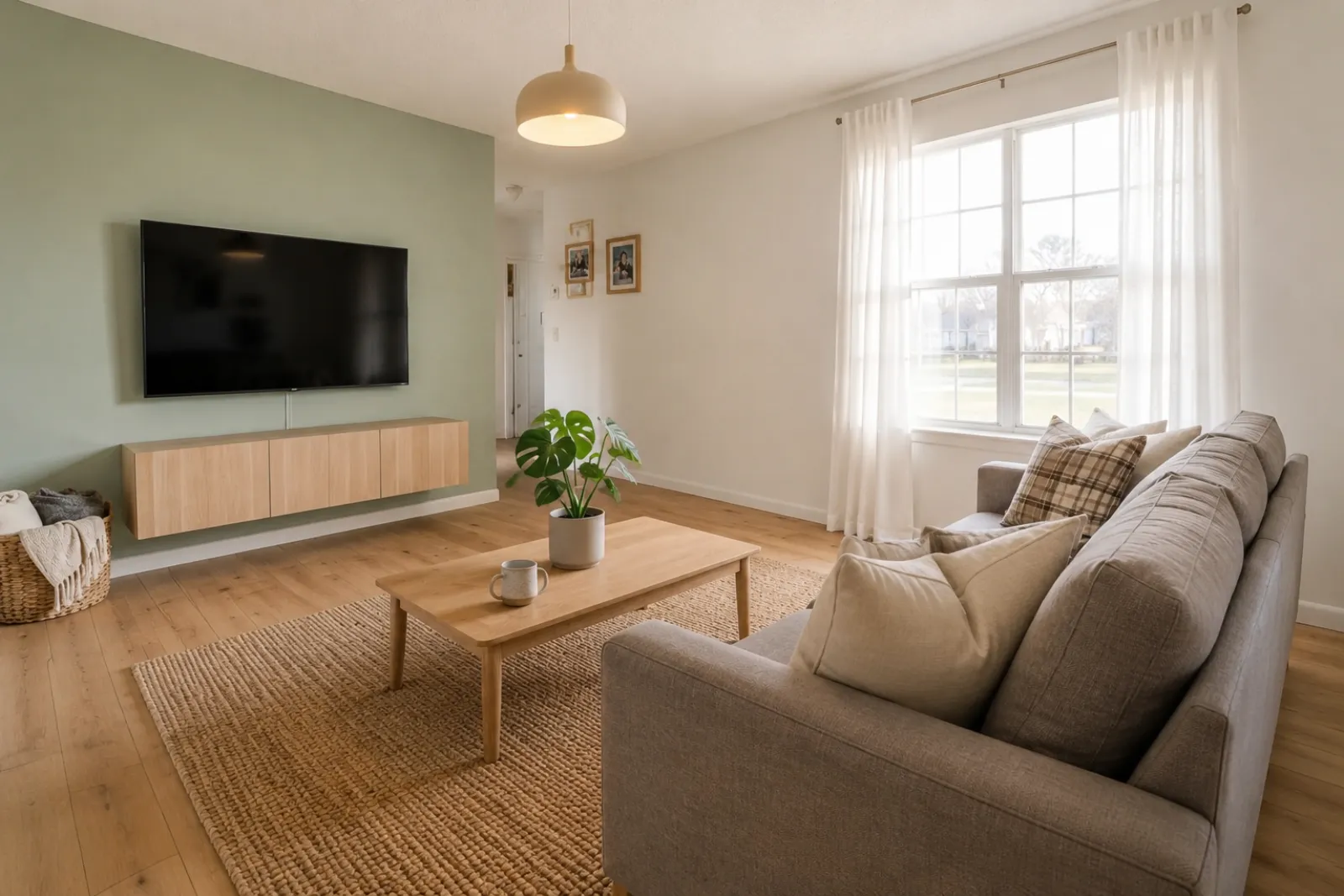
Listing staging that makes empty rooms easier to read

Before redesign
Before
After redesign
After

Talk Track

"Upload listing photos and compare before-and-after staging directions. Keep the original visible so sellers and buyers can understand what changed."

Airbnb hosts

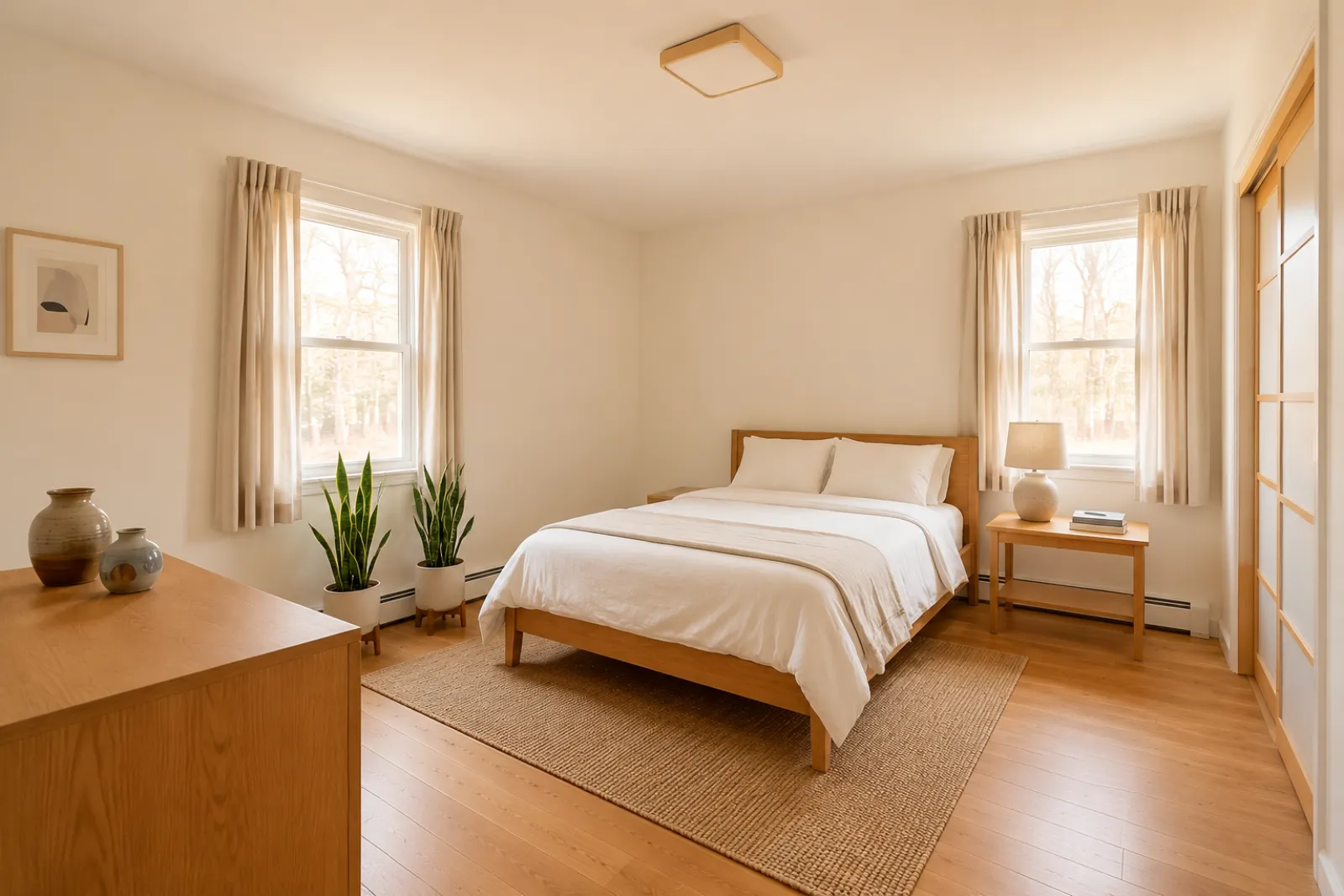
Seasonal refresh ideas before buying new decor

Before redesign
Before
After redesign
After

Talk Track

"Test seasonal looks before you commit. Use the strongest direction as a planning reference, then photograph the real room once the refresh is done."

Investors & flippers

Renovation direction before a deeper property review

Before redesign
Before
After redesign
After

Talk Track

"Use a real room photo to compare cosmetic directions before you spend contractor time. Verify scope, budget, and value outside RoomFlip."

Contractors

Proposal visuals that make the direction easier to approve

Before redesign
Before
After redesign
After

Talk Track

"Show a before-and-after direction from the client's own room photo, then pair it with your real estimate, measurements, and proposal process."

So funktioniert RoomFlip Virtual Staging

Four steps from raw room photo to a preview you can judge.

1

Echtes Raumfoto hochladen

Lade ein weites Listing-Foto hoch — leer, halb möbliert oder bewohnt. Das Modell behält echte Wände, Fenster, Böden und natürliches Licht unverändert.

2

Listing-Auftrag wählen

Wähle zwischen Makler-Staging, Airbnb-Refresh, Renovierungsvorschau oder Bauunternehmer-Angebot. Jeder Auftrag nutzt einen abgestimmten Prompt und liefert den passenden Look.

3

Eingerichteten Raum erhalten

In rund 30 Sekunden bekommst du ein fotorealistisches eingerichtetes Bild, das die tatsächliche Architektur des Raums bewahrt und natürlich fotografiert wirkt.

4

Use the result with context

Keep the original photo nearby, label virtual staging when required, and verify real-world details before publishing or quoting.

Built around honest room previews

Before/after

Core workflow

30s

Typical preview time

Real photo

Starting point

Planning aid

Best use

Einrichten im Tempo deiner Listings

Starte mit drei kostenlosen Credits nach der Anmeldung. Hole dir ein Credit-Paket für einen einzelnen Abschluss oder abonniere, wenn Staging Teil jedes Listings ist.

Simple pricing for your room photos

Start free with 3 photos after sign-in. Pay only when you want more — a one-time pack or a monthly plan.

Free

$0

3 starter photos

  • No credit card required
  • Test a room direction instantly
  • Watermark preview quality

30 photos

$4.99

$0.17 per photo

  • 30 room photos
  • All staging actions and styles
  • One-time payment · watermark-free
Most popular

100 photos

$12.99

$0.13 per photo

  • 100 room photos
  • All staging actions and styles
  • One-time payment · watermark-free

300 photos

$29.99

$0.10 per photo

  • 300 room photos
  • All staging actions and styles
  • One-time payment · watermark-free

Billing questions

Is this a subscription? Will I be charged again?
One-time photo packs are a single payment — no subscription and no recurring charge. Subscription plans are clearly labeled and renew only while active; you can cancel anytime.
How do photos and credits work?
Each photo you generate uses credits by quality: Preview uses 1, Clean uses 2, and Best Detail uses 3. A pack's photo count is based on Preview quality, so higher-quality renders use proportionally more.
Can I cancel a subscription?
Yes. Cancellation takes effect at the end of the current billing cycle — you keep Pro access and any remaining monthly credits until then.
What about refunds?
Credits are digital goods delivered instantly. For web purchases where no photos have been generated yet, contact support and we'll review a goodwill refund.
Why does my free photo have a watermark?
Free previews carry a small watermark so you can check the direction first. Paid photos are watermark-free and saved at higher resolution.

Häufig gestellte Fragen

What to know before using RoomFlip virtual staging for a real room, listing, rental, or client conversation.

What is RoomFlip virtual staging best for?

RoomFlip is best for creating before-and-after room previews from real photos. Use it to understand a direction, prepare a conversation, or plan a refresh. It does not replace disclosure rules, appraisals, contractor quotes, or platform requirements.

Wie realistisch sind die eingerichteten Raumfotos?

Results work best when the original photo is clear, level, and well lit. Review every output against the real room before using it publicly.

Darf ich virtuell eingerichtete Fotos auf MLS, Zillow und Airbnb verwenden?

Ja. KI-Virtual-Staging ist für Immobilien-Listings in den USA legal, und Airbnb erlaubt akkurate Darstellungen einer bestehenden Einheit. Die meisten MLS-Systeme und die National Association of Realtors verlangen eine klare Kennzeichnung virtuell eingerichteter Fotos, deshalb hängt RoomFlip automatisch einen Hinweis an, den du mit dem Bild kopieren kannst. Kennzeichne eingerichtete Bilder immer, um das Vertrauen von Käufern und Gästen zu wahren.

Wie schnell ist jeder Render und was kostet er?

New users get starter credits after sign-in. Paid credit packs and subscriptions are available when you need more previews or cleaner downloads.

Erfindet die KI Wände, Fenster oder Räume, die nicht existieren?

Nein. Der Prompt weist das Modell explizit an, Wände, Fenster, Türen, Bodenbeläge, Decken und fest verbaute Architektur unverändert zu lassen. Die KI ergänzt nur Möbel, Dekor und weichere Lichtakzente. Wenn du ein klares, gut beleuchtetes Foto aus der Ecke oder vom Türrahmen lädst, wirkt das Ergebnis wie eine professionell fotografierte Version desselben Raums — nicht wie ein anderer Raum.

Kann ich denselben Raum in verschiedenen Stilen einrichten?

Yes. You can generate multiple directions for the same room and compare them before deciding which one is worth saving or using as a planning reference.

Welche Räume eignen sich am besten für Virtual Staging?

Jeder Innenraum funktioniert: Wohnzimmer, Schlafzimmer, Küchen, Bäder, Esszimmer, Home-Offices, Kinderzimmer und Bonusräume. Das Modell performt am besten bei weiten, gut beleuchteten Fotos aus der Ecke oder vom Türrahmen, die Boden, Decke, Fenster und die Hauptwandflächen erfassen. Stark vollgestellte Fotos funktionieren auch, liefern aber weniger vorhersehbare Ergebnisse — räume den Boden frei, wenn möglich.

Brauche ich Design-Erfahrung, um das zu nutzen?

Nein. Jeder Workflow ist so gebaut, dass ein Listing-Makler, Gastgeber, Investor oder Bauunternehmer ohne Design-Hintergrund veröffentlichungsfertige Bilder erzeugen kann. Wähle den Auftrag, lade ein Foto hoch — der Workspace übernimmt Prompt-Tuning, Lichtkorrektur und Listing-Text. Wer mehr Kontrolle will, findet in den bezahlten Plänen Stil-Slider und Pro-Raum-Overrides — der Standardpfad liefert aber schon beim ersten Render ein nutzbares Ergebnis.