AI 房间规划,源于真实照片

RoomFlip.pro — 花钱之前,先上传您的真实房间照片

预览您现有房间的布局、风格、家具和布置创意。在购买沙发、选择地毯、重新布置租赁房或准备房源照片之前,使用 RoomFlip。

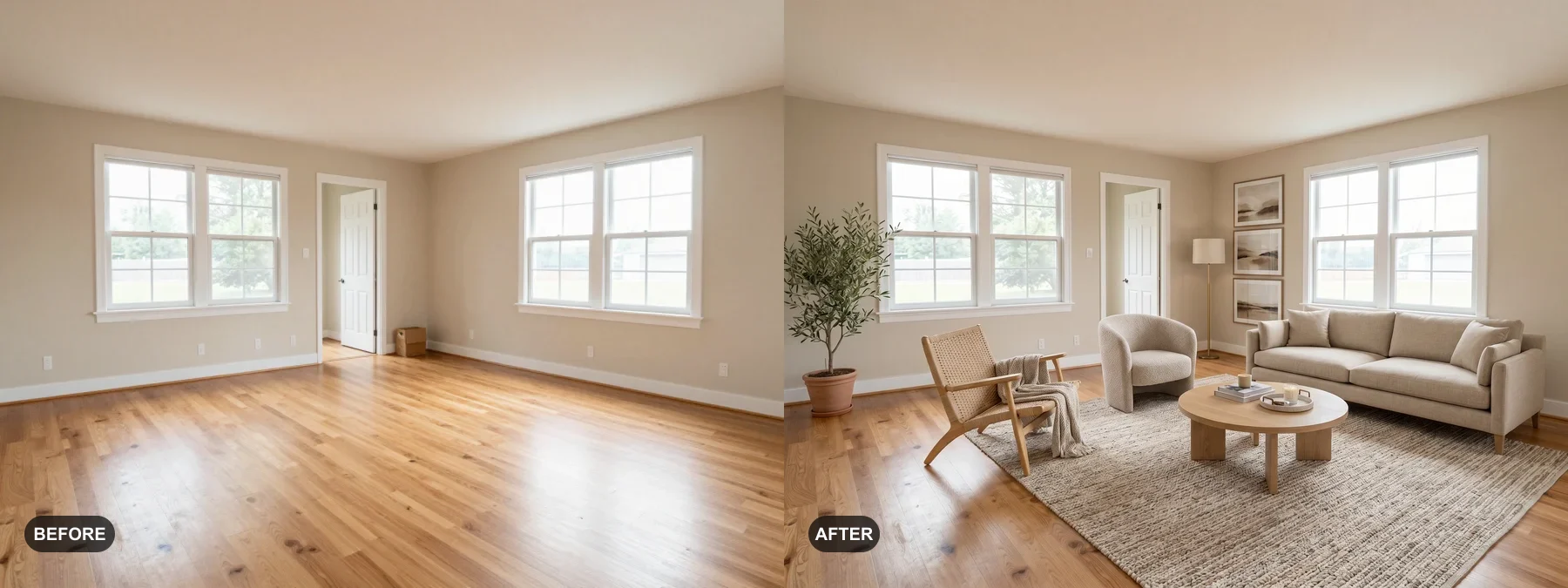
保留原图。前后对比一起查看。用于房源时请按平台或当地规则标注虚拟布置。

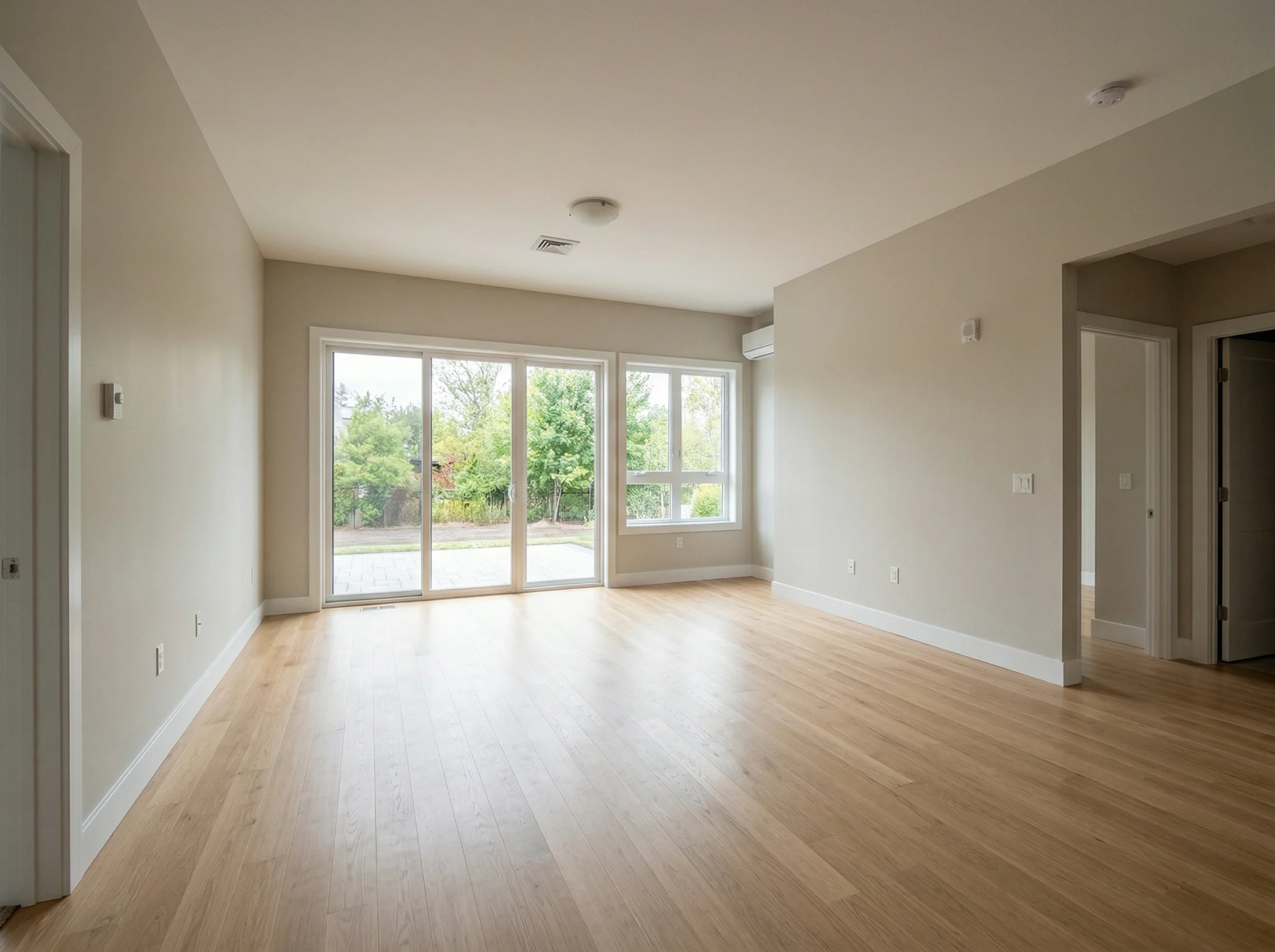
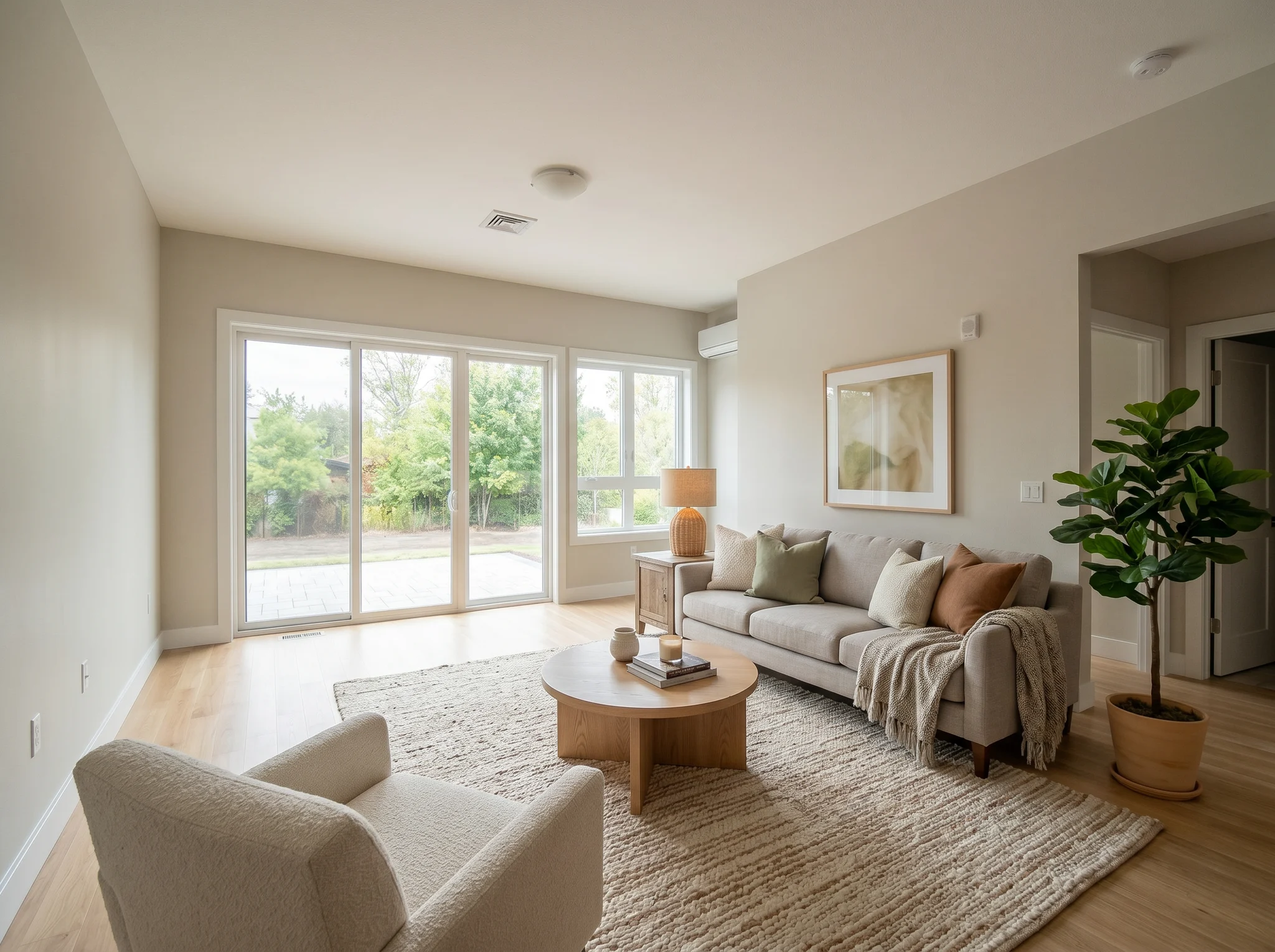
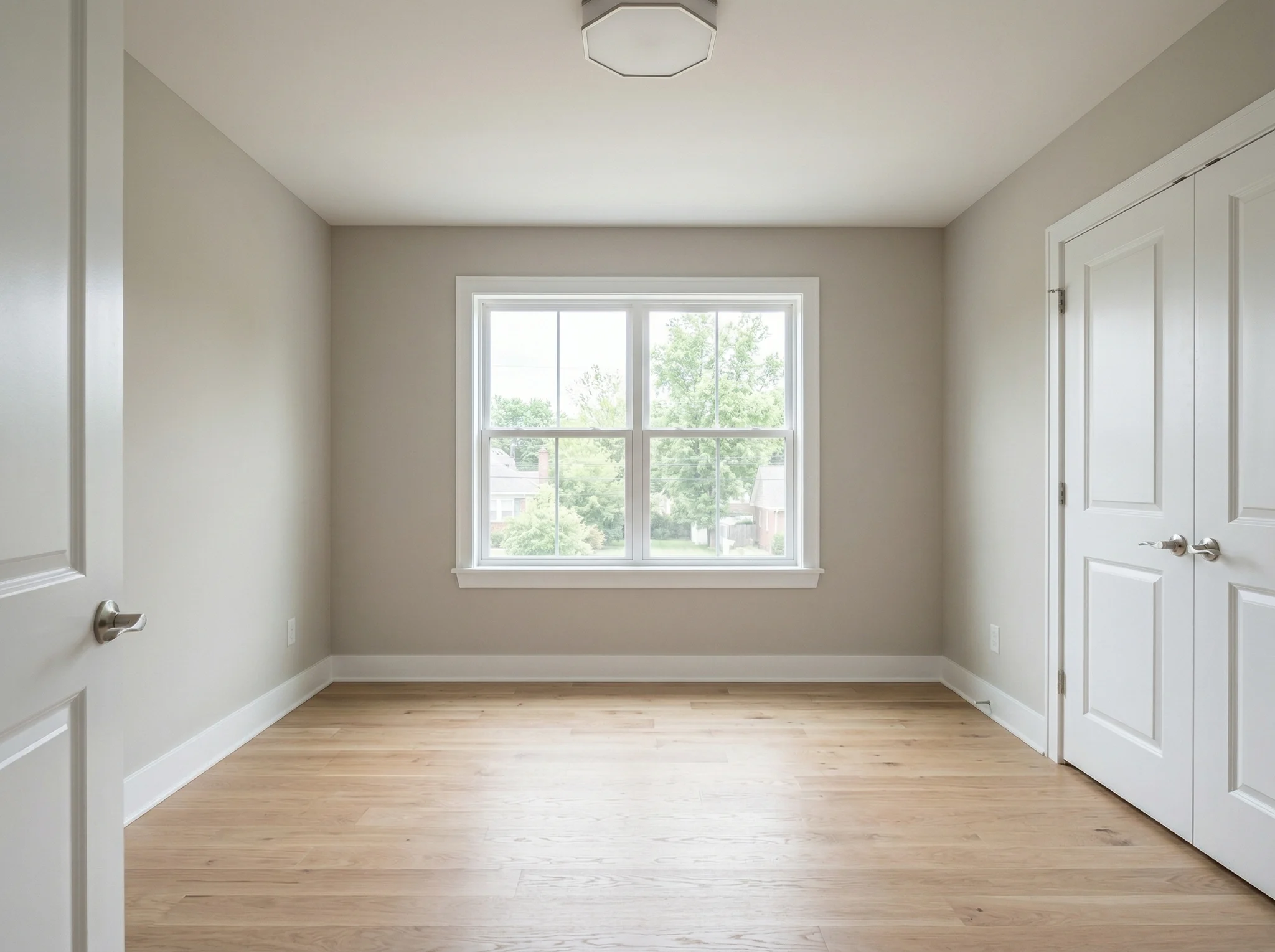
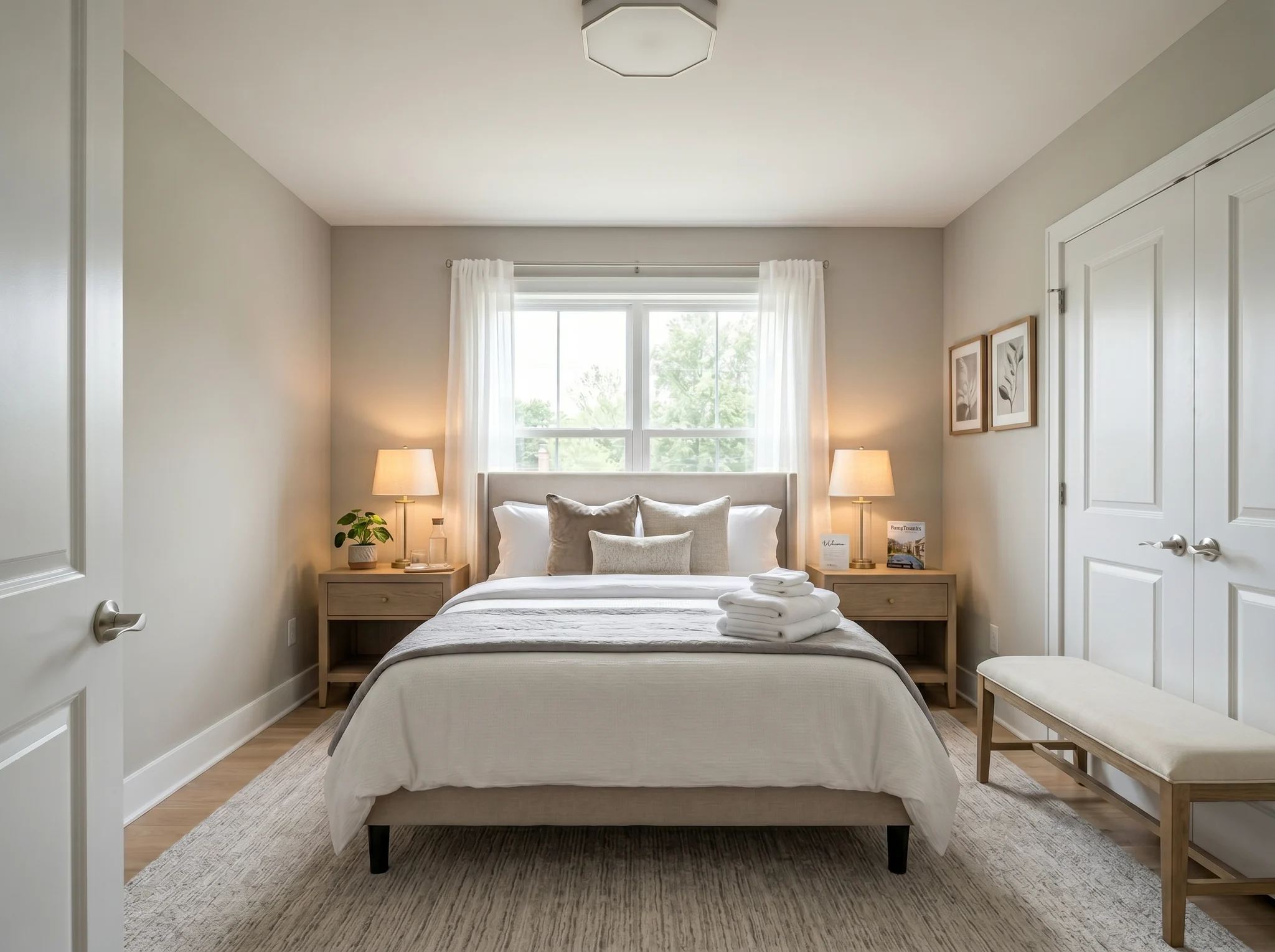
Add furniture / stage empty room

For vacant listings, plain bedrooms, unfurnished rentals, and spaces that need scale.

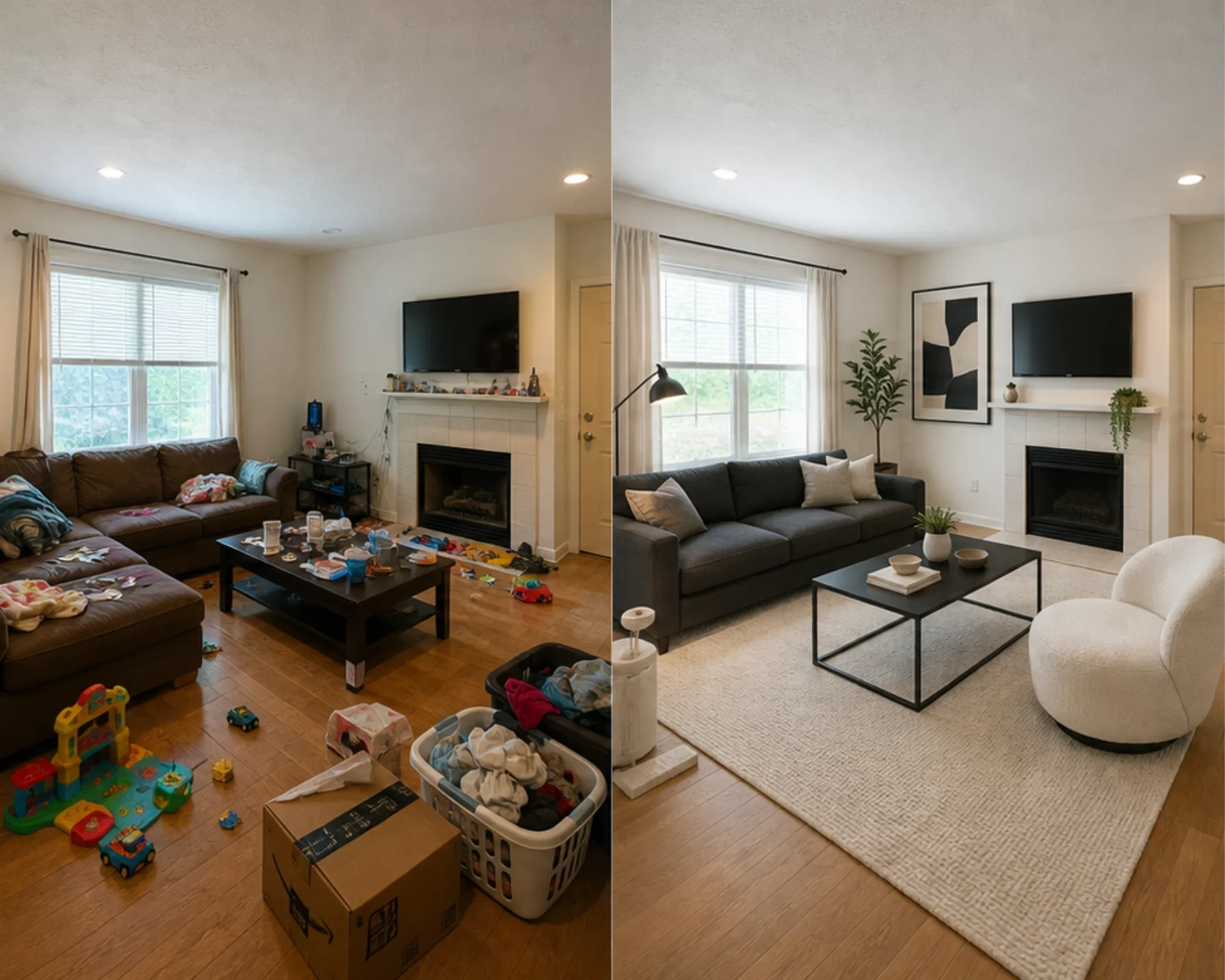
Remove existing furniture first

For rooms with dated furniture, clutter, or tenant belongings that distract buyers.

Rearrange existing furniture

For owners, hosts, and designers who want a better layout without replacing everything.

Visual proof

See how a real room changes before you upload.

Compare the original photo with staged results for listings, rentals, client previews, and home updates. The goal is simple: make the change obvious at a glance.

Original lived-in living room with clutter before AI virtual staging
Original
Modern AI virtual staging result for a cleaned living room
Modern
Living room Remove clutter, then stage

Clean the room and stage it in Modern style

Original lived-in living room with clutter before AI virtual staging
Original
Farmhouse AI virtual staging result for a cleaned living room
Farmhouse
Living room Remove clutter, then stage

Remove clutter and restage as Farmhouse

Original lived-in living room with clutter before AI virtual staging
Original
Industrial AI virtual staging result for a cleaned living room
Industrial
Living room Remove clutter, then stage

Show a stronger Industrial alternative

Original messy lived-in bedroom before AI virtual staging
Original
Scandinavian AI virtual staging result for a cleaned bedroom
Scandinavian
Bedroom Airbnb and guest suite refresh

Clean an unmade bedroom into Scandinavian

Original messy lived-in bedroom before AI virtual staging
Original
Japanese Zen AI virtual staging result for a cleaned bedroom
Japanese
Bedroom Airbnb and guest suite refresh

Turn the same room into a Japanese retreat

Original messy lived-in bedroom before AI virtual staging
Original
Bohemian AI virtual staging result for a cleaned bedroom
Bohemian
Bedroom Airbnb and guest suite refresh

Make a rental bedroom feel Bohemian

Original cluttered kitchen and dining area before AI virtual staging
Original
Contemporary AI virtual staging result for a cleaned kitchen and dining area
Contemporary
Kitchen + dining Listing and rental refresh

Clear counter clutter for Contemporary staging

Original cluttered kitchen and dining area before AI virtual staging
Original
Farmhouse AI virtual staging result for a cleaned kitchen and dining area
Farmhouse
Kitchen + dining Listing and rental refresh

Restage the kitchen as Farmhouse

Original cluttered kitchen and dining area before AI virtual staging
Original
Coastal AI virtual staging result for a cleaned kitchen and dining area
Coastal
Kitchen + dining Listing and rental refresh

Give the same kitchen a Coastal refresh

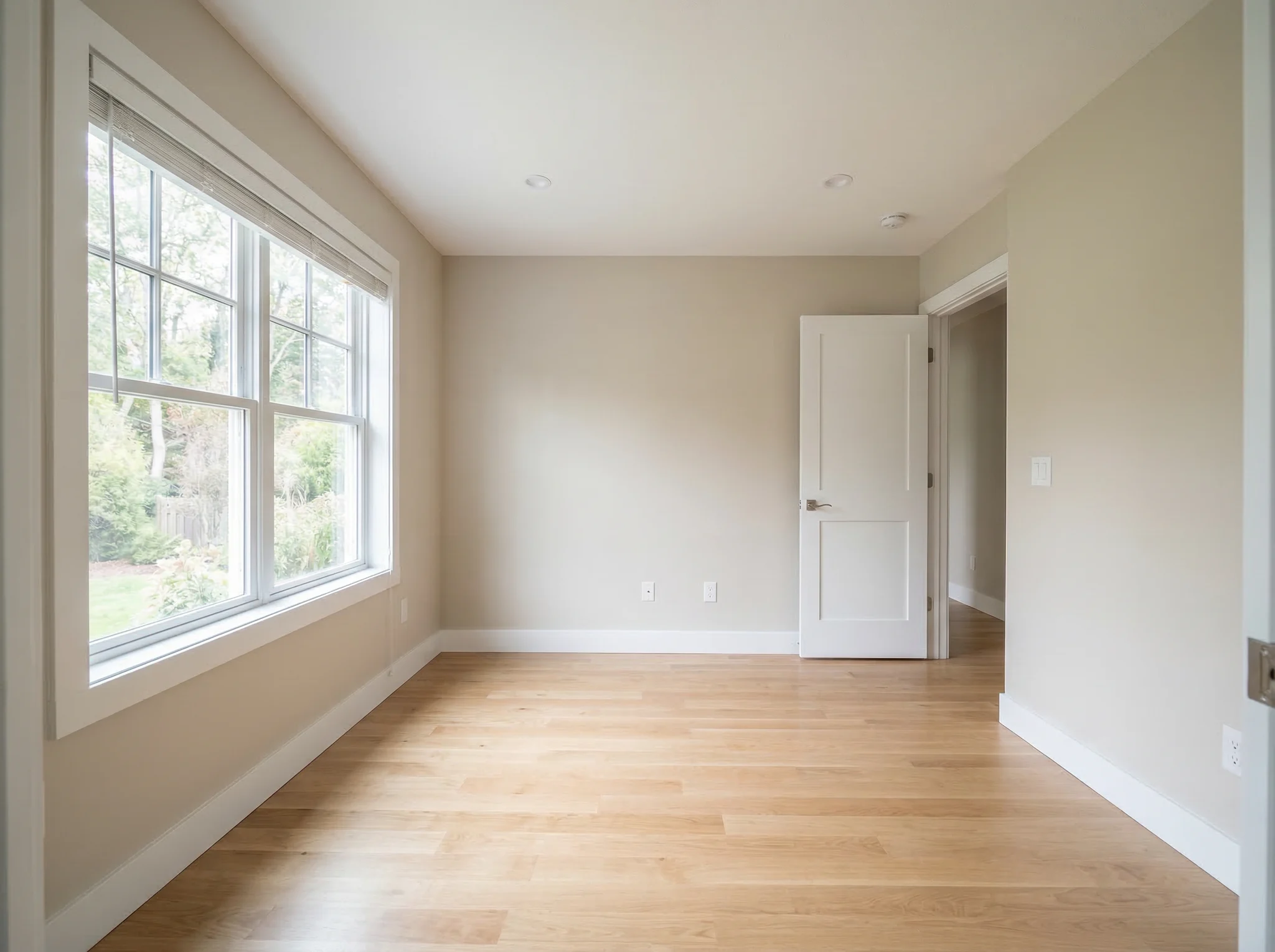
Original cluttered spare room before AI home office staging
Original
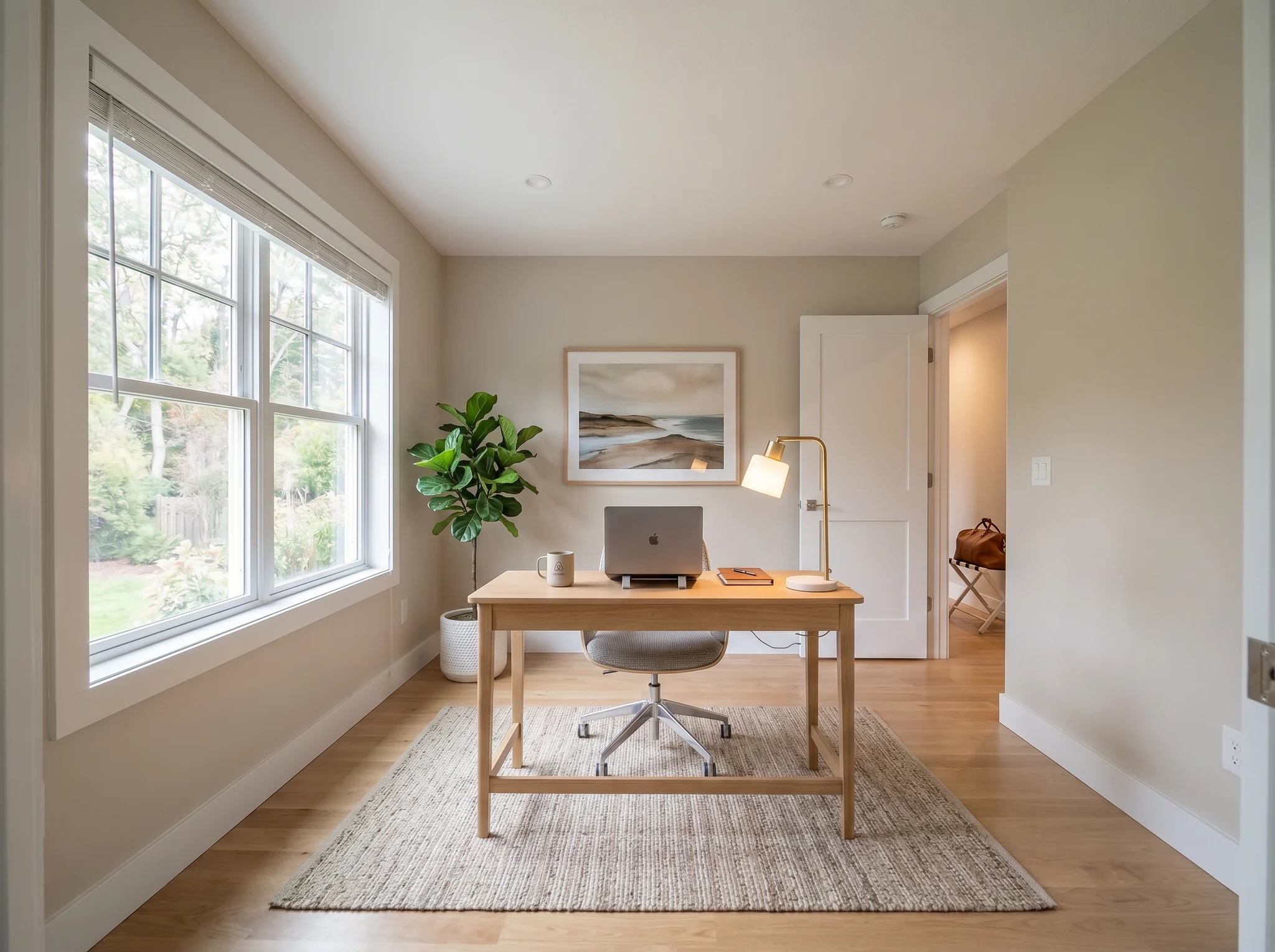
Modern AI virtual staging result for a cleaned home office
Modern
Home office Client preview and work-from-home planning

Turn a storage room into a Modern office

Original cluttered spare room before AI home office staging
Original
Scandinavian AI virtual staging result for a cleaned home office
Scandinavian
Home office Client preview and work-from-home planning

Make the spare room a Scandinavian office

Original cluttered spare room before AI home office staging
Original
Industrial AI virtual staging result for a cleaned home office
Industrial
Home office Client preview and work-from-home planning

Show an Industrial office option

Choose the job first

Pick the result you need before choosing a style.

Use one room photo to stage an empty room, clear furniture first, or improve the layout you already have.

1

Add furniture / stage empty room

For vacant listings, plain bedrooms, unfurnished rentals, and spaces that need scale.

  • Add sofas, beds, tables, rugs
  • Keep doors, windows, walls, and room size intact
2

Remove existing furniture first

For rooms with dated furniture, clutter, or tenant belongings that distract buyers.

  • Clear movable items first
  • Then stage in the selected style
3

Rearrange existing furniture

For owners, hosts, and designers who want a better layout without replacing everything.

  • Keep the current pieces
  • Test a cleaner room flow
1 Upload one room photo
2 Choose room type and operation
3 Pick a visual style
4 Preview, clean, or export HD

Who it is for

Built for listing, rental, and client preview photos.

Real estate agents

Turn empty or awkward listing photos into a cleaner buyer preview without changing the property itself.

Airbnb hosts

Refresh a room for short-term rental photos, guest decks, and seasonal updates before buying furniture.

Homeowners

See whether a room can feel warmer, brighter, or easier to live in before committing to changes.

Design consultants

Create quick visual directions for client conversations when the first decision is layout and mood.

Pricing in plain language

Simple plans for one room or a full photo set.

Free

Good for one test photo.

3 previews

Pro

100 previews, roughly $0.10 per preview.

$9.99 / month

Max

400 previews, roughly $0.06 per preview.

$24.99 / month

Preview, Clean, and HD can use different credit amounts. The prices stay unchanged in this pass.

Trust assets

Keep the real room honest.

Virtual staging should keep the property truthful: no changed windows, doors, walls, room size, or fixed structure. These pages turn that promise into useful material.

Practical questions

Quick answers before you upload.

A short set of practical answers for first-time staging, credits, and what RoomFlip changes.

什么是 RoomFlip.pro?

RoomFlip.pro 是一款针对真实房间照片的 AI 房间设计和虚拟摆拍工具。上传房间,选择一个方向,即可生成逼真的前后对比视觉效果,有助于进行布局、风格、家具、房源或租赁决策。

AI 虚拟摆拍如何工作?

上传一张房间照片或一小组照片,选择一个风格方向,RoomFlip 即可生成摆拍图像,这些图像保留了真实房间的结构,同时添加了家具、装饰、色彩和灯光提示。每张图像的生成结果通常需要 15-30 秒。

我可以一次上传多张房间照片吗?

是的。RoomFlip 支持一组最多 6 张房间照片,这在您需要为房源、Airbnb 租赁、翻新计划或客户演示文稿提供一致的视觉效果时非常有用。

AI 房间设计是否免费使用?

新用户登录后可获得 3 次免费积分。每次预览使用 1 个积分,并可能包含免费套餐限制。付费积分可解锁更多预览和更清晰的下载选项。请参阅我们的 免费 AI 房间设计 页面了解当前详情。

谁能从 AI 房间设计中获得最大价值?

最高意向的用户是房主、租房者和家具购物者,他们在花钱之前试图就真实房间做出决定。房产经纪人、房东和设计专业人士在需要快速摆拍或客户演示视觉效果时仍然可以获得价值。

Start staging

Start with one room photo and choose the staging job.

Add furniture, remove furniture first, or rearrange the room you already have. Keep the property structure recognizable.