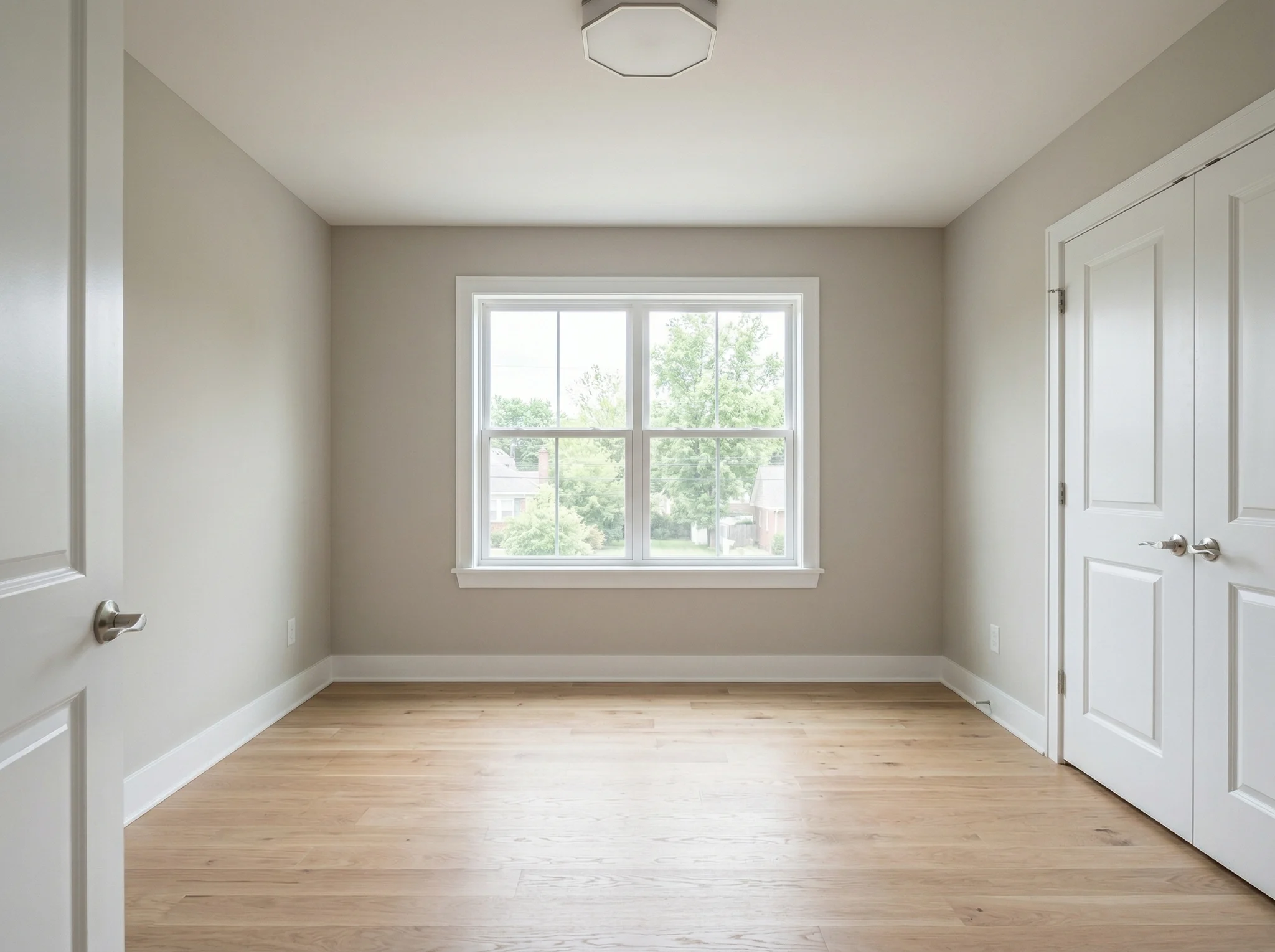
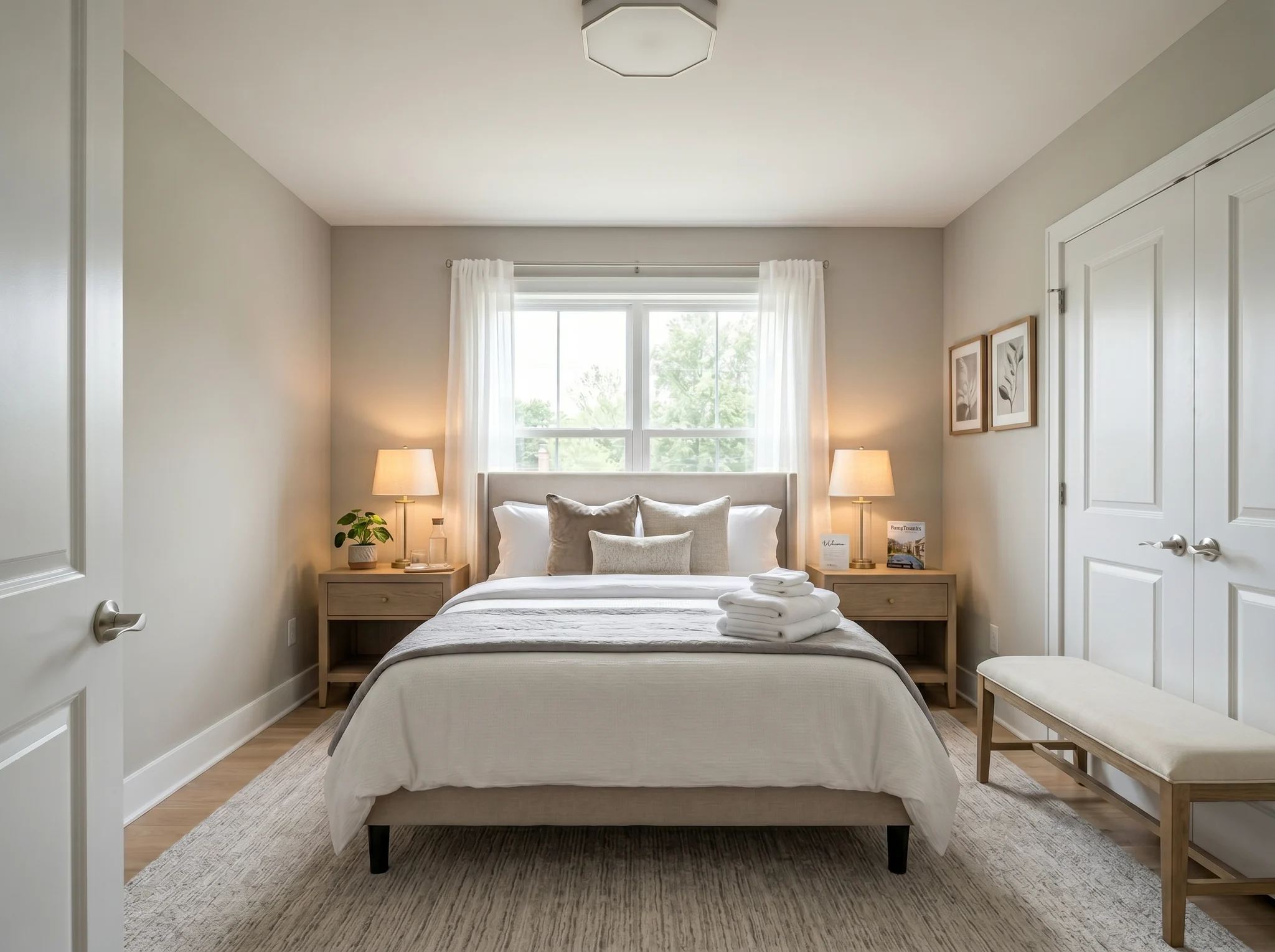
Soverom
Last opp ett rombilde og se hvordan det kan se ut møblert, omorganisert eller frisket opp — før du kjøper noe eller flytter en eneste møbel.
Velg ett bilde for å begynne, eller opptil seks vinkler eller rom før du går inn i arbeidsområdet.
Før / Etter-tilfeller
RoomFlip er sterkest når ett generert bilde har en forretningsmessig jobb: hjelpe en kjøper å forstå skala, hjelpe en gjest å forestille seg oppholdet, eller hjelpe en klient å godkjenne en retning før penger er brukt.
Soverom
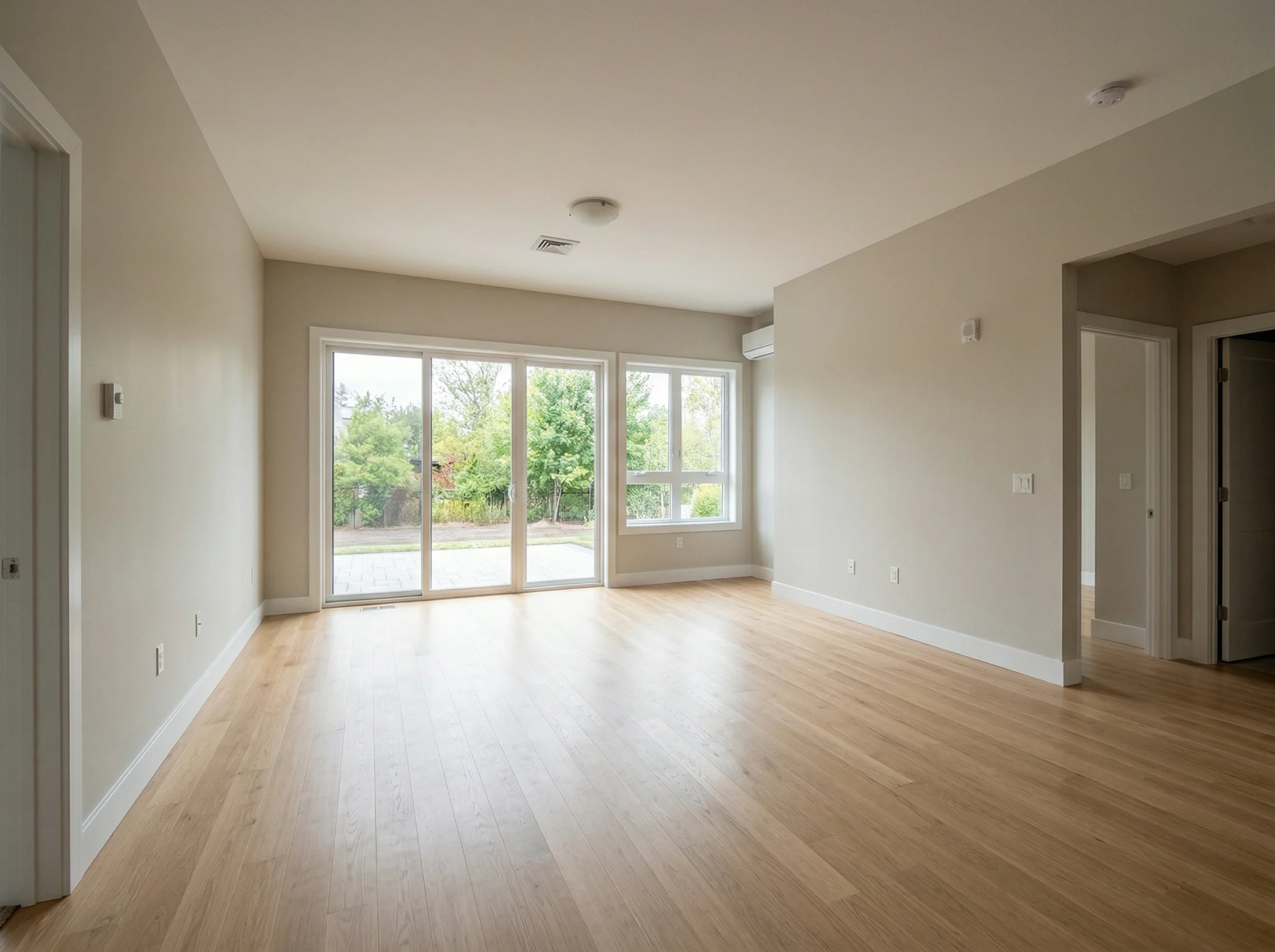
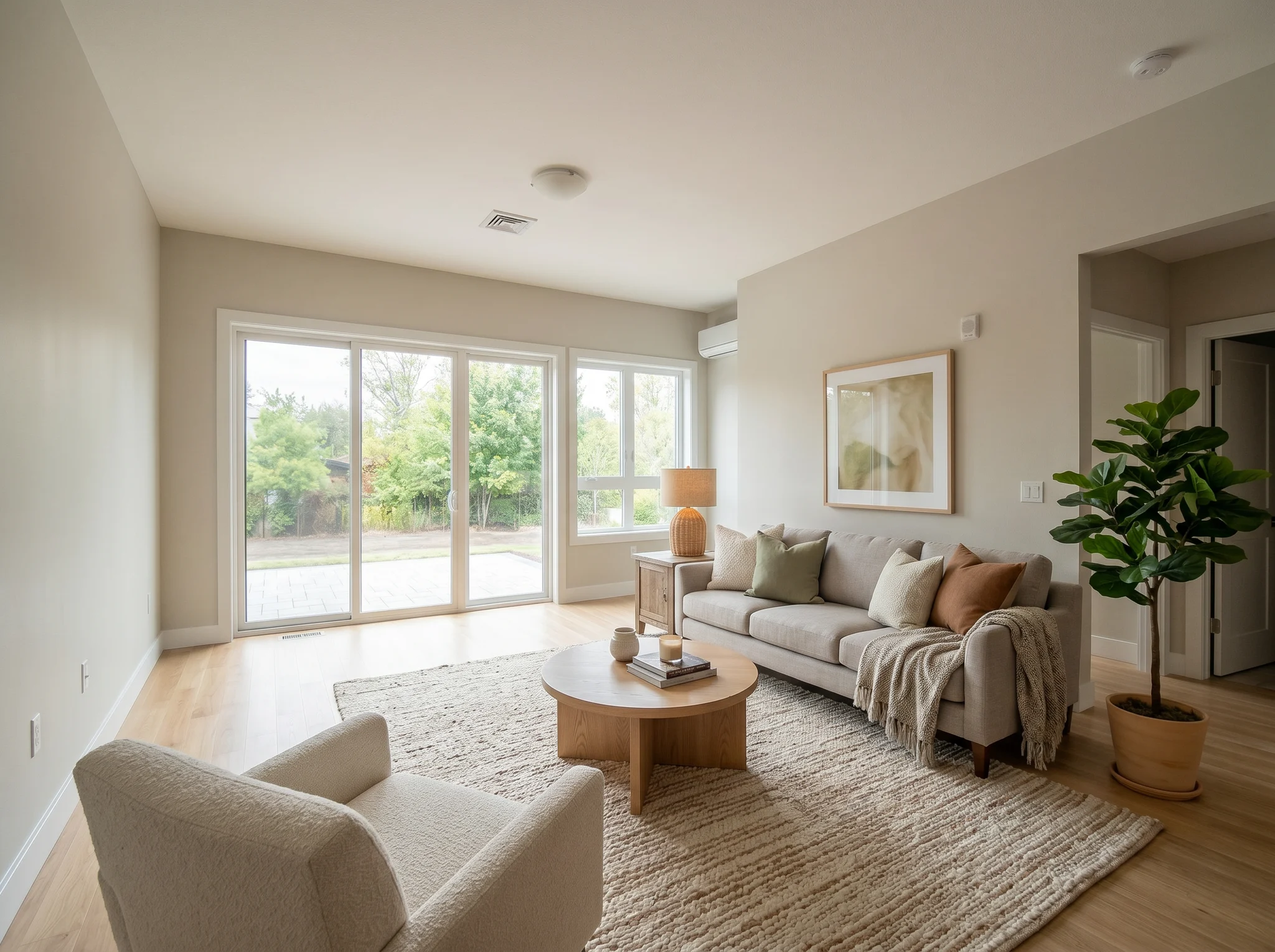
Stue
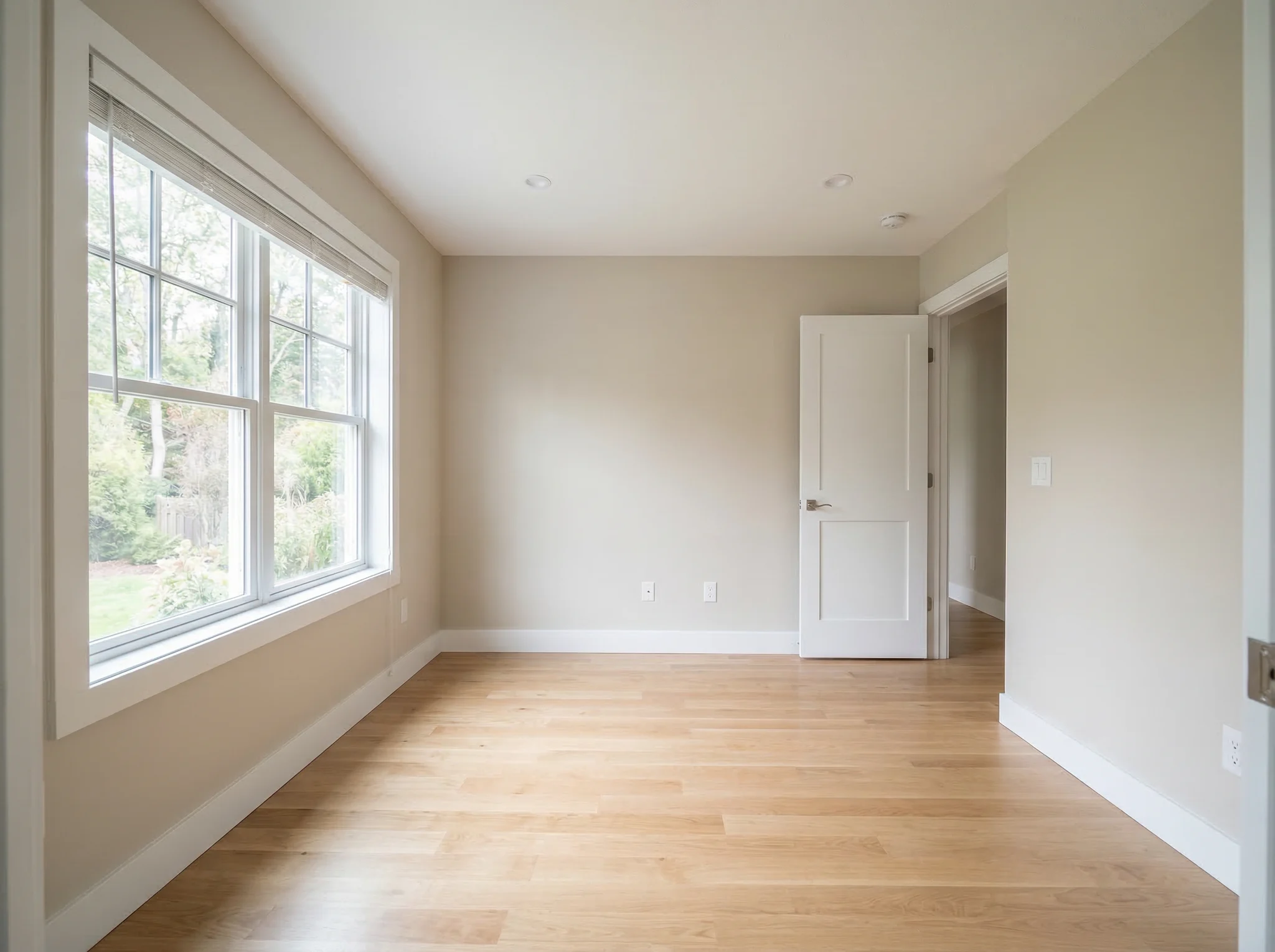
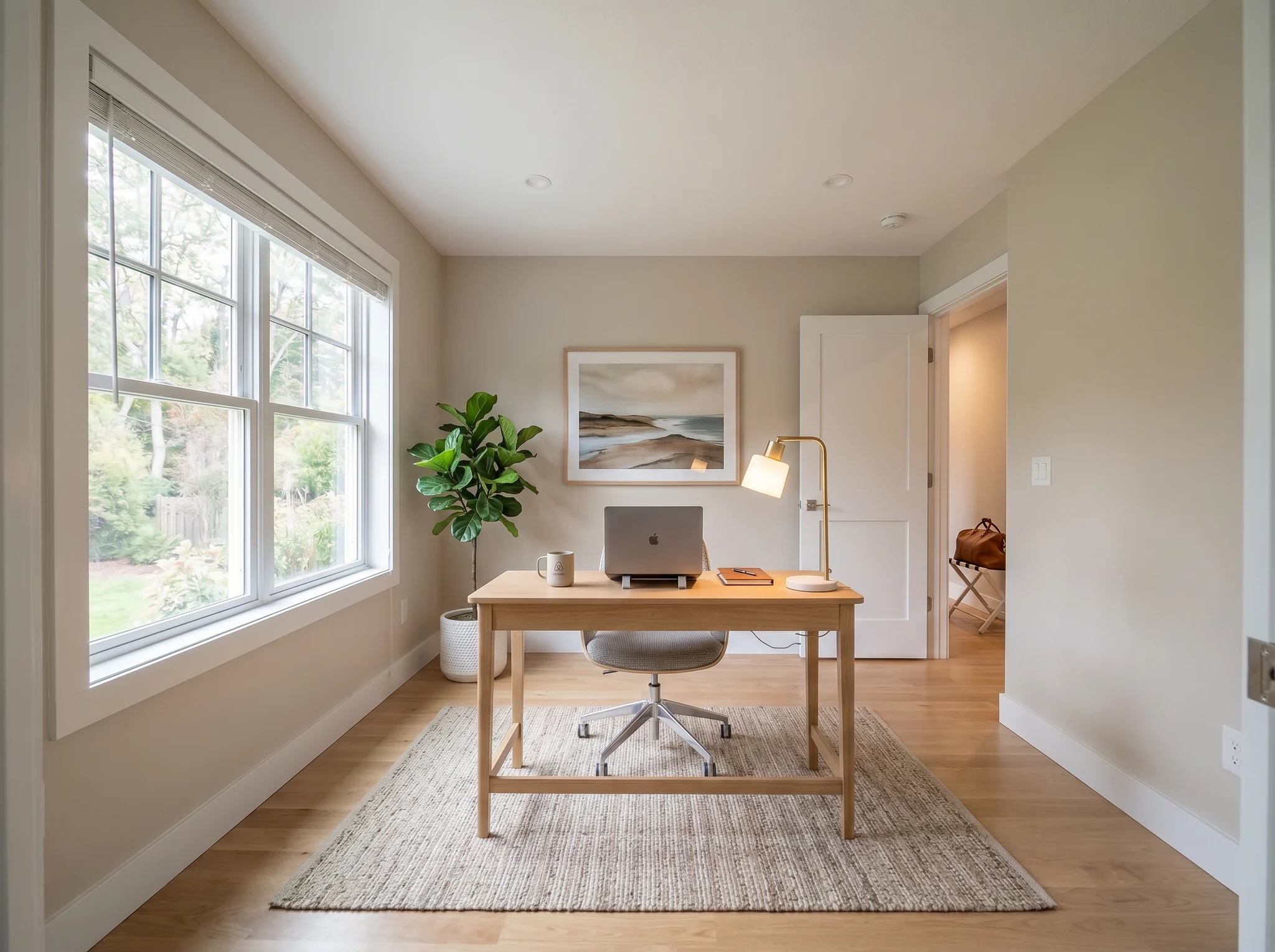
Hjemmekontor
Før / Etter-tilfeller
Sammenlign to eller tre plausible retninger, ikke tjue tilfeldige.
 1
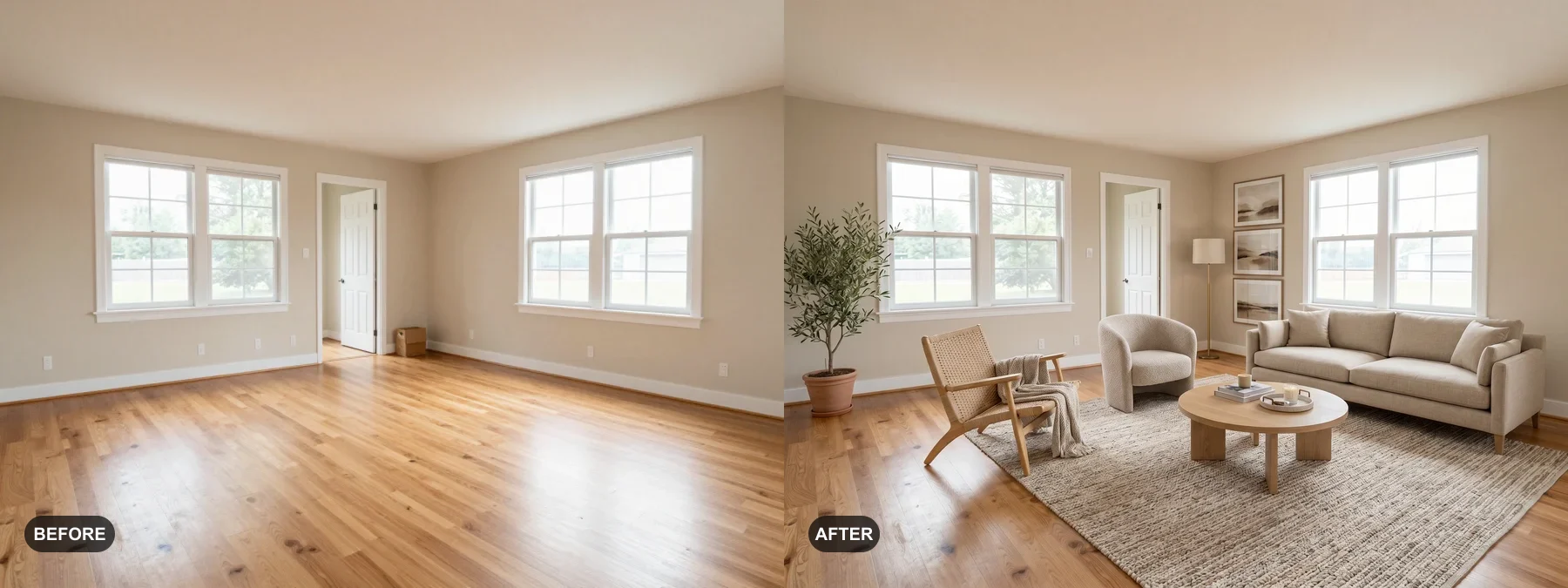
1 Iscenesett tomme rom eller frisk opp slitne, så kjøpere kan se seg selv bo der.
 2
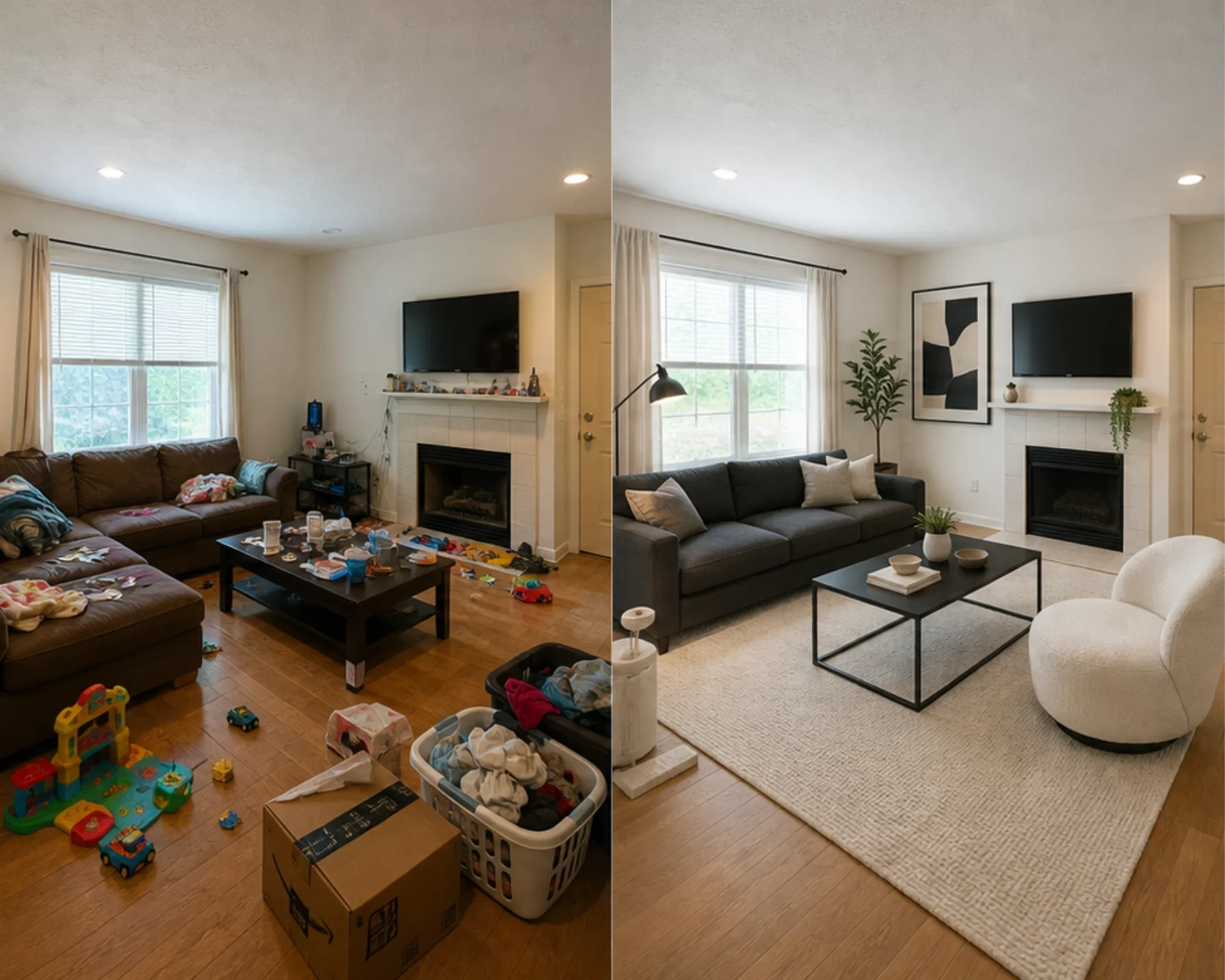
2 Test om et gjesterom kan føles premium før du kjøper møbler.
 3
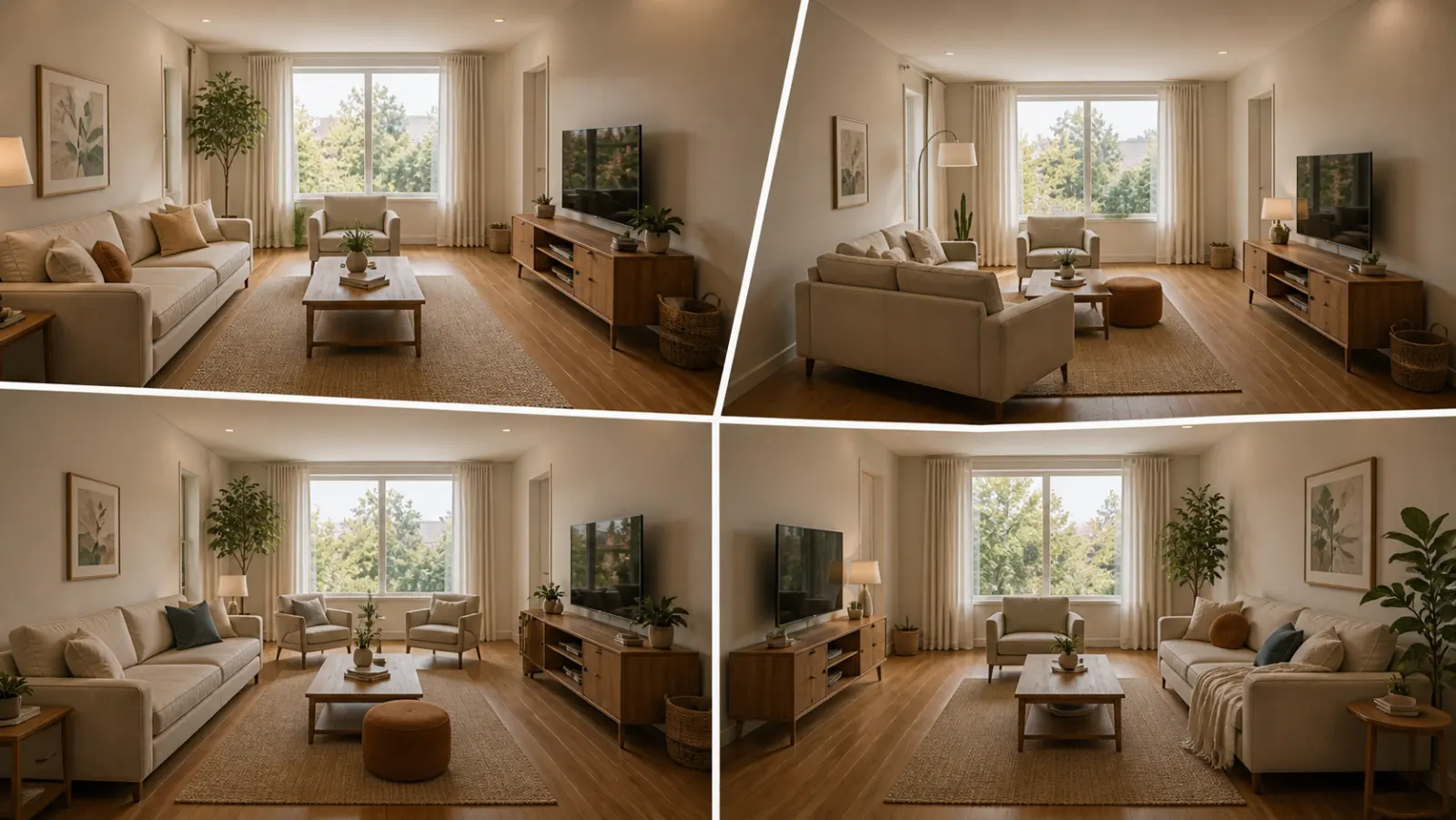
3 Forhåndsvis en stilretning med ekte vegger, vinduer og innbygninger bevart.
Forvandle ethvert rom med tre enkle trinn ved hjelp av vårt AI-drevne interiørdesignverktøy.
Beste for
Den vanligste bruken er å redusere usikkerhet før penger er brukt: flytte inn i en liten leilighet, kjøpe møbler, velge et teppe, friske opp en utleiebolig, eller bestemme om en romretning er verdt å forfølge. Meglere og verter har fortsatt en klar vei når jobben er virtuell møblering.
Vanligste planleggingsoppgave
Last opp det ekte rommet, test om en stil eller layout-retning føles troverdig, og mål deretter før du kjøper maling, tepper eller møbler.
Beste for: små leiligheter, flytteplanlegging, møbel-selvtillit
Høy-intensjons avgjørelse
Bruk kalkulatorer for størrelse og klaring, og bruk deretter en forhåndsvisning av ekte bilde for å avgjøre om retningen føles for tung, for liten, eller verdt å kjøpe.
Beste for: sofa-sjekker, teppestørrelser, redusert returrisiko
Profesjonell bruk
Gjør vanlige bilder av boliger om til en tydeligere historie om hvordan rommet kan føles etter en lett oppussing, før du bruker penger på fysisk styling.
Beste for: salgspresentasjoner, forberedelser til visninger, befaringer med selger
Fokus på inntekt
Test om et soverom eller oppholdsrom bør føles roligere, lysere eller mer eksklusivt før du kjøper møbler som kanskje ikke ser bra ut på bilder.
Beste for: Airbnb-oppgraderinger, oppussing av gjesterom, beleggseksperimenter
Enkle credits og abonnementer
10 startkreditter
0,00 USD
100 credits / måned
9,99 USD / måned
400 credits / måned
24,99 USD / måned
Sikker betaling via Stripe. Les gjennom plan- og kassevilkårene før du kjøper.
Ofte Stillete Spørsmål
Alt du trenger å vite om AI Romdesigner
RoomFlip.pro er et AI-verktøy for romdesign og virtuell møblering for ekte rombilder. Last opp et rom, velg en retning, og generer realistiske før/etter-bilder som hjelper med layout, stil, møbler, boligsalg eller utleiebeslutninger.
Behandlingstiden varierer med bildet og gjeldende etterspørsel. Sammenlign hvert resultat med originalbildet.
Ja. RoomFlip støtter opptil 6 rombilder i ett sett, noe som er nyttig når du trenger konsistente bilder for en eiendomsoppføring, Airbnb-utleie, renoveringsplan eller klientpresentasjon.
Nye brukere får 10 gratis kreditter etter innlogging. Hver forhåndsvisning bruker 1 kreditt og kan ha begrensninger i gratisnivået. Betalte kreditter låser opp flere forhåndsvisninger og renere nedlastingsalternativer. Se vår gratis AI romdesign-side for gjeldende detaljer.
Brukere med høyest intensjon er huseiere, leietakere og møbelkjøpere som prøver å ta en reell rombeslutning før de bruker penger. Eiendomsmeglere, utleiere og designprofesjonelle får fortsatt verdi når de trenger rask møblering eller bilder for klientpresentasjoner.
AI Room Designer fungerer med alle innendørs rom: stuer, soverom, kjøkken, bad, spisestuer, hjemmekontorer, barnerom og mer. For best resultat, ta et godt opplyst bilde fra et hjørne av rommet som viser så mye av plassen som mulig. AI-en håndterer rom i alle størrelser, fra studioleiligheter til store, åpne stueområder.
AI-romdesign fra ett bilde
Last opp et bilde, forhåndsvis stemningen, og generer en retning du kan bruke til staging, møbelbeslutninger eller planlegging. Startkreditter er tilgjengelige etter innlogging.