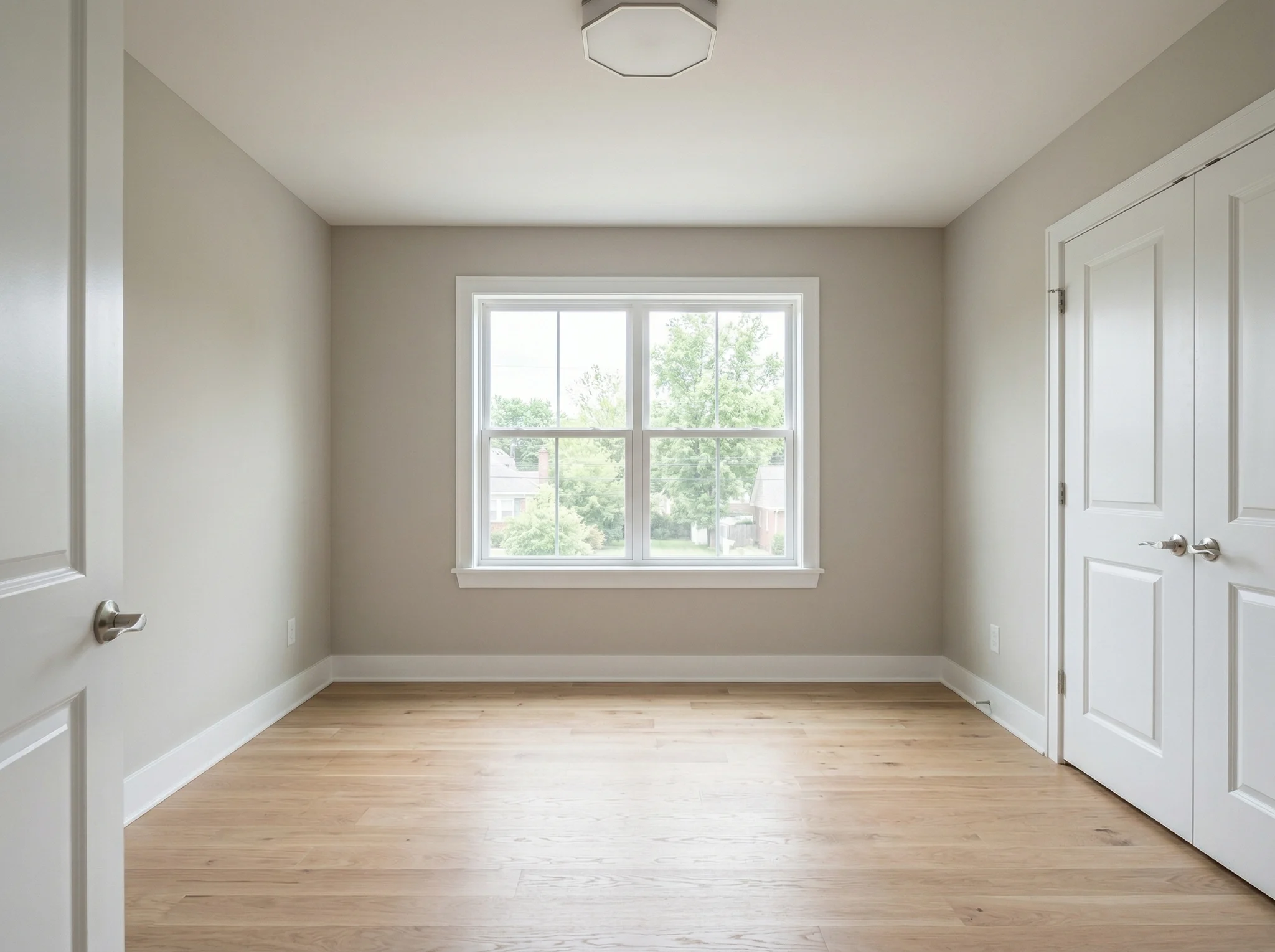
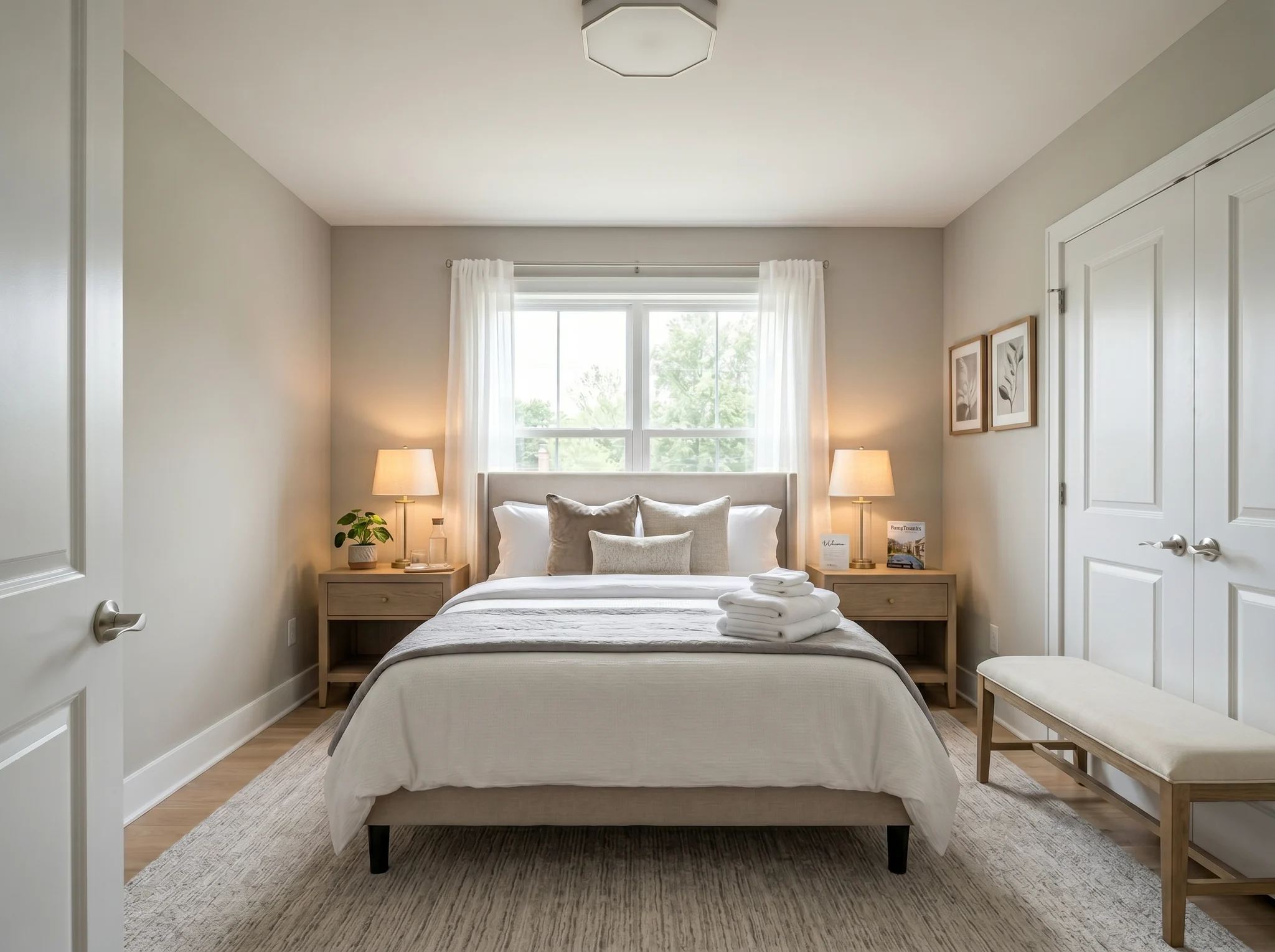
Bedroom
Upload one room photo and see how it could look furnished, rearranged, or refreshed — before you buy anything or move a single piece of furniture.
One-time packs. Credits roll over. Cancel anytime.
Voor / Na gevallen
RoomFlip is het sterkst wanneer een gegenereerde afbeelding een zakelijke functie heeft: een koper helpen de schaal te begrijpen, een gast helpen zich het verblijf voor te stellen, of een klant helpen een richting goed te keuren voordat er geld wordt uitgegeven.
Bedroom
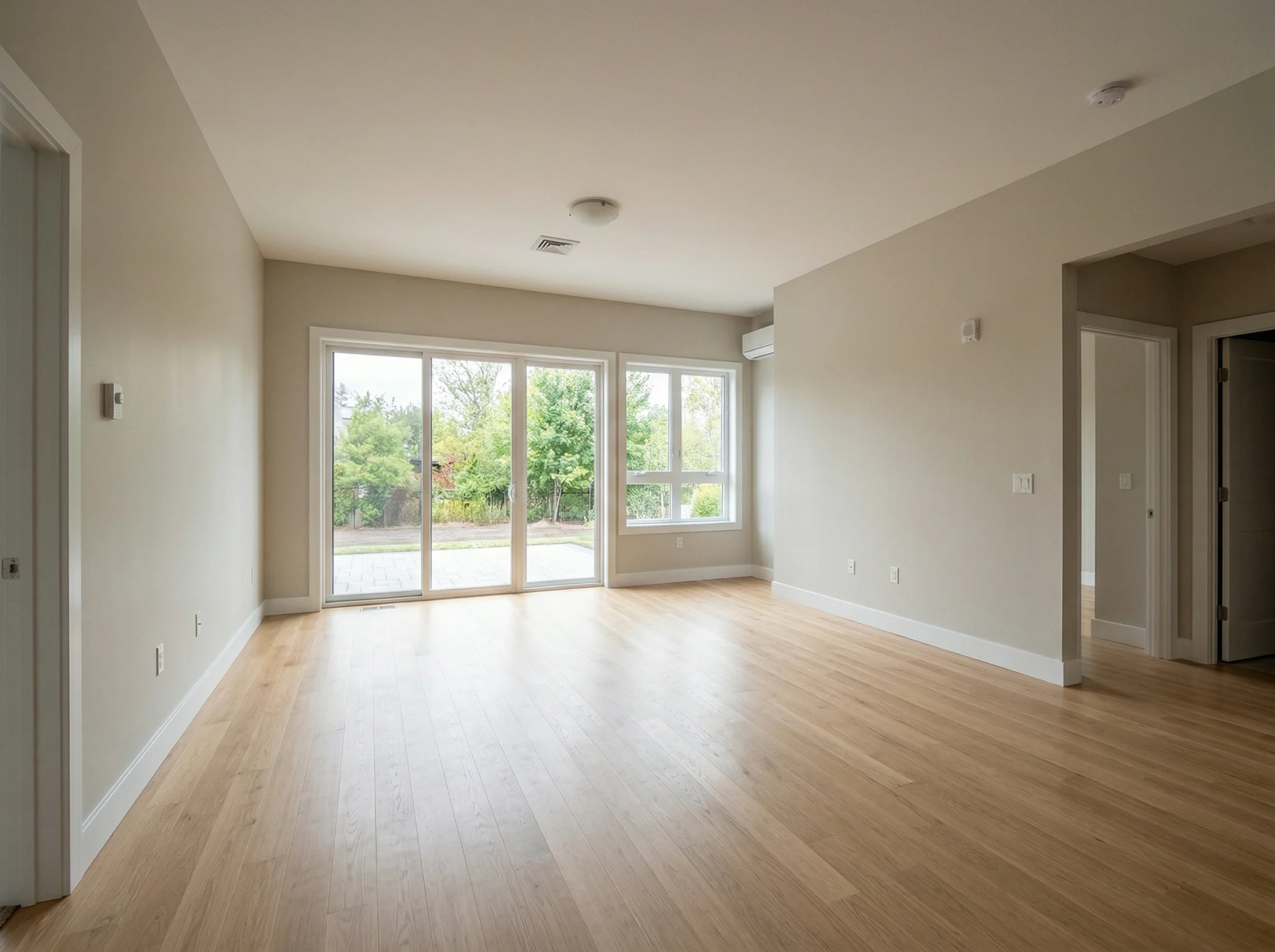
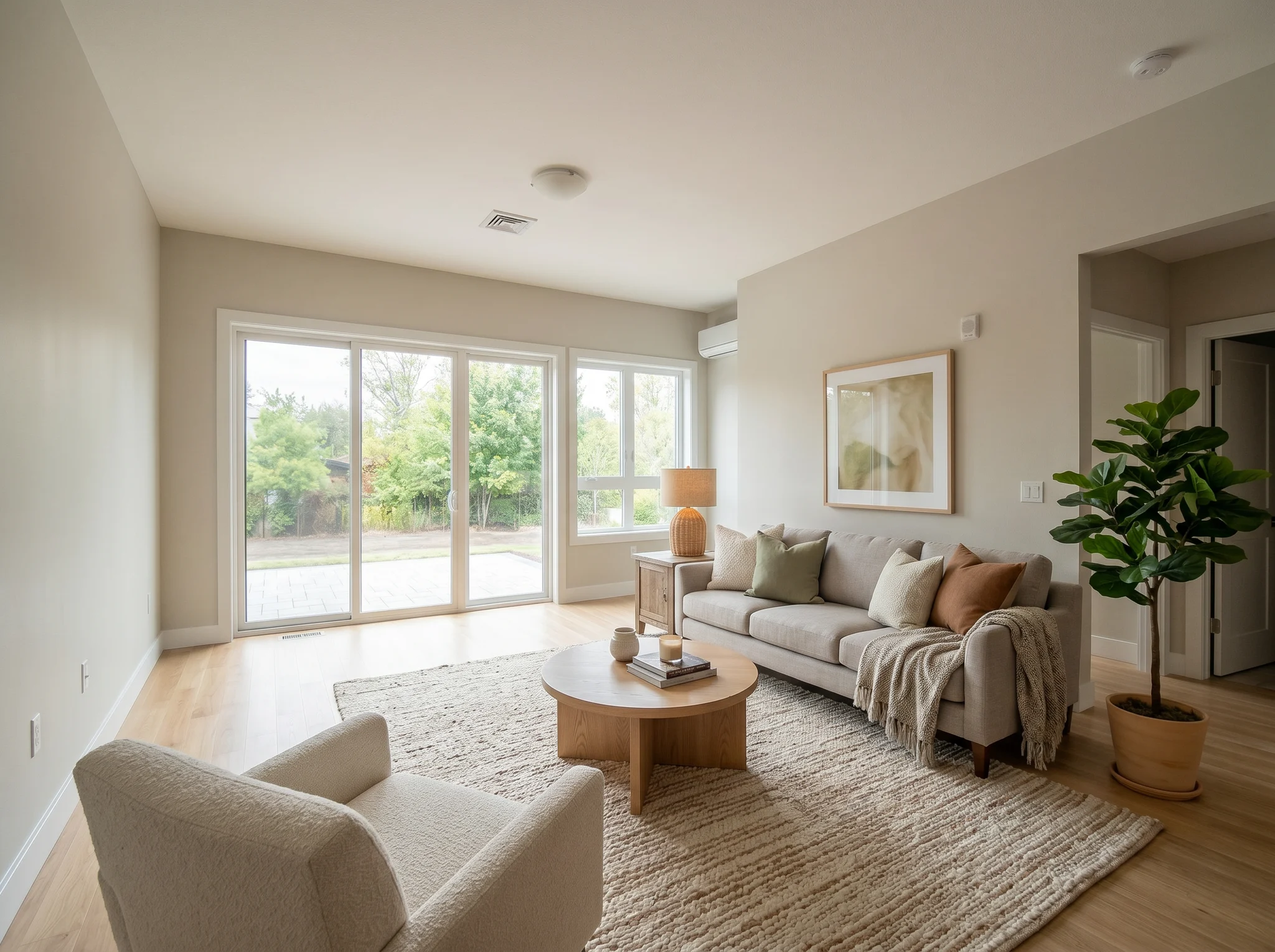
Living room
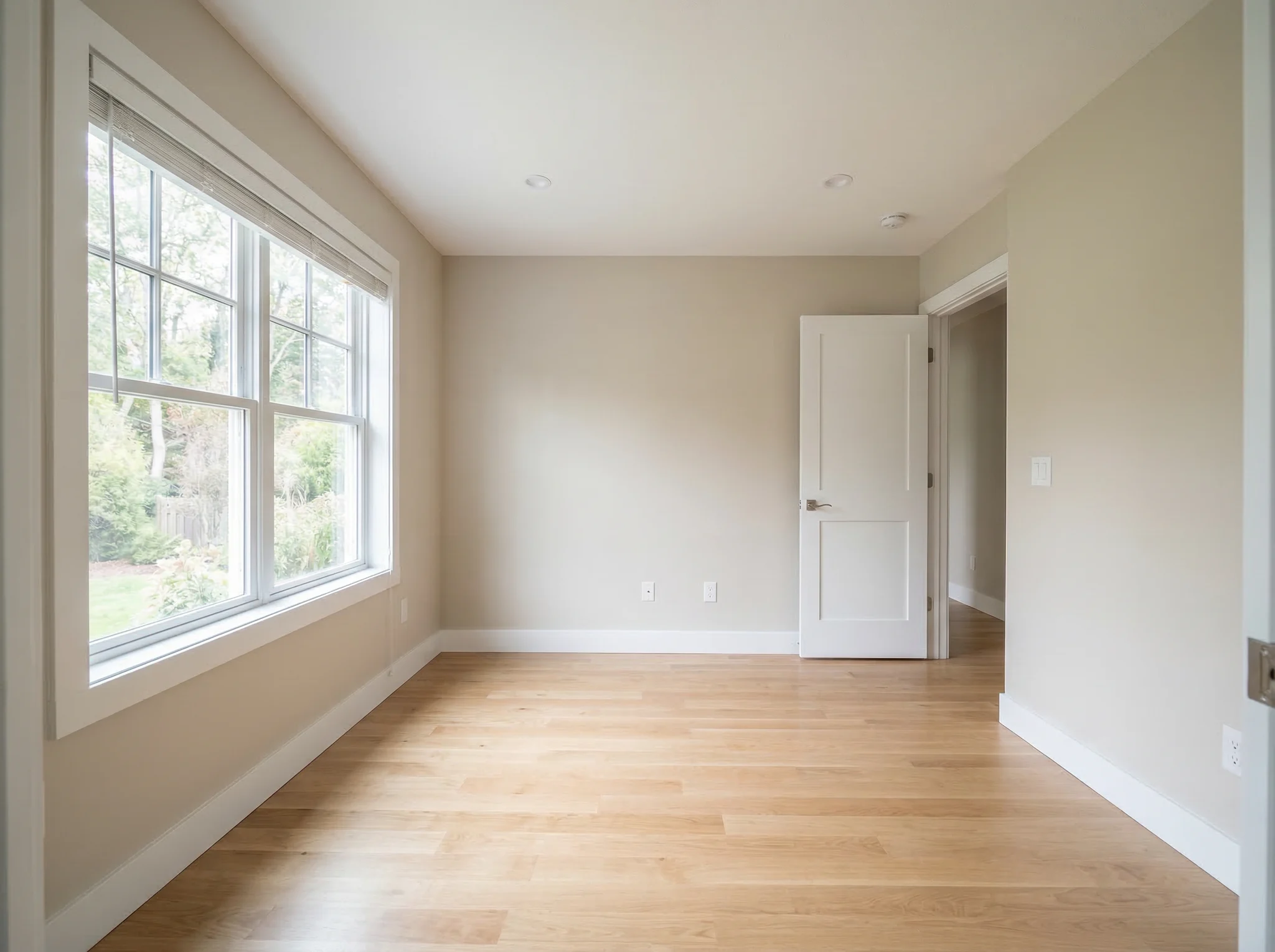
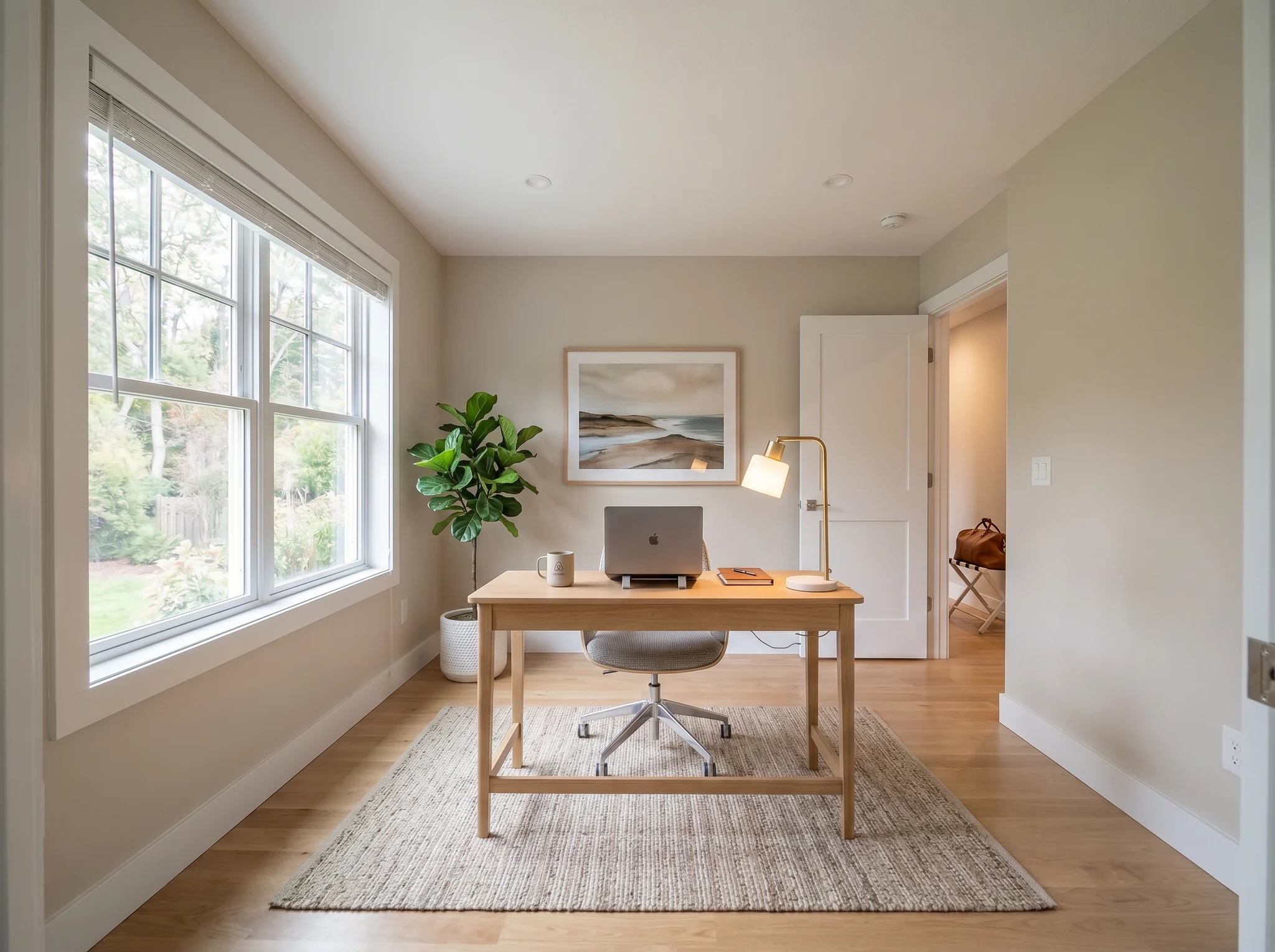
Home office
Voor / Na gevallen
Vergelijk twee of drie plausibele richtingen, geen twintig willekeurige.
 1
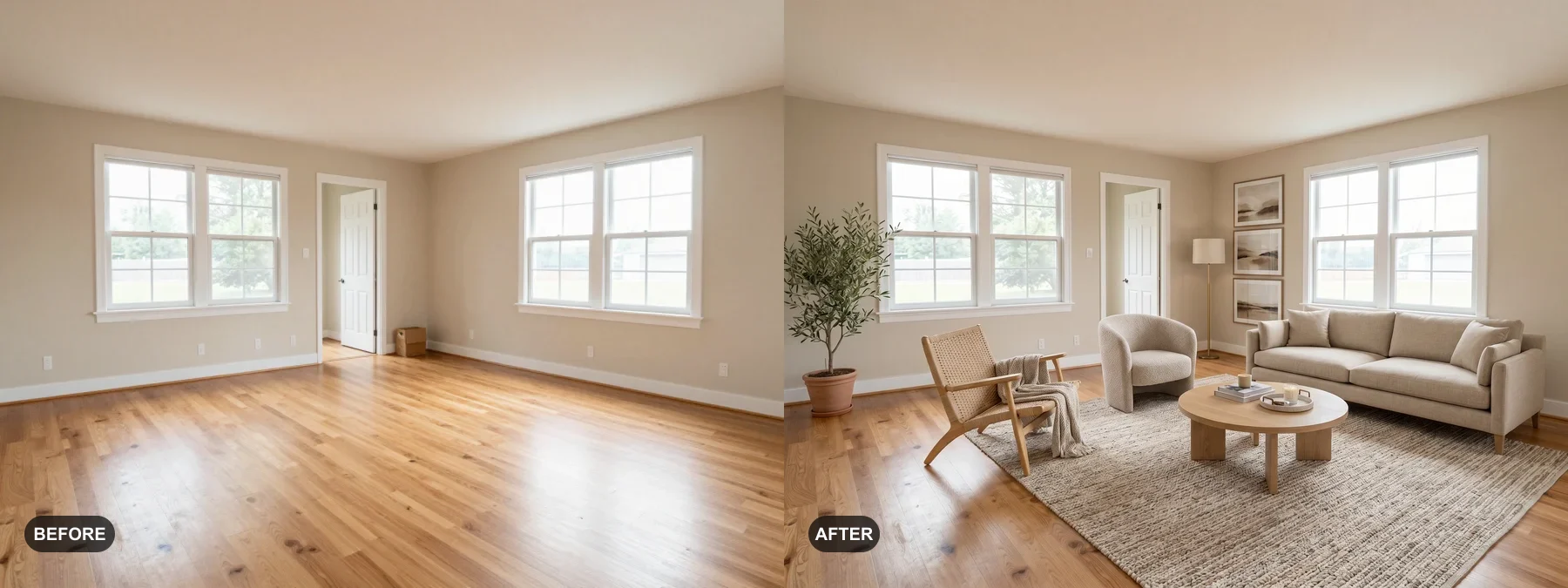
1 Stage lege kamers of fris vermoeide kamers op zodat kopers zich er thuis voelen.
 2
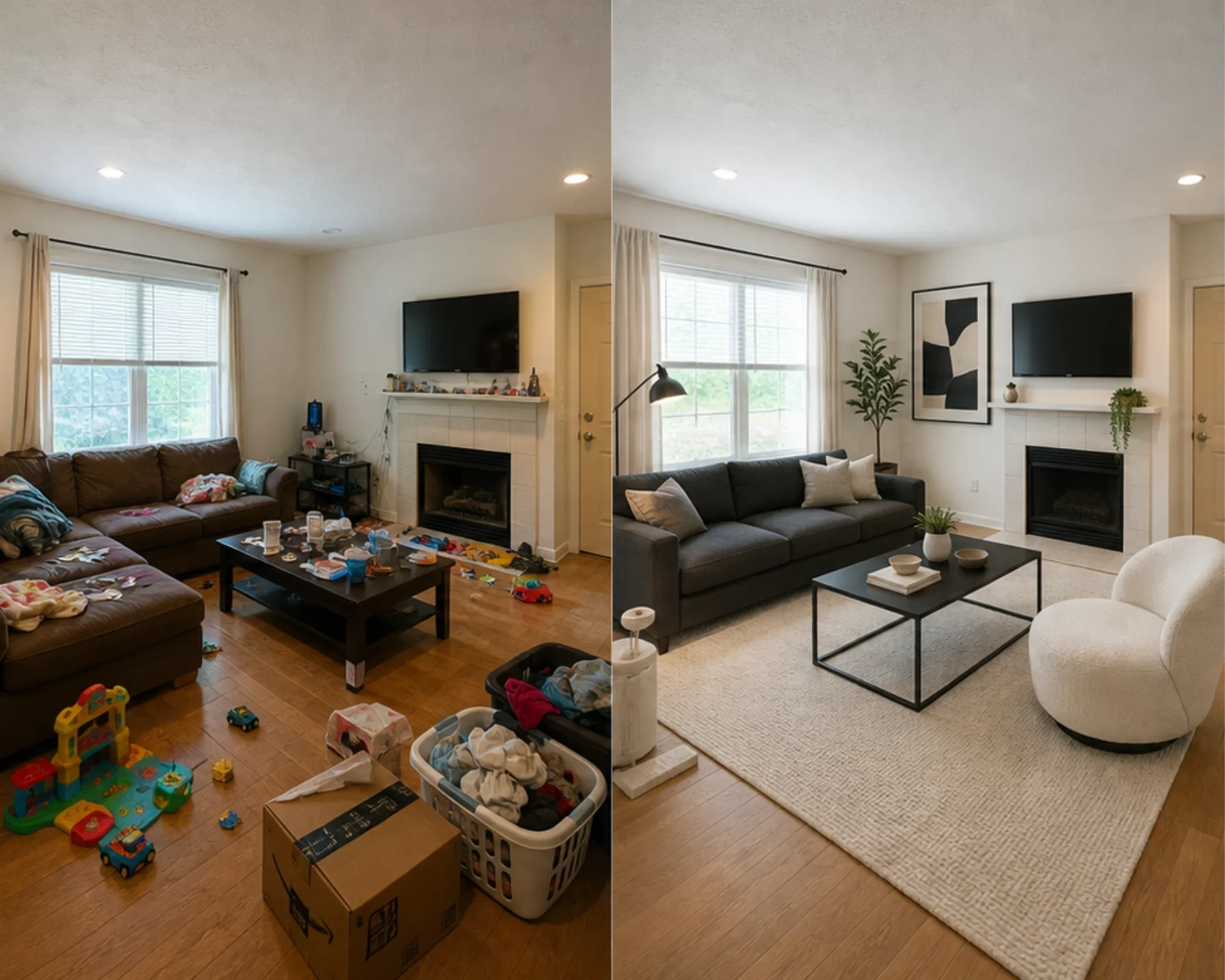
2 Test of een logeerkamer premium kan voelen voor je geld uitgeeft aan meubels.
 3
3 Bekijk een stijlrichting met echte muren, ramen en inbouwkasten behouden.
Transformeer elke kamer in drie eenvoudige stappen met onze AI-gestuurde interieurontwerptool.
Het beste voor
Het meest voorkomende dagelijkse gebruik is het verminderen van onzekerheid voordat geld wordt uitgegeven: verhuizen naar een kleine ruimte, meubels kopen, een vloerkleed kiezen, een huurwoning opfrissen, of beslissen of een kamerrichting de moeite waard is om na te streven. Makelaars en hosts hebben nog steeds een duidelijk pad wanneer de taak virtuele staging is.
Meest voorkomende planningsklus
Upload de echte kamer, test of een stijl- of indelingrichting geloofwaardig aanvoelt, meet vervolgens voordat je verf, vloerkleden of meubels koopt.
Het beste voor: kleine appartementen, verhuisplanning, meubels met vertrouwen
Beslissing met hoge intentie
Gebruik calculators voor afmetingen en vrije ruimte, gebruik vervolgens een preview met echte foto's om te beslissen of de richting te zwaar, te klein aanvoelt, of de moeite waard is om te kopen.
Het beste voor: sofa-checks, vloerkleedafmetingen, risicoreductie bij retourneren
Professioneel gebruik
Verander gewone foto's van een woning in een duidelijker verhaal over hoe de kamer zou kunnen aanvoelen na een lichte opfrisbeurt, voordat u geld uitgeeft aan fysieke staging.
Het beste voor: listing decks, voorbereiding open huis, bezichtigingen met verkopers
Omzetgericht
Test of een slaapkamer of woonruimte rustiger, helderder of luxer moet aanvoelen voordat u meubels koopt die mogelijk niet goed op de foto komen.
Het beste voor: Airbnb-upgrades, opfrisbeurten van gastenkamers, bezettings-experimenten
Eenvoudige credits en abonnementen
3 gratis generaties
€0
100 credits / maand
$9,99/mnd
400 credits / maand
$24,99/mnd
Veilige betaling via Stripe. Altijd opzegbaar.
Veelgestelde Vragen
Alles wat u moet weten over AI Kamerontwerper
RoomFlip.pro is een AI-tool voor kamerontwerp en virtuele staging voor echte kamerfoto's. Upload een kamer, kies een richting en genereer realistische voor/na-visuals die helpen bij beslissingen over indeling, stijl, meubels, verhuur of verkoop.
Upload één kamerfoto of een kleine set foto's, kies een stijlrichting en RoomFlip genereert gestylede beelden die de structuur van de echte kamer behouden en tegelijkertijd meubels, decoratie, kleur en verlichting toevoegen. Resultaten duren meestal ongeveer 15-30 seconden per afbeelding.
Ja. RoomFlip ondersteunt tot 6 kamerfoto's in één set, wat handig is als u consistente beelden nodig heeft voor een vastgoedadvertentie, Airbnb-verhuur, renovatieplan of klantpresentatie.
Nieuwe gebruikers krijgen 3 gratis credits na het inloggen. Elke preview gebruikt 1 credit en kan beperkingen van de gratis laag bevatten. Betaalde credits ontgrendelen meer previews en schonere downloadopties. Bekijk onze gratis AI-interieurontwerp pagina voor de actuele details.
De gebruikers met de hoogste intentie zijn huiseigenaren, huurders en meubelkopers die een definitieve kamerbeslissing willen nemen voordat ze geld uitgeven. Makelaars, verhuurders en ontwerpprofessionals hebben er nog steeds baat bij wanneer ze snelle staging of visuals voor klantpresentaties nodig hebben.
Probeer gratis
Upload een foto, bekijk de sfeer en genereer een richting die u kunt gebruiken voor staging, meubelbeslissingen of planning. Startcredits zijn beschikbaar na het inloggen.