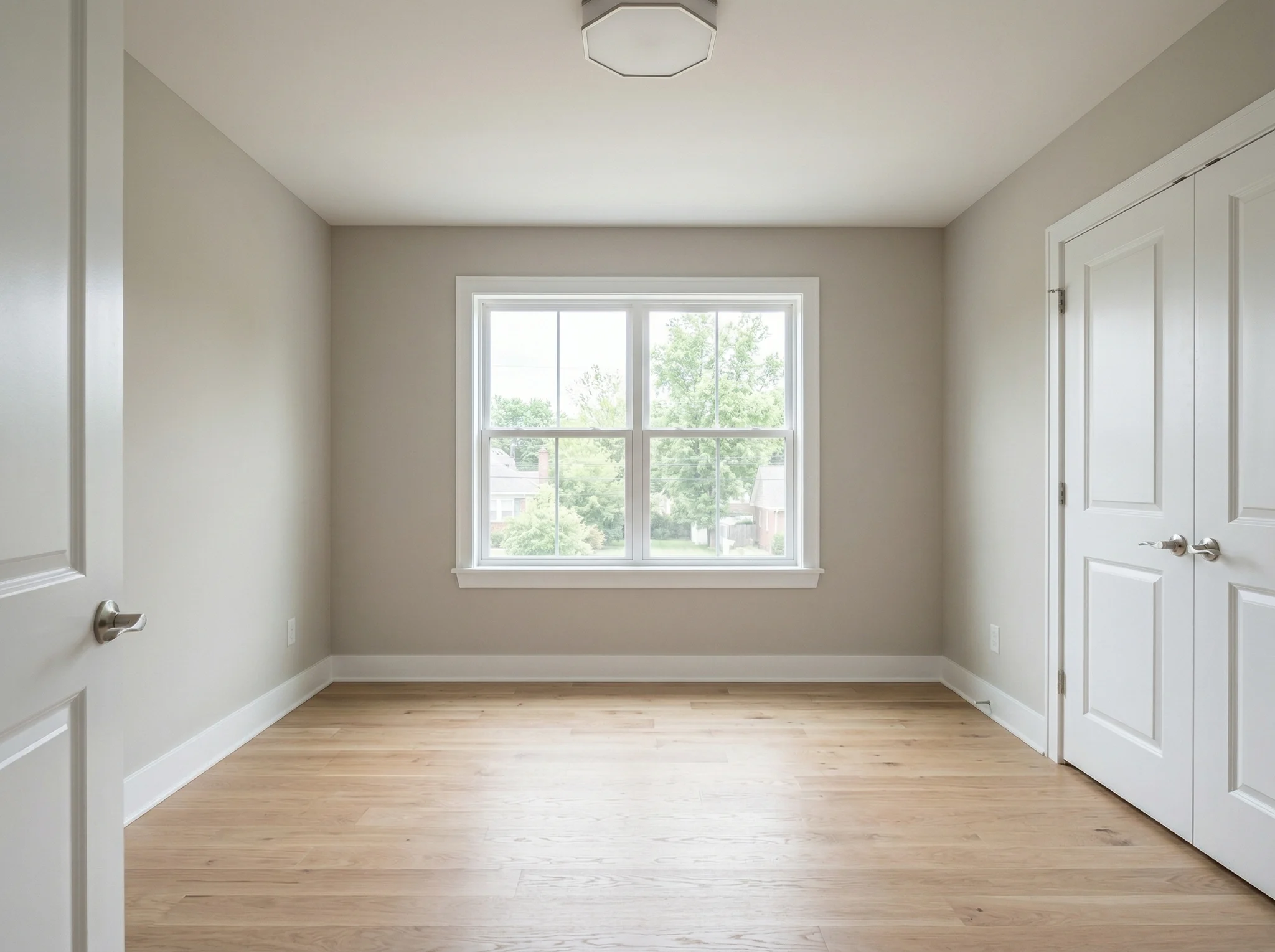
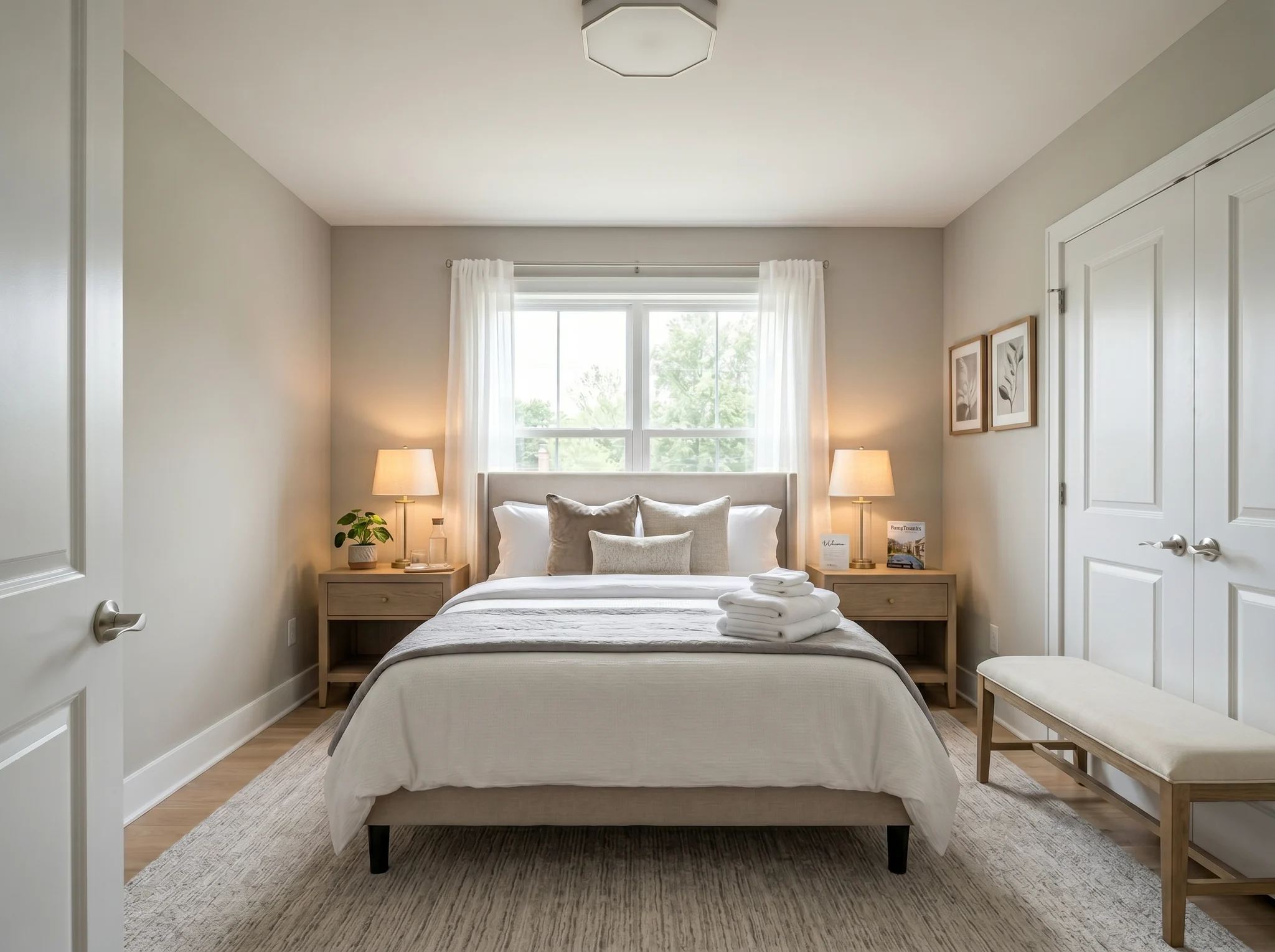
Kamar tidur
Unggah satu foto kamar dan lihat bagaimana ruangan itu tampak setelah ditata, diatur ulang, atau disegarkan — sebelum Anda membeli apa pun atau memindahkan satu perabot pun.
Pilih satu foto untuk memulai, atau pilih hingga enam sudut atau ruangan sebelum masuk ke ruang kerja.
Studi Kasus Sebelum / Sesudah
RoomFlip paling kuat ketika satu gambar yang dihasilkan memiliki pekerjaan bisnis: membantu pembeli memahami skala, membantu tamu membayangkan masa inap, atau membantu klien menyetujui arah sebelum uang dibelanjakan.
Kamar tidur
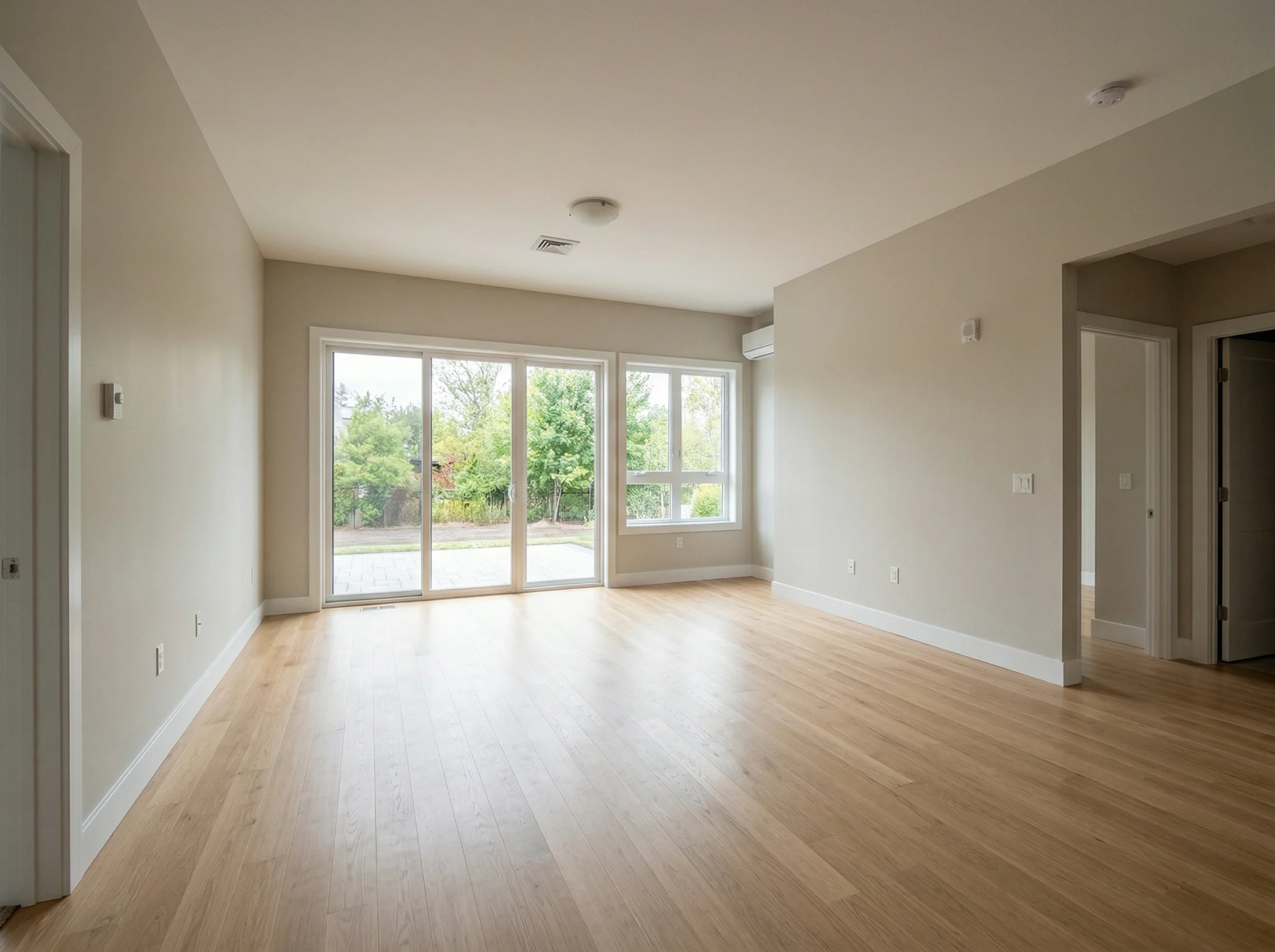
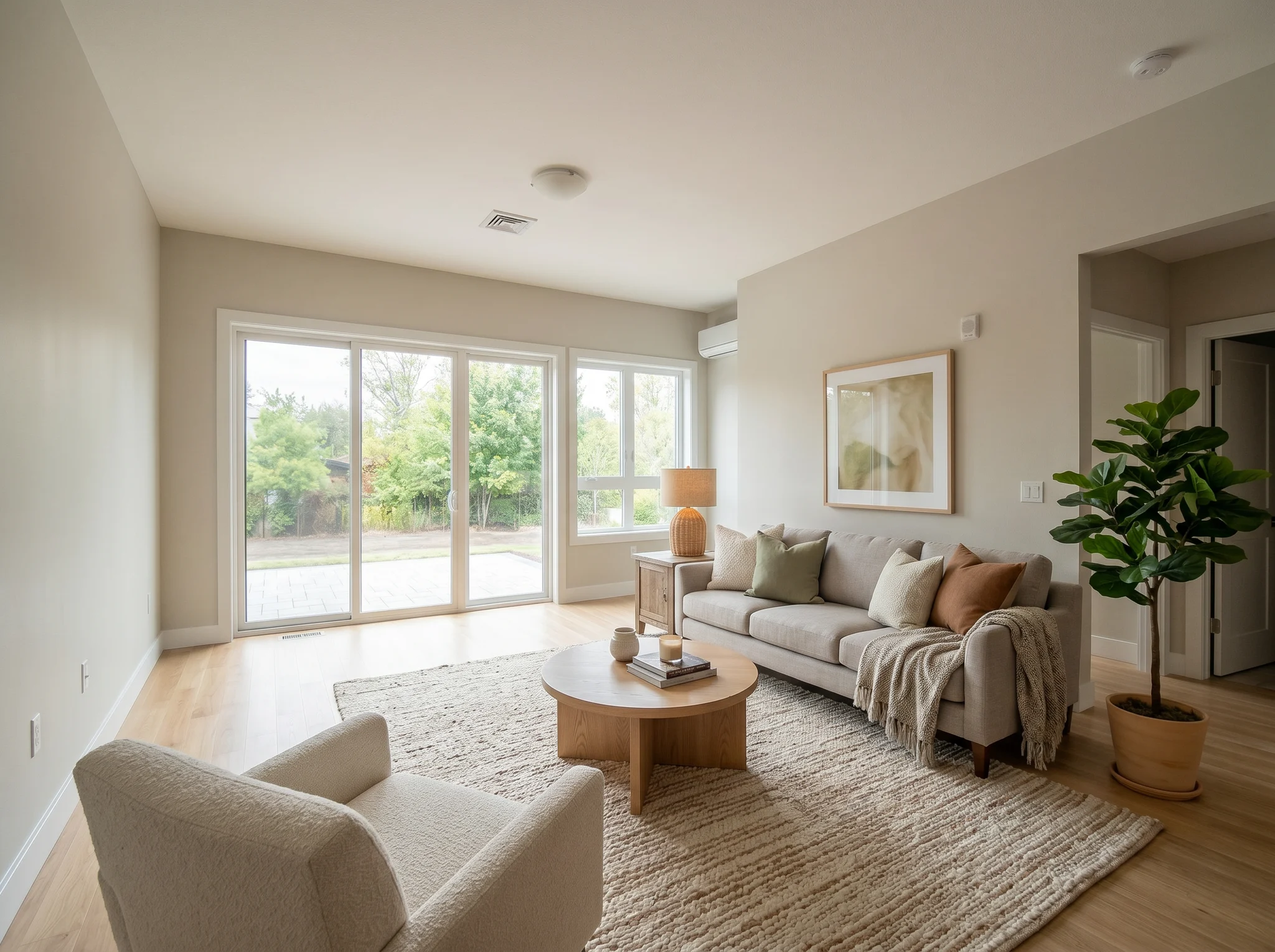
Ruang tamu
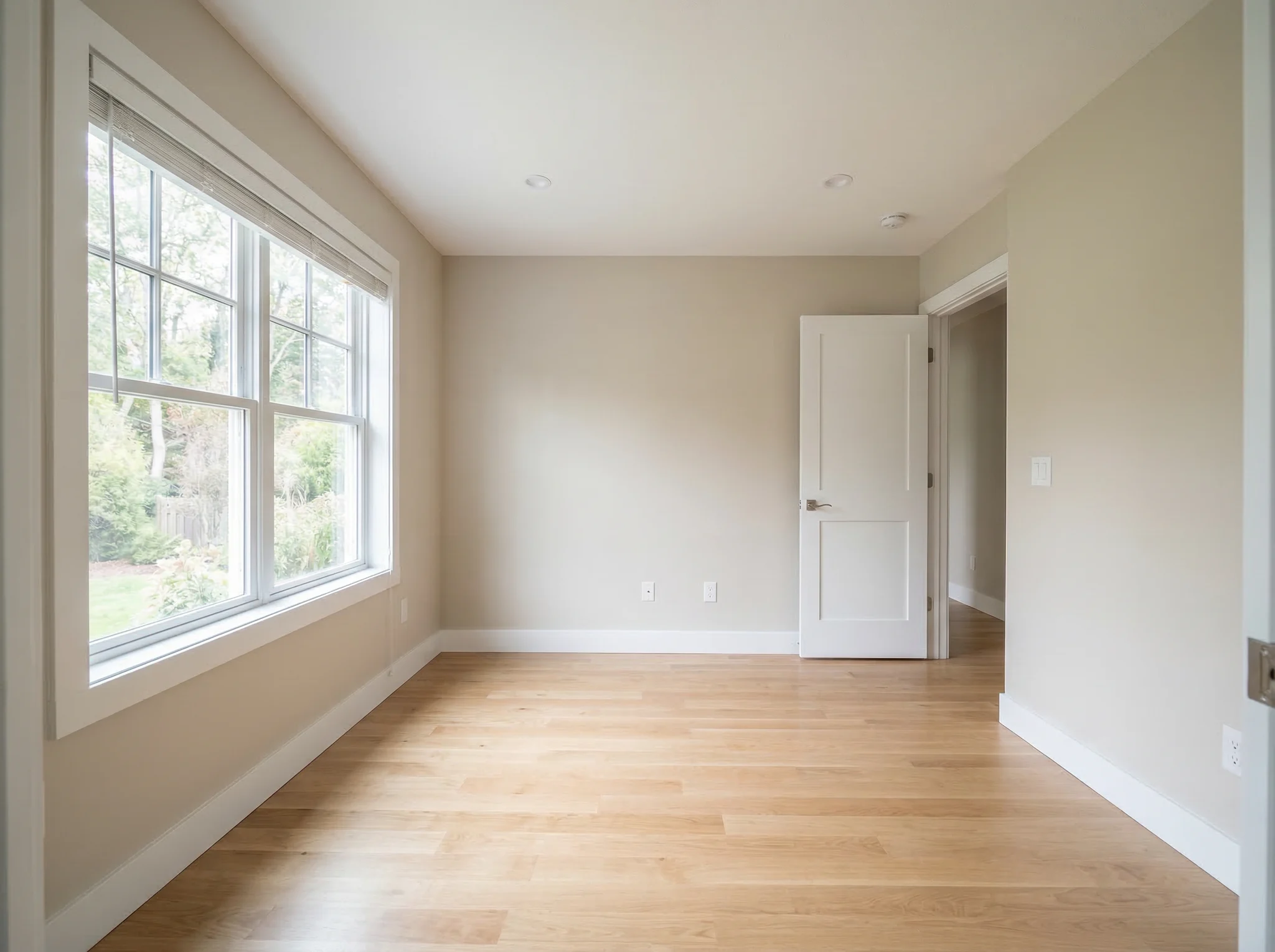
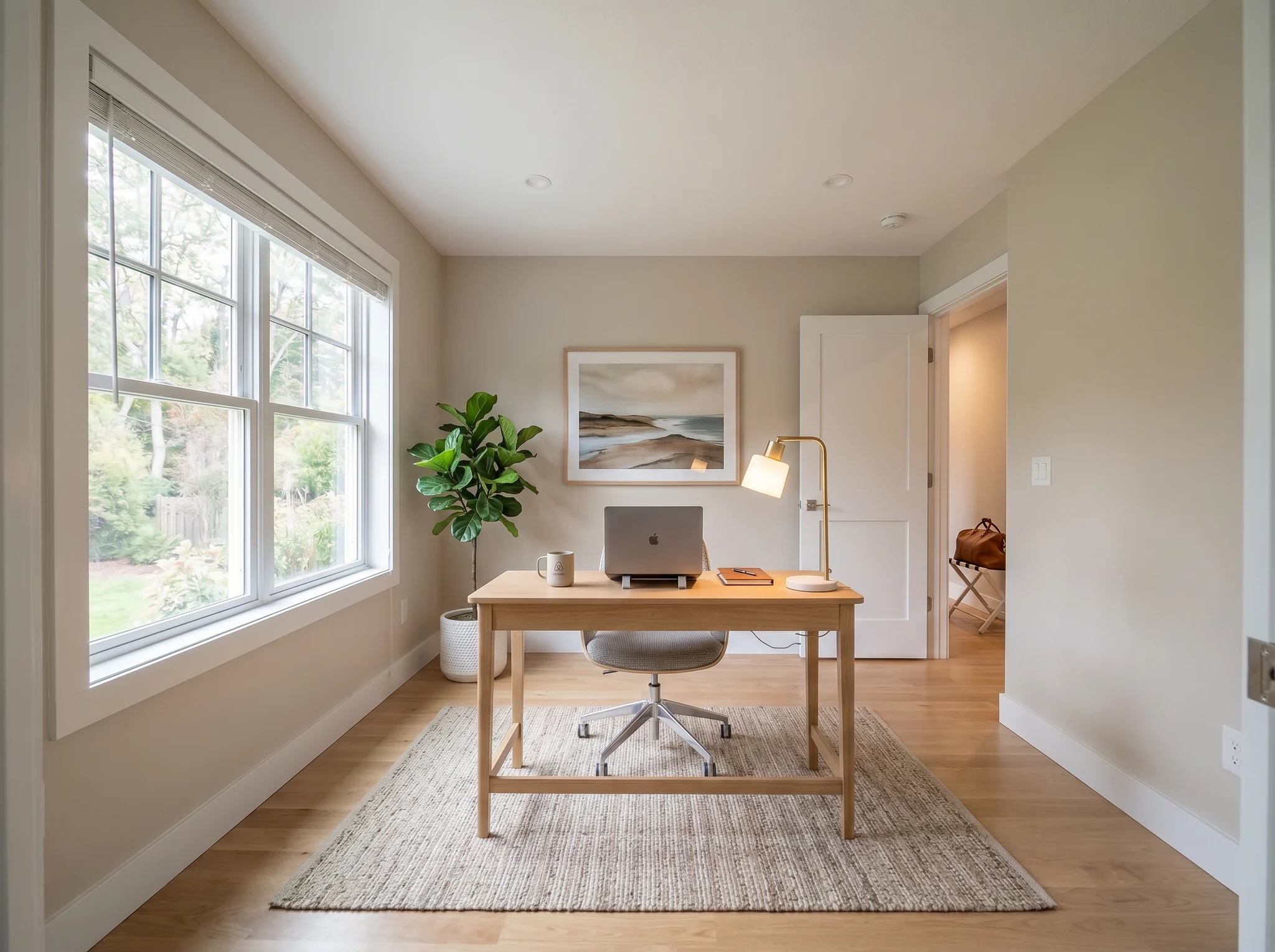
Ruang kerja
Studi Kasus Sebelum / Sesudah
Bandingkan dua atau tiga arah yang masuk akal, bukan dua puluh foto acak.
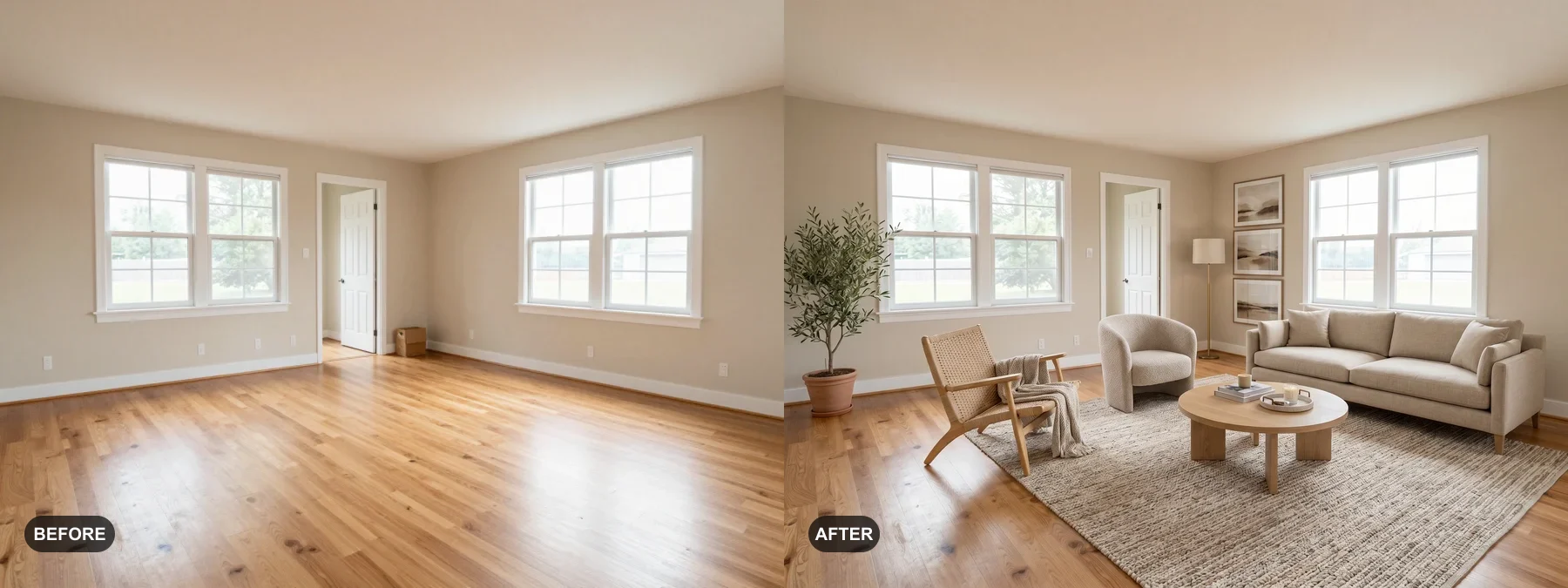 1
1 Tata ruangan kosong atau segarkan yang sudah usang agar pembeli mudah membayangkan dirinya tinggal di sana.
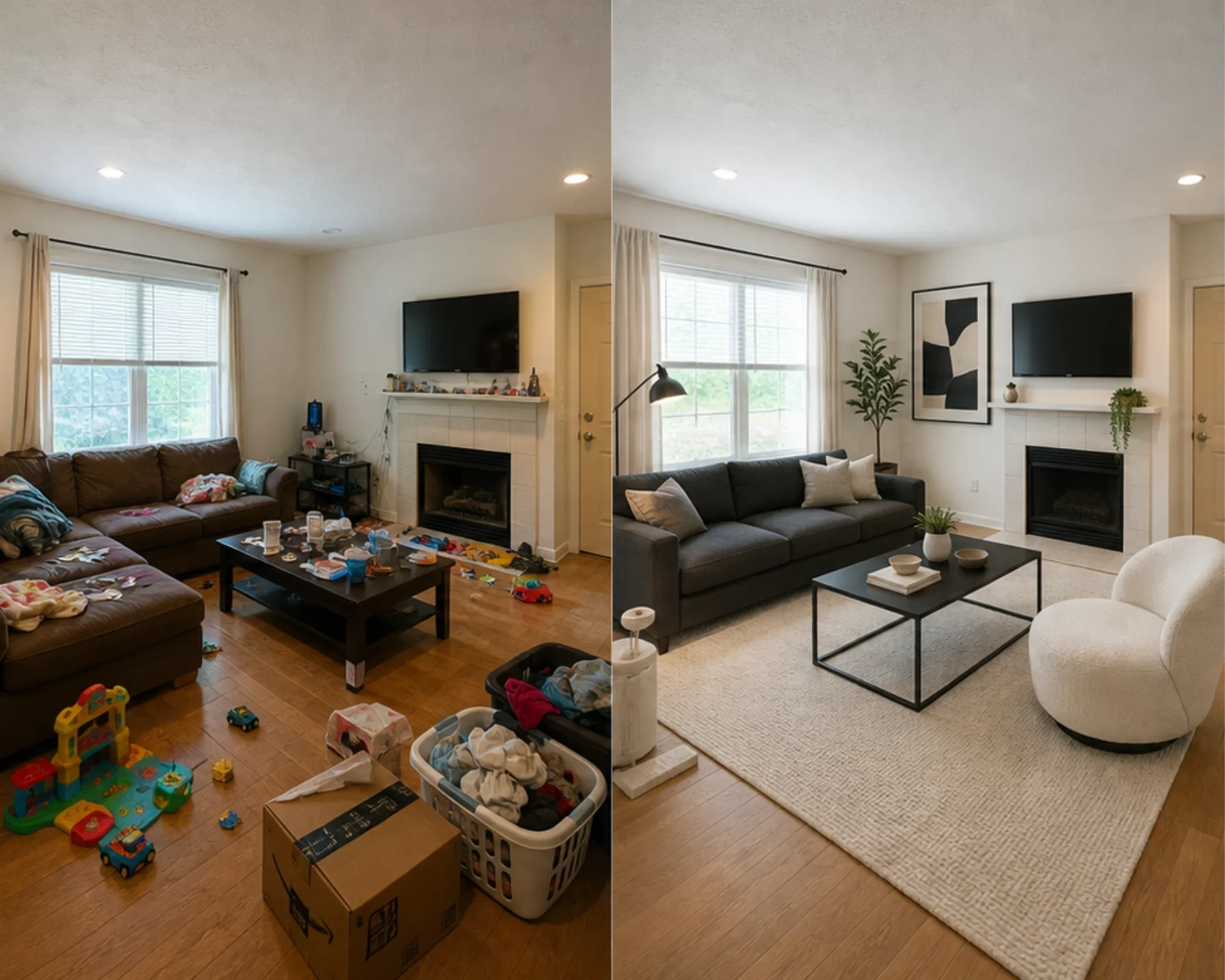 2
2 Cek apakah kamar tamu bisa terlihat premium sebelum Anda membeli furnitur.
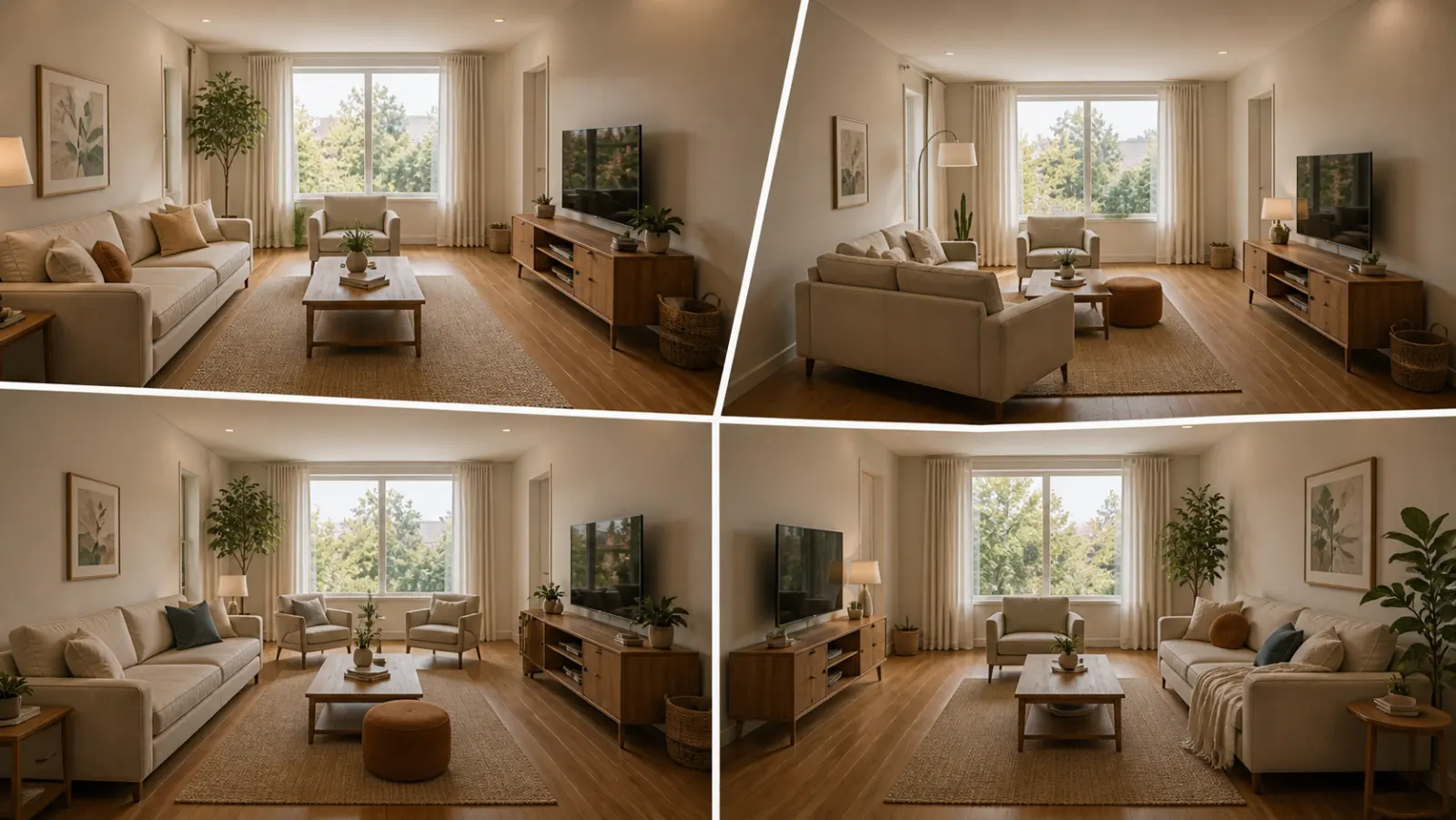 3
3 Pratinjau arah gaya dengan dinding, jendela, dan elemen built-in yang tetap dipertahankan.
Ubah ruangan apa pun dalam tiga langkah mudah menggunakan alat desain interior bertenaga AI kami.
Terbaik untuk
Kasus penggunaan sehari-hari terkuat adalah mengurangi ketidakpastian sebelum uang dibelanjakan: pindah ke tempat kecil, membeli furnitur, memilih karpet, menyegarkan sewaan, atau memutuskan apakah arah ruangan layak untuk dikejar. Agen dan tuan rumah masih memiliki jalur yang jelas ketika pekerjaan tersebut adalah penataan virtual.
Pekerjaan perencanaan paling umum
Unggah ruangan asli, uji apakah arah gaya atau tata letak terasa meyakinkan, lalu ukur sebelum membeli cat, karpet, atau furnitur.
Terbaik untuk: apartemen kecil, perencanaan pindah rumah, kepercayaan diri furnitur
Keputusan niat tinggi
Gunakan kalkulator untuk ukuran dan jarak bebas, lalu gunakan pratinjau foto asli untuk memutuskan apakah arahnya terasa terlalu berat, terlalu kecil, atau layak dibeli.
Terbaik untuk: cek sofa, ukuran karpet, pengurangan risiko pengembalian
Penggunaan Profesional
Ubah foto listing biasa menjadi cerita yang lebih jelas tentang bagaimana ruangan bisa terasa setelah penyegaran ringan, sebelum mengeluarkan biaya untuk penataan fisik.
Terbaik untuk: dek listing, persiapan open house, walkthrough penjual
Berorientasi Pendapatan
Uji apakah kamar tidur atau ruang tamu harus terasa lebih tenang, lebih cerah, atau lebih premium sebelum membeli furnitur yang mungkin tidak terlihat bagus di foto.
Terbaik untuk: peningkatan Airbnb, penyegaran kamar tamu, eksperimen hunian
Kredit dan langganan yang sederhana
5 kredit awal
USD 0,00
100 kredit / bulan
USD 9,99 / bulan
400 kredit / bulan
USD 24,99 / bulan
Checkout aman melalui Stripe. Tinjau ketentuan paket dan checkout sebelum membeli.
Pertanyaan yang Sering Diajukan
Semua yang perlu Anda ketahui tentang AI Room Designer
RoomFlip.pro adalah alat desain ruangan AI dan tata rias virtual untuk foto ruangan sungguhan. Unggah ruangan, pilih arah desain, dan hasilkan visual sebelum/sesudah yang realistis yang membantu keputusan tata letak, gaya, furnitur, listing, atau sewa.
Waktu pemrosesan berbeda menurut gambar dan permintaan saat ini. Bandingkan setiap hasil dengan foto asli.
Ya. RoomFlip mendukung hingga 6 foto ruangan dalam satu set, yang berguna ketika Anda memerlukan visual yang konsisten untuk listing real estat, sewa Airbnb, rencana renovasi, atau presentasi klien.
Pengguna baru mendapatkan 5 kredit gratis setelah masuk. Setiap pratinjau menggunakan 1 kredit dan mungkin memiliki batasan tingkat gratis. Kredit berbayar membuka lebih banyak pratinjau dan opsi unduhan yang lebih bersih. Lihat halaman desain ruangan AI gratis kami untuk detail saat ini.
Pengguna dengan niat tertinggi adalah pemilik rumah, penyewa, dan pembeli furnitur yang mencoba membuat keputusan ruangan nyata sebelum mengeluarkan uang. Agen listing, tuan rumah, dan profesional desain masih mendapatkan manfaat ketika mereka membutuhkan tata rias cepat atau visual presentasi klien.
AI Room Designer berfungsi dengan ruang dalam ruangan apa pun: ruang tamu, kamar tidur, dapur, kamar mandi, ruang makan, kantor rumah, kamar bayi, dan lainnya. Untuk hasil terbaik, ambil foto yang terang dari sudut ruangan yang menunjukkan sebanyak mungkin ruang. AI menangani ruangan dari semua ukuran, dari apartemen studio hingga area tamu terbuka yang luas.
Desain kamar AI dari satu foto
Unggah foto, pratinjau suasana, dan hasilkan arah yang dapat Anda gunakan untuk penataan, keputusan furnitur, atau perencanaan. Kredit awal tersedia setelah masuk.