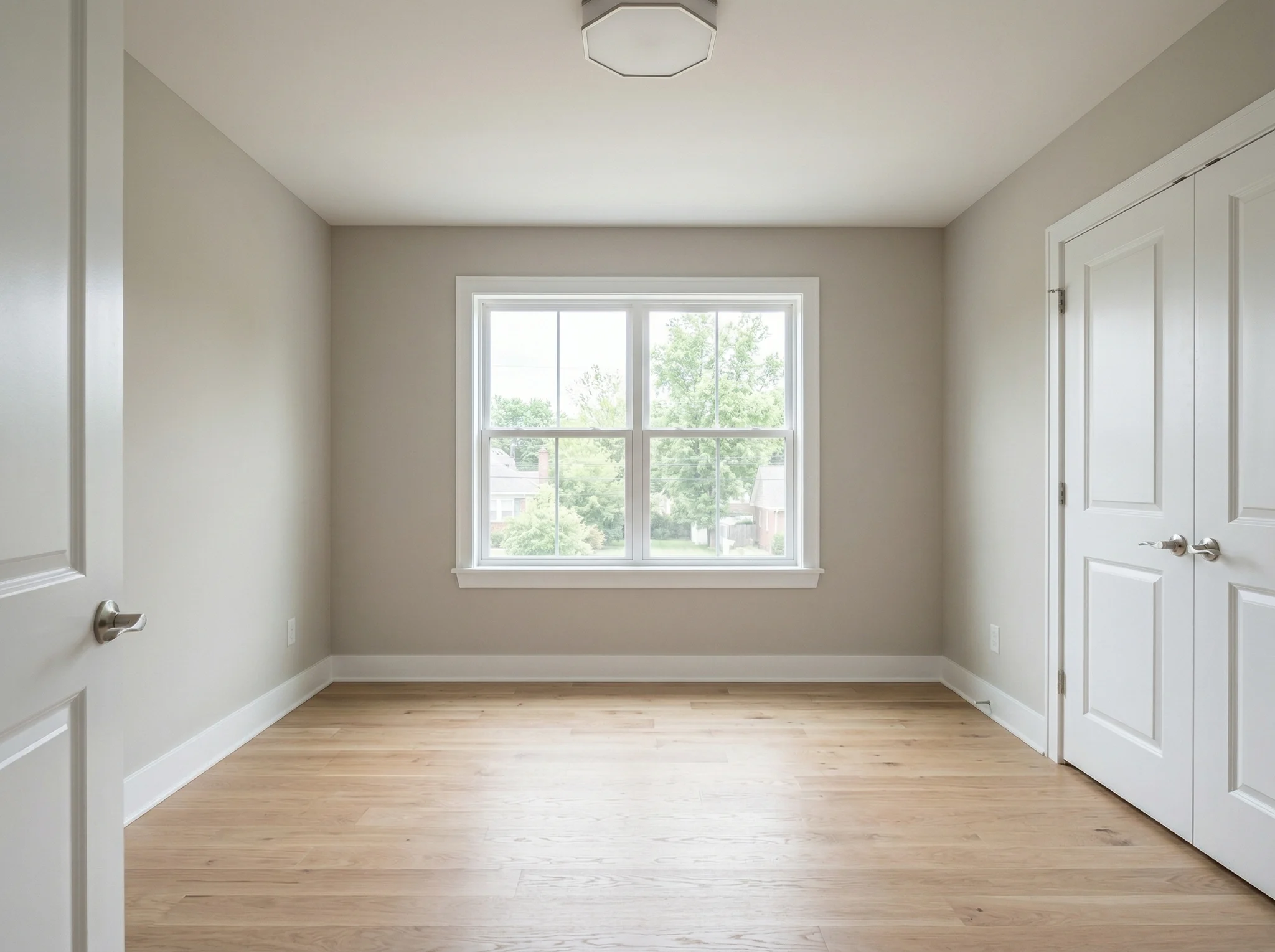
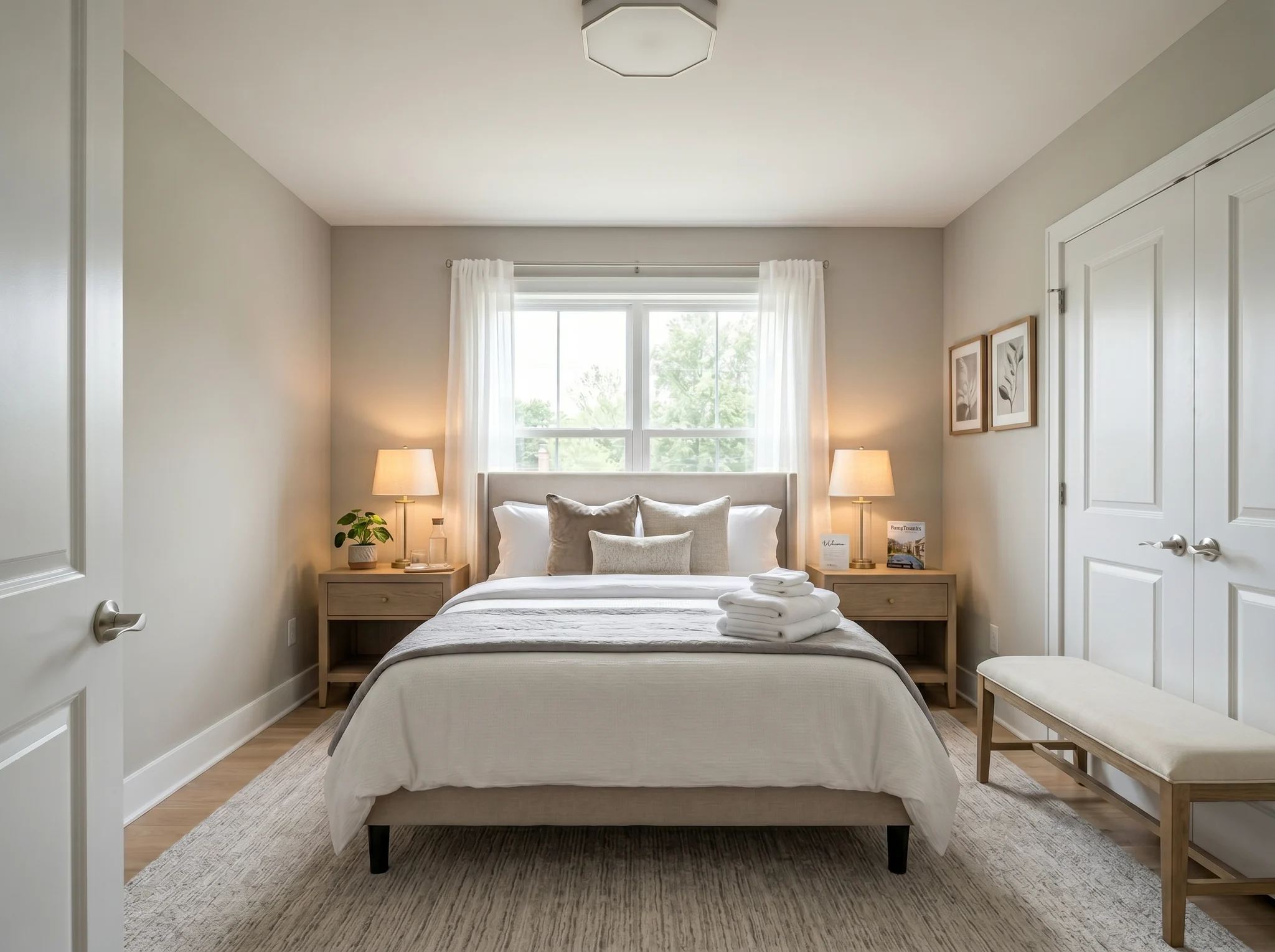
Bedroom
Upload one room photo and see how it could look furnished, rearranged, or refreshed — before you buy anything or move a single piece of furniture.
One-time packs. Credits roll over. Cancel anytime.
Enne / pärast juhtumid
RoomFlip on tugevaim, kui ühel loodud pildil on äriline eesmärk: aidata ostjal mõista skaalat, aidata külalisel ettekujutada viibimist või aidata kliendil suund heaks kiita enne raha kulutamist.
Bedroom
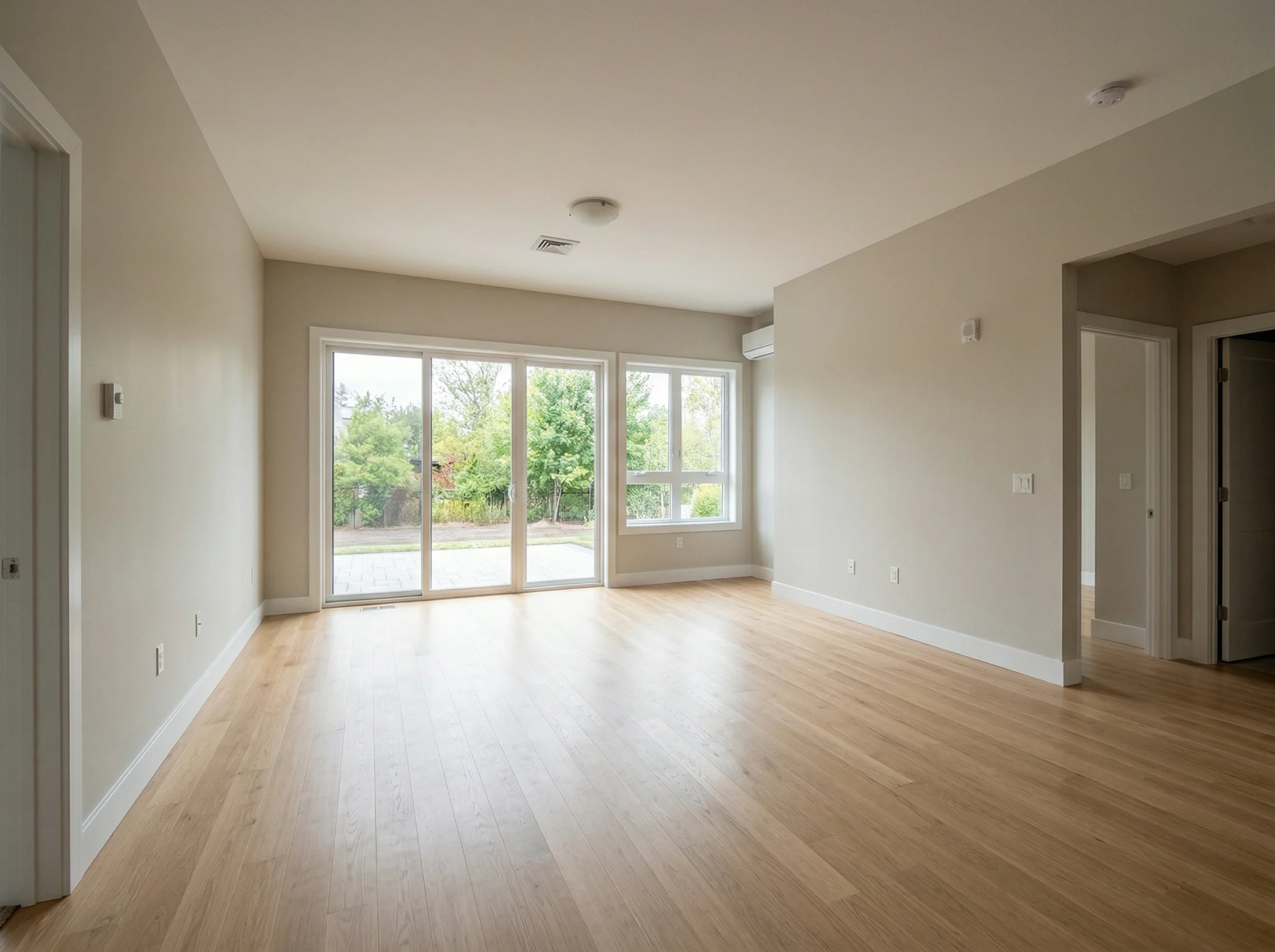
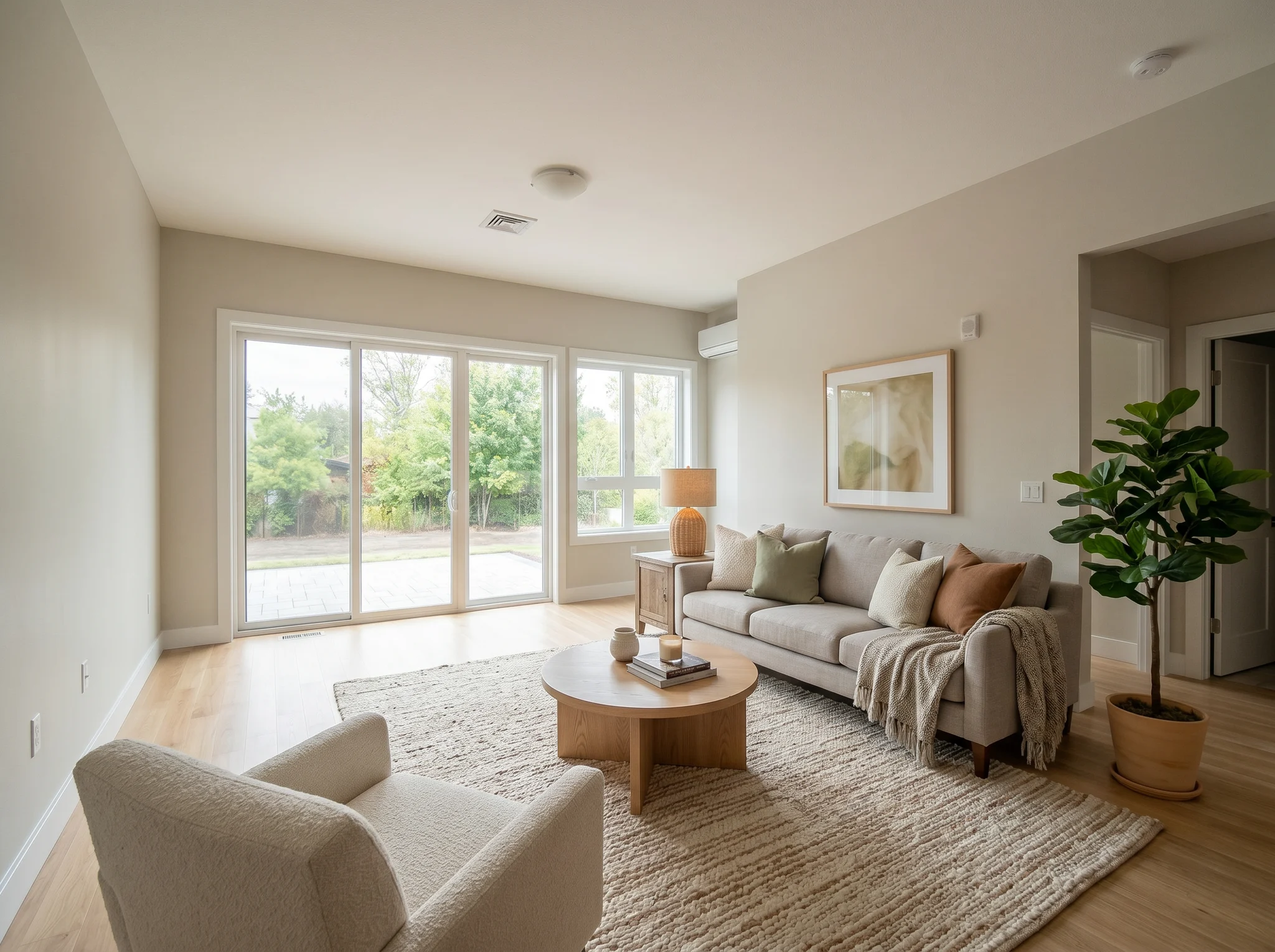
Living room
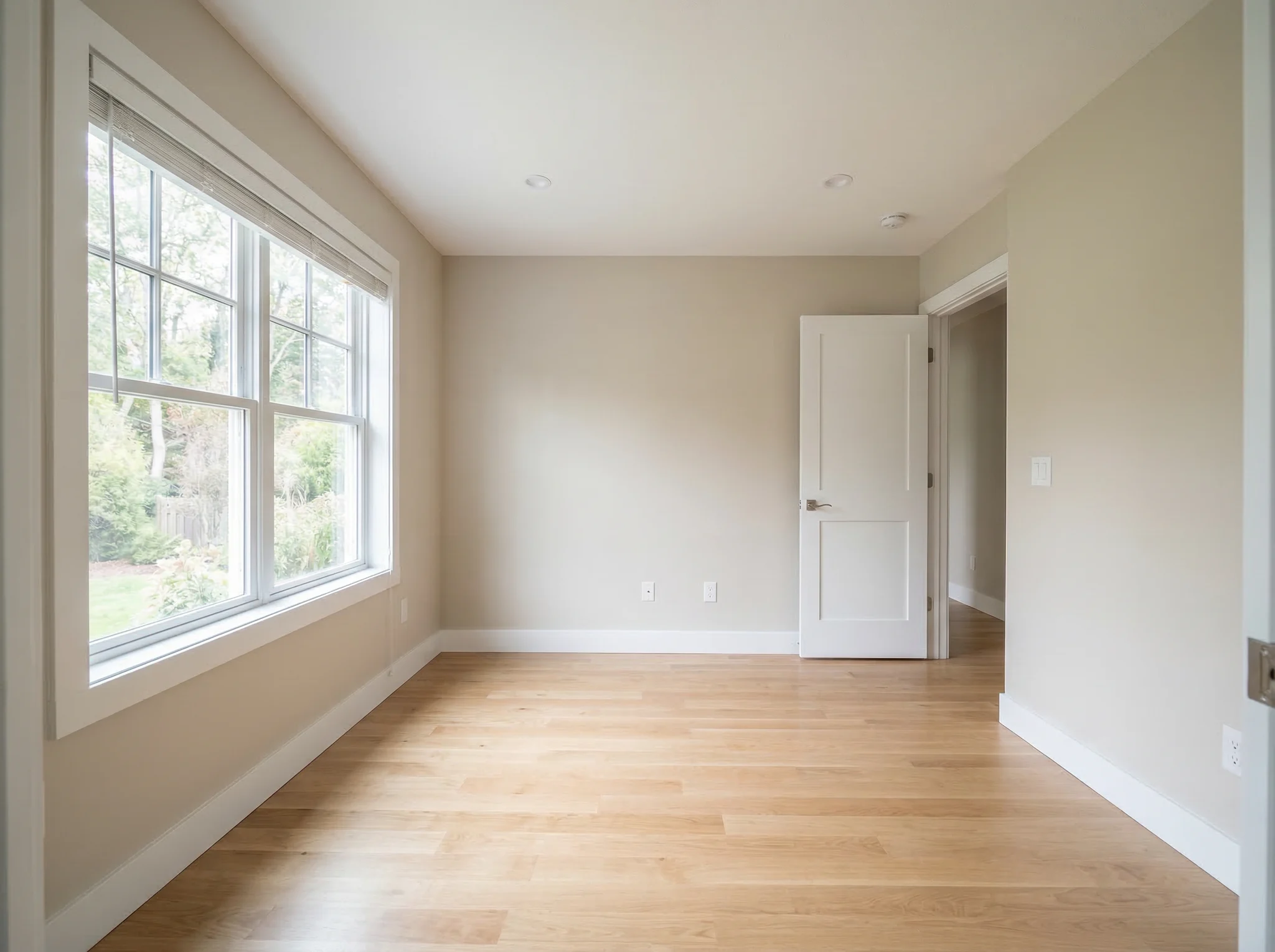
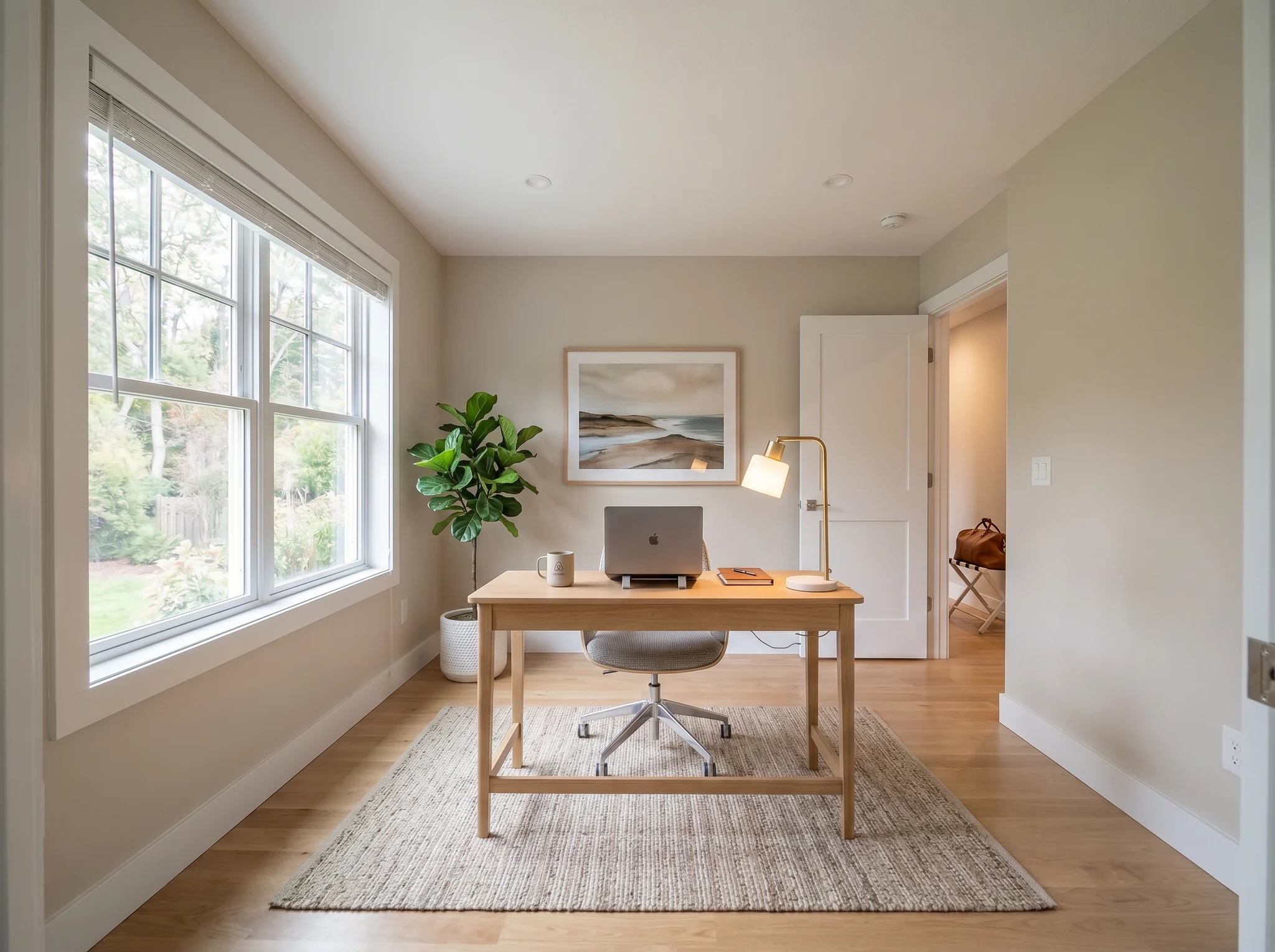
Home office
Enne / pärast juhtumid
Võrdle kahte või kolme usutavat suunda, mitte kahtkümmend juhuslikku.
 1
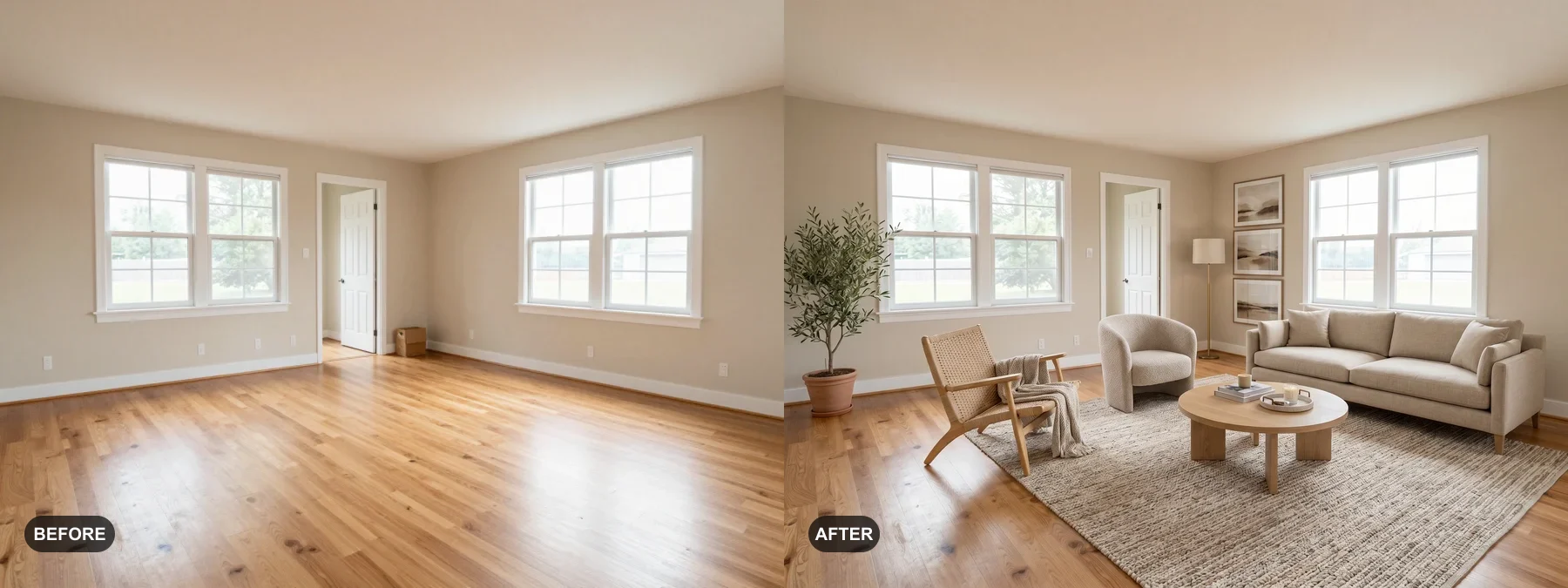
1 Lavasta tühjad ruumid või värskenda väsinuid, et ostjad näeksid end seal elamas.
 2
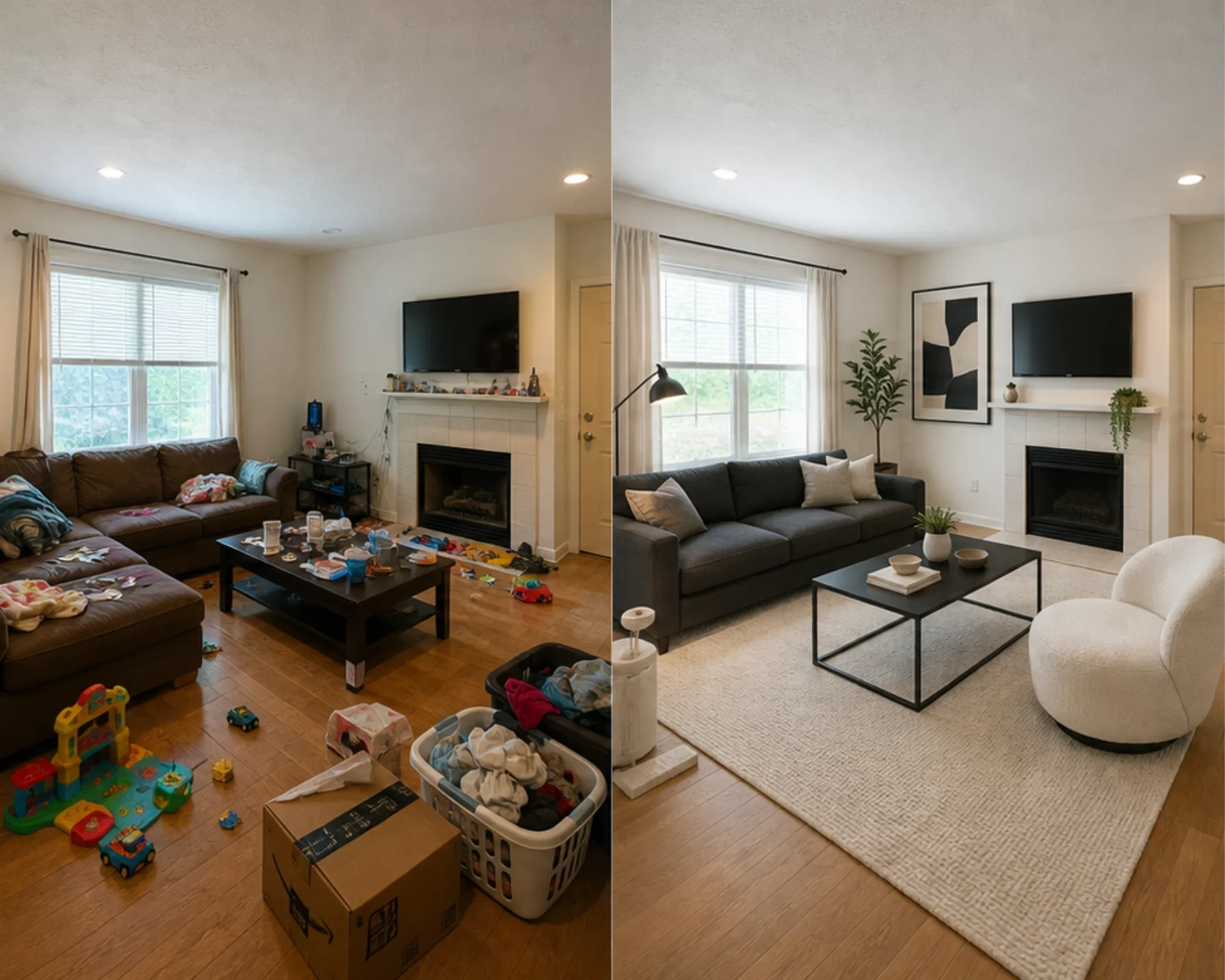
2 Testi, kas külalistetuba võib tunduda premium, enne kui kulutad mööblile.
 3
3 Vaata stiilisuunda eelvaates, säilitades päris seinad, aknad ja sisseehitised.
Muuda iga ruum kolme lihtsa sammuga meie AI-põhise sisekujundustööriistaga.
Parim
Kõige tugevam igapäevane kasutusjuhtum on ebakindluse vähendamine enne raha kulutamist: väiksemasse kohta kolimine, mööbli ostmine, vaiba valimine, rendipinna värskendamine või otsustamine, kas ruumi suund on väärt selle poole püüdlemist. Agendid ja võõrustajad saavad virtuaalse lavastuse puhul siiski selge tee.
Kõige tavalisem planeerimistöö
Laadige üles tegelik ruum, testige, kas stiil või paigutus tundub usutav, seejärel mõõtke enne värvi, vaipade või mööbli ostmist.
Parim: väikesed korterid, kolimisplaneerimine, mööblikindlus
Kõrge kavatsusega otsus
Kasutage suuruse ja kliirensi kalkulaatoreid, seejärel kasutage tegeliku foto eelvaadet, et otsustada, kas suund tundub liiga raske, liiga väike või ostmist väärt.
Parim: diivanite kontroll, vaipade suuruse määramine, tagastusriski vähendamine
Professionaalne kasutamine
Muutke tavalised müügikuulutuste fotod selgemaks looks sellest, kuidas ruum võiks pärast kerget värskendust välja näha, enne füüsilise kujunduse peale kulutamist.
Parim: müügipresentatsioonid, avatud uste päevade ettevalmistus, omaniku ülevaatused
Tuludele orienteeritud
Testige, kas magamistuba või elutuba peaks tunduma rahulikum, heledam või premium-klassi, enne mööbli ostmist, mis ei pruugi hästi pildistada.
Parim: Airbnb uuendused, külalistetubade värskendused, hõivatuse eksperimendid
Lihtsad krediidid ja tellimused
3 tasuta genereerimist
0 €
100 krediiti / kuu
$9,99/kuu
400 krediiti / kuu
$24,99/kuu
Turvaline makse Stripe'i kaudu. Tühista igal ajal.
Korduma kippuvad küsimused
Kõik, mida pead teadma AI Ruumidisaineri kohta
RoomFlip.pro on AI-põhine ruumidisaini ja virtuaalse lavastuse tööriist päris ruumifotode jaoks. Laadi üles ruum, vali suund ja genereeri realistlikud enne/pärast visuaalid, mis aitavad teha otsuseid paigutuse, stiili, mööbli, müügi või rendi osas.
Laadi üles üks ruumifoto või väike komplekt fotosid, vali stiilisuund ja RoomFlip genereerib lavastatud pildid, mis säilitavad ruumi tegeliku struktuuri, lisades samal ajal mööblit, sisekujundust, värvi ja valgustust. Tulemused võtavad tavaliselt aega umbes 15–30 sekundit pildi kohta.
Jah. RoomFlip toetab kuni 6 ruumifotot ühes komplektis, mis on kasulik, kui vajate ühtseid visuaale kinnisvarakuulutuse, Airbnb rendi, renoveerimisplaani või kliendi esitluse jaoks.
Uued kasutajad saavad pärast sisselogimist 3 tasuta krediiti. Iga eelvaade kasutab 1 krediiti ja võib sisaldada tasuta taseme piiranguid. Tasulised krediidid avavad rohkem eelvaateid ja puhtamaid allalaadimisvõimalusi. Vaadake meie tasuta AI ruumidisaini lehelt praeguseid üksikasju.
Kõige suurema huviga kasutajad on majaomanikud, üürnikud ja mööbliostjad, kes püüavad teha reaalse ruumi otsuse enne raha kulutamist. Müügiagendid, võõrustajad ja disainiprofessionaalid saavad siiski kasu, kui nad vajavad kiireid lavastus- või kliendi esitluse visuaale.
Proovi tasuta
Laadige üles foto, vaadake eelvaadet ja looge suund, mida saate kasutada lavastamiseks, mööbliotsusteks või planeerimiseks. Alustuskrediidid on saadaval pärast sisselogimist.