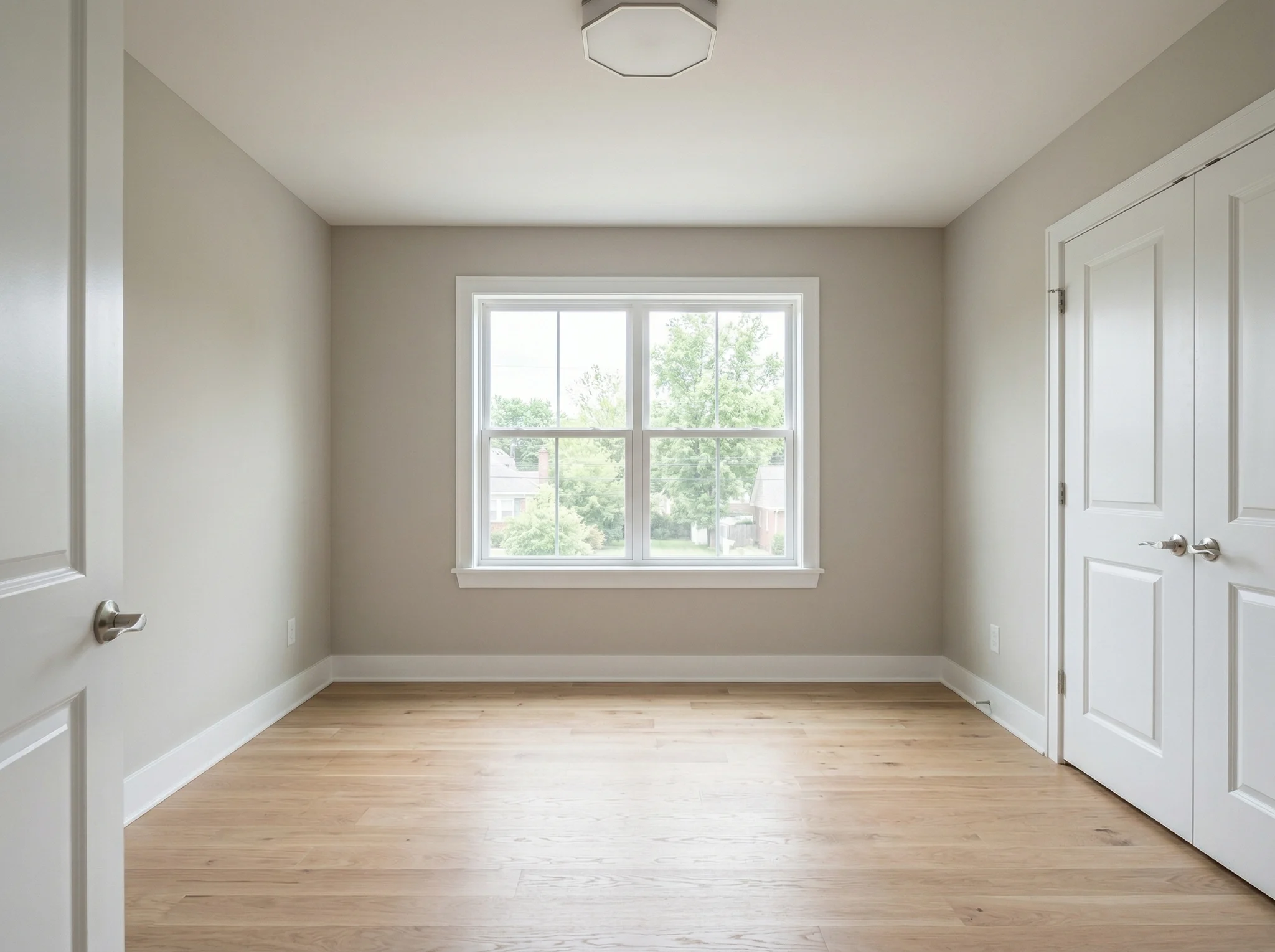
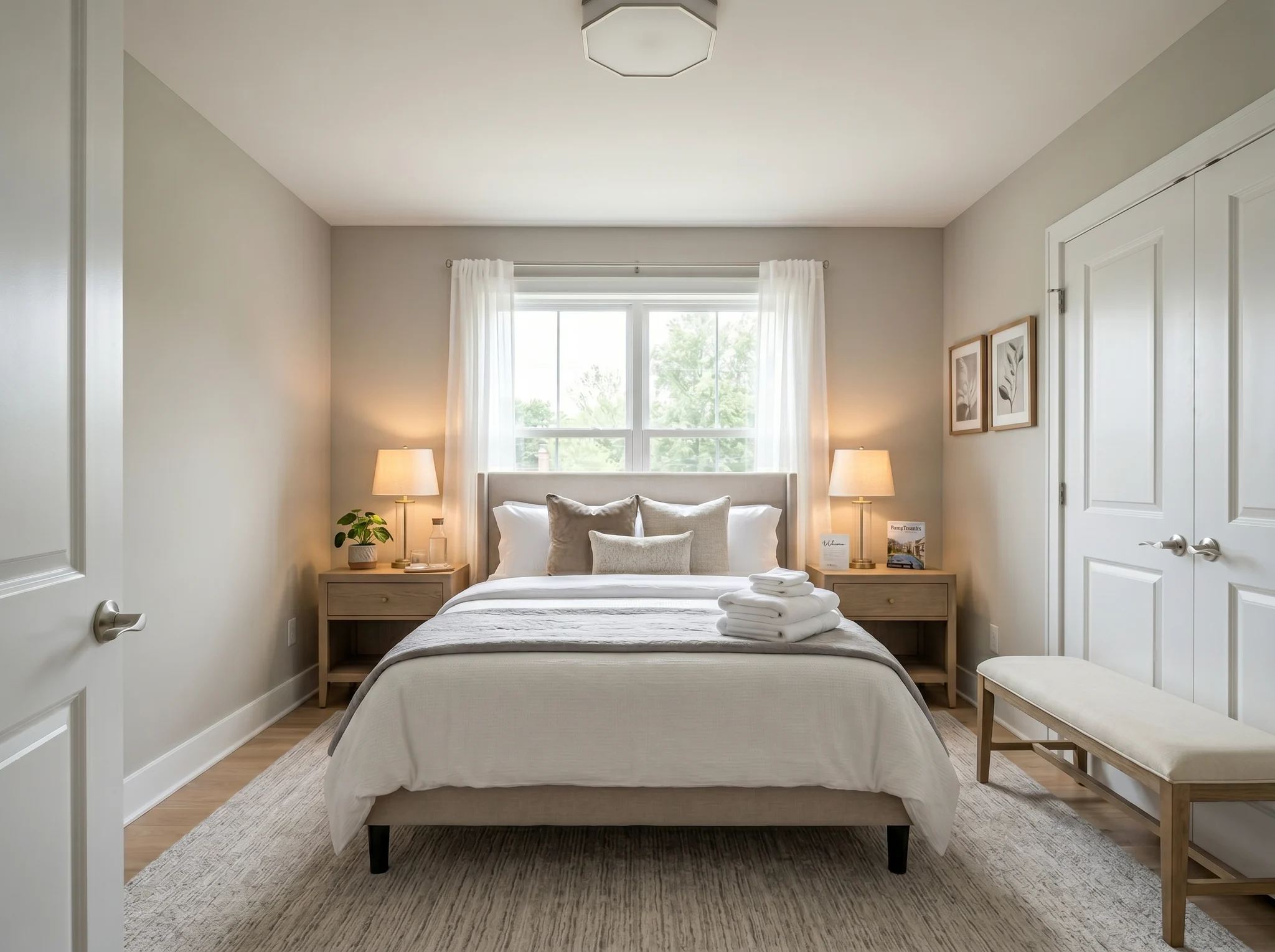
Dormitorio
Sube la foto de una habitación y descubre cómo se vería amueblada, reorganizada o renovada, antes de comprar nada o mover un solo mueble.
Elige una foto para empezar o selecciona hasta seis ángulos o habitaciones antes de entrar en el espacio de trabajo.
Casos antes / después
Cada ejemplo parte de la habitación real, mantiene visible el antes y muestra una dirección que hace el espacio más fácil de entender.
Dormitorio
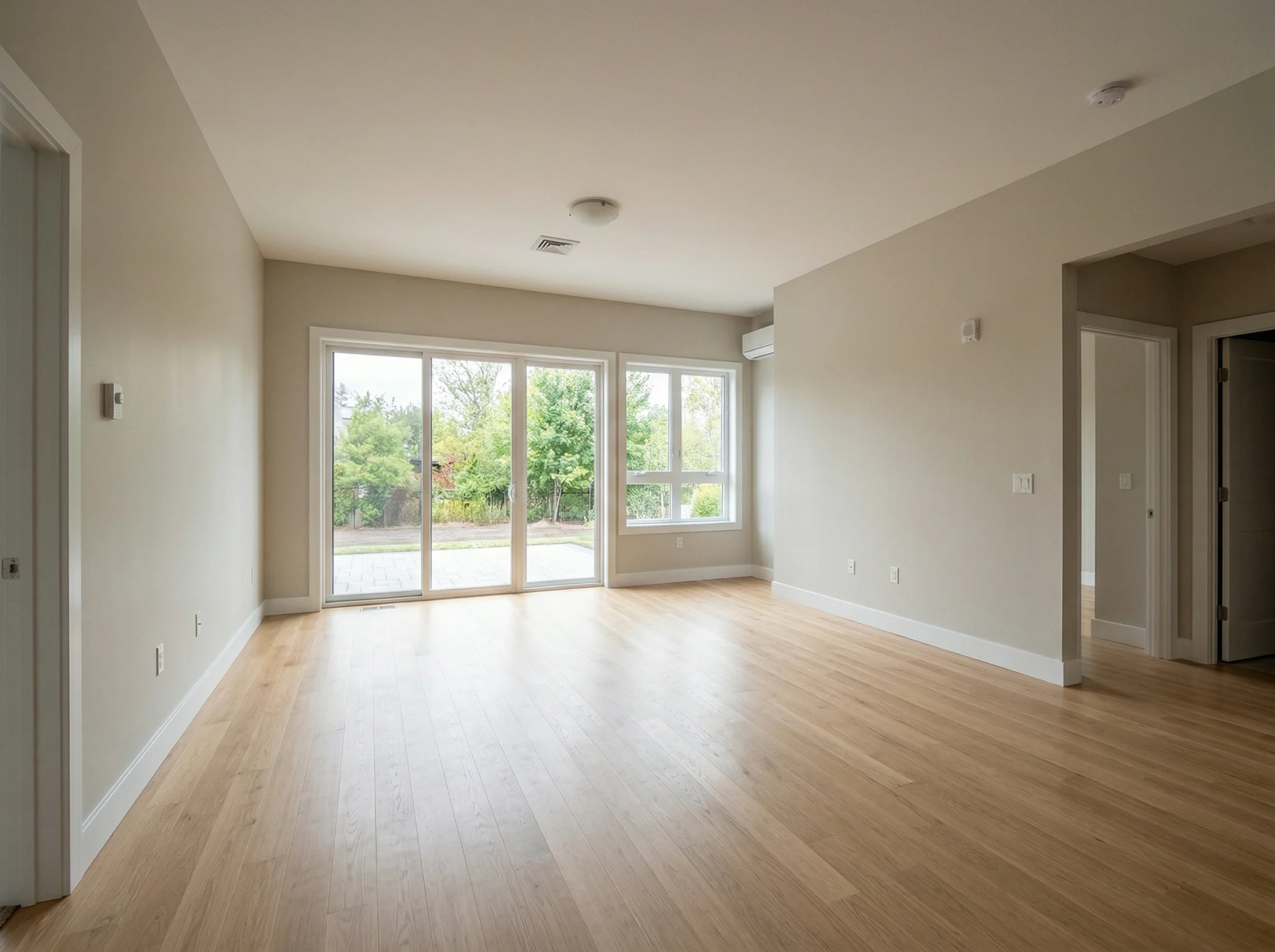
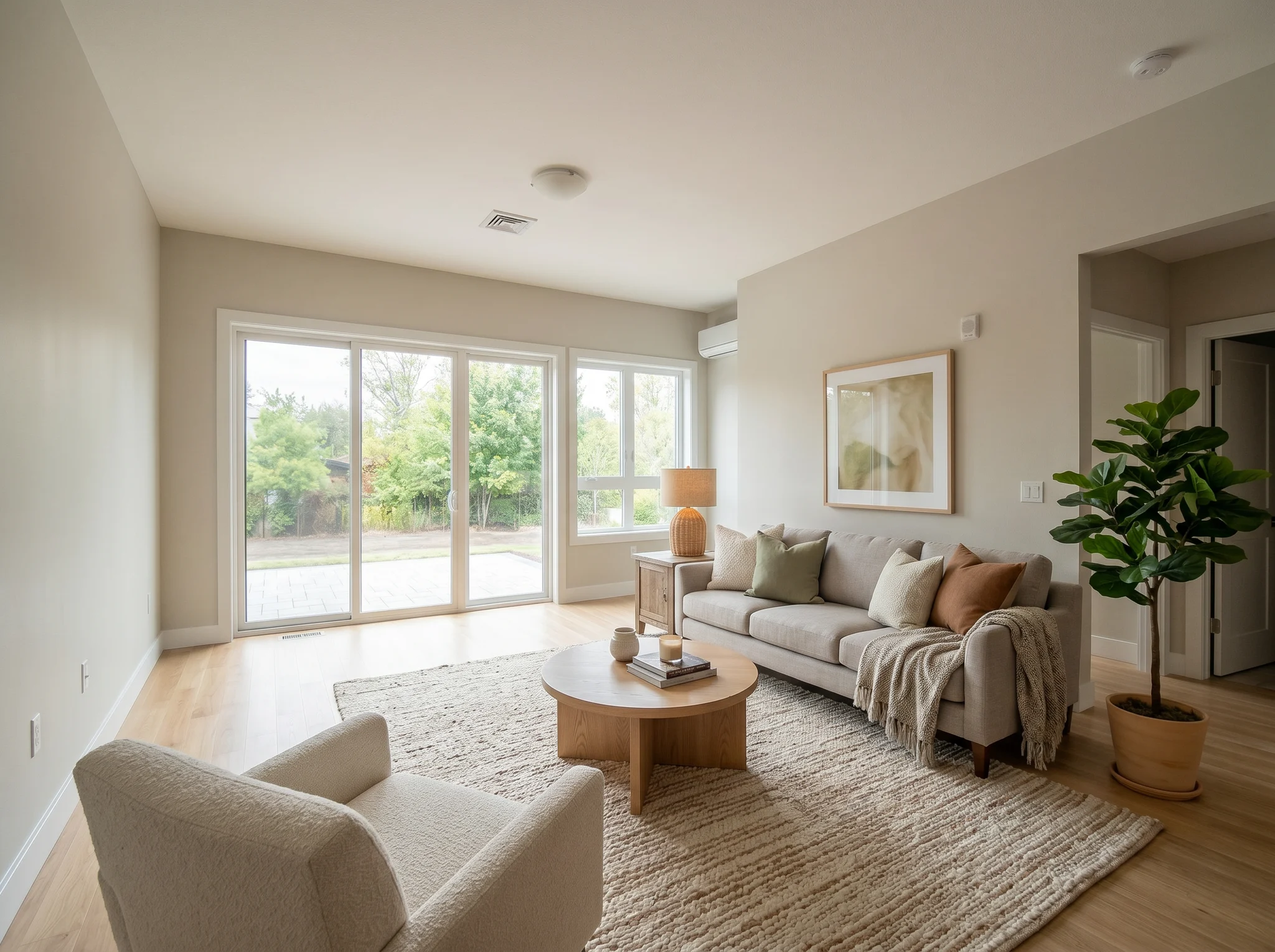
Salón
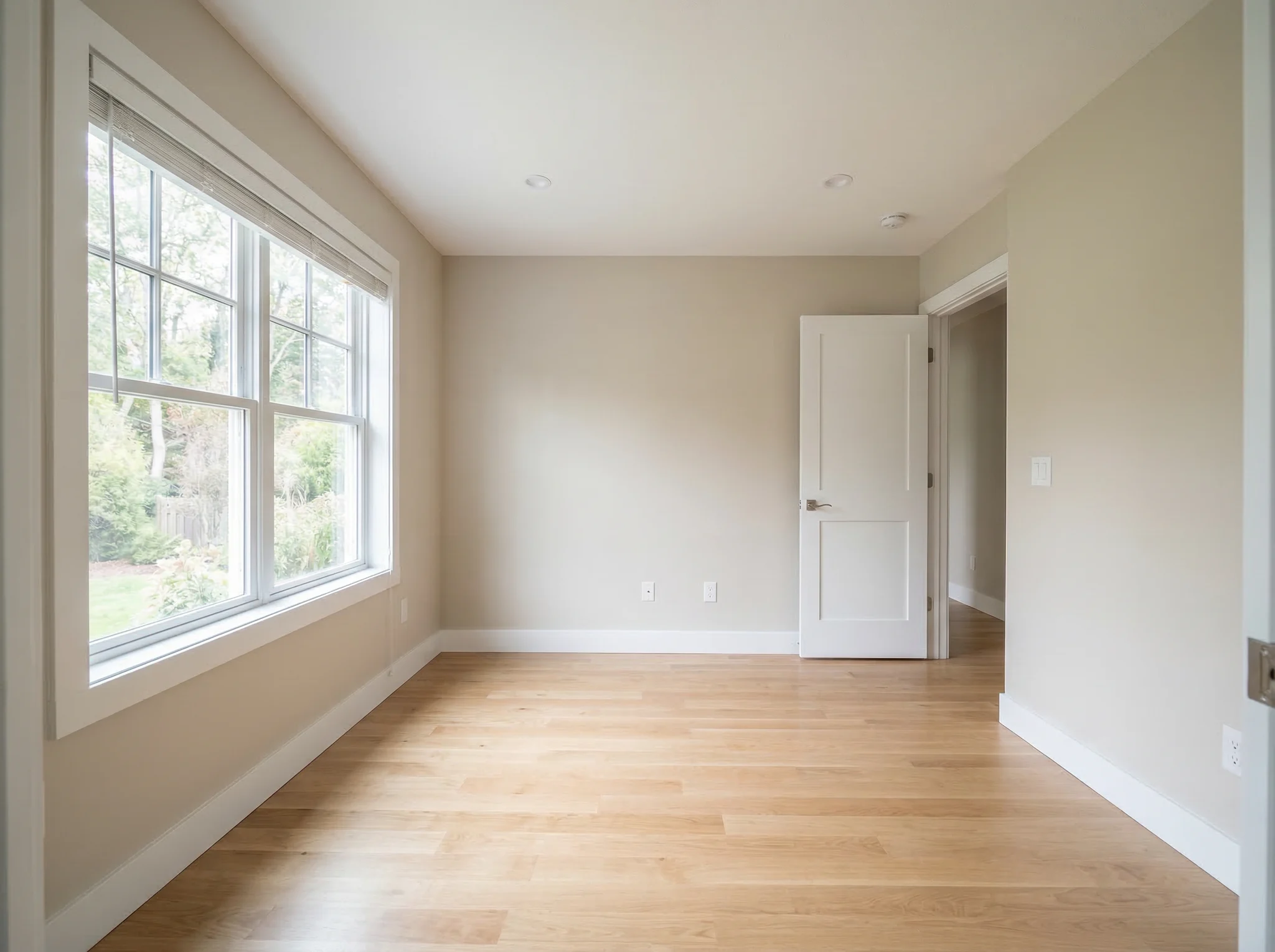
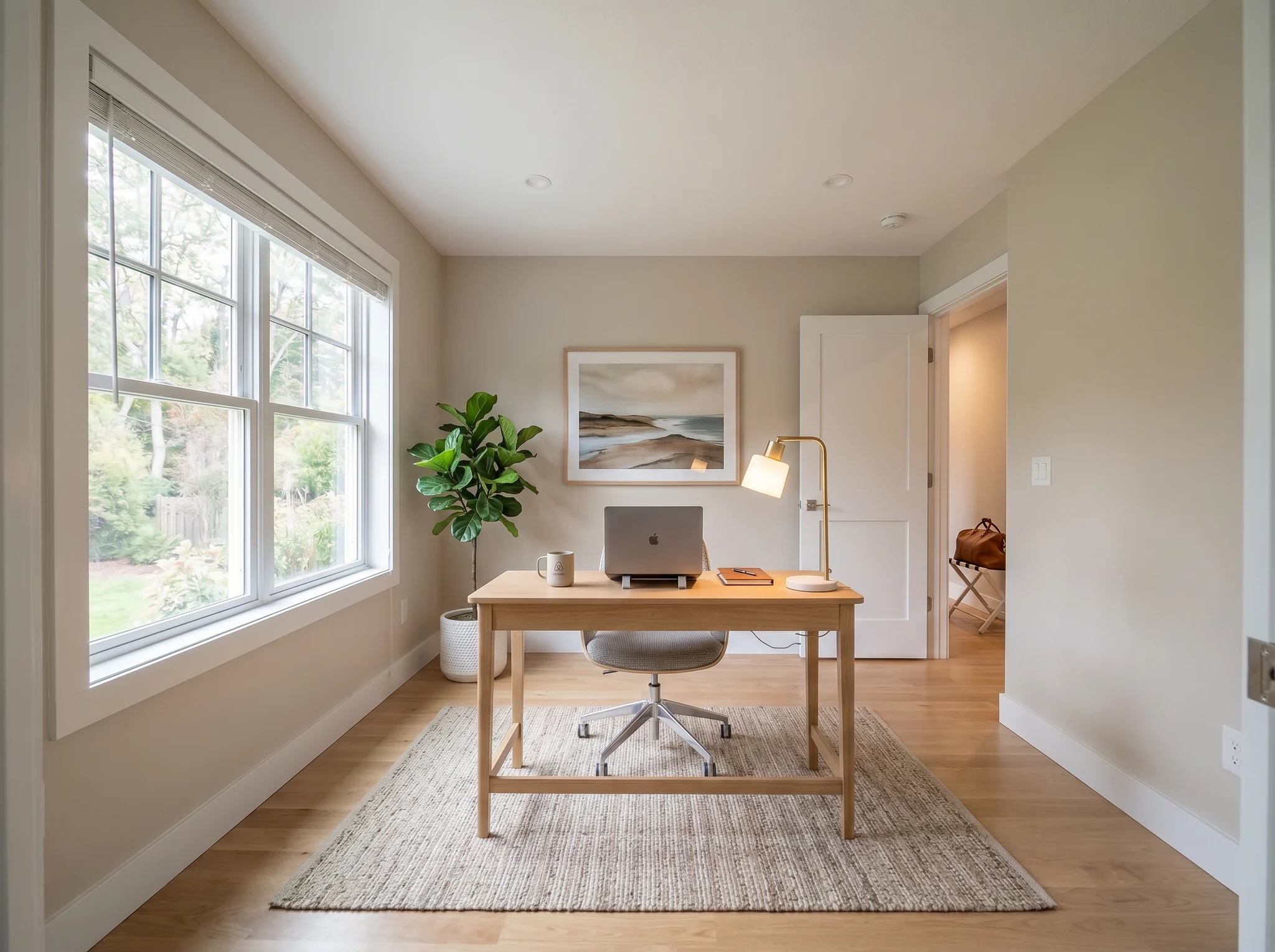
Oficina en casa
Casos antes / después
Usa la foto de una habitación real para comparar unas pocas direcciones creíbles antes de comprar, renovar, alquilar o publicar el anuncio.
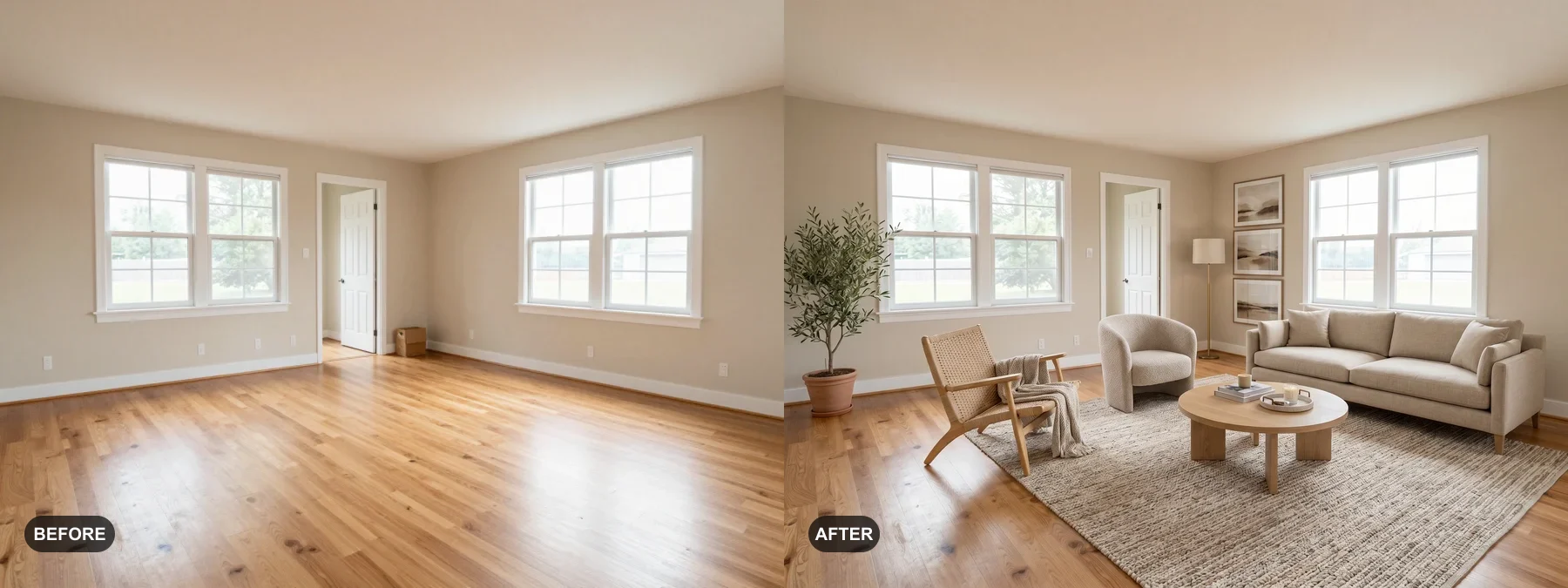 1
1 Comprueba si la habitación puede sentirse más limpia, más cálida o más acabada antes de comprar muebles o repintar.
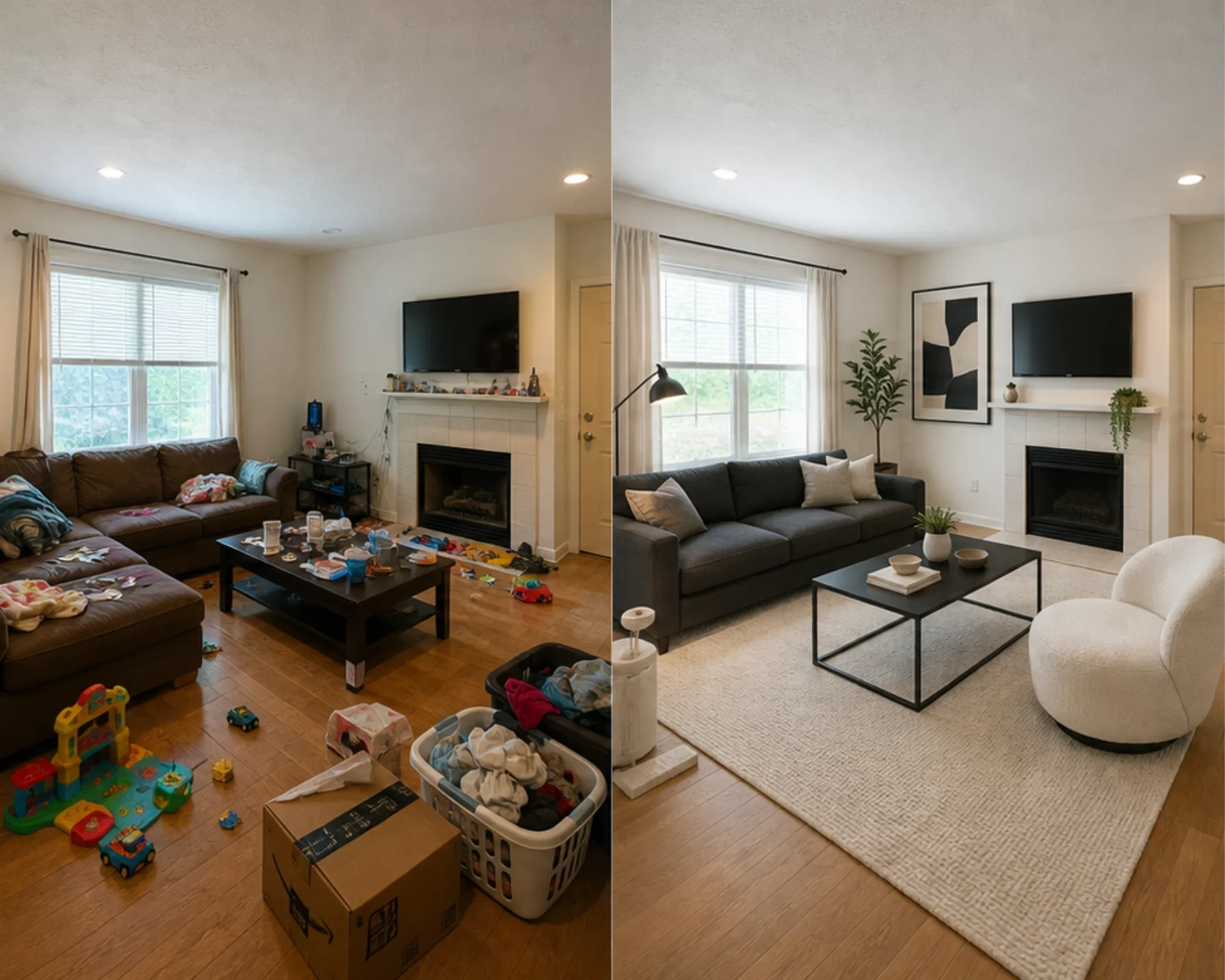 2
2 Previsualiza si una dirección tiene sentido antes de gastar en un sofá, una alfombra, una cama o un set de decoración.
 3
3 Crea una vista previa honesta de antes y después con staging, manteniendo visible la habitación original para generar confianza.
Empieza con la habitación tal como está y crea una versión que te ayude a decidir el siguiente paso.
Ideal para
RoomFlip funciona mejor cuando la habitación tiene un objetivo concreto: elegir una dirección de muebles, renovar un alquiler, preparar la foto de un anuncio o conseguir que una idea de renovación se apruebe más fácilmente.
Antes de gastar
Convierte la foto de una habitación cualquiera en una dirección creíble antes de comprar muebles, repintar o cambiar la distribución.
Ideal para: elegir muebles, renovar la habitación, ideas de distribución
Antes de comprar muebles
Comprueba si un sofá, una alfombra, una cama o una dirección de estilo funcionan de verdad en tu habitación antes de gastar dinero.
Ideal para: revisión antes de comprar, prueba de ambiente, cálculo de encaje
Antes de publicar fotos
Previsualiza si un dormitorio o una sala puede transmitir más intención antes de comprar decoración o cambiar la foto principal del anuncio.
Ideal para: renovar la suite de huéspedes, definir la foto principal, planificar compras
Antes de publicar o presentar
Muestra una dirección creíble sin perder de vista la realidad estructural, para que vendedores, compradores, huéspedes y clientes puedan confiar en ella.
Ideal para: preparar el anuncio, revisión con el vendedor, dirección del proyecto
Créditos y suscripciones simples
10 créditos iniciales
0,00 USD
100 créditos / mes
9,99 USD / mes
400 créditos / mes
24,99 USD / mes
Pago seguro con Stripe. Revisa el plan y las condiciones de compra antes de pagar.
Preguntas frecuentes
Todo lo que necesitas saber sobre el diseñador de habitaciones con IA
RoomFlip.pro es una herramienta de diseño de habitaciones con IA y home staging virtual para fotos reales de habitaciones. Sube una habitación, elige una dirección y genera imágenes de antes y después que te ayudan a decidir sobre muebles, distribución, estilo, alquileres, anuncios o renovaciones.
Sube una foto de una habitación o un pequeño conjunto de fotos, elige una dirección y RoomFlip genera imágenes ambientadas o rediseñadas mientras añade muebles, decoración, color e indicaciones de iluminación. El tiempo de procesamiento varía según la imagen y la demanda actual.
Sí. RoomFlip admite hasta 6 fotos de habitaciones en un mismo set, lo que resulta útil cuando necesitas imágenes coherentes para renovar tu casa, un anuncio inmobiliario, un alquiler de Airbnb, un plan de renovación o una presentación a un cliente.
Los nuevos usuarios reciben 10 créditos gratuitos al iniciar sesión. Cada vista previa usa 1 crédito y puede incluir limitaciones del nivel gratuito. Los créditos de pago desbloquean más vistas previas y opciones de descarga más limpias. Consulta nuestra página diseño de habitaciones con IA gratis para más detalles.
Los usuarios más claros son las personas que necesitan tomar una decisión sobre una habitación real: propietarios, inquilinos, compradores de muebles, anfitriones de Airbnb, agentes inmobiliarios, fotógrafos y equipos de renovación. El objetivo común es ver si la habitación puede mejorar antes de invertir más tiempo o dinero.
El diseñador con IA funciona con cualquier espacio interior: salas de estar, dormitorios, cocinas, baños, comedores, oficinas en casa, habitaciones de bebé y más. Para mejores resultados, toma una foto bien iluminada desde una esquina que muestre la mayor parte del espacio posible. La IA maneja habitaciones de todos los tamaños, desde estudios hasta grandes espacios diáfanos.
Míralo antes de comprarlo — diseño de habitaciones con IA 2026
Sube la foto real de tu habitación, crea una dirección de antes y después creíble, y mantén el contexto original a mano mientras decides.