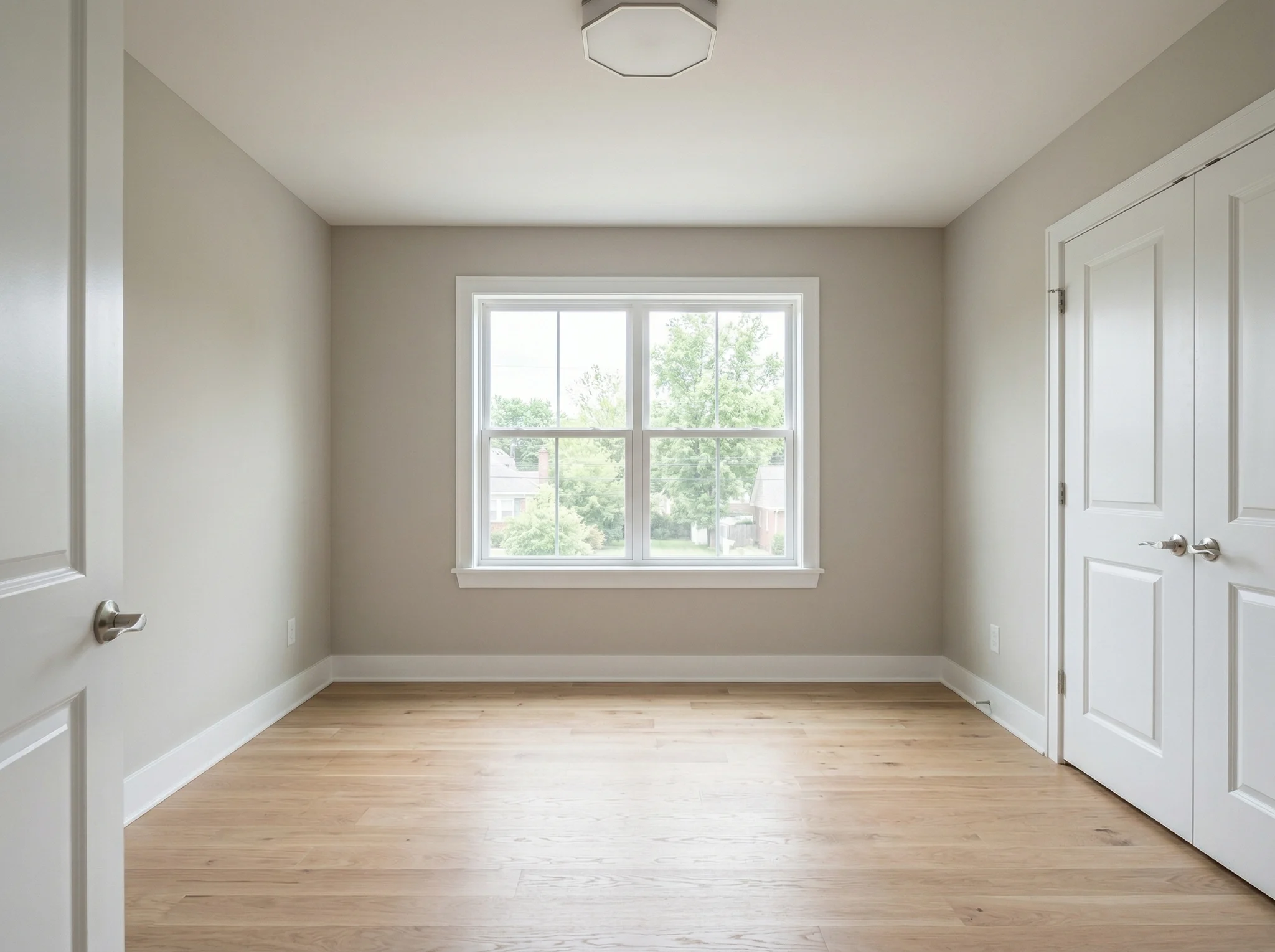
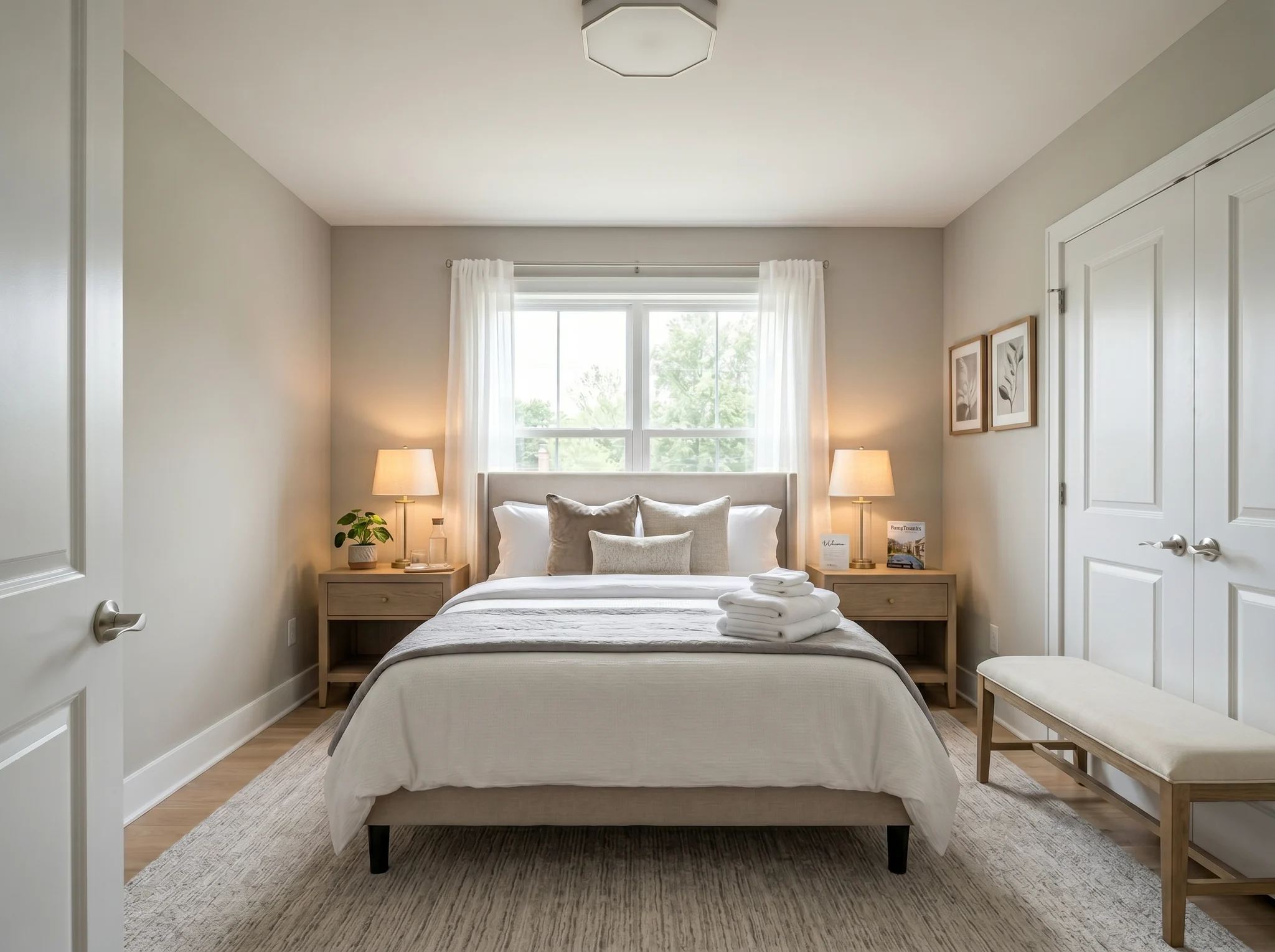
Bedroom
Mag-upload ng litrato ng silid at tingnan kung paano ito puwedeng i-furnish, ayusin, o i-refresh bago bumili o maglipat ng furniture.
One-time packs at buwanang plans. Puwedeng mag-cancel anumang oras.
Mga totoong bago at pagkatapos
Nagsisimula ang bawat halimbawa sa totoong silid. Magkatabi ang orihinal at preview para malinaw kung ano ang nagbago.
Bedroom
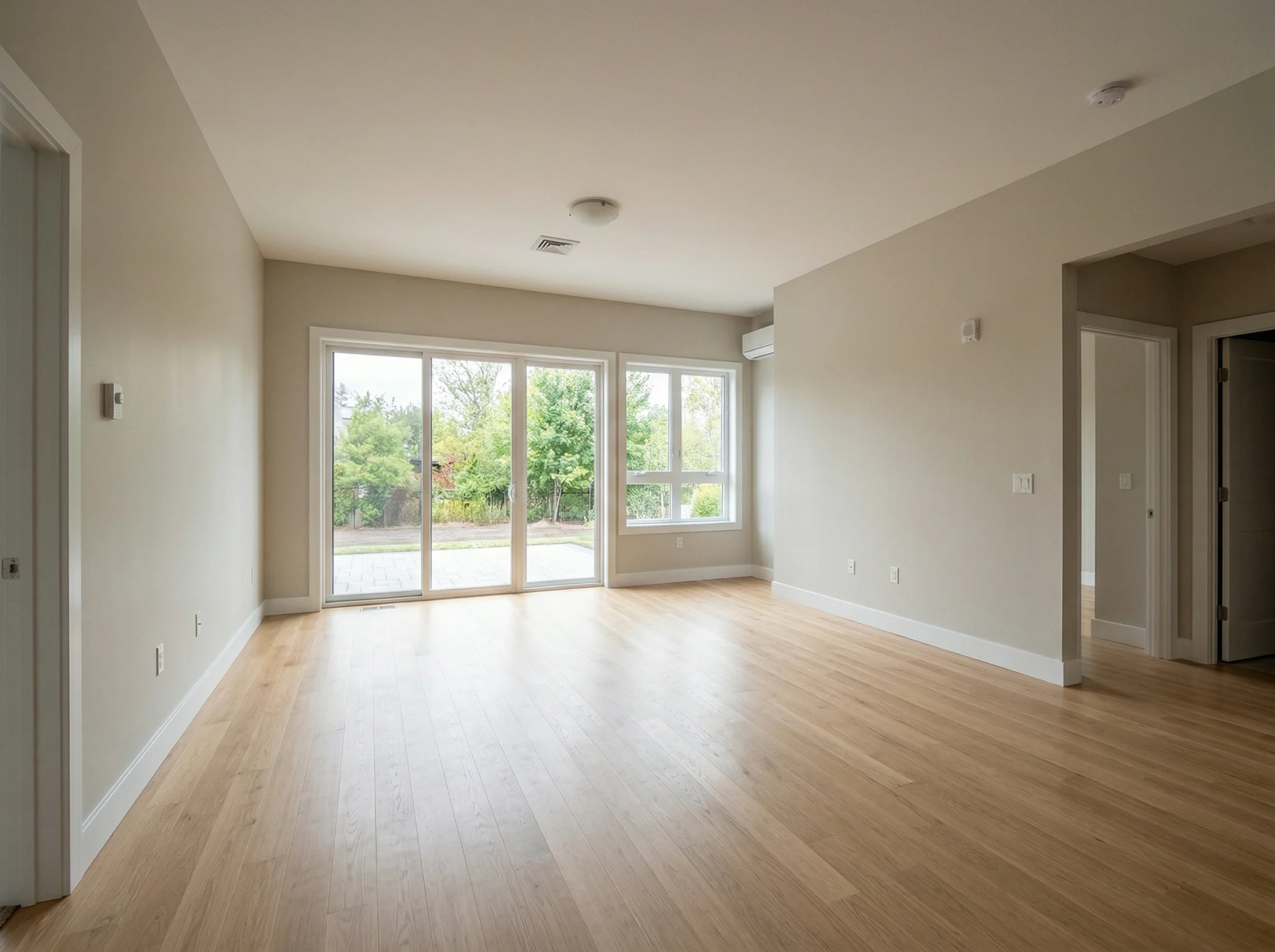
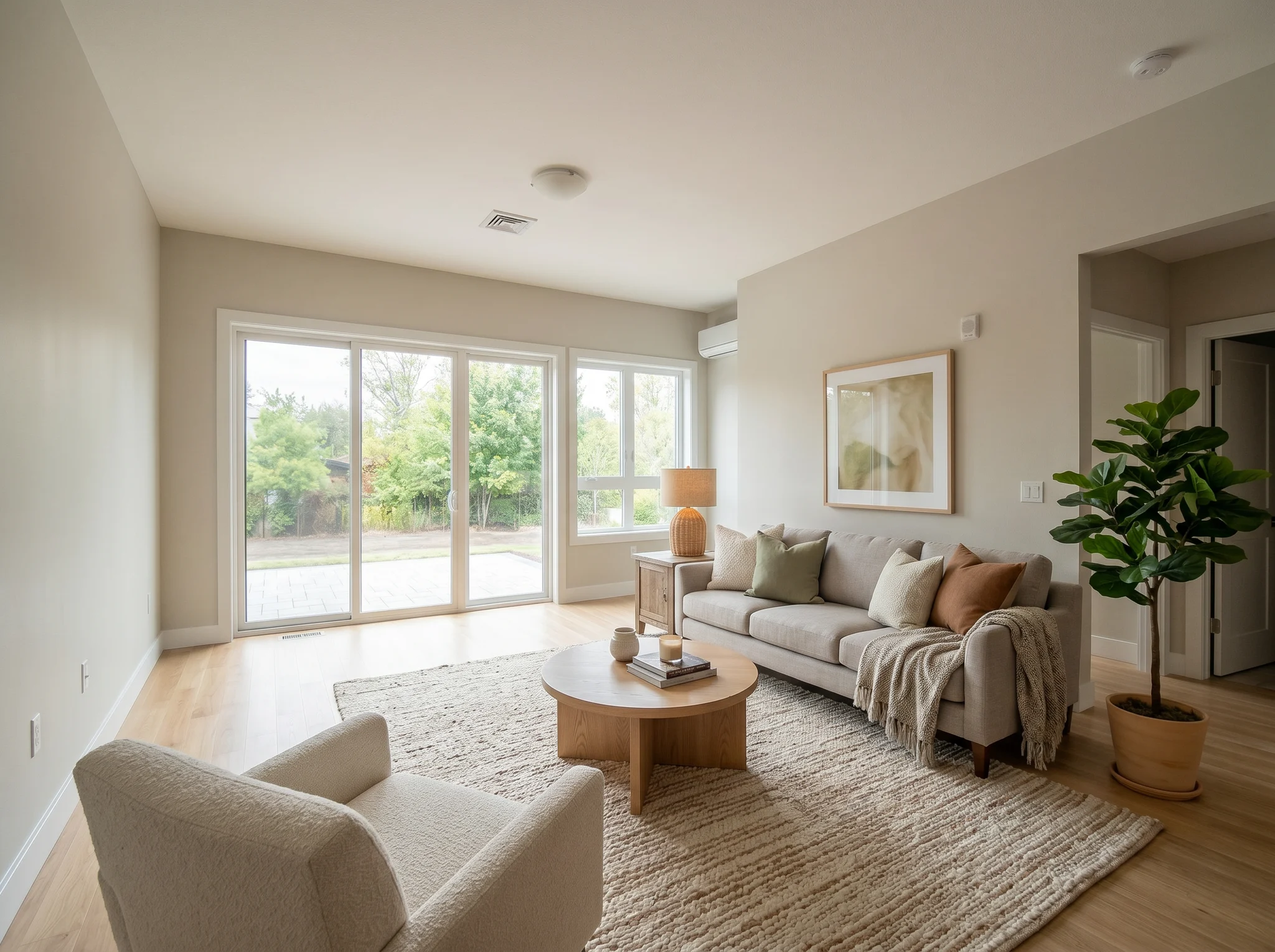
Living room
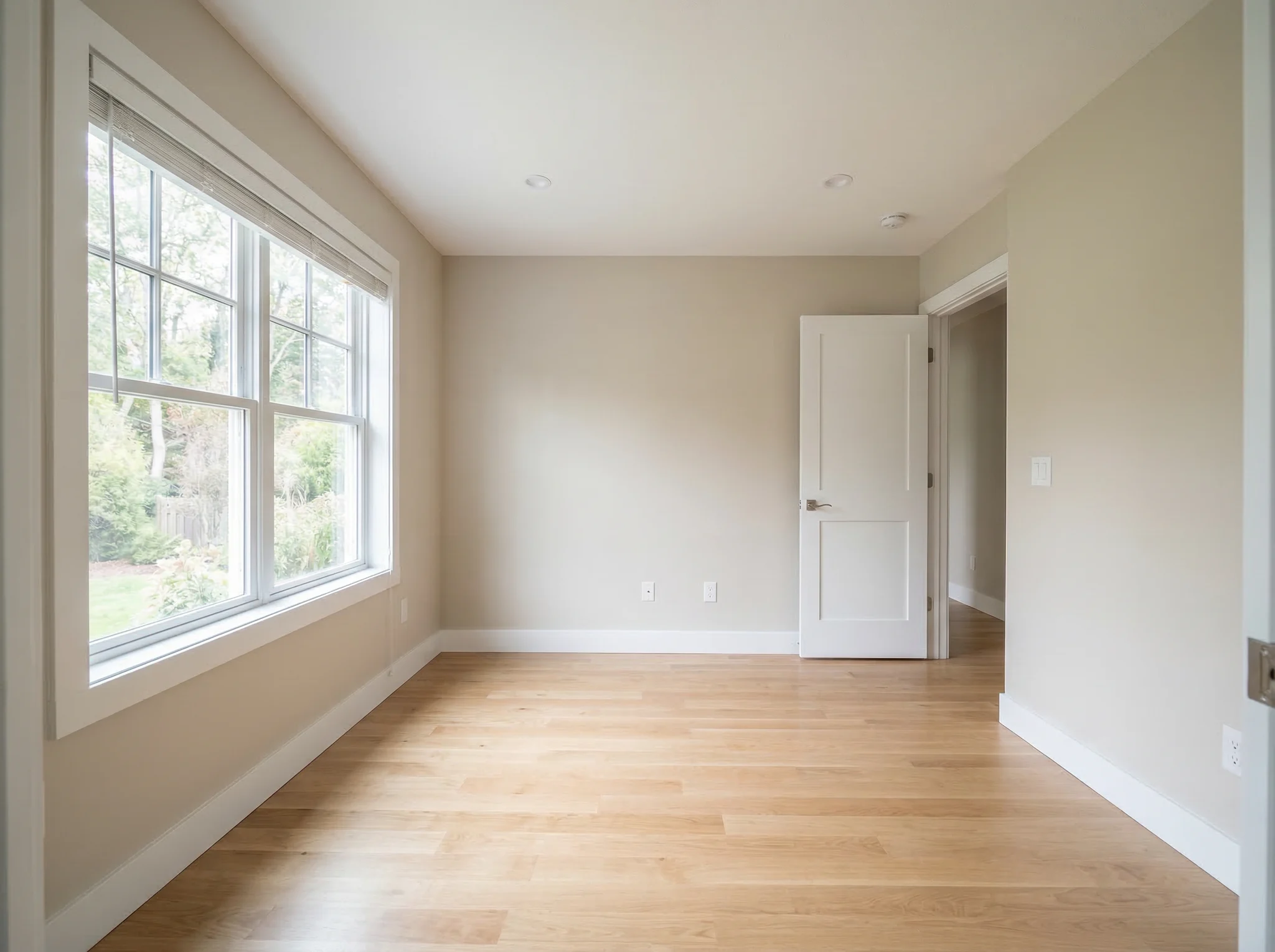
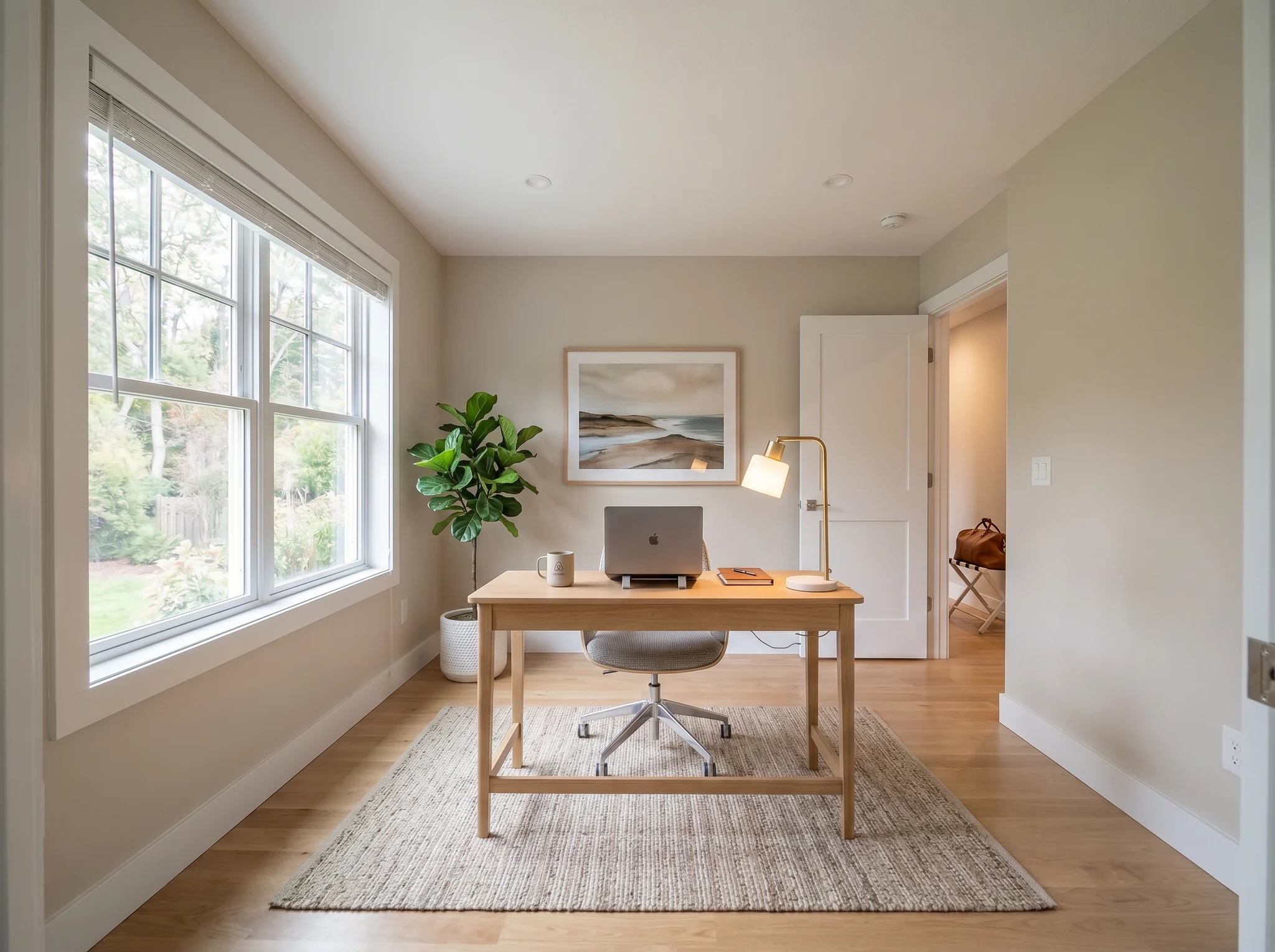
Home office
Mga totoong bago at pagkatapos
Ihambing ang dalawa o tatlong makatotohanang direksyon, hindi dalawampung random na imahe.
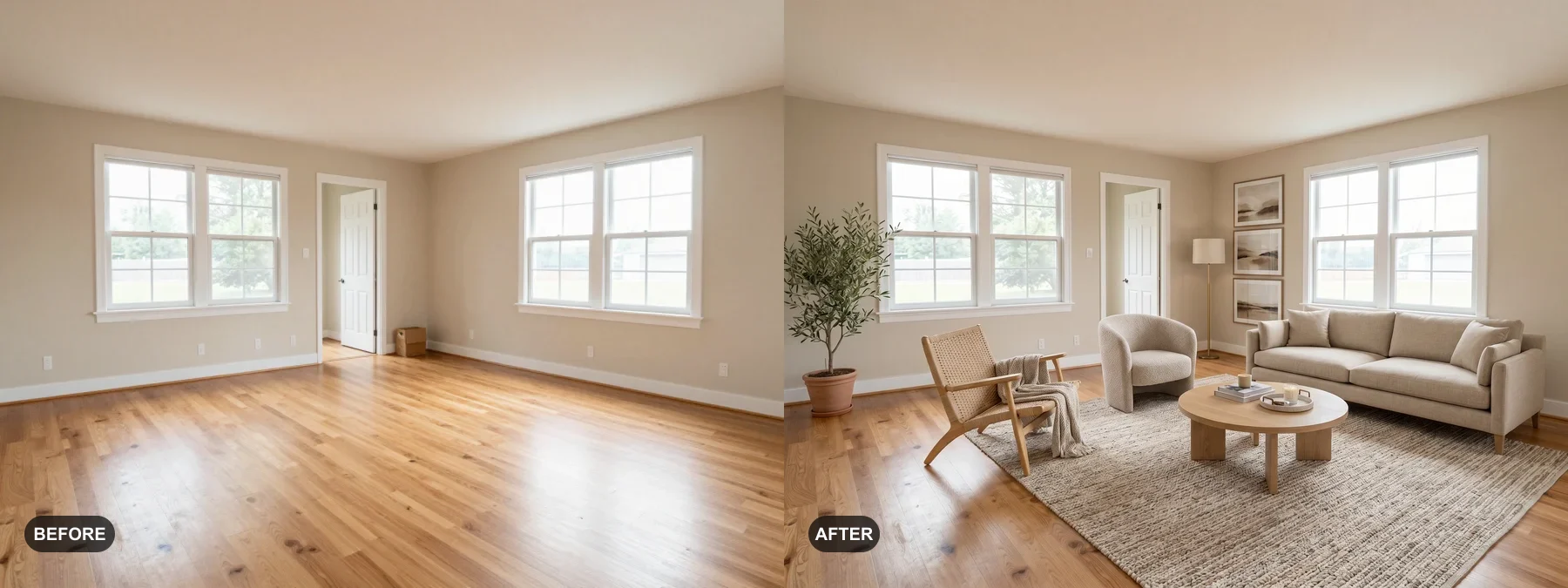 1
1 Mag-stage ng walang laman na silid o pasariwain ang lumang silid para mas madaling isipin ng bibili na nakatira siya roon.
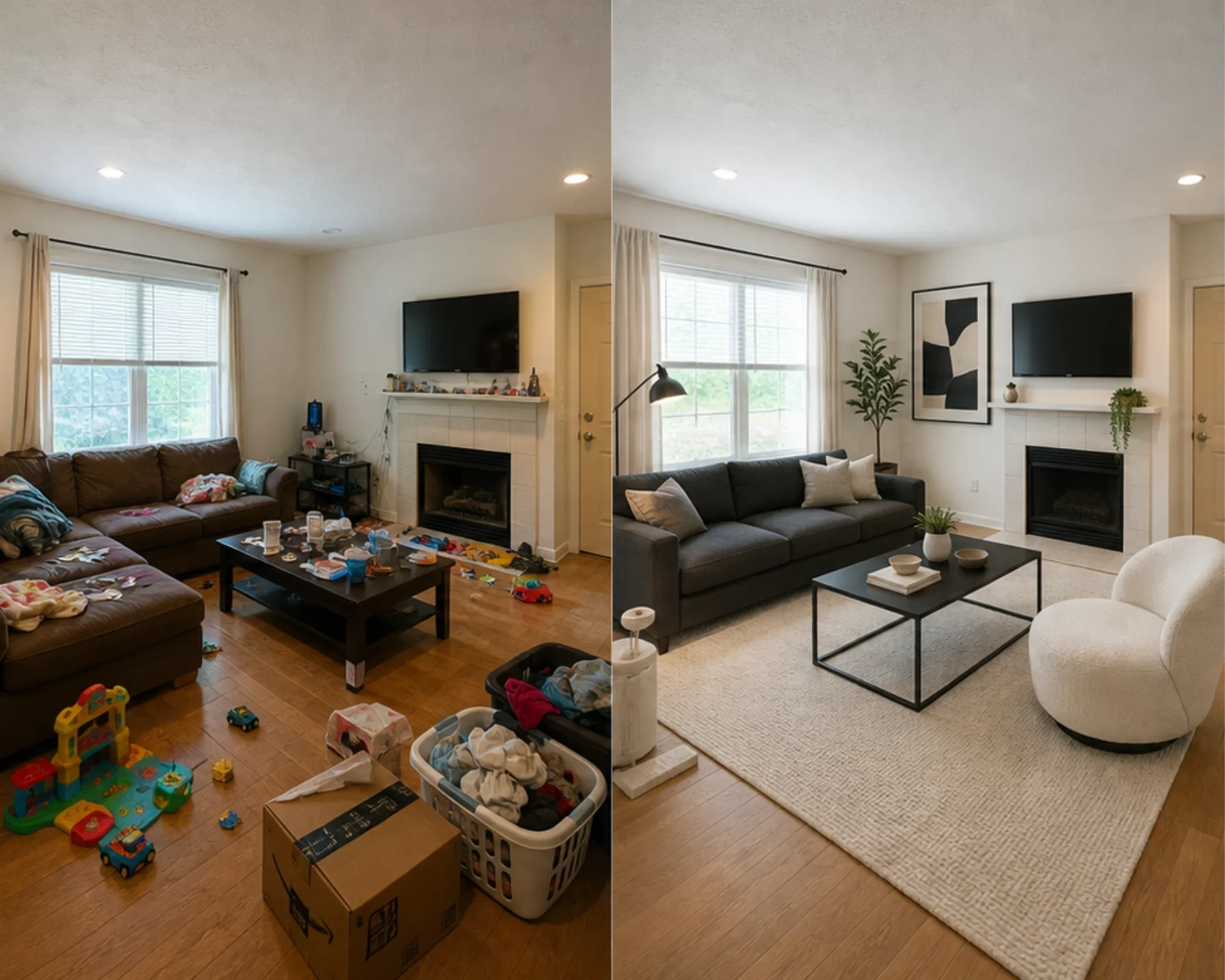 2
2 Subukan kung magmumukhang premium ang guest bedroom bago ka gumastos ng muwebles.
 3
3 I-preview ang isang estilo habang pinapanatili ang aktwal na dingding, bintana at built-in.
Magsimula sa malinaw na litrato, pumili ng direksiyon, saka ihambing ang bago at pagkatapos.
Pinakamahusay para sa
Ang pinakamalakas na pang-araw-araw na gamit ay ang pagbabawas ng kawalan ng katiyakan bago gumastos ng pera: paglipat sa isang maliit na lugar, pagbili ng muwebles, pagpili ng alpombra, pag-aayos ng inuupahan, o pagpapasya kung sulit bang ituloy ang isang direksyon ng silid. Ang mga ahente at host ay may malinaw pa ring landas kapag ang trabaho ay virtual staging.
Pinakakaraniwang trabaho sa pagpaplano
I-upload ang tunay na silid, subukan kung ang isang istilo o direksyon ng layout ay kapani-paniwala, pagkatapos ay sukatin bago bumili ng pintura, alpombra, o muwebles.
Pinakamahusay para sa: maliliit na apartment, pagpaplano ng paglipat, kumpiyansa sa muwebles
Desisyong may mataas na intensyon
Gumamit ng mga calculator para sa laki at clearance, pagkatapos ay gumamit ng preview ng totoong larawan upang magpasya kung ang direksyon ay masyadong mabigat, masyadong maliit, o sulit bilhin.
Pinakamahusay para sa: pagsusuri ng sofa, pagsukat ng alpombra, pagbabawas ng panganib sa pagbabalik
Propesyonal na paggamit
Gamitin ang preview para ipakita ang posibleng ayos ng bakante o kulang-sa-furniture na silid bago gumastos sa pisikal na staging.
Pinakamahusay para sa: listing presentation, paghahanda ng open house, at usapan kasama ang seller
Nakatuon sa kita
Subukan kung ang isang silid-tulugan o sala ay dapat na mas kalmado, mas maliwanag, o mas premium bago bumili ng muwebles na maaaring hindi magandang tingnan sa litrato.
Pinakamahusay para sa: Airbnb refresh, pag-aayos ng guest room, at paghahanda ng litrato
Simpleng credits at subscription
3 libreng generation
$0
100 credits / buwan
$9.99/buwan
400 credits / buwan
$24.99/buwan
Ligtas na checkout sa Stripe. Kanselahin anumang oras.
Mga Madalas Itanong
Mga praktikal na sagot tungkol sa AI Room Designer
Ang RoomFlip.pro ay isang AI room design at virtual staging tool para sa mga totoong larawan ng silid. Mag-upload ng silid, pumili ng direksyon, at bumuo ng mga makatotohanang bago/pagkatapos na visual na tumutulong sa mga desisyon sa layout, istilo, muwebles, listing, o pagrenta.
Mag-upload ng isang litrato ng silid o maliit na set ng mga litrato, saka pumili ng direksiyon. Gumagawa ang RoomFlip ng staged preview habang pinananatiling batayan ang tunay na ayos ng silid. Ihambing pa rin ang preview sa orihinal bago ito gamitin.
Oo. Sinusuportahan ng RoomFlip ang hanggang 6 na larawan ng kwarto sa isang set, na kapaki-pakinabang kapag kailangan mo ng magkakaparehong mga visual para sa isang listahan ng real estate, pag-upa sa Airbnb, plano sa pagsasaayos, o presentasyon sa kliyente.
Ang mga bagong user ay makakakuha ng 3 libreng credits pagkatapos mag-sign in. Ang bawat preview ay gumagamit ng 1 credit at maaaring magkaroon ng mga limitasyon sa libreng tier. Ang mga bayad na credits ay nagbubukas ng mas maraming preview at mas malinis na mga opsyon sa pag-download. Tingnan ang aming libreng AI room design page para sa kasalukuyang mga detalye.
Ang mga user na may pinakamataas na intensyon ay mga may-ari ng bahay, nangungupahan, at mga mamimili ng muwebles na nagsisikap na gumawa ng tunay na desisyon sa kwarto bago gumastos ng pera. Nakakakuha pa rin ng halaga ang mga ahente ng listahan, host, at mga propesyonal sa disenyo kapag kailangan nila ng mabilis na staging o mga visual para sa presentasyon sa kliyente.
Subukan nang libre
Mag-upload ng larawan, i-preview ang mood, at bumuo ng direksyon na magagamit mo para sa staging, mga desisyon sa muwebles, o pagpaplano. Available ang mga starter credit pagkatapos mag-sign in.