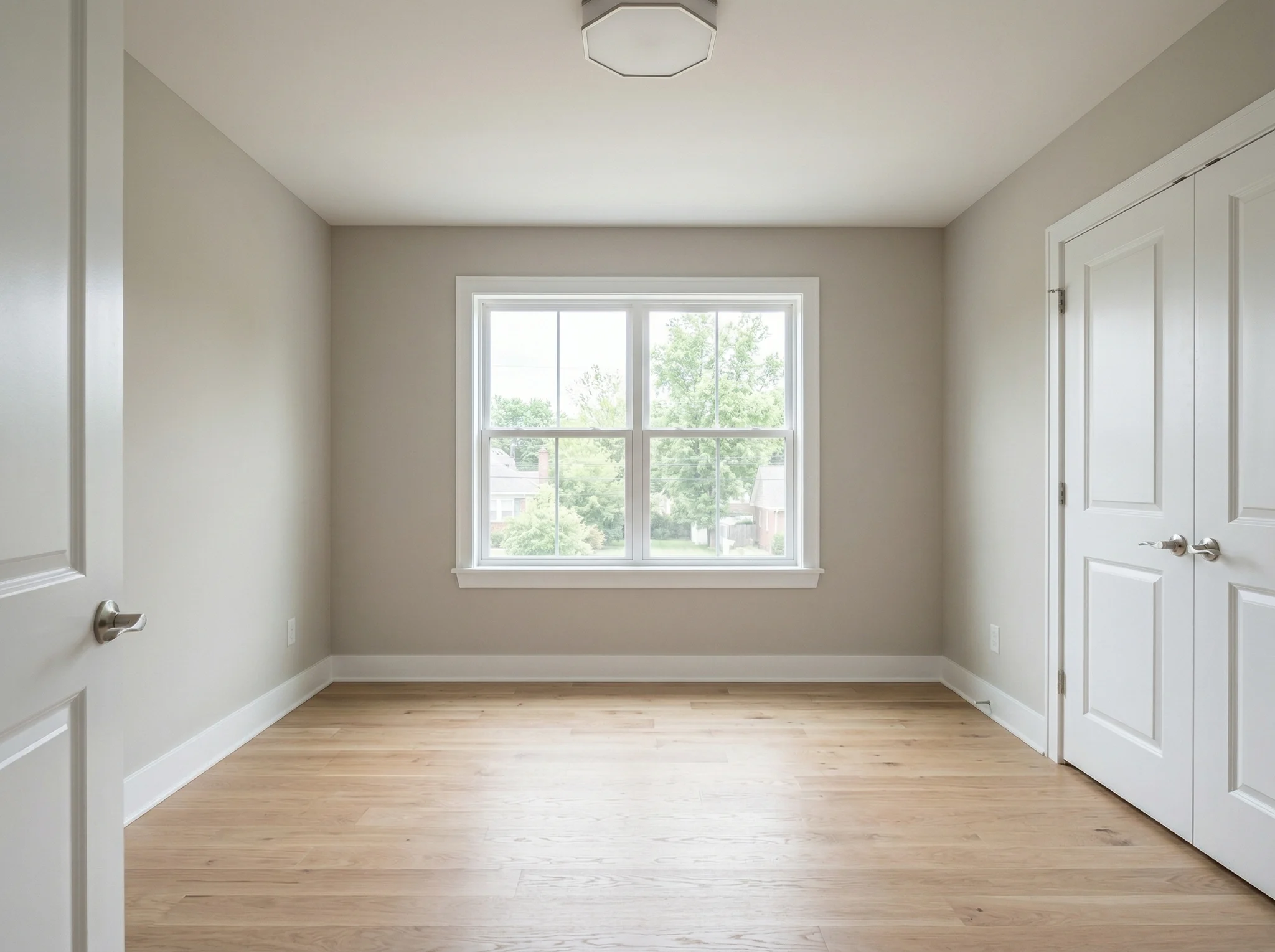
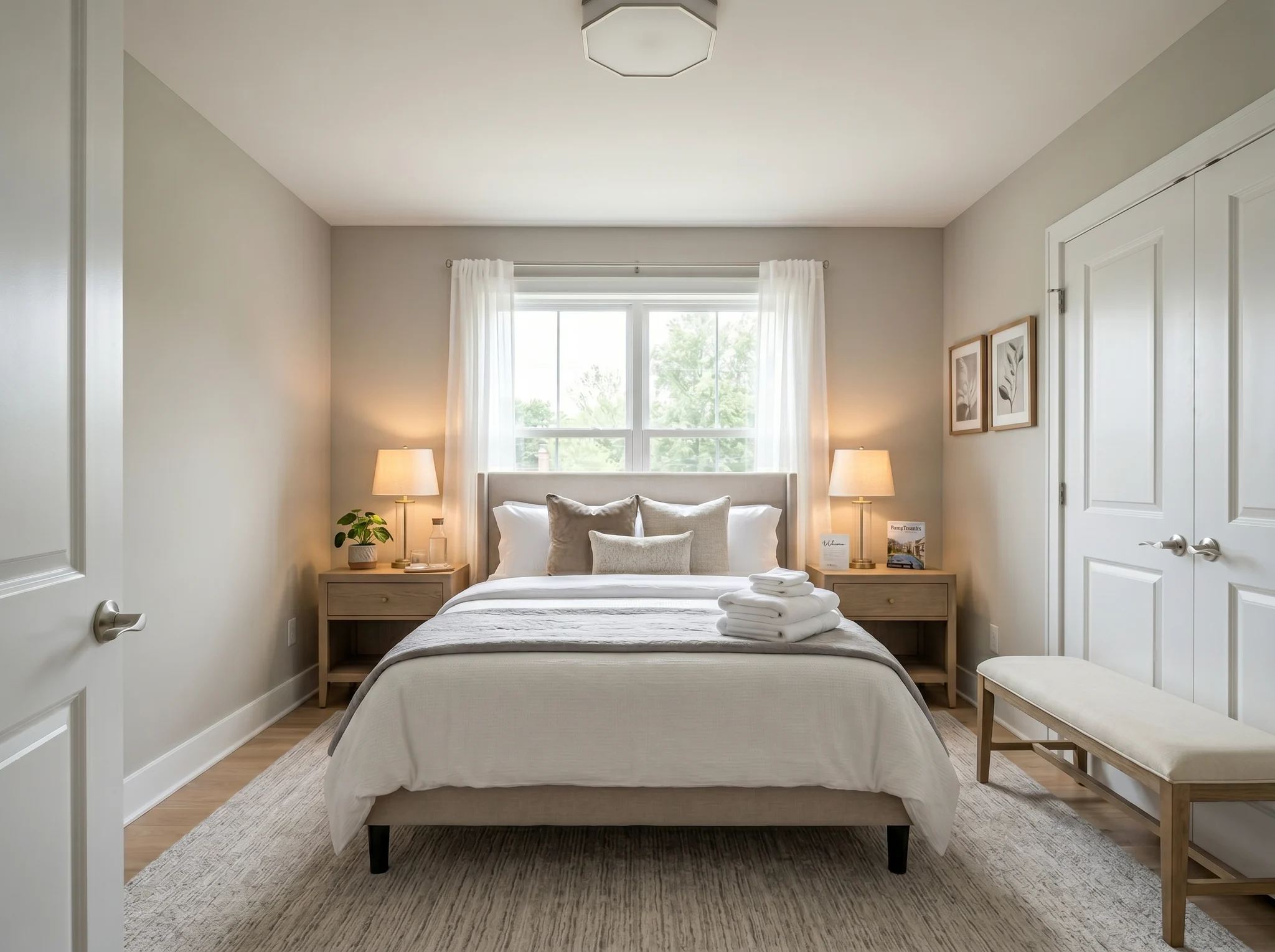
Quarto
Envie a foto de um ambiente, escolha o que deseja mudar e compare um conceito de design gerado antes de comprar móveis, reformar, alugar ou anunciar.
Escolha uma foto para começar, ou selecione até seis ângulos ou ambientes antes de entrar no espaço de trabalho.
Casos Antes/Depois
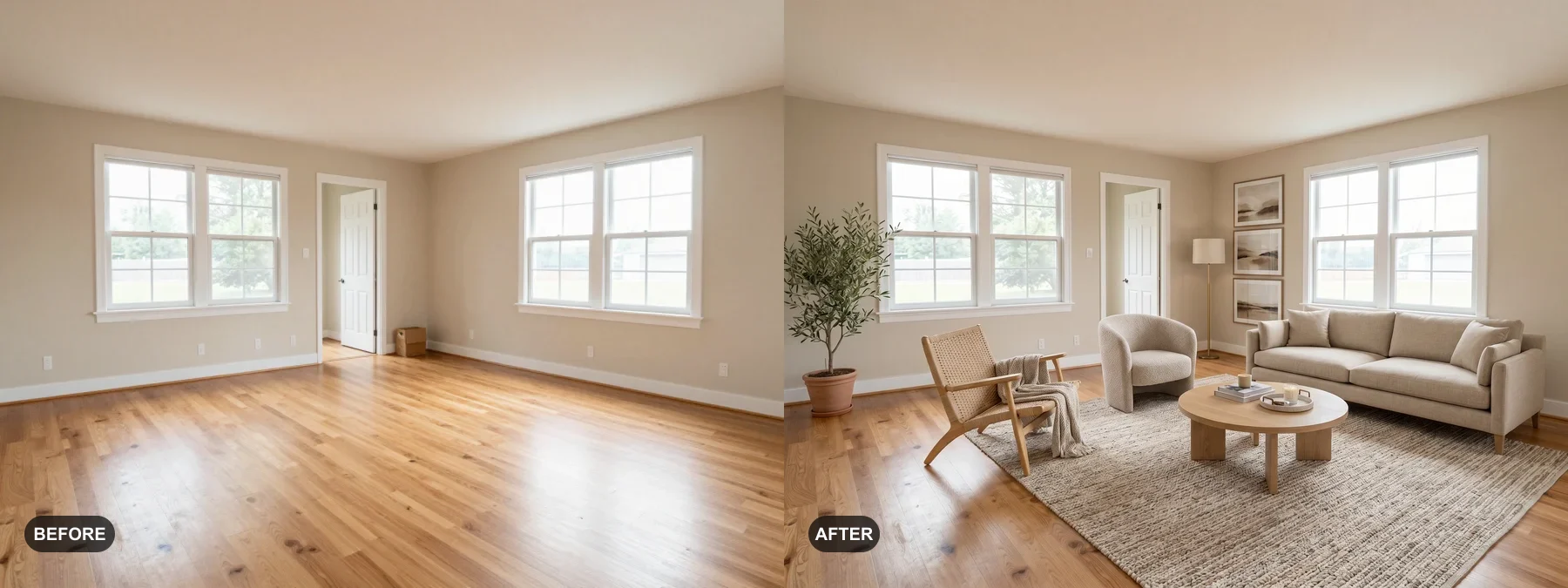
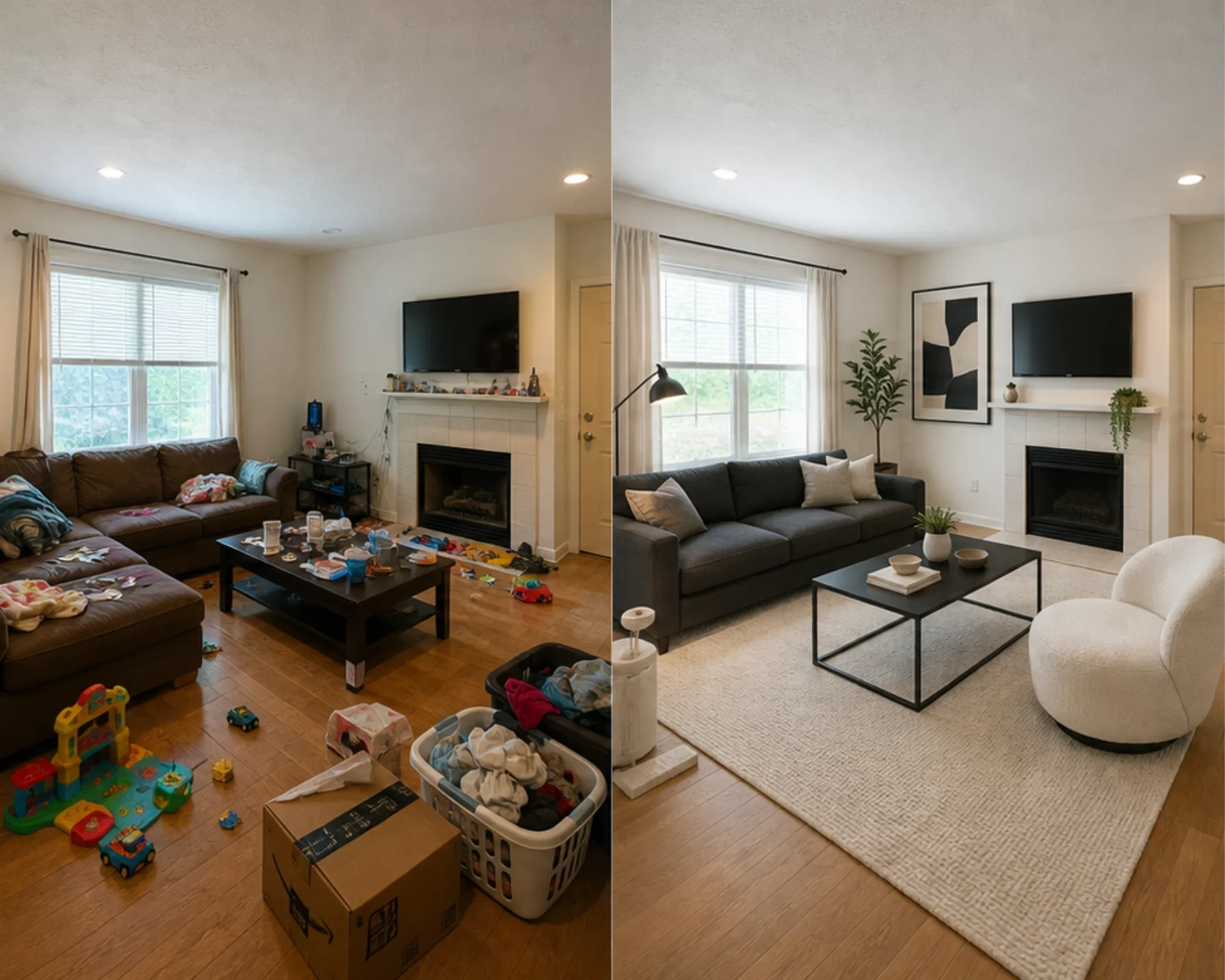
Cada exemplo começa com o ambiente real, mantém o antes visível e mostra uma direção que torna o espaço mais fácil de entender.
Quarto
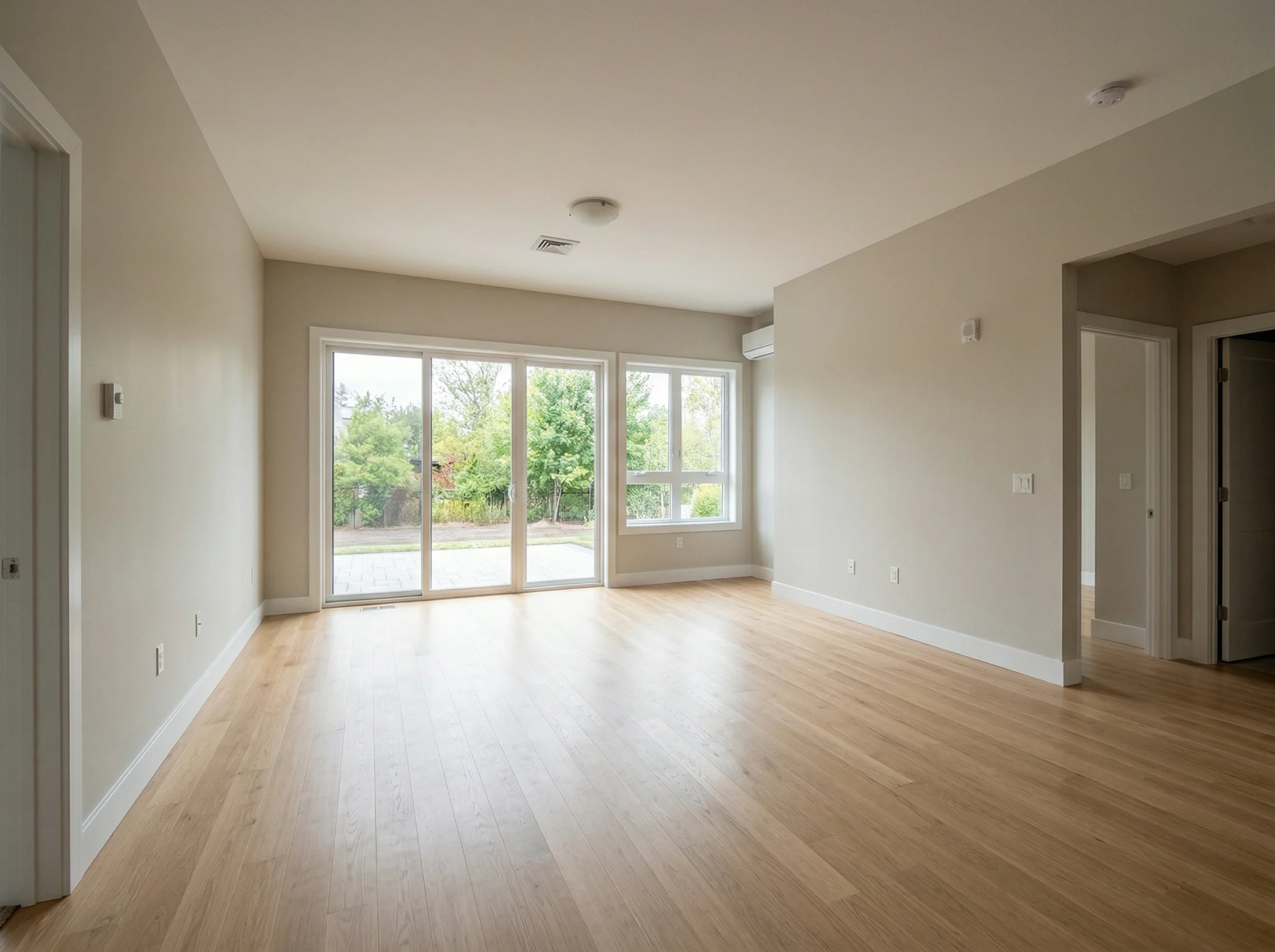
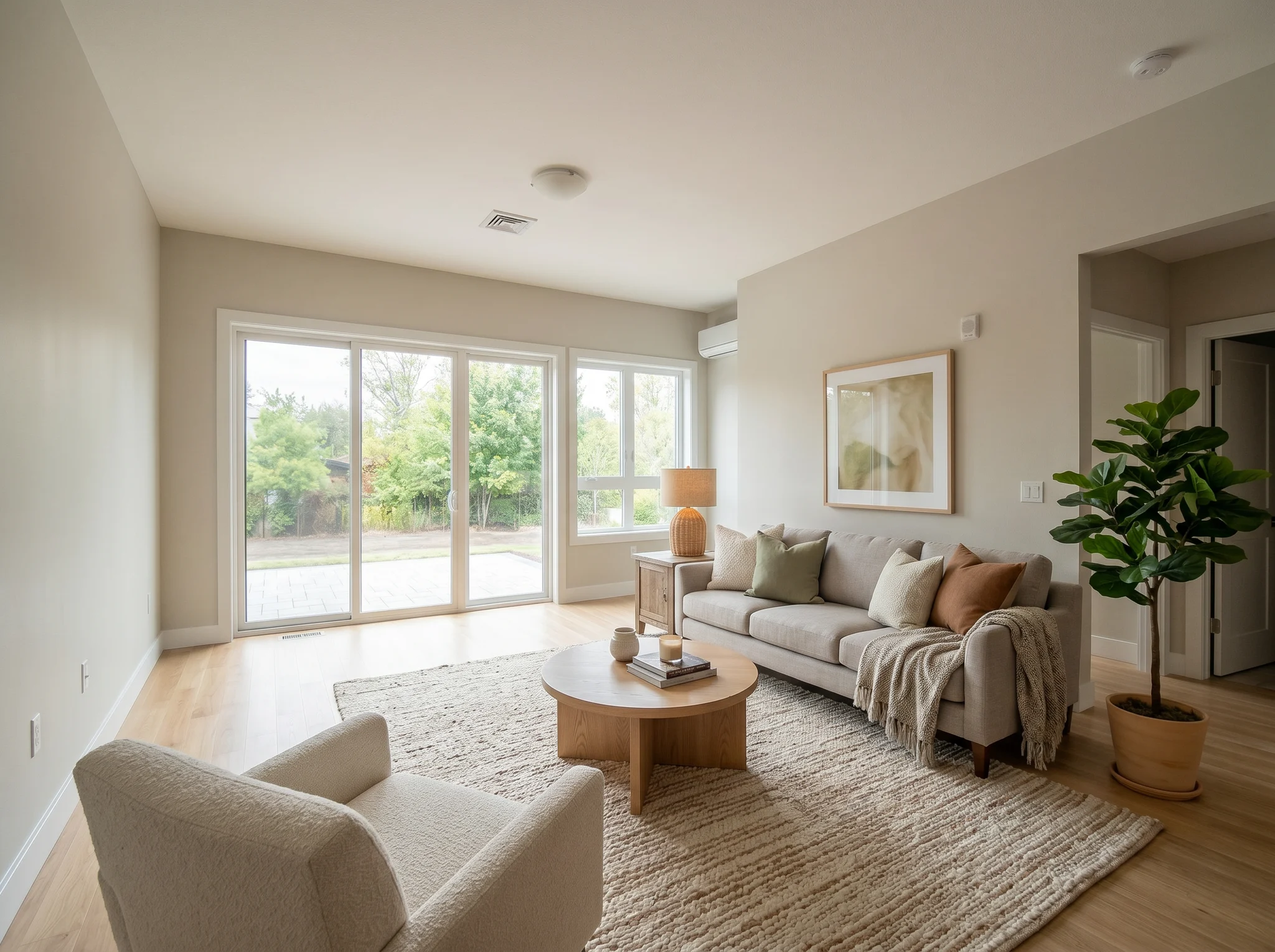
Sala de estar
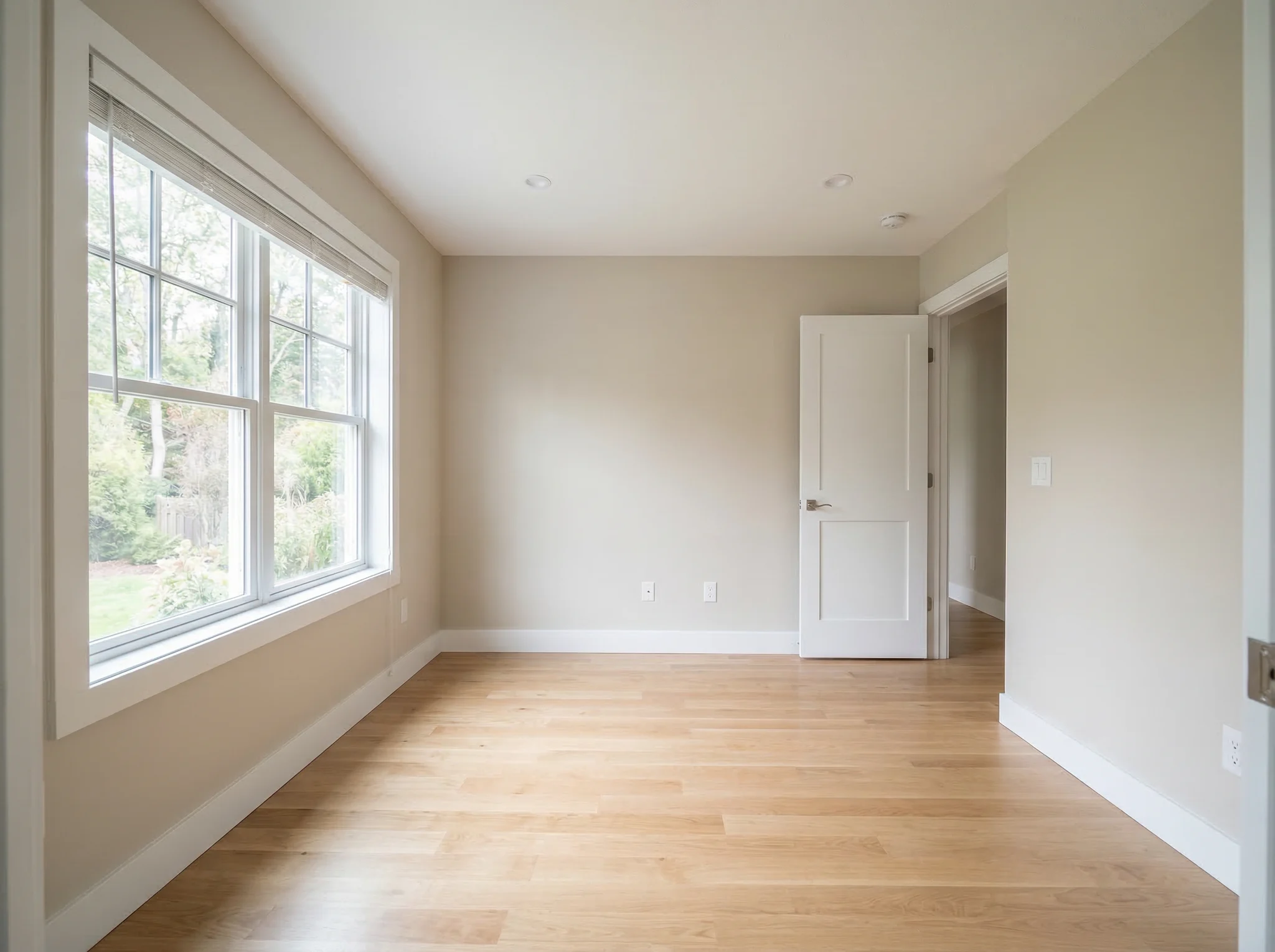
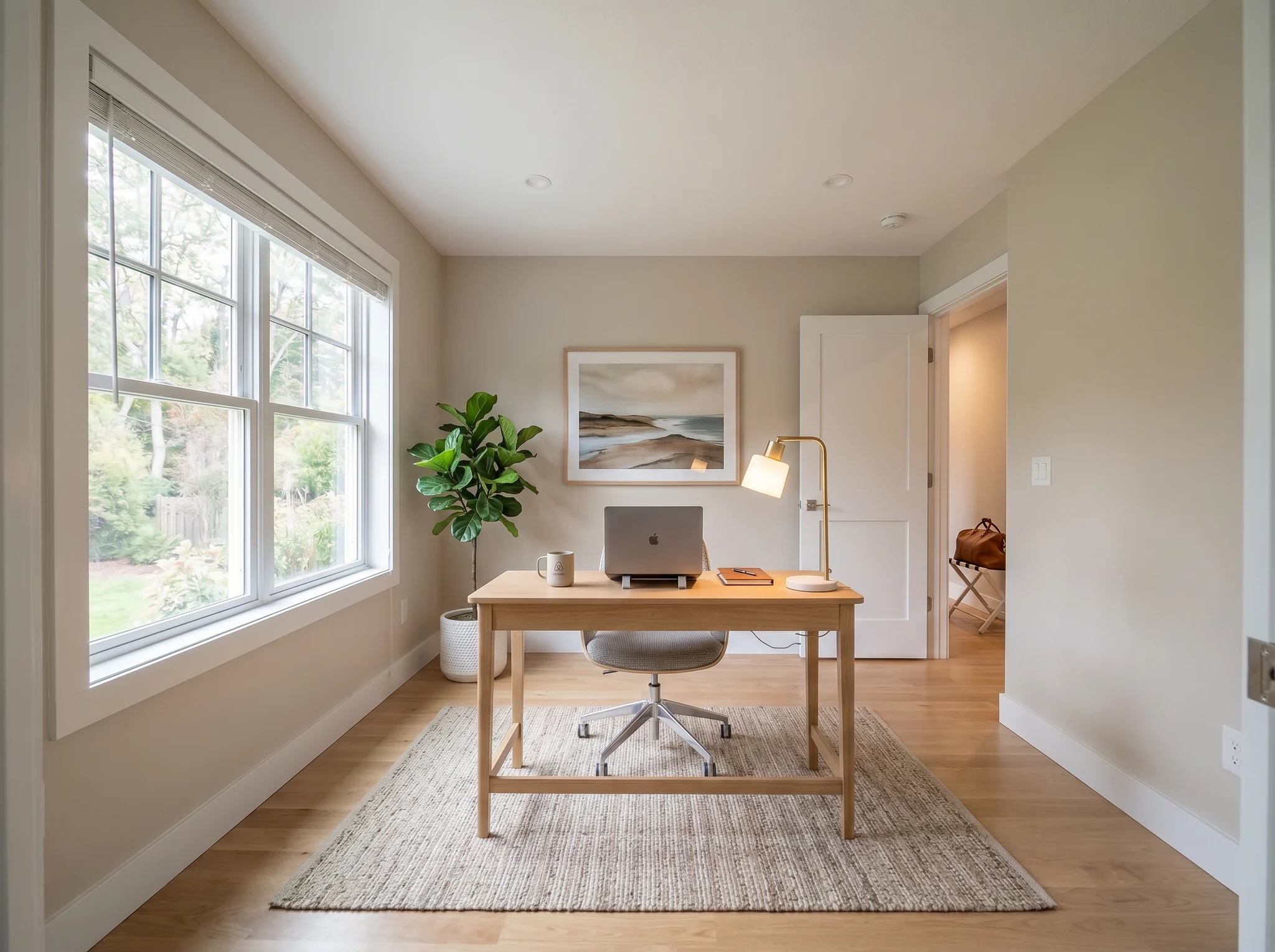
Escritório em casa
Casos Antes/Depois
Use a foto de um ambiente real para comparar algumas direções críveis antes de comprar, reformar, alugar ou anunciar.
 1
1 Veja se o ambiente pode ficar mais limpo, mais aconchegante ou mais acabado antes de comprar móveis ou repintar.
 2
2 Veja se uma direção para o ambiente faz sentido antes de gastar em sofá, tapete, cama ou kit de decoração.
 3
3 Crie uma prévia de antes e depois do staging, mantenha o ambiente original visível e inclua os avisos exigidos antes de publicar.
O RoomFlip mantém o ambiente real no centro do processo. Comece com uma foto nítida, identifique o ambiente e a mudança que deseja testar e depois escolha uma proposta de design. O primeiro design gerado por IA aparece ao lado do original para você comparar layout, móveis, cores e a impressão geral. Se a proposta estiver próxima do que deseja, marque as áreas que precisam de ajustes e crie outra versão sem perder o resultado anterior. Quando cada ambiente tiver uma versão final selecionada, baixe as imagens concluídas em conjunto.
Ideal para
O RoomFlip funciona melhor quando o ambiente tem uma função prática: escolher uma direção de móveis, atualizar um imóvel para locação, preparar a foto de um anúncio ou tornar uma ideia de reforma mais fácil de aprovar.
Antes de gastar
Use a foto de um ambiente comum para comparar uma proposta visual antes de comprar móveis, repintar ou mudar o layout.
Ideal para: escolha de móveis, atualização de ambientes, ideias de layout
Antes de comprar móveis
Veja se um sofá, tapete, cama ou direção de estilo faz sentido dentro do ambiente real antes de comprometer o orçamento.
Ideal para: conferência antes de comprar, teste de estilo, planejamento de encaixe
Antes de publicar as fotos
Veja se um quarto ou uma sala podem ficar mais bem resolvidos antes de comprar decoração ou trocar a foto principal do anúncio.
Ideal para: atualização de suítes de hóspedes, metas de foto principal, planos antes da compra
Antes de anunciar ou apresentar
Apresente uma proposta visual sem esconder as características reais do ambiente de vendedores, compradores, hóspedes e clientes.
Ideal para: preparo de anúncio, revisão com o vendedor, direção do projeto
Créditos e assinaturas simples
5 créditos iniciais
USD 0,00
100 créditos / mês
USD 9,99 / mês
400 créditos / mês
USD 24,99 / mês
Checkout seguro via Stripe. Revise o plano e os termos antes de comprar.
Perguntas Frequentes
Tudo o que você precisa saber sobre o designer de ambientes com IA
O RoomFlip.pro é uma ferramenta de design de ambientes com IA e staging virtual para fotos de ambientes reais. Envie a foto de um ambiente, escolha uma direção e gere visuais de antes e depois que ajudam em decisões de móveis, layout, estilo, aluguel, anúncio ou reforma.
Envie uma foto do ambiente ou um pequeno conjunto de fotos, escolha uma proposta e o RoomFlip gera imagens com staging ou redesenho, acrescentando referências de móveis, decoração, cor e iluminação. O tempo de processamento varia conforme a imagem e a demanda atual.
Sim. O RoomFlip aceita até 6 fotos de ambientes em um mesmo conjunto. Você pode escolher uma proposta compartilhada, mas iluminação, escala, arquitetura e detalhes de estilo ainda podem variar; revise cada resultado separadamente.
Novos usuários recebem 5 créditos grátis após o login. Cada prévia usa 1 crédito e pode incluir limitações da opção gratuita. Créditos pagos permitem criar mais prévias e baixar versões com menos limitações. Veja nossa página design de interiores com IA gratuito para detalhes atuais.
O RoomFlip é mais útil para quem precisa tomar uma decisão sobre um ambiente real: proprietários, inquilinos, compradores de móveis, anfitriões do Airbnb, corretores de imóveis, fotógrafos e equipes de reforma. O objetivo em comum é ver se o ambiente pode ficar melhor antes de gastar mais tempo ou dinheiro.
Sim. Depois que um resultado for gerado, escolha Refinar, marque até cinco áreas e descreva a mudança desejada em cada uma. O RoomFlip salva o novo resultado como outra versão, para que você possa compará-lo com o design original e voltar à versão anterior quando quiser.
Antes. Depois. Você decide.
Envie a foto de um ambiente real, crie uma prévia de antes e depois e mantenha o original por perto enquanto decide.