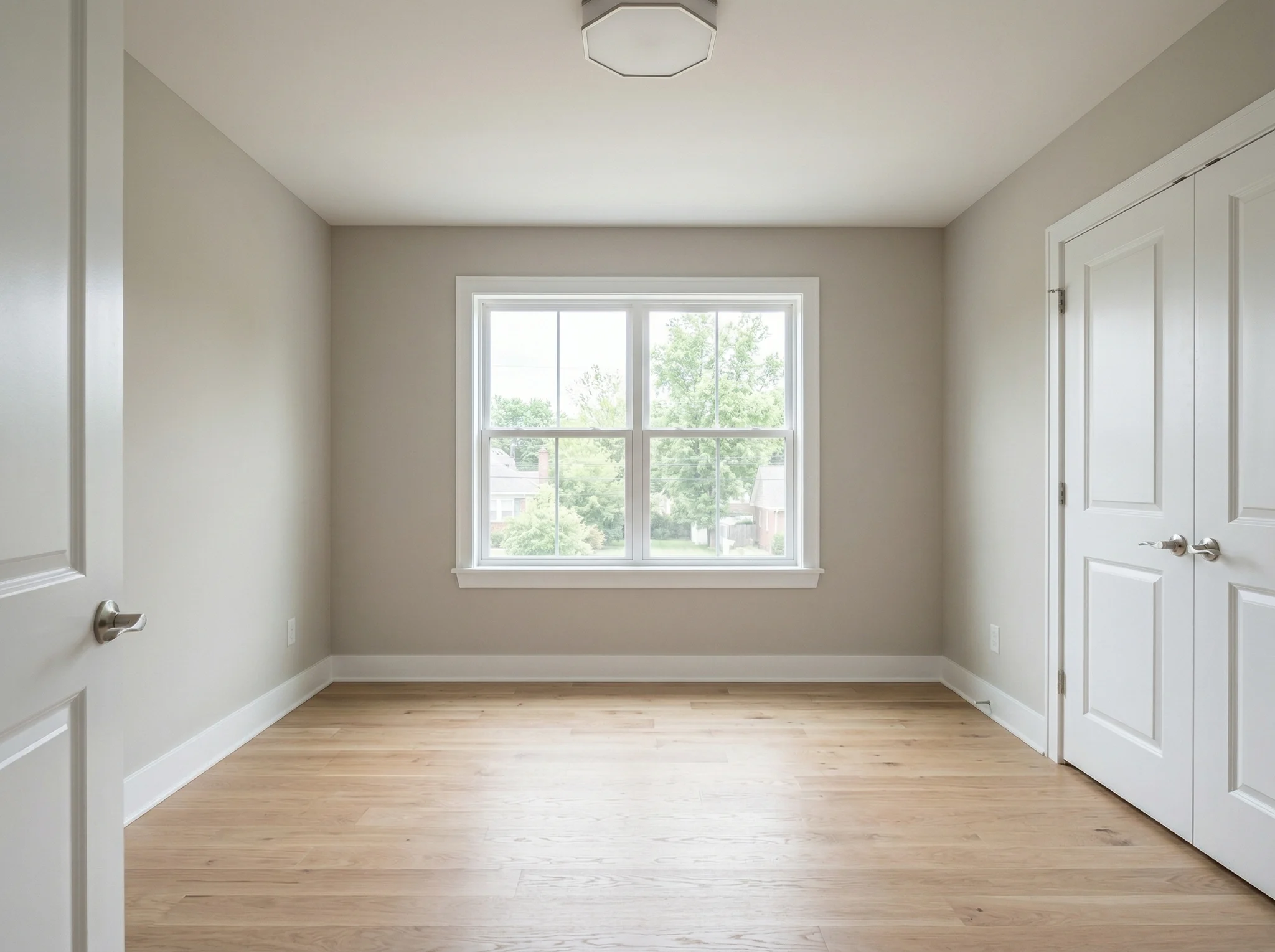
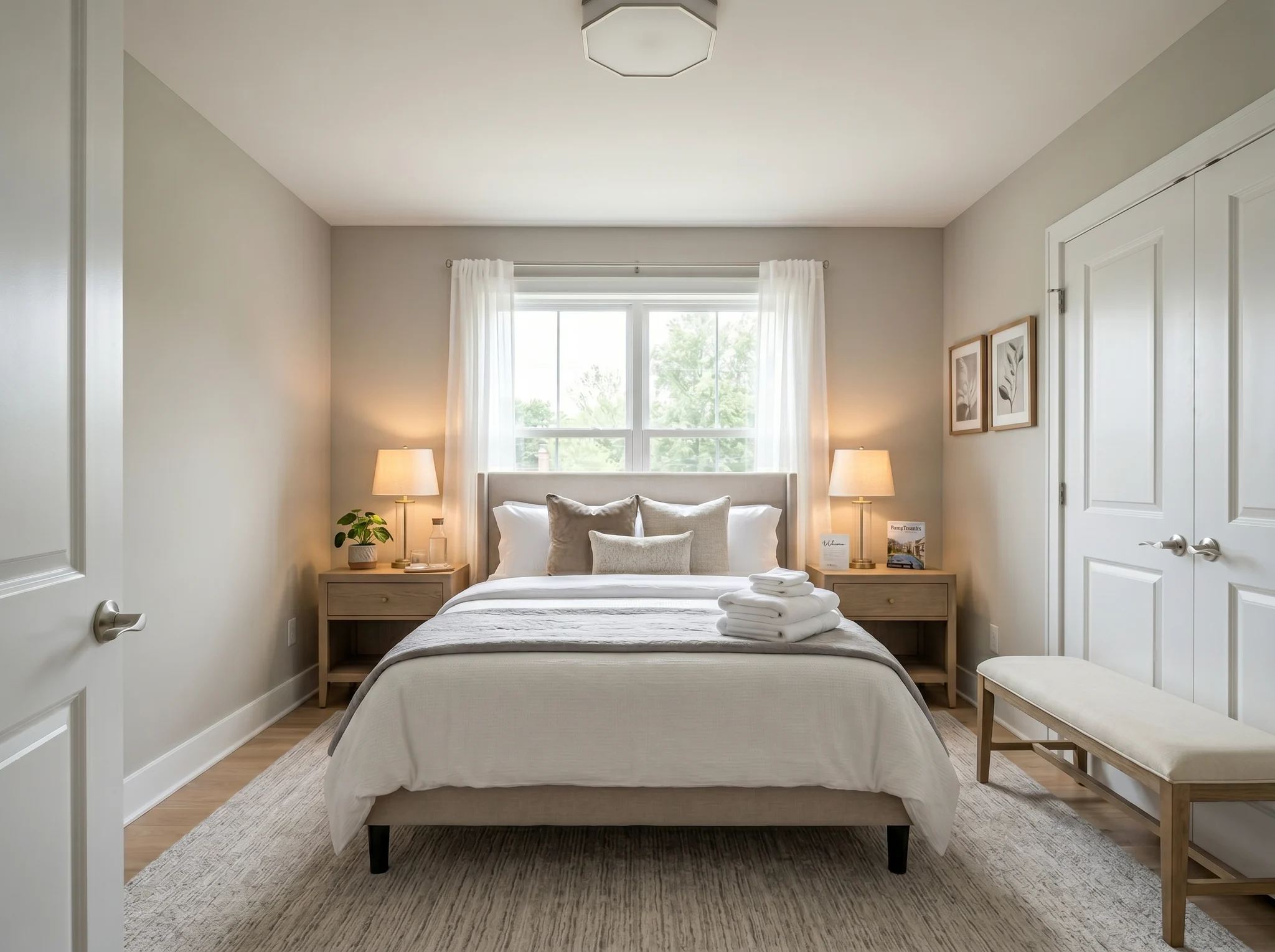
Bilik tidur
Muat naik foto bilik, pilih perkara yang ingin diubah, dan bandingkan konsep reka bentuk yang dijana sebelum membeli perabot, mengubah suai, menyewakan atau menerbitkan penyenaraian.
Pilih satu foto untuk bermula, atau pilih sehingga enam sudut atau bilik sebelum anda memasuki ruang kerja.
Kes Sebelum / Selepas
RoomFlip paling berkesan apabila satu imej yang dijana mempunyai tugasan perniagaan: bantu pembeli memahami skala, bantu tetamu membayangkan penginapan, atau bantu pelanggan meluluskan arah sebelum wang dibelanjakan.
Bilik tidur
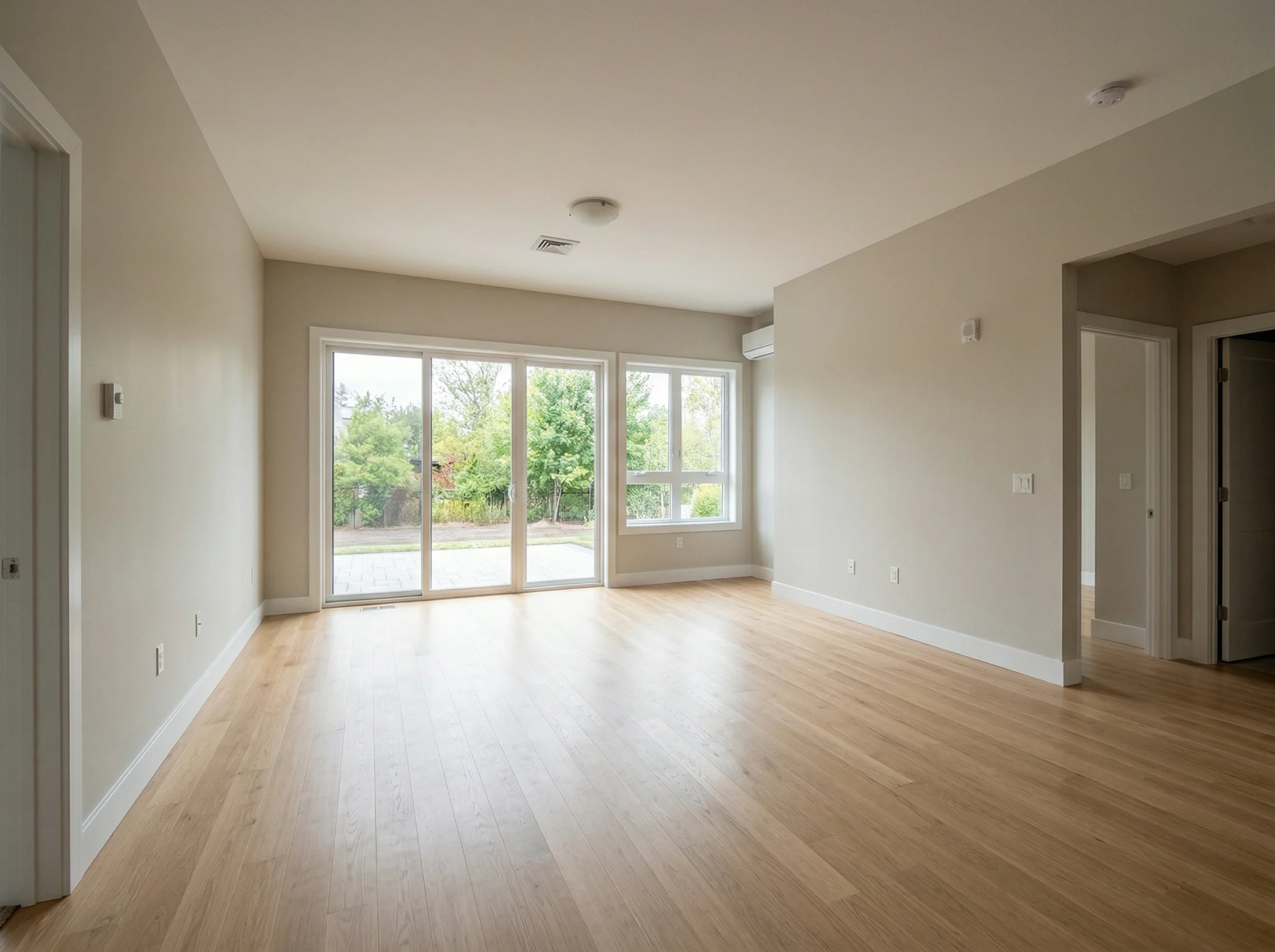
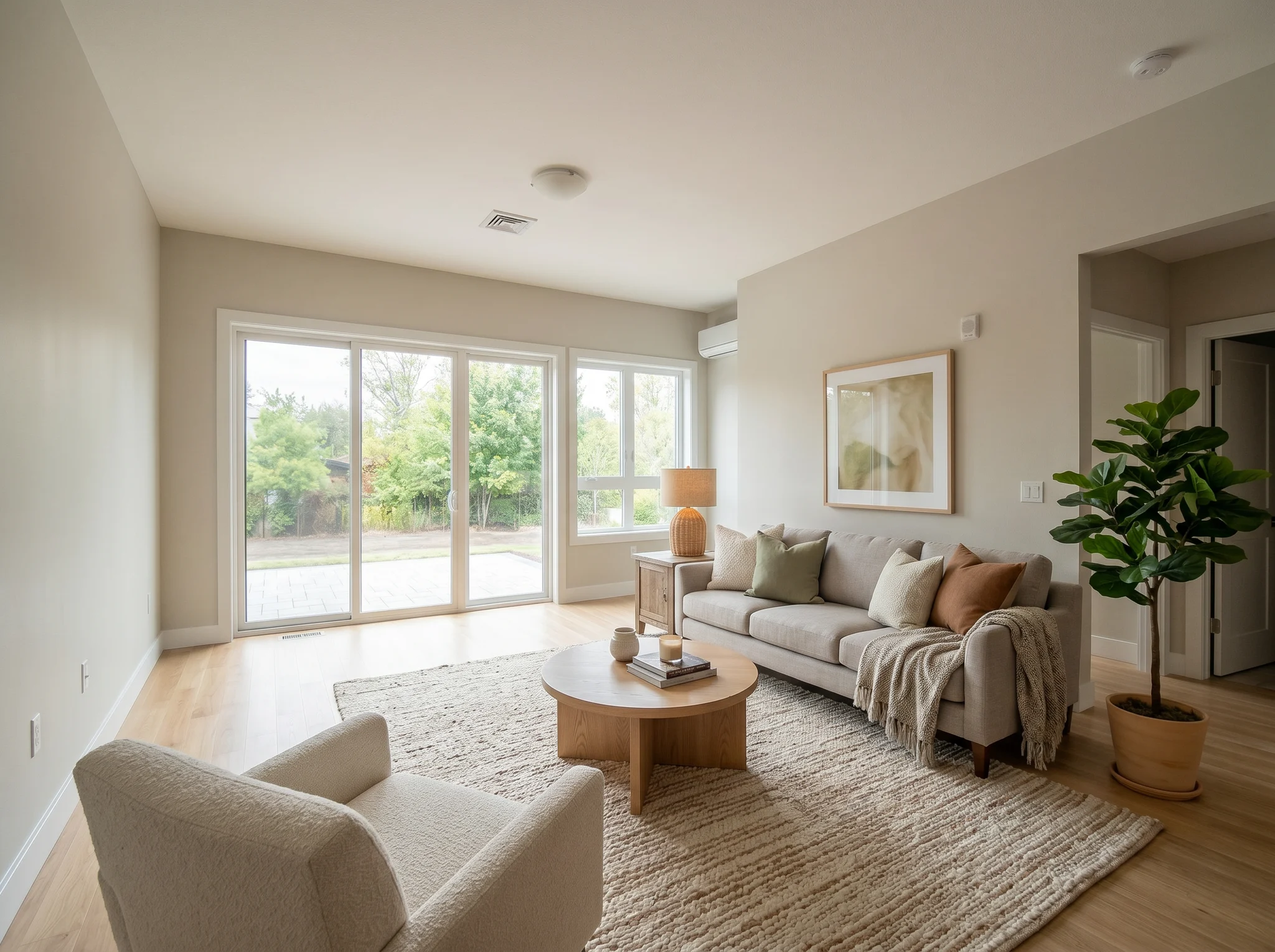
Ruang tamu
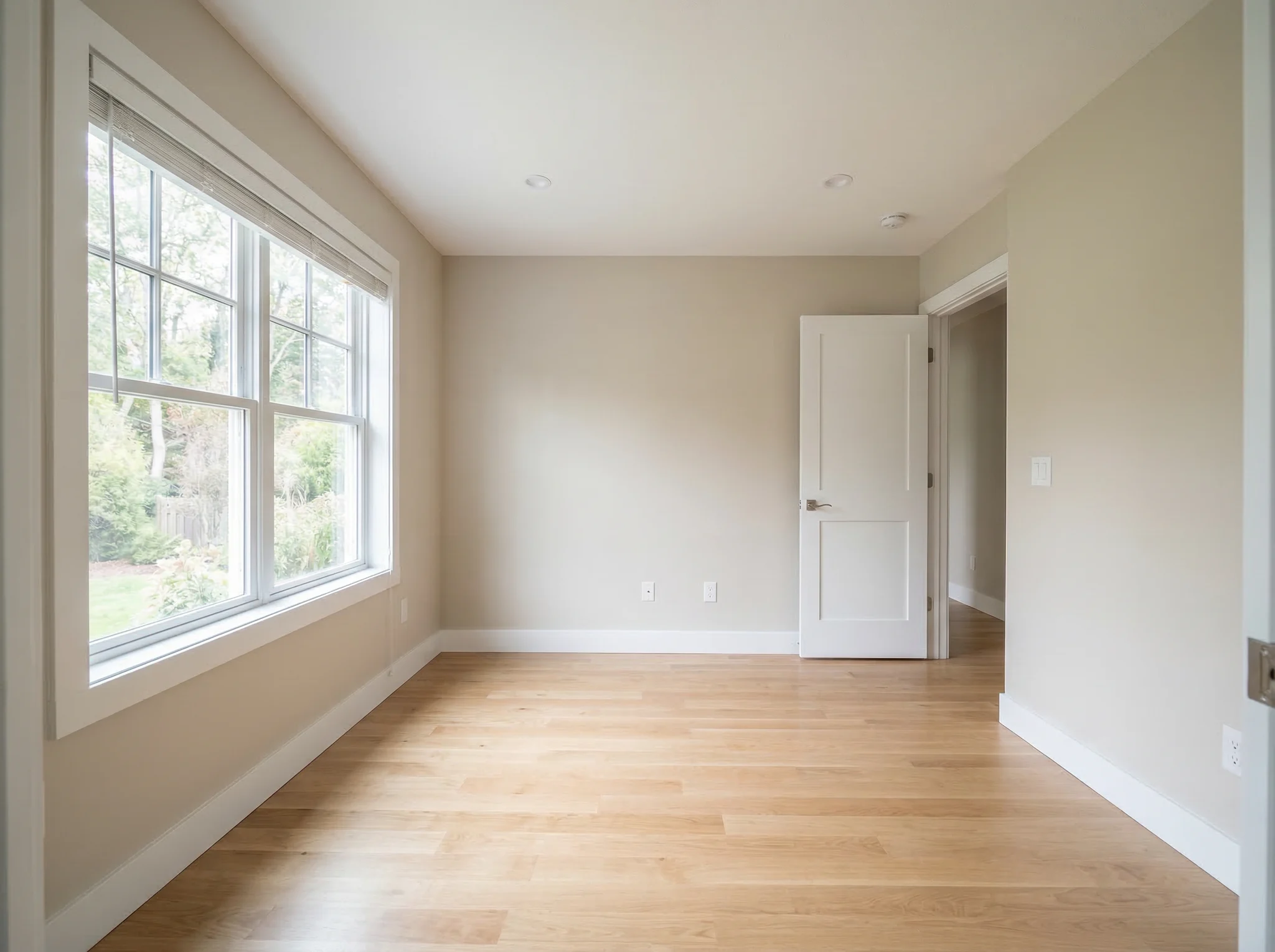
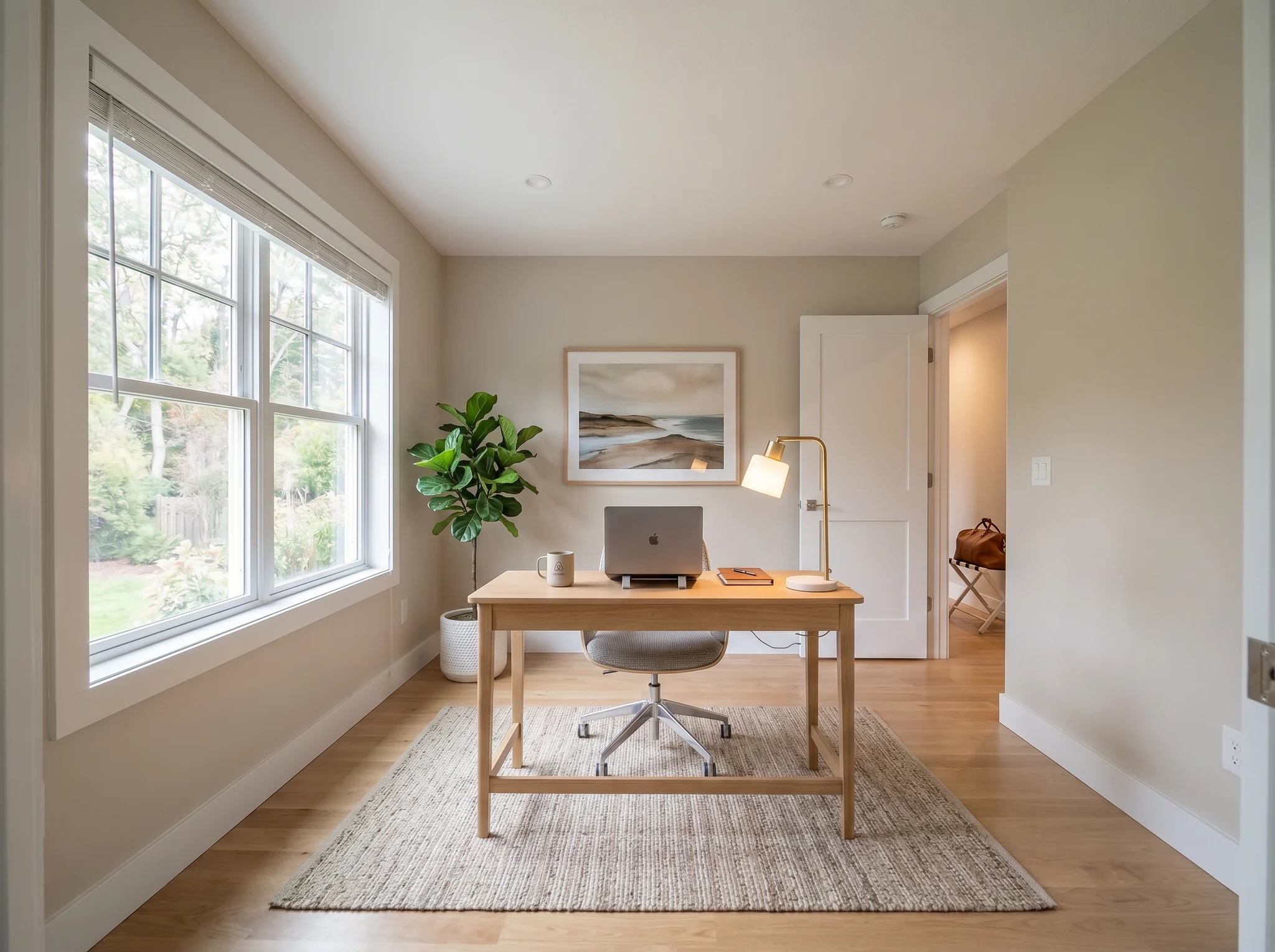
Pejabat rumah
Kes Sebelum / Selepas
Bandingkan dua atau tiga hala tuju yang munasabah, bukan dua puluh imej rawak.
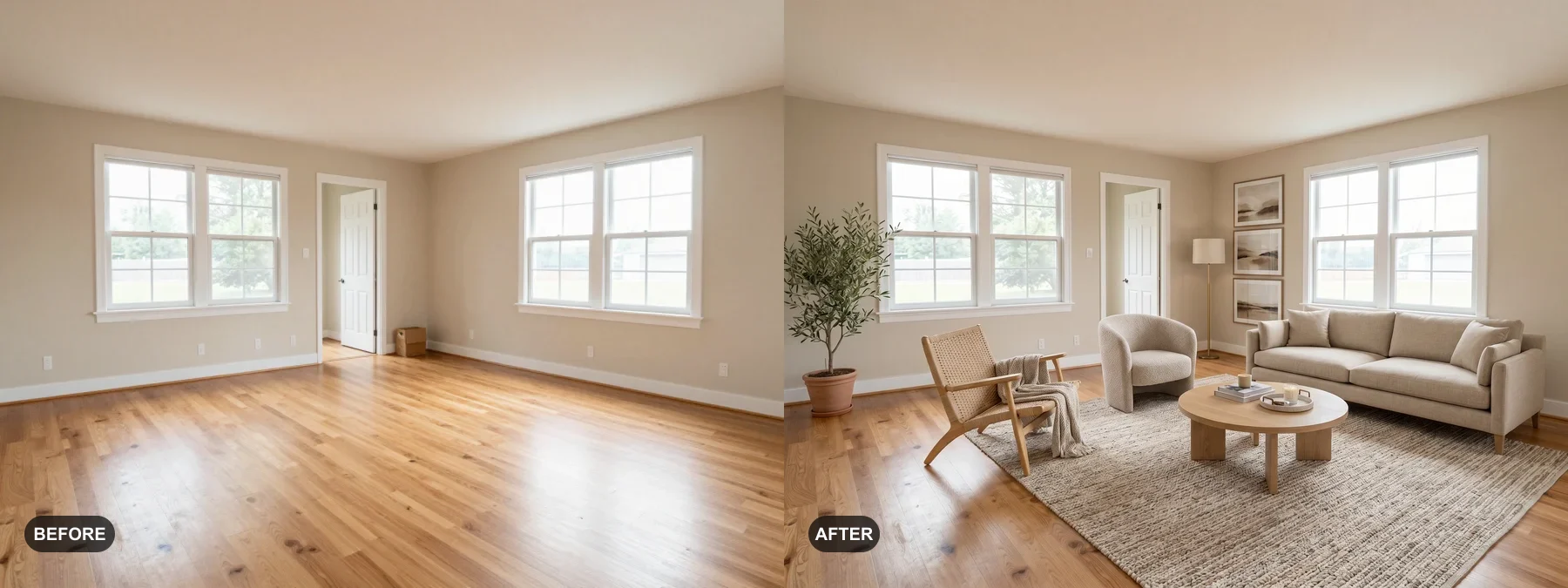 1
1 Susun bilik kosong atau segarkan yang sudah lusuh agar pembeli mudah membayangkan diri tinggal di situ.
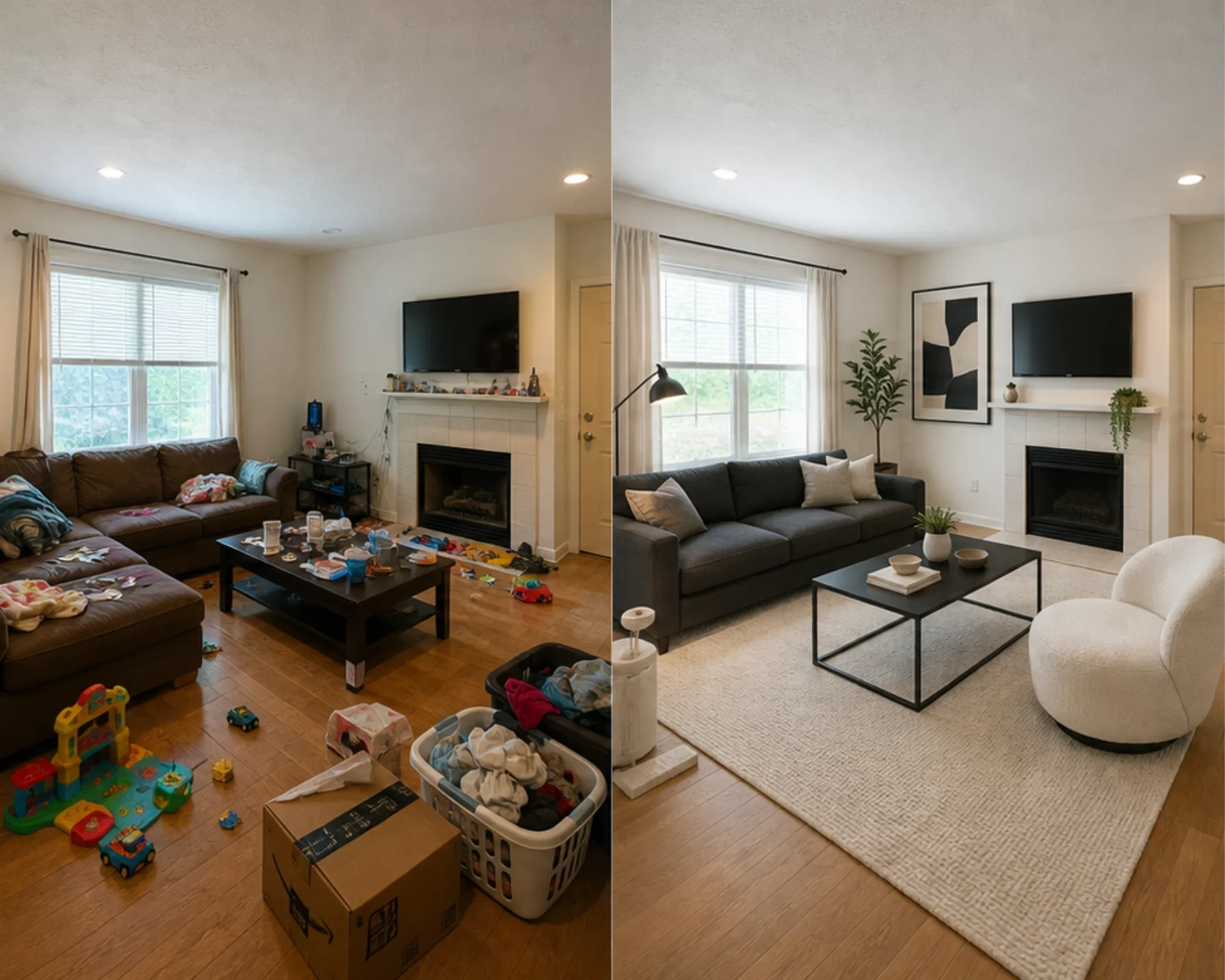 2
2 Uji jika bilik tetamu boleh kelihatan premium sebelum anda berbelanja perabot.
 3
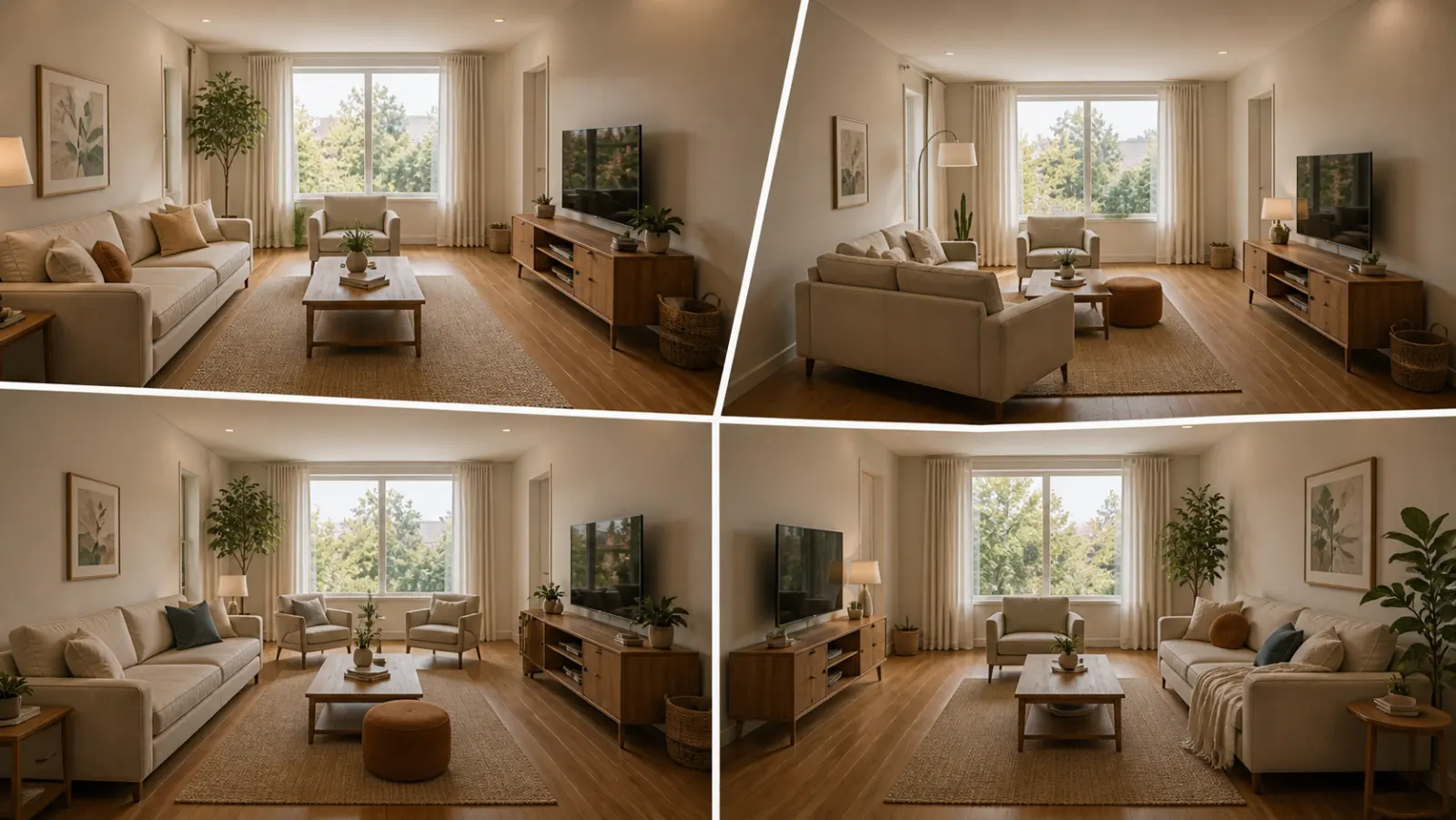
3 Pratonton hala tuju gaya sambil mengekalkan dinding, tingkap dan binaan tetap yang sedia ada.
Ubah suai mana-mana bilik dalam tiga langkah mudah menggunakan alat reka bentuk dalaman dikuasakan AI kami.
Terbaik untuk
Kes penggunaan harian yang paling kukuh ialah mengurangkan ketidakpastian sebelum wang dibelanjakan: berpindah ke tempat yang kecil, membeli perabot, memilih permaidani, memperbaharui sewaan, atau memutuskan sama ada hala tuju bilik berbaloi untuk diteruskan. Ejen dan hos masih mempunyai laluan yang jelas apabila tugasnya ialah penataan maya.
Tugas perancangan paling biasa
Muat naik bilik sebenar, uji sama ada hala tuju gaya atau susun atur terasa boleh dipercayai, kemudian ukur sebelum membeli cat, permaidani atau perabot.
Terbaik untuk: apartmen kecil, perancangan pindah masuk, keyakinan perabot
Keputusan niat tinggi
Gunakan kalkulator untuk saiz dan jarak, kemudian gunakan pratonton foto sebenar untuk memutuskan sama ada hala tuju terasa terlalu berat, terlalu kecil, atau berbaloi untuk dibeli.
Terbaik untuk: semakan sofa, saiz permaidani, pengurangan risiko pemulangan
Penggunaan Profesional
Ubah gambar senarai biasa menjadi cerita yang lebih jelas tentang bagaimana bilik boleh terasa selepas penambahbaikan ringan, sebelum berbelanja untuk penataan fizikal.
Terbaik untuk: dek senarai, persediaan rumah terbuka, lawatan penjual
Berorientasikan Pendapatan
Uji sama ada bilik tidur atau ruang tamu sepatutnya terasa lebih tenang, lebih cerah, atau lebih premium sebelum membeli perabot yang mungkin tidak kelihatan baik dalam gambar.
Terbaik untuk: penambahbaikan Airbnb, penambahbaikan bilik tetamu, eksperimen penghunian
Kredit dan langganan yang ringkas
10 kredit permulaan
USD 0.00
100 kredit / bulan
USD 9.99 / bulan
400 kredit / bulan
USD 24.99 / bulan
Pembayaran selamat melalui Stripe. Semak pelan dan terma pembayaran sebelum membeli.
Soalan Lazim
Semua yang anda perlu tahu tentang Reka Bentuk Bilik AI
RoomFlip.pro ialah alat reka bentuk bilik AI dan penataan maya untuk gambar bilik sebenar. Muat naik bilik, pilih arah, dan jana visual sebelum/selepas yang realistik yang membantu dalam keputusan susun atur, gaya, perabot, penyenaraian atau sewaan.
Masa pemprosesan berbeza mengikut imej dan permintaan semasa. Bandingkan setiap hasil dengan foto asal.
Ya. RoomFlip menyokong sehingga 6 gambar bilik dalam satu set, yang berguna apabila anda memerlukan visual yang konsisten untuk penyenaraian hartanah, sewaan Airbnb, pelan pengubahsuaian atau pembentangan pelanggan.
Pengguna baharu mendapat 10 kredit percuma selepas log masuk. Setiap pratonton menggunakan 1 kredit dan mungkin termasuk had peringkat percuma. Kredit berbayar membuka lebih banyak pratonton dan pilihan muat turun yang lebih bersih. Lihat halaman reka bentuk bilik AI percuma kami untuk butiran semasa.
Pengguna dengan niat tertinggi ialah pemilik rumah, penyewa dan pembeli perabot yang cuba membuat keputusan bilik sebenar sebelum berbelanja. Ejen penyenaraian, hos dan profesional reka bentuk masih mendapat nilai apabila mereka memerlukan visual penataan pantas atau pembentangan pelanggan.
Reka Bentuk Bilik AI berfungsi dengan mana-mana ruang dalaman: ruang tamu, bilik tidur, dapur, bilik mandi, ruang makan, pejabat rumah, bilik bayi dan banyak lagi. Untuk hasil terbaik, ambil gambar yang terang dari sudut bilik yang menunjukkan seberapa banyak ruang yang mungkin. AI mengendalikan bilik dari semua saiz, daripada pangsapuri studio kepada kawasan ruang tamu terbuka yang besar.
AI room design from one photo
Muat naik foto, pratonton suasana, dan hasilkan arah yang boleh anda gunakan untuk penataan, keputusan perabot, atau perancangan. Kredit permulaan tersedia selepas log masuk.