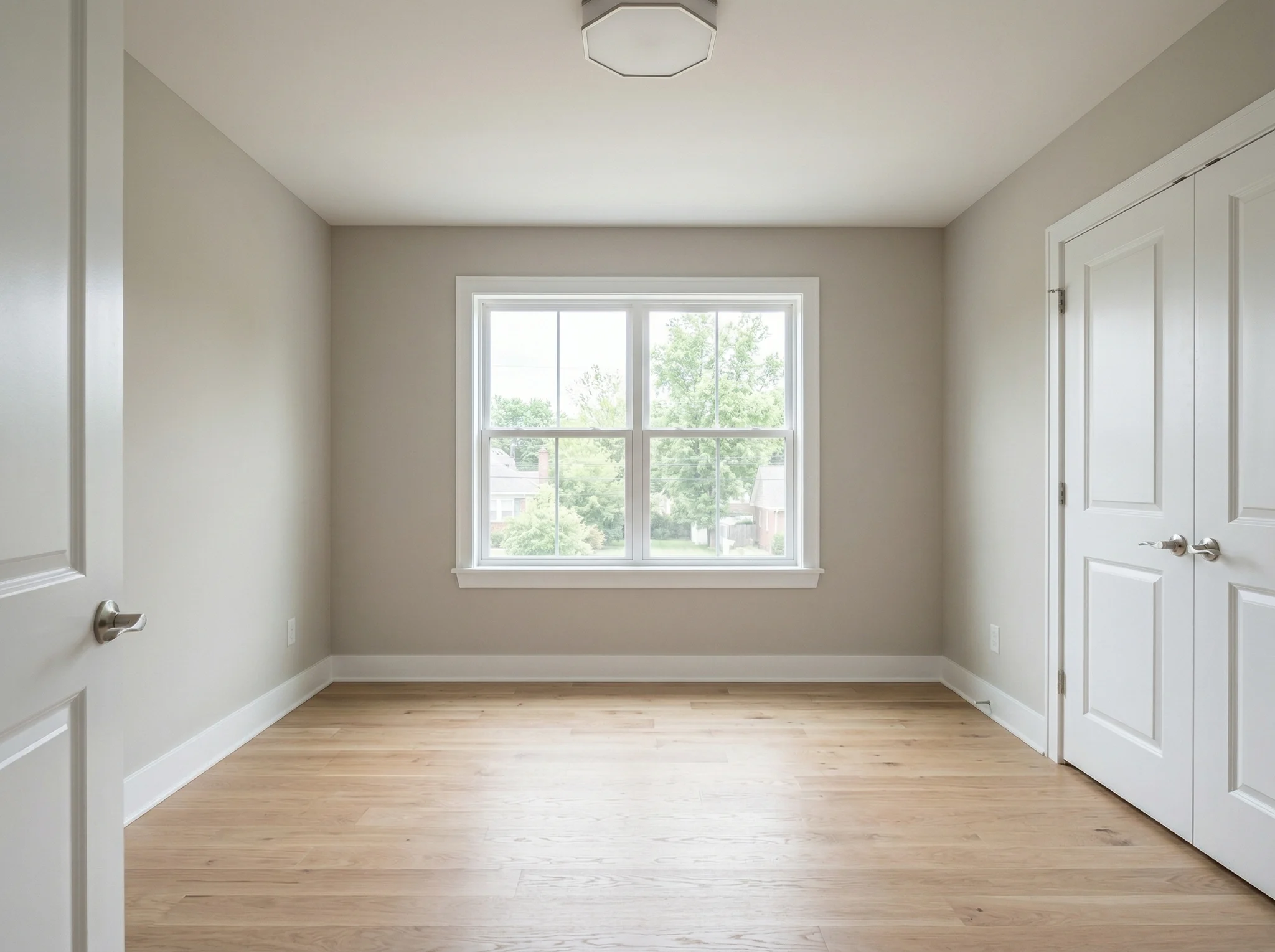
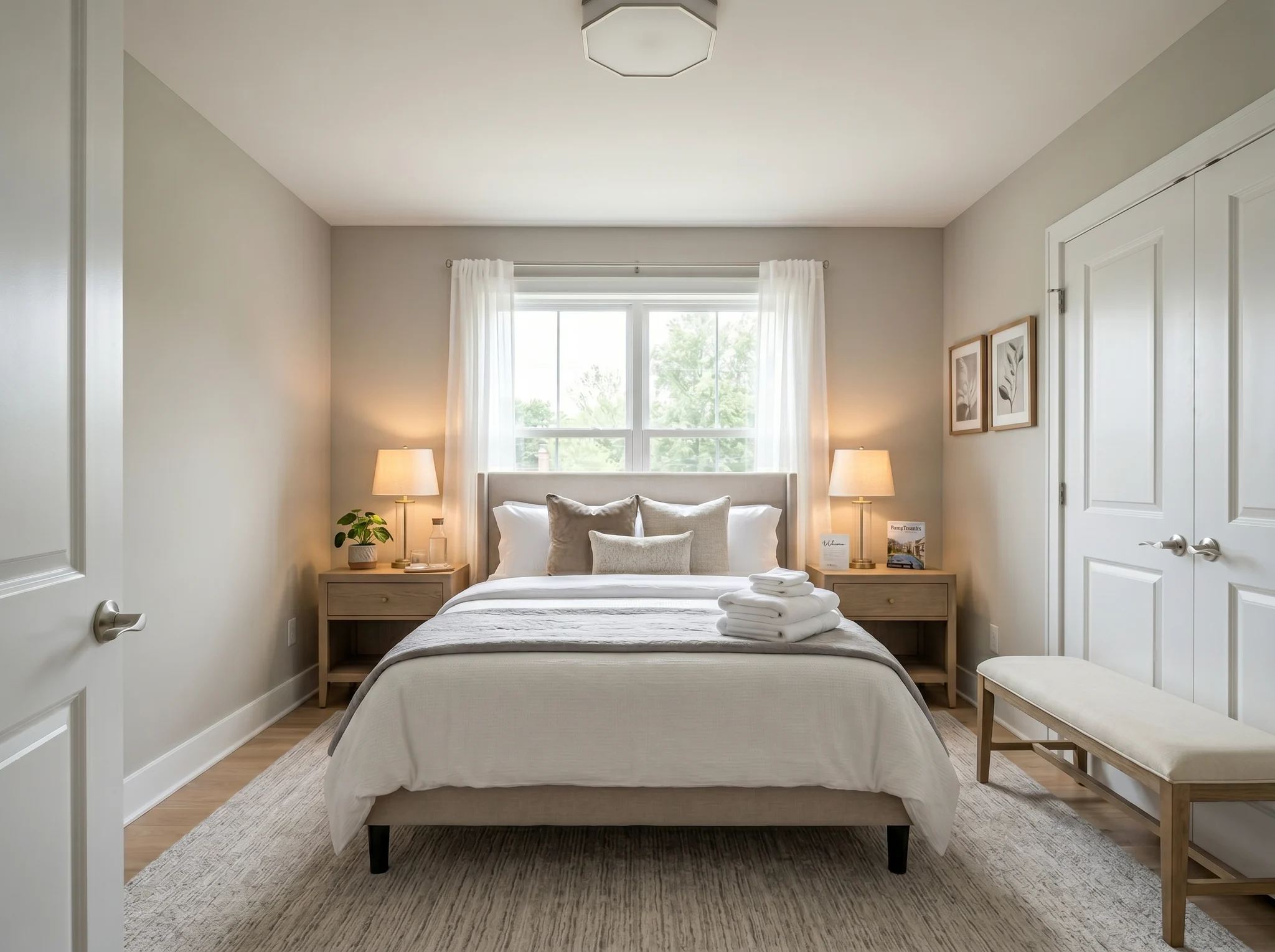
Guļamistaba
Augšupielādē vienu istabas fotogrāfiju un redzi, kā tā varētu izskatīties iekārtota, pārkārtota vai atsvaidzināta — pirms kaut ko pērc vai izkustini kaut vienu mēbeles gabalu.
Izvēlies vienu fotogrāfiju, ar ko sākt, vai atlasiet līdz sešiem leņķiem / istabām, pirms ieejat darbvietā.
Pirms / Pēc gadījumi
RoomFlip ir visspēcīgākais, kad viena ģenerēta bilde kalpo biznesa mērķim: palīdzēt pircējam saprast mērogu, palīdzēt viesim iztēloties uzturēšanos vai palīdzēt klientam apstiprināt virzienu pirms naudas iztērēšanas.
Guļamistaba
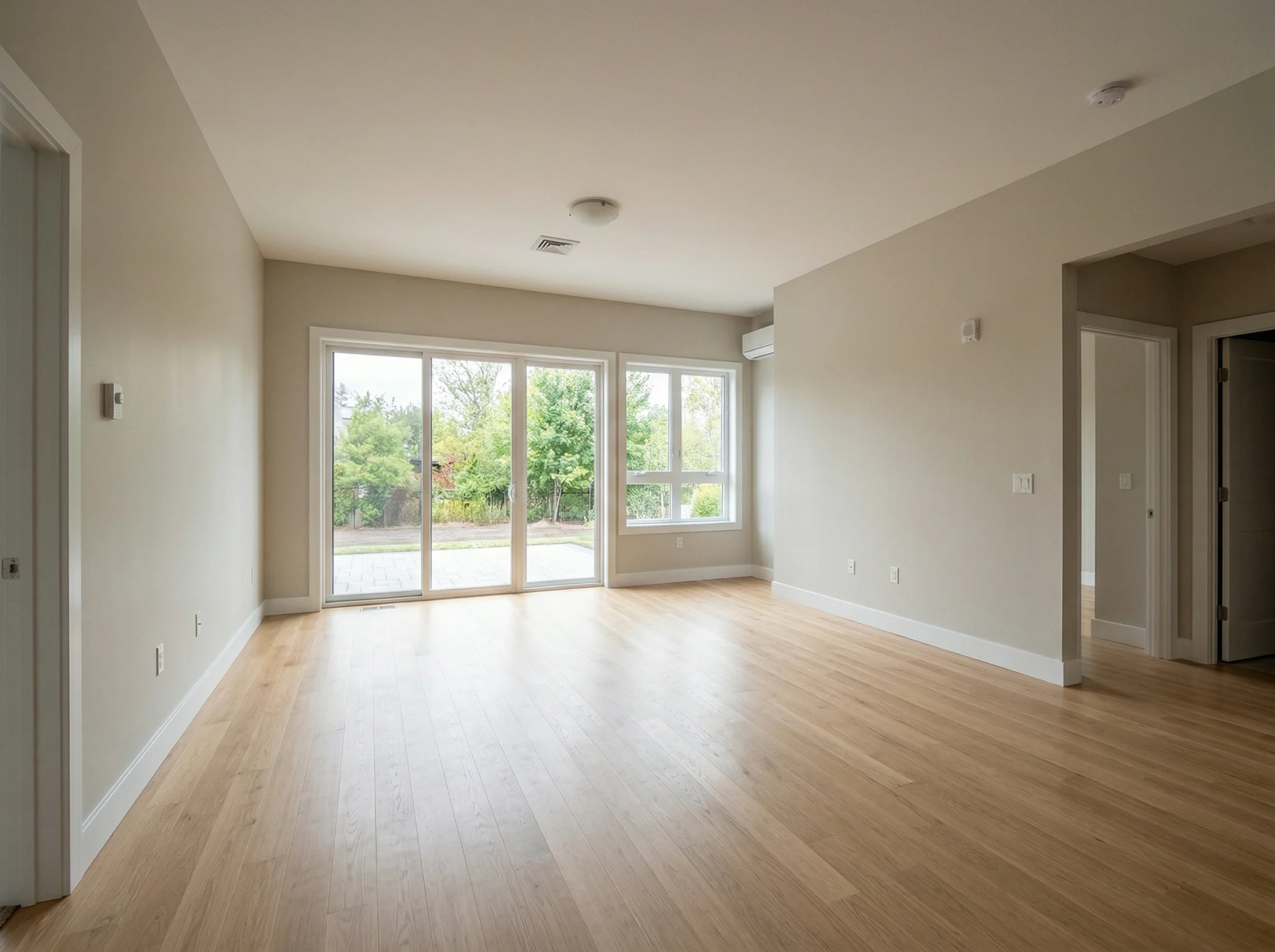
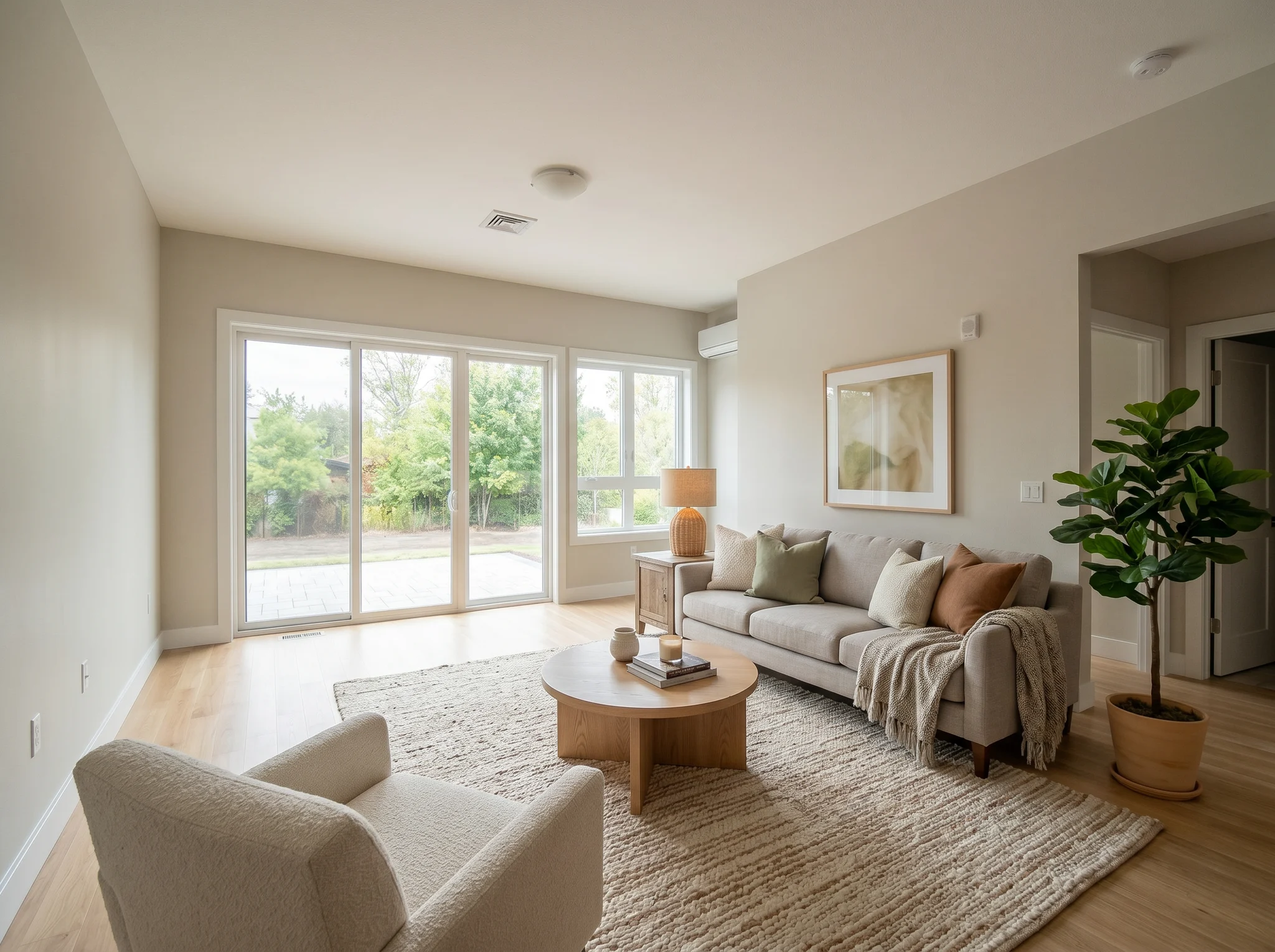
Viesistaba
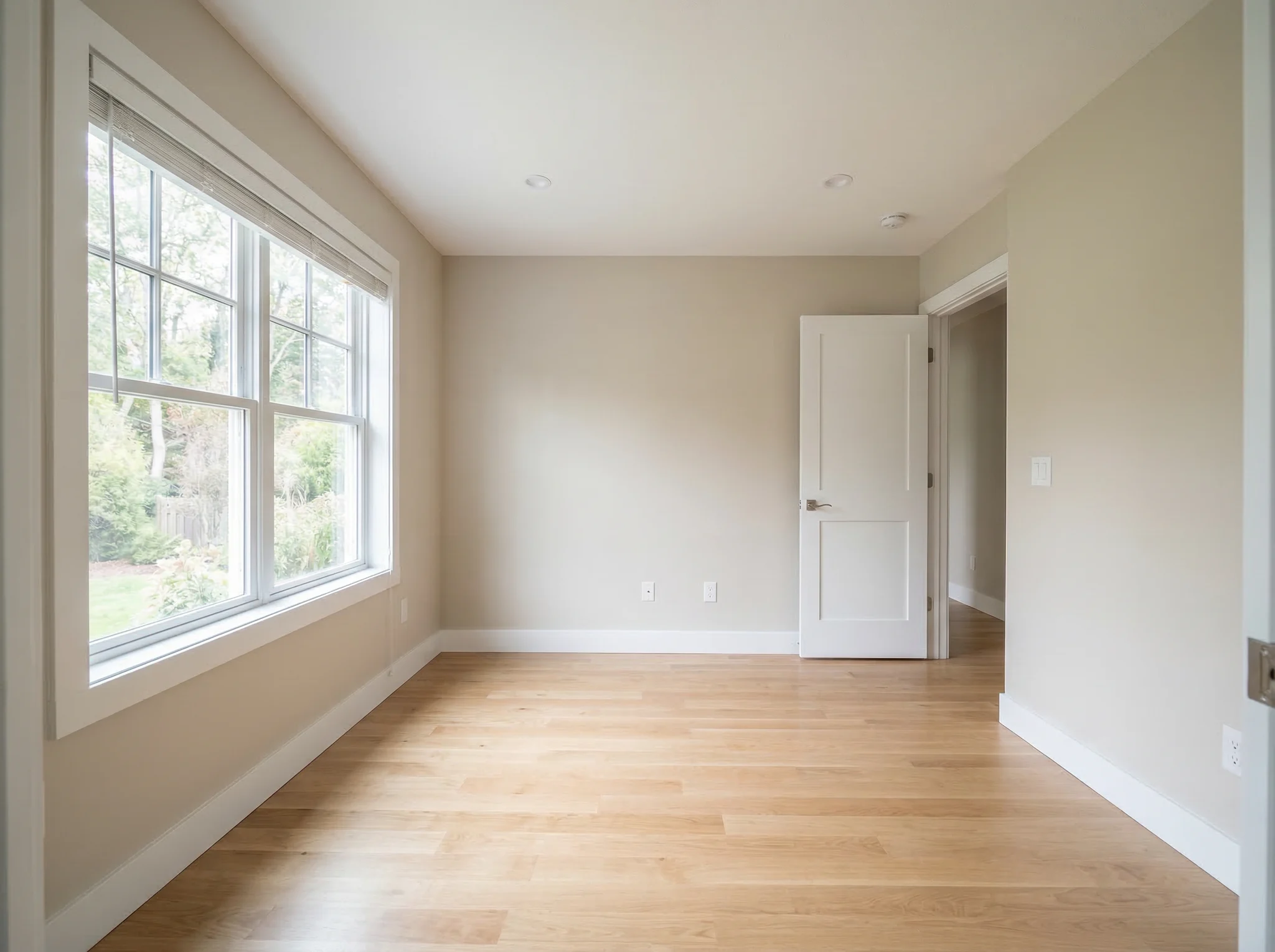
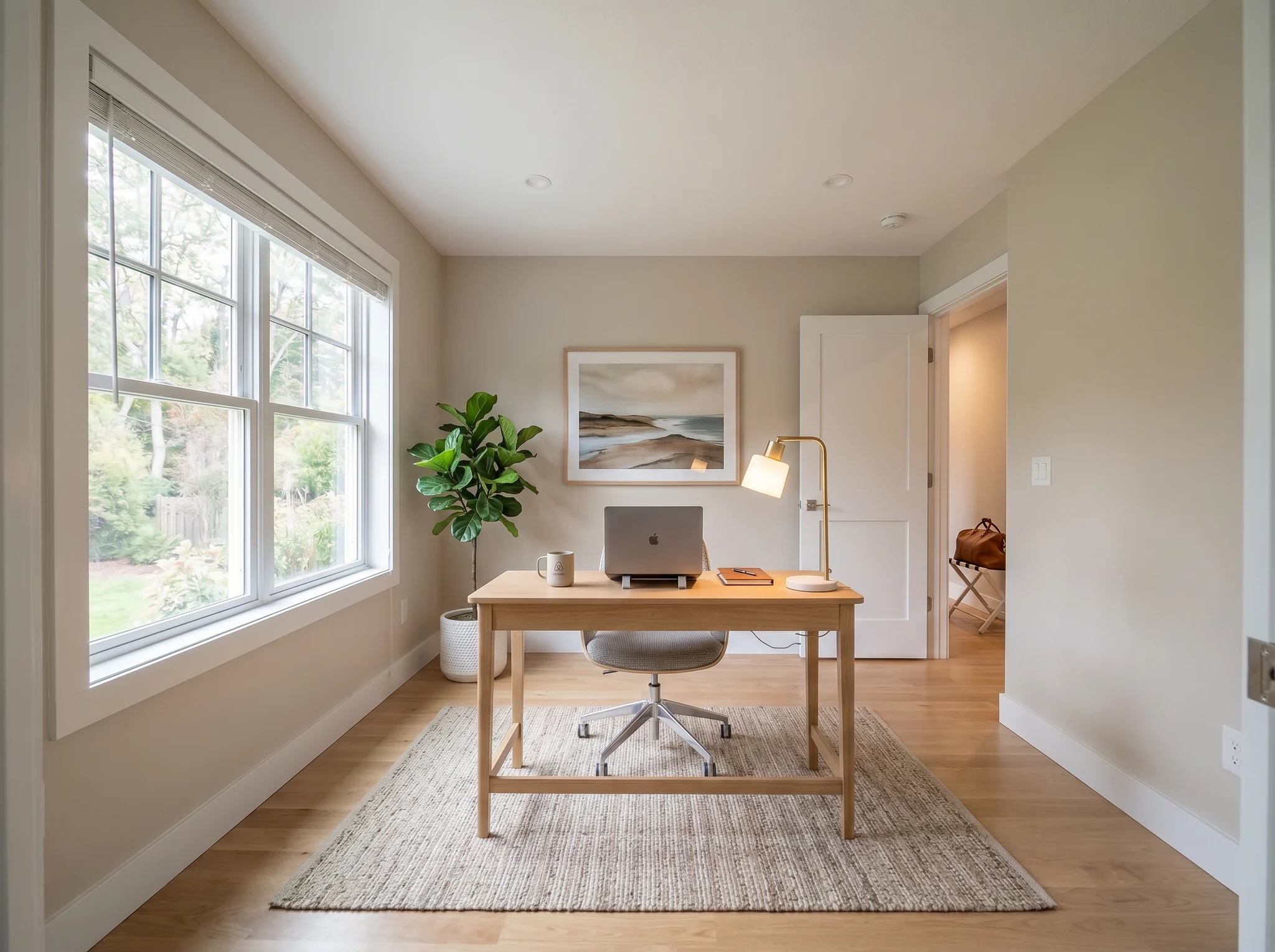
Mājas birojs
Pirms / Pēc gadījumi
Salīdzini divus vai trīs ticamus virzienus, nevis divdesmit nejaušus.
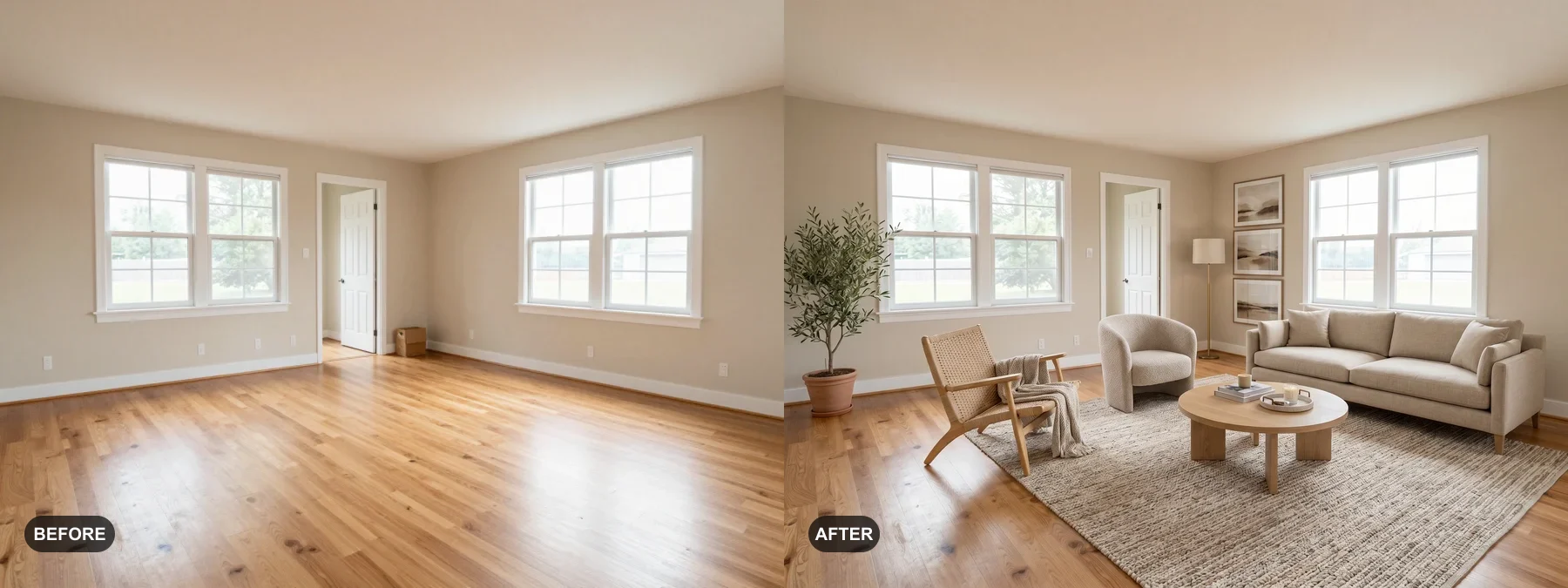 1
1 Iekārto tukšas istabas vai atjauno nogurušas, lai pircēji varētu sevi tur iztēloties.
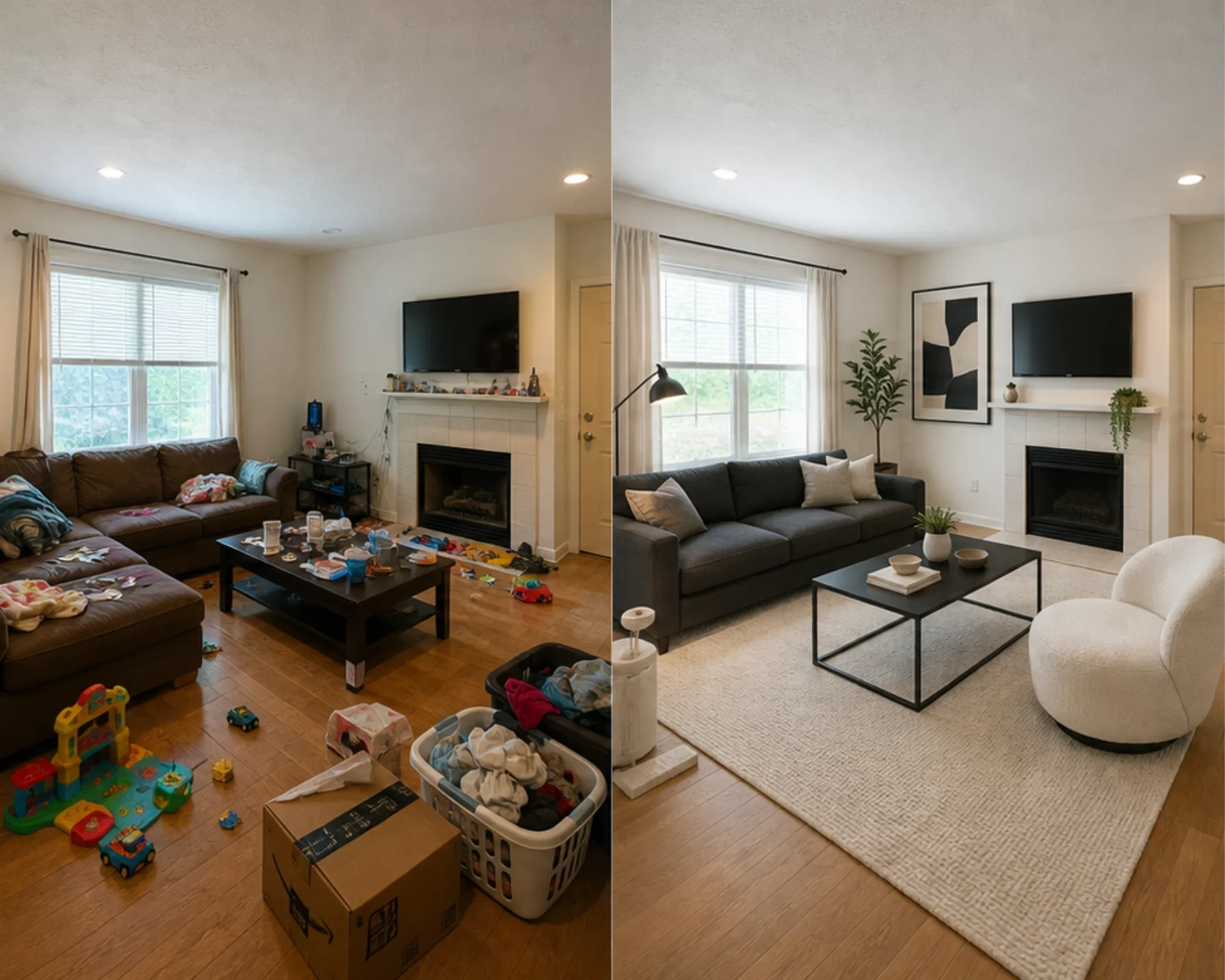 2
2 Pārbaudi, vai guļamistaba var izskatīties prēmiju klases, pirms iztērē naudu mēbelēm.
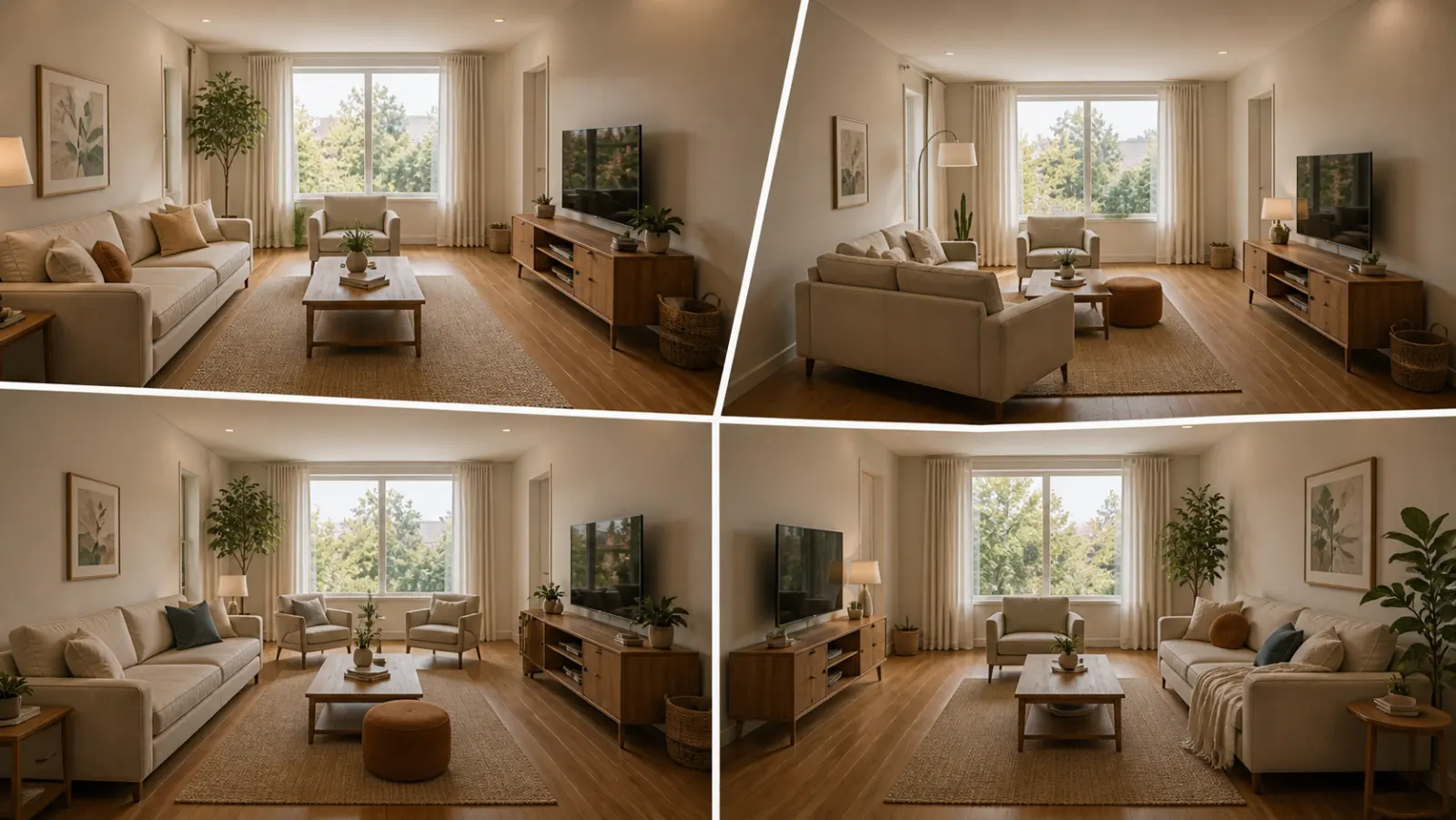 3
3 Stila virziena priekšskatījums, saglabājot īstas sienas, logus un iebūvētos elementus.
Pārveidojiet jebkuru istabu trīs vienkāršos soļos, izmantojot mūsu AI darbināmo interjera dizaina rīku.
Vislabākais
Visizplatītākais ikdienas lietošanas gadījums ir nenoteiktības mazināšana pirms naudas tērēšanas: pārvākšanās uz nelielu dzīvokli, mēbeļu iegāde, paklāja izvēle, īres dzīvokļa atsvaidzināšana vai lēmuma pieņemšana, vai telpas virziens ir vērts attīstīt. Aģentiem un saimniekiem joprojām ir skaidrs ceļš, kad darbs ir virtuālā skatuves iekārtošana.
Visizplatītākais plānošanas uzdevums
Augšupielādējiet reālo istabu, pārbaudiet, vai stils vai izkārtojuma virziens šķiet ticams, pēc tam izmēriet pirms krāsas, paklāju vai mēbeļu iegādes.
Vislabākais: mazi dzīvokļi, pārvākšanās plānošana, pārliecība par mēbelēm
Augstas gatavības lēmums
Izmantojiet kalkulatorus izmēram un atstarpēm, pēc tam izmantojiet reālas fotogrāfijas priekšskatījumu, lai izlemtu, vai virziens šķiet pārāk smags, pārāk mazs vai ir vērts iegādāties.
Vislabākais: dīvānu pārbaudes, paklāju izmēri, riska samazināšana attiecībā uz atgriešanu
Profesionāla lietošana
Pārvērtiet parastos sludinājumu fotoattēlus skaidrākā stāstā par to, kā telpa varētu izskatīties pēc nelielas atsvaidzināšanas, pirms tērējat naudu fiziskai iekārtošanai.
Vislabākais: sludinājumu prezentācijas, sagatavošana atvērto durvju dienām, īpašnieku apskates
Ienākumus prātojoši
Pirms mēbeļu iegādes, kas var slikti izskatīties fotogrāfijās, pārbaudiet, vai guļamistaba vai dzīvojamā telpa varētu izskatīties mierīgāka, gaišāka vai premium klases.
Vislabākais: Airbnb uzlabojumi, viesu istabu atsvaidzināšana, aizpildījuma eksperimenti
Vienkārši krediti un abonementi
10 sākuma kredīti
0,00 USD
100 kredīti / mēnesī
9,99 USD / mēnesī
400 kredīti / mēnesī
24,99 USD / mēnesī
Droši norēķini, ko nodrošina Stripe. Pirms pirkuma iepazīsties ar plāna un norēķinu noteikumiem.
Biežāk Uzdotie Jautājumi
Viss, kas jums jāzina par AI Istabu Dizaineru
RoomFlip.pro ir AI istabu dizaina un virtuālās izvietošanas rīks reālu istabu fotogrāfijām. Augšupielādējiet istabu, izvēlieties virzienu un ģenerējiet reālistiskus pirms/pēc vizuālos materiālus, kas palīdz ar izkārtojumu, stilu, mēbelēm, piedāvājumu vai īres lēmumiem.
Apstrādes laiks ir atkarīgs no attēla un pašreizējā pieprasījuma. Salīdziniet katru rezultātu ar sākotnējo fotoattēlu.
Jā. RoomFlip atbalsta līdz 6 istabu fotogrāfijām vienā kopumā, kas ir noderīgi, ja nepieciešami konsekventi vizuālie materiāli nekustamā īpašuma piedāvājumam, Airbnb īrei, renovācijas plānam vai klienta prezentācijai.
Jauni lietotāji pēc pieteikšanās saņem 10 bezmaksas kredītus. Katrs priekšskatījums izmanto 1 kredītu un var ietvert bezmaksas līmeņa ierobežojumus. Maksas kredīti atbloķē vairāk priekšskatījumu un tīrākas lejupielādes iespējas. Skatiet mūsu bezmaksas AI istabu dizains lapu, lai iegūtu jaunāko informāciju.
Lietotāji ar visaugstāko nodomu ir māju īpašnieki, īrnieki un mēbeļu pircēji, kuri cenšas pieņemt reālu istabas lēmumu pirms naudas tērēšanas. Piedāvājumu aģenti, saimnieki un dizaina profesionāļi joprojām gūst vērtību, kad viņiem nepieciešami ātri izvietošanas vai klienta prezentācijas vizuālie materiāli.
AI Istabu Dizaineris darbojas ar jebkuru iekštelpu: viesistabām, guļamistabām, virtuvēm, vannasistabām, ēdamistabām, mājas birojiem, bērnistabām un citām. Lai iegūtu vislabākos rezultātus, uzņemiet labi apgaismotu fotogrāfiju no istabas stūra, kas parāda pēc iespējas lielāku telpu. AI apstrādā visu izmēru istabas, sākot no studijas tipa dzīvokļiem līdz lielām atvērtā plānojuma dzīvojamām zonām.
AI istabas dizains no vienas fotogrāfijas
Augšupielādējiet fotoattēlu, priekšskatiet noskaņu un izveidojiet virzienu, ko varat izmantot iekārtošanai, mēbeļu izvēlei vai plānošanai. Sākuma kredīti ir pieejami pēc pieteikšanās.