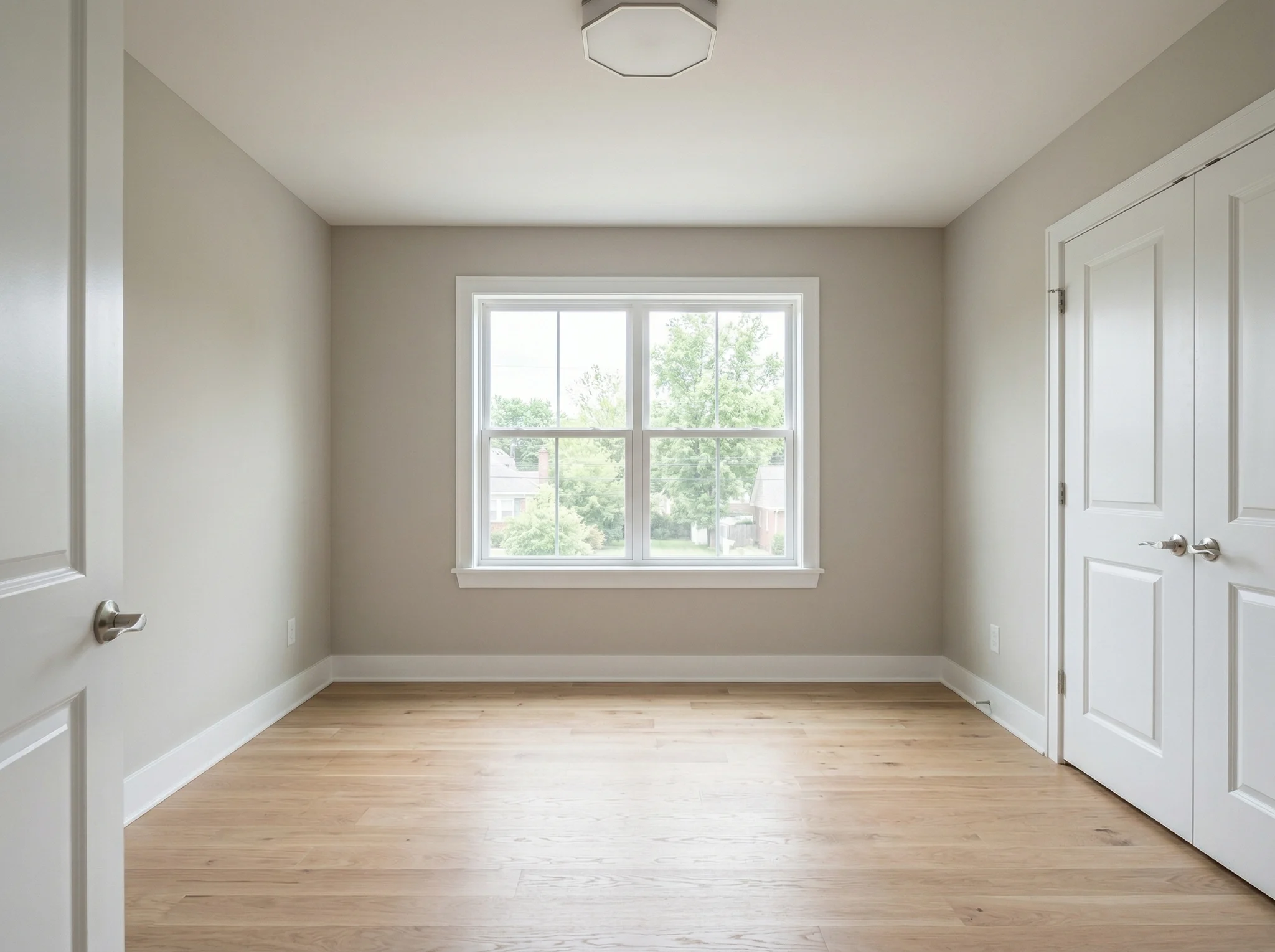
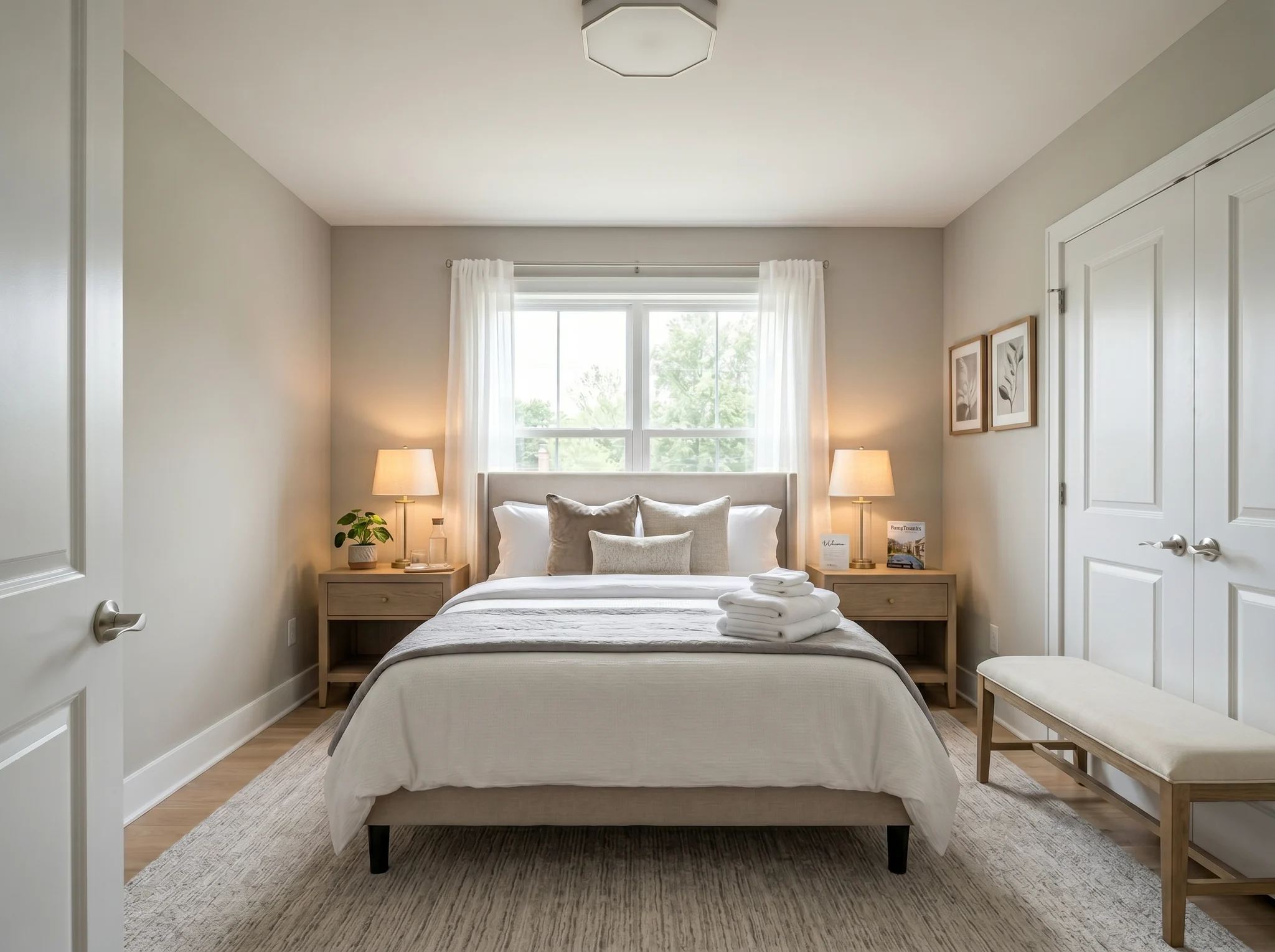
Camera da letto
Carica la foto di una stanza e scopri come potrebbe apparire arredata, riorganizzata o rinnovata, prima di comprare qualcosa o spostare anche un solo mobile.
Scegli una foto per iniziare, oppure seleziona fino a sei angolazioni o stanze prima di entrare nel workspace.
Casi Prima / Dopo
Ogni esempio parte dalla stanza reale, mantiene visibile il prima e mostra una direzione che rende lo spazio più facile da capire.
Camera da letto
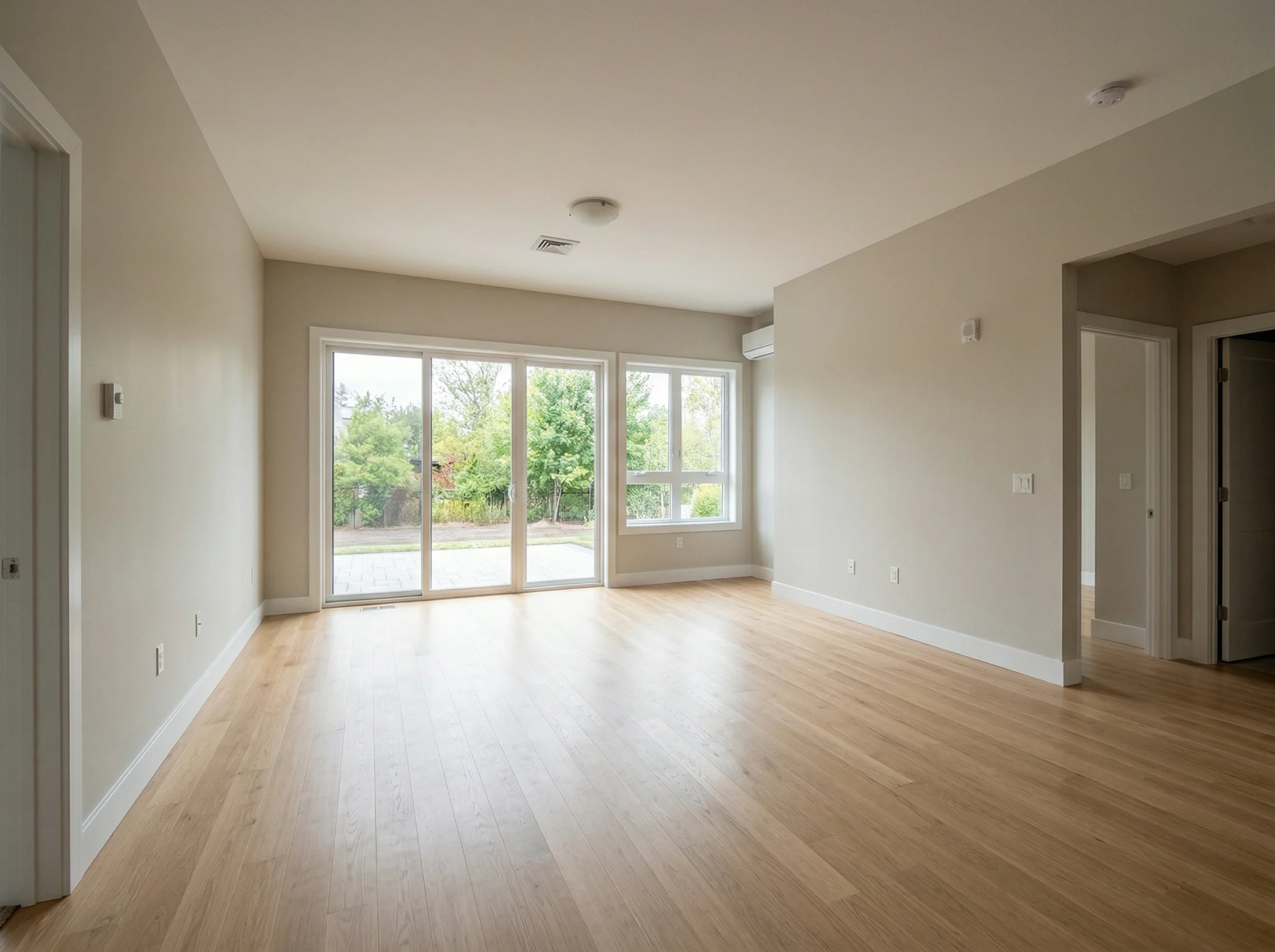
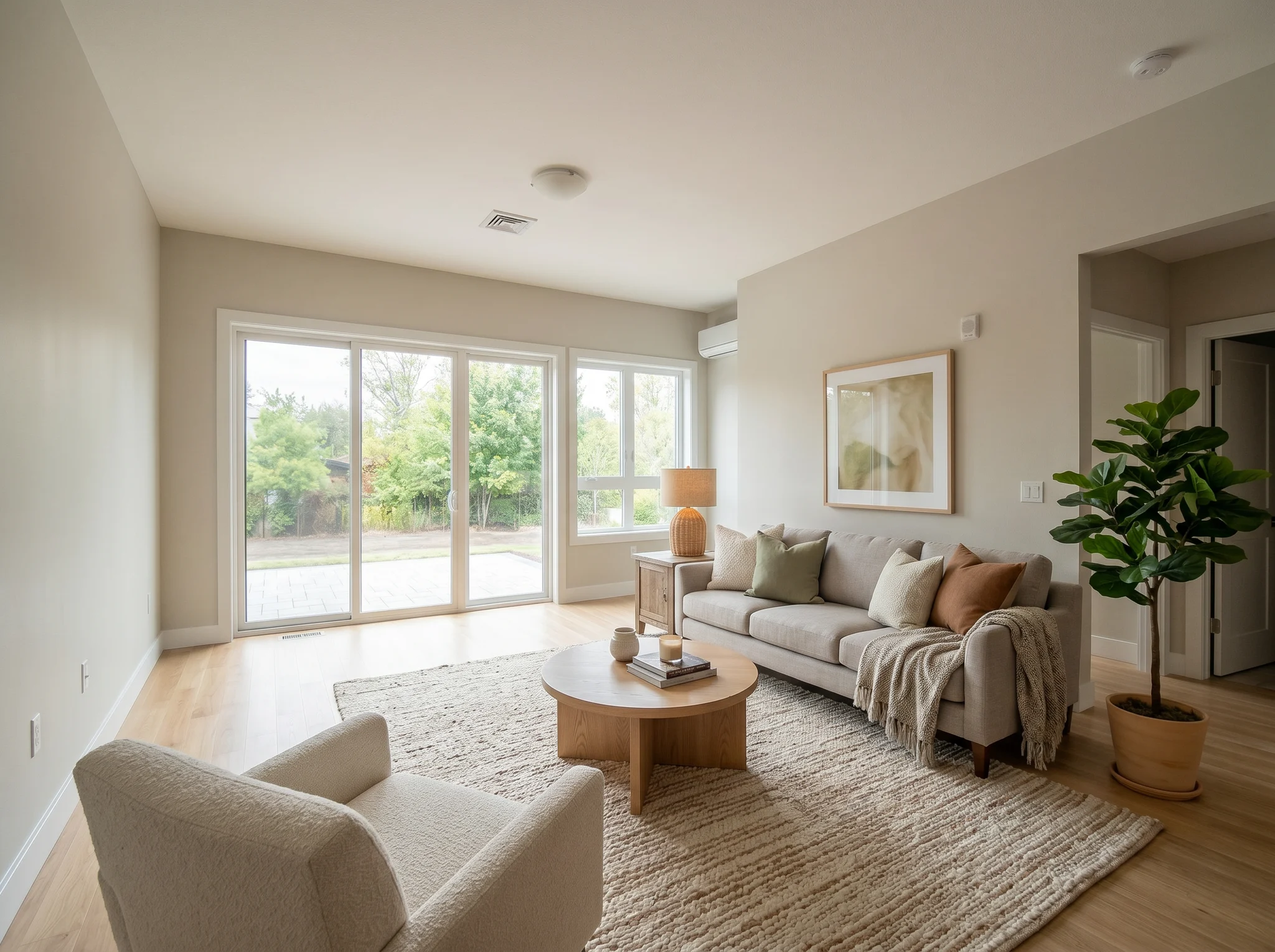
Soggiorno
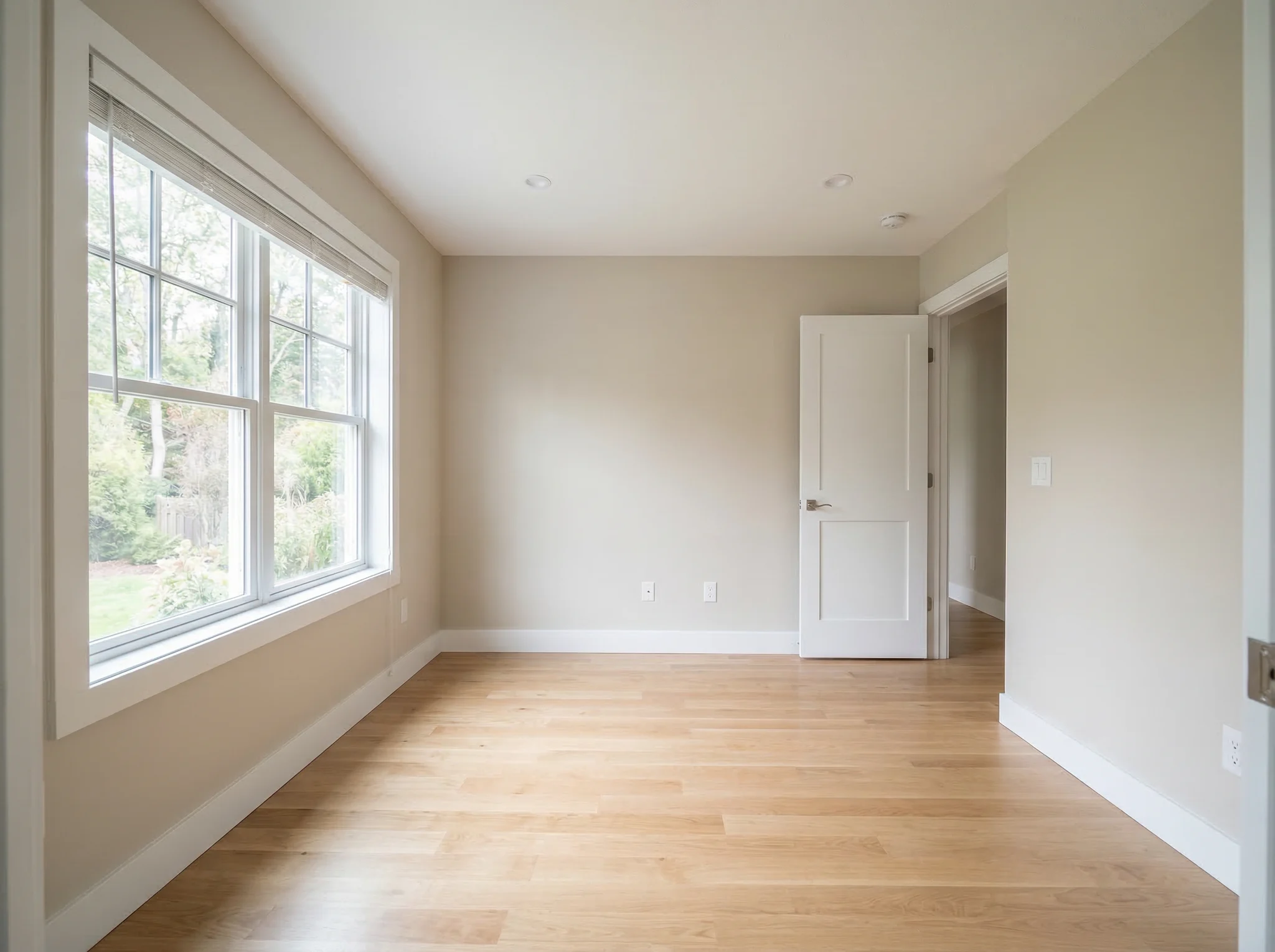
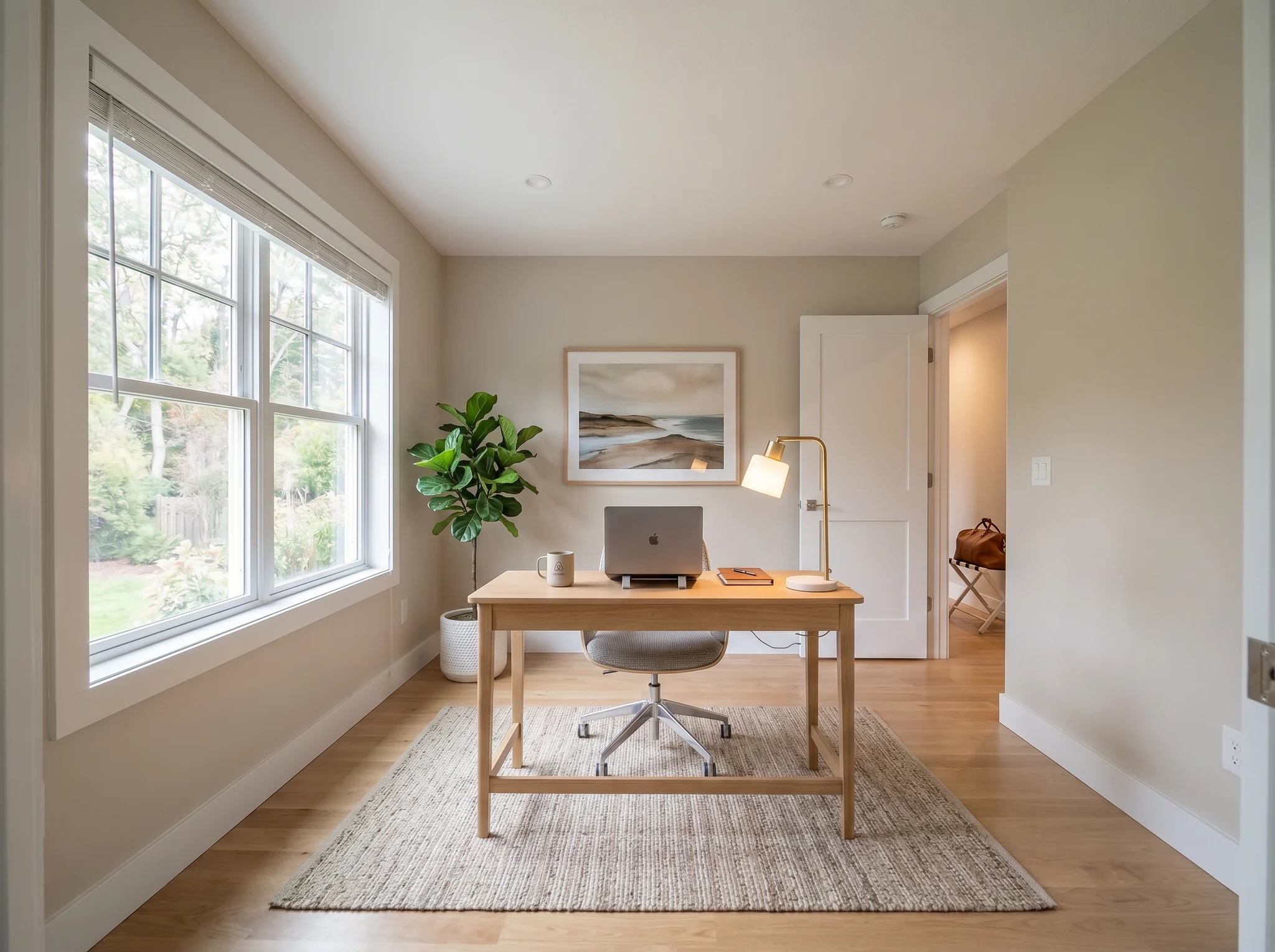
Studio
Casi Prima / Dopo
Usa la foto di una stanza reale per confrontare alcune direzioni credibili, prima di comprare, ristrutturare, affittare o pubblicare l'annuncio.
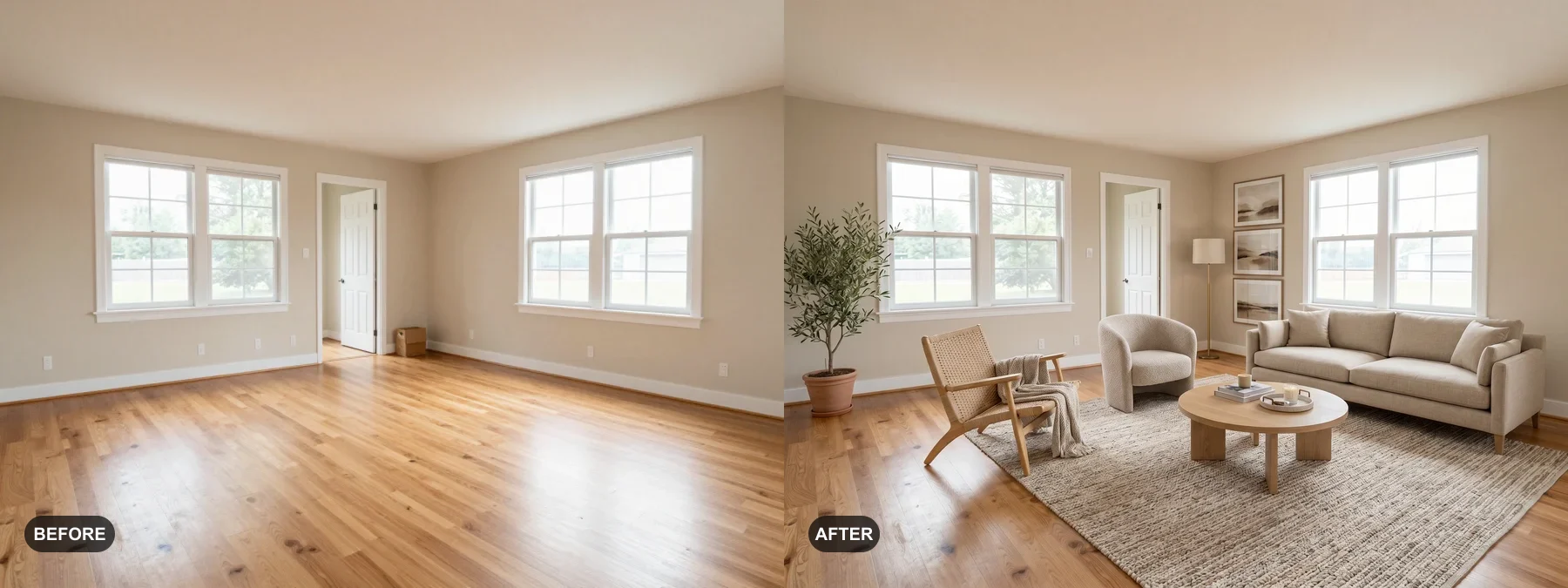 1
1 Verifica se la stanza può sembrare più ordinata, più calda o più curata, prima di comprare mobili o ridipingere.
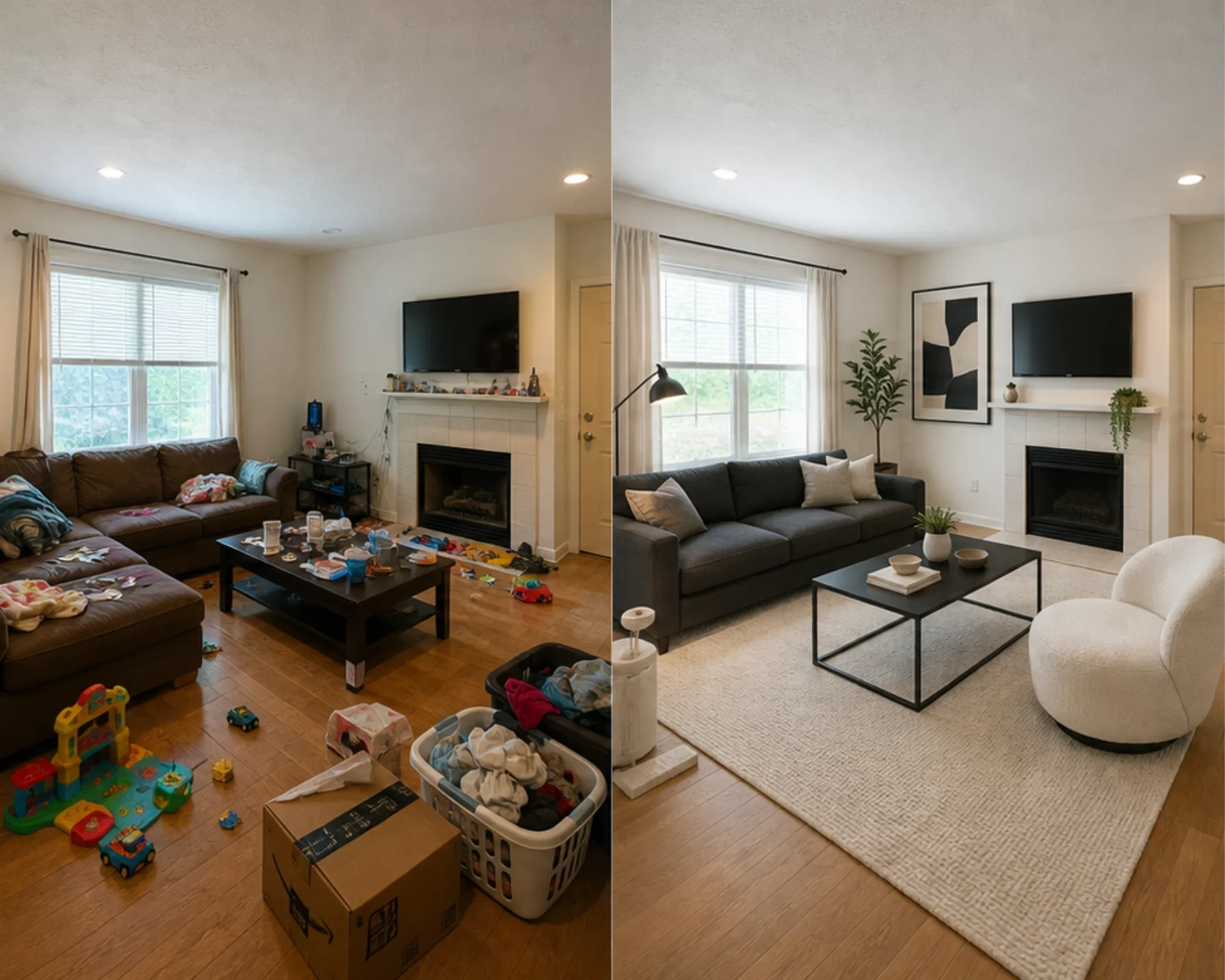 2
2 Vedi in anteprima se una direzione ha senso per la stanza, prima di spendere in un divano, un tappeto, un letto o un set di complementi d'arredo.
 3
3 Crea un'anteprima onesta prima/dopo di home staging, mantenendo sempre visibile la stanza originale per garantire trasparenza.
Parti dalla stanza così com'è, poi crea una versione che ti aiuti a decidere il passo successivo.
Ideale per
RoomFlip dà il meglio quando la stanza ha un obiettivo pratico: scegliere una direzione d'arredo, rinnovare un affitto, preparare la foto di un annuncio o far approvare più facilmente un'idea di ristrutturazione.
Prima di spendere
Trasforma la foto di una stanza qualunque in una direzione credibile prima di comprare mobili, ridipingere o cambiare il layout.
Ideale per: scelta dei mobili, rinnovo della stanza, idee di layout
Prima di comprare mobili
Verifica se un divano, un tappeto, un letto o una direzione di stile funzionano davvero nella tua stanza, prima di spendere.
Ideale per: verifica prima dell'acquisto, test dello stile, pianificazione degli spazi
Prima di pubblicare le foto
Vedi in anteprima se una camera o un soggiorno possono apparire più curati, prima di comprare complementi d'arredo o cambiare la foto principale dell'annuncio.
Ideale per: rinnovo della suite ospiti, foto principale dell'annuncio, pianificazione degli acquisti
Prima di pubblicare l'annuncio o presentare il progetto
Mostra una direzione credibile mantenendo chiara la realtà strutturale per venditori, acquirenti, ospiti e clienti.
Ideale per: preparazione dell'annuncio, revisione con il venditore, direzione del progetto
Crediti e abbonamenti semplici
10 crediti iniziali
0,00 USD
100 crediti / mese
9,99 USD / mese
400 crediti / mese
24,99 USD / mese
Checkout sicuro tramite Stripe. Rivedi piano e condizioni prima di acquistare.
Domande Frequenti
Tutto quello che devi sapere sul designer di stanze IA
RoomFlip.pro è uno strumento di design di stanze con IA e home staging virtuale per foto di stanze reali. Carica una stanza, scegli una direzione e genera immagini prima/dopo che ti aiutano a decidere su mobili, layout, stile, affitto, annuncio o ristrutturazione.
Carica la foto di una stanza o un piccolo gruppo di foto, scegli una direzione e RoomFlip genera immagini arredate o ridisegnate aggiungendo mobili, decorazioni, colori e indicazioni di luce. Il tempo di elaborazione varia in base all’immagine e alla domanda del momento.
Sì. RoomFlip supporta fino a 6 foto di stanze in un unico set, utile quando hai bisogno di immagini coerenti per rinnovare una casa, un annuncio immobiliare, un affitto Airbnb, un piano di ristrutturazione o una presentazione al cliente.
I nuovi utenti ricevono 10 crediti gratuiti dopo l'accesso. Ogni anteprima utilizza 1 credito e potrebbe includere limitazioni del piano gratuito. I crediti a pagamento sbloccano più anteprime e opzioni di download più pulite. Consulta la nostra pagina progettazione gratuita di stanze con IA per i dettagli attuali.
Gli utenti più tipici sono persone che devono prendere una decisione su una stanza reale: proprietari di casa, affittuari, chi sta per comprare mobili, host Airbnb, agenti immobiliari, fotografi e team di ristrutturazione. L'obiettivo comune è capire se la stanza può migliorare prima di spendere altro tempo o denaro.
Il designer di stanze IA funziona con qualsiasi spazio interno: soggiorni, camere da letto, cucine, bagni, sale da pranzo, uffici domestici, camerette e altro ancora. Per ottenere i migliori risultati, scatta una foto ben illuminata da un angolo che mostri il più possibile la stanza. L'IA gestisce spazi di ogni dimensione, dai monolocali ai grandi open space.
Guardalo prima di comprarlo — design di stanze con IA 2026
Carica la foto di una stanza reale, crea una direzione prima/dopo credibile e tieni sempre a portata di mano il contesto originale mentre decidi.