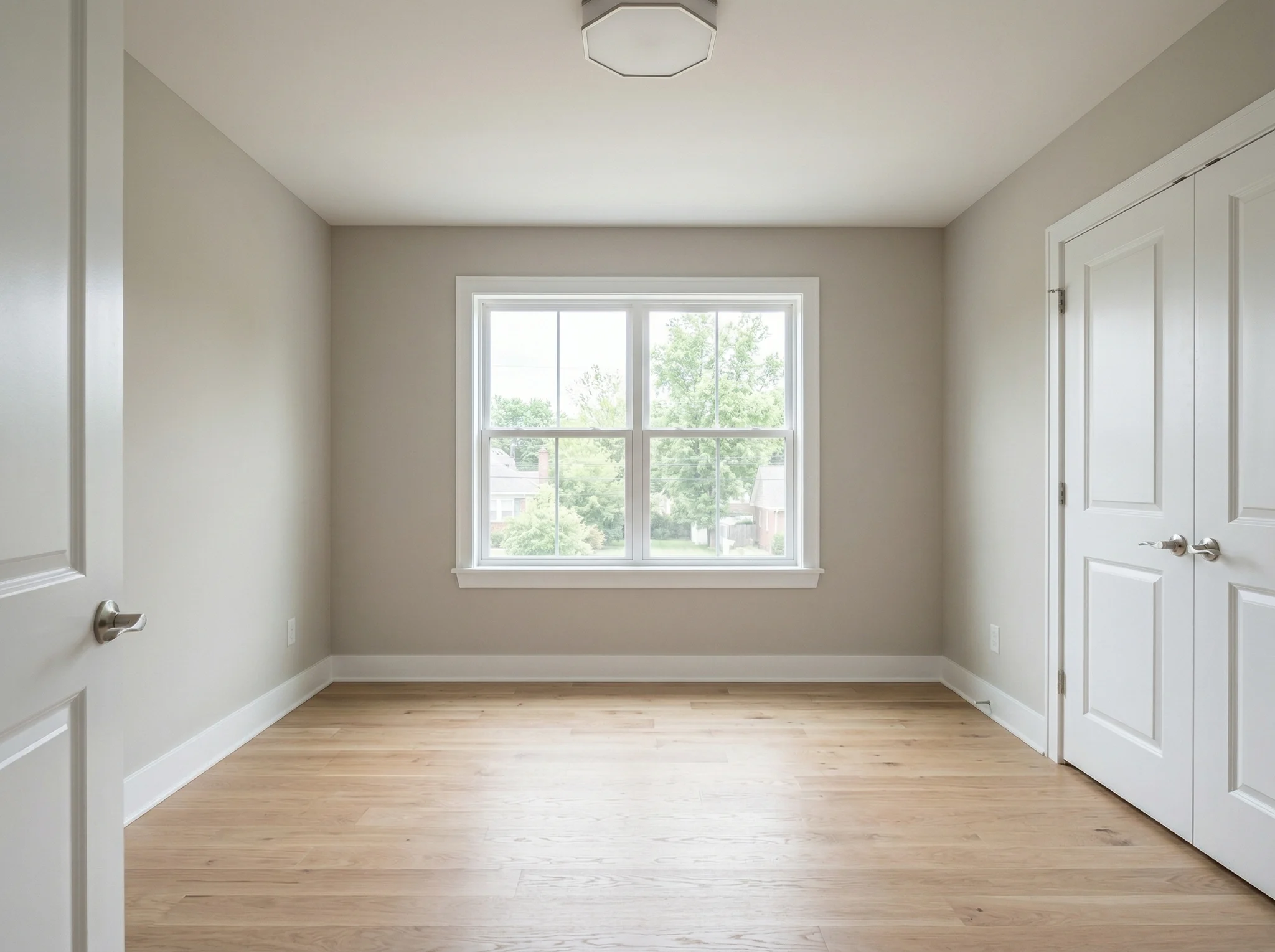
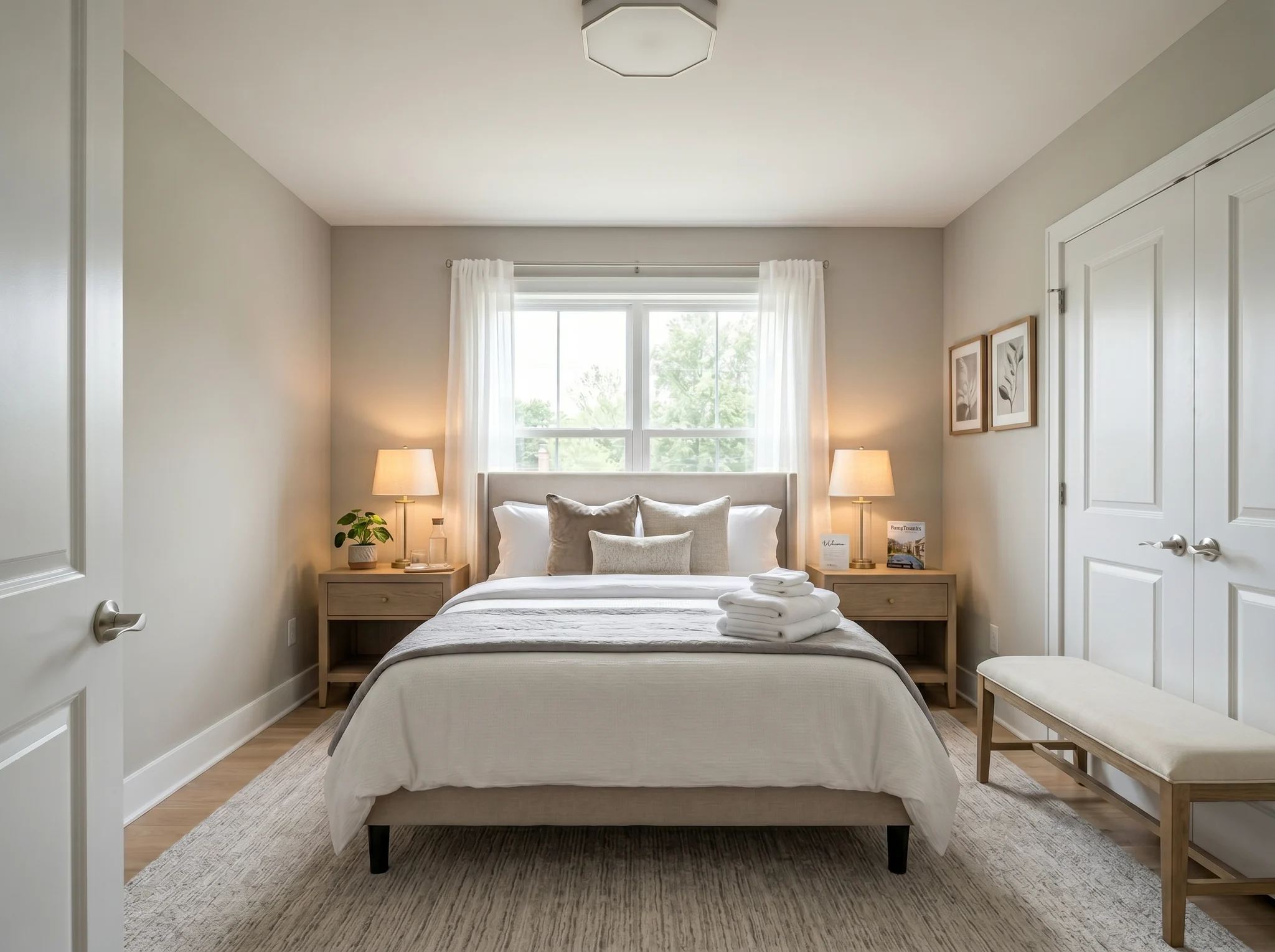
Bedroom
Upload one room photo and see how it could look furnished, rearranged, or refreshed — before you buy anything or move a single piece of furniture.
One-time packs. Credits roll over. Cancel anytime.
Primeri Pred / Po
RoomFlip je najmočnejši, ko ima ena ustvarjena slika poslovno nalogo: pomagati kupcu razumeti obseg, pomagati gostu predstavljati si bivanje ali pomagati stranki odobriti smer, preden se porabijo denar.
Bedroom
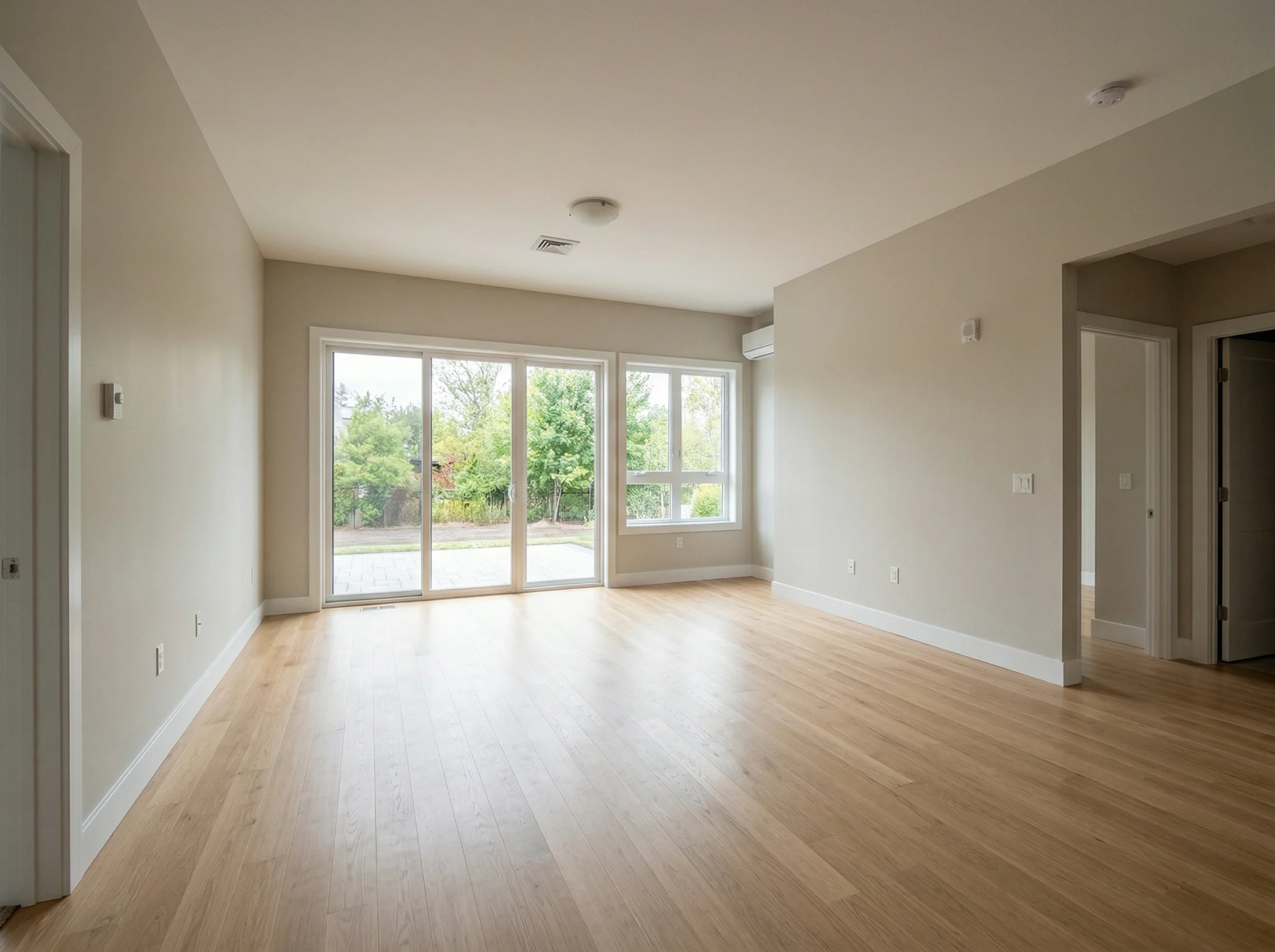
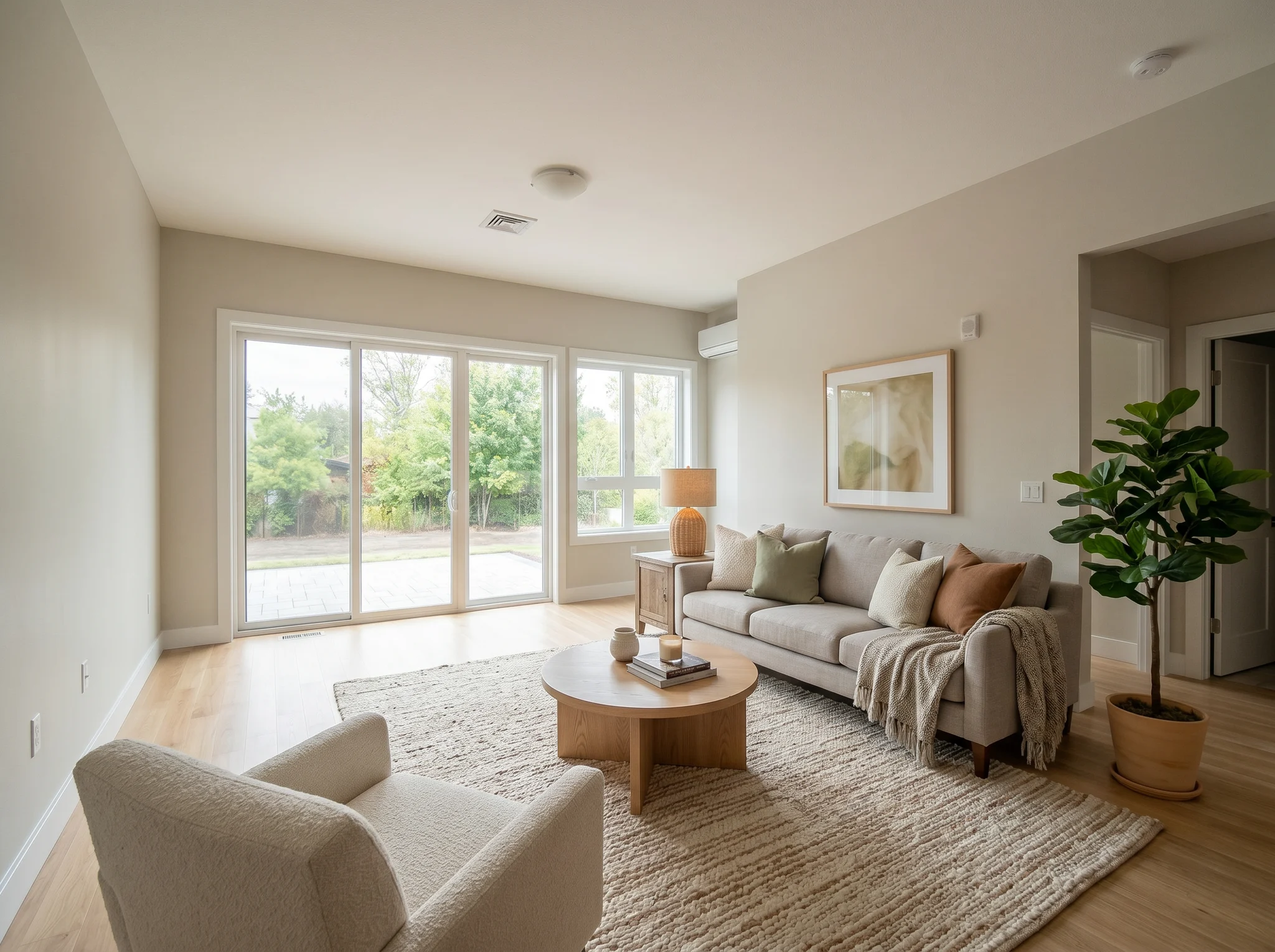
Living room
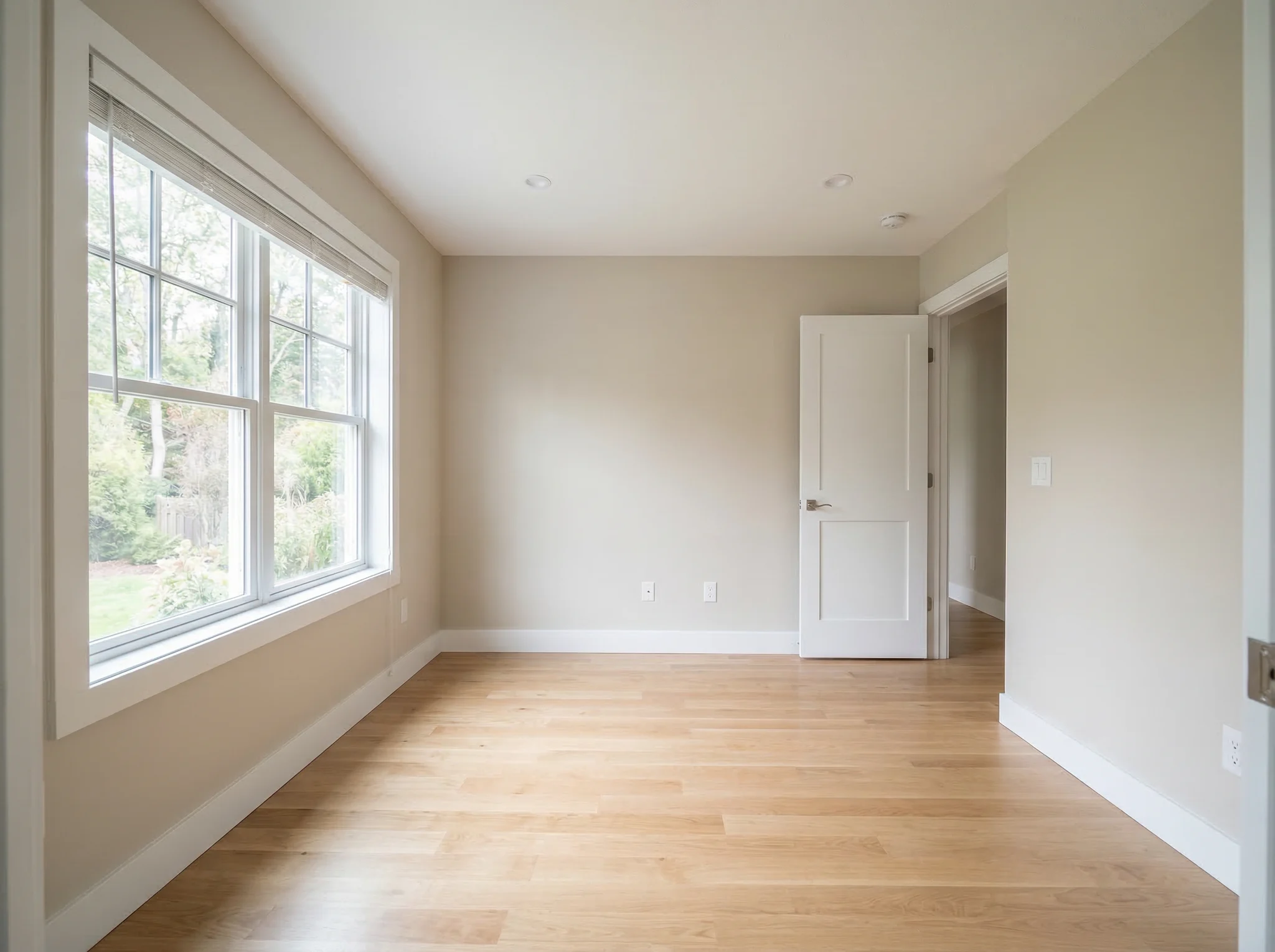
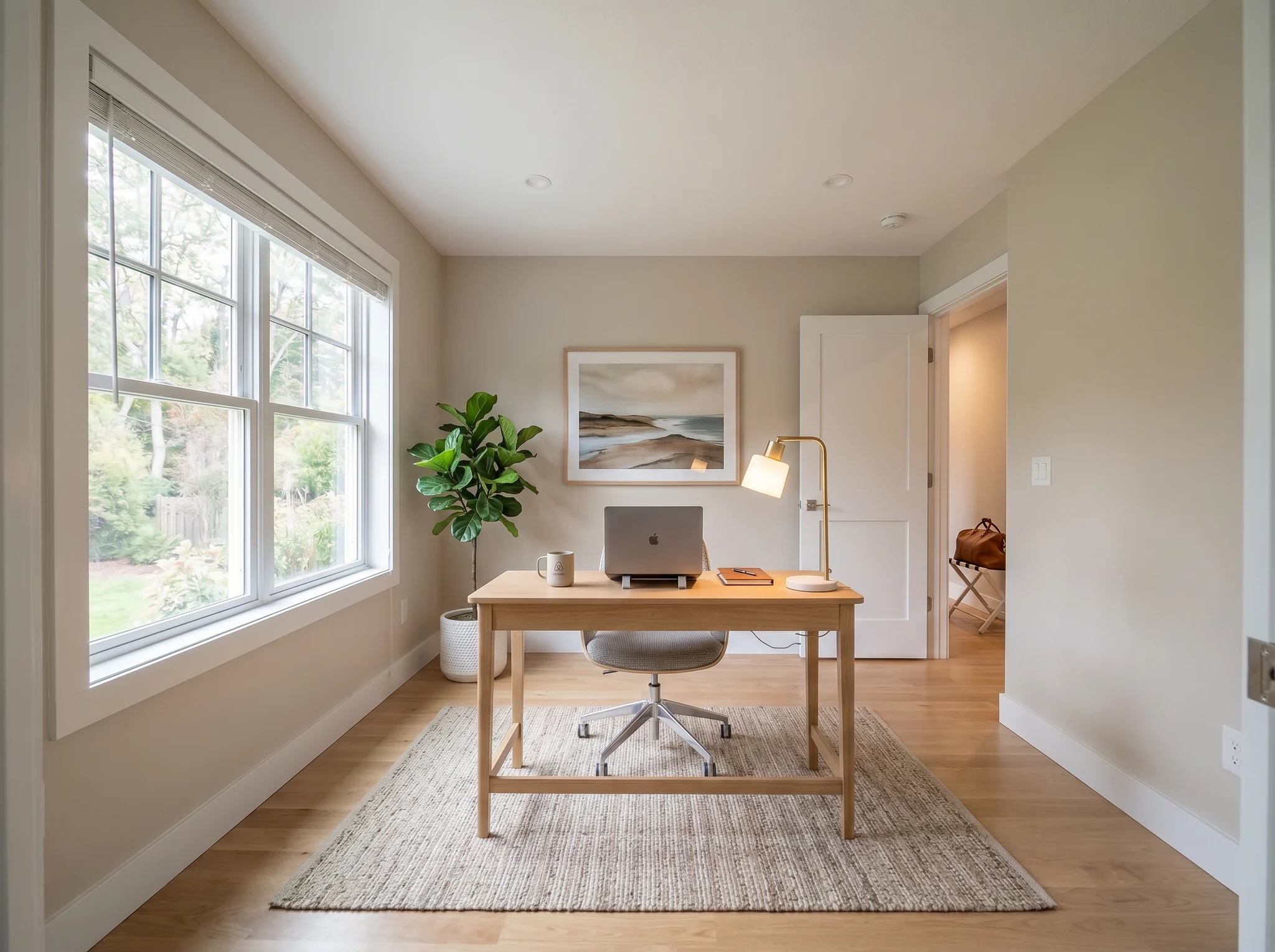
Home office
Primeri Pred / Po
Primerjajte dve ali tri verodostojne smeri, ne dvajset naključnih.
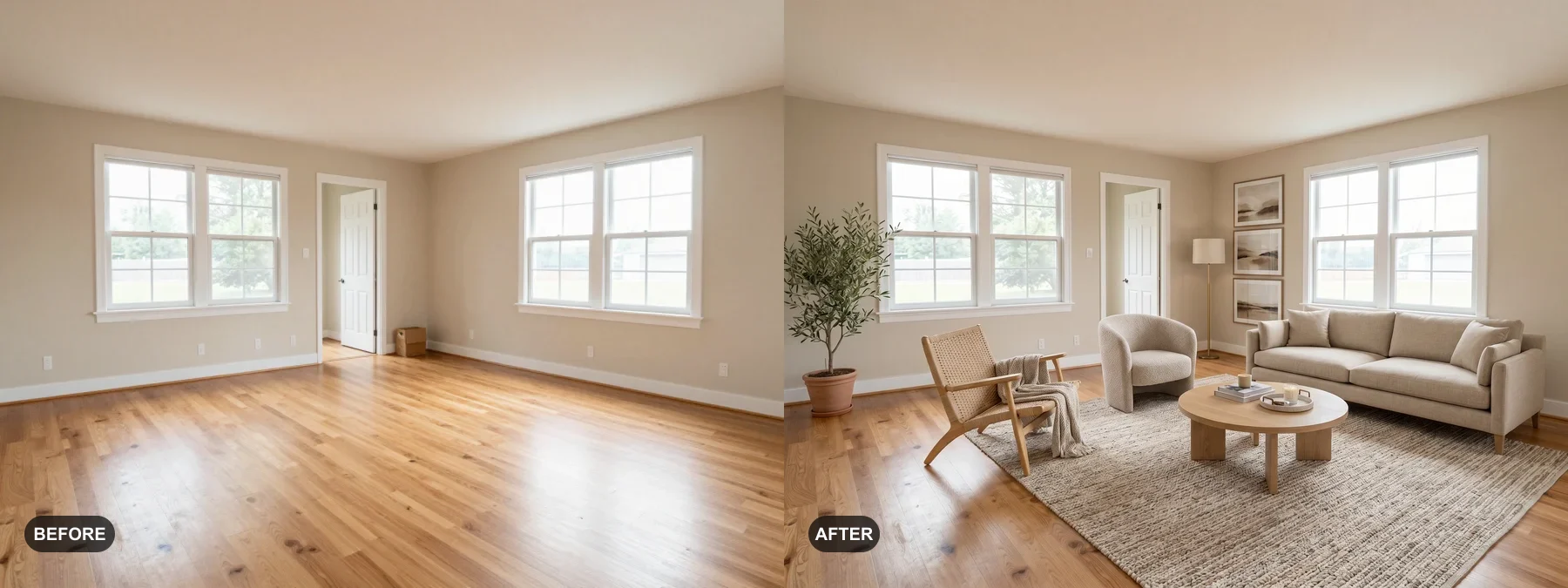 1
1 Opremite prazne sobe ali osvežite utrujene, da si bodo kupci lažje predstavljali sebe v njih.
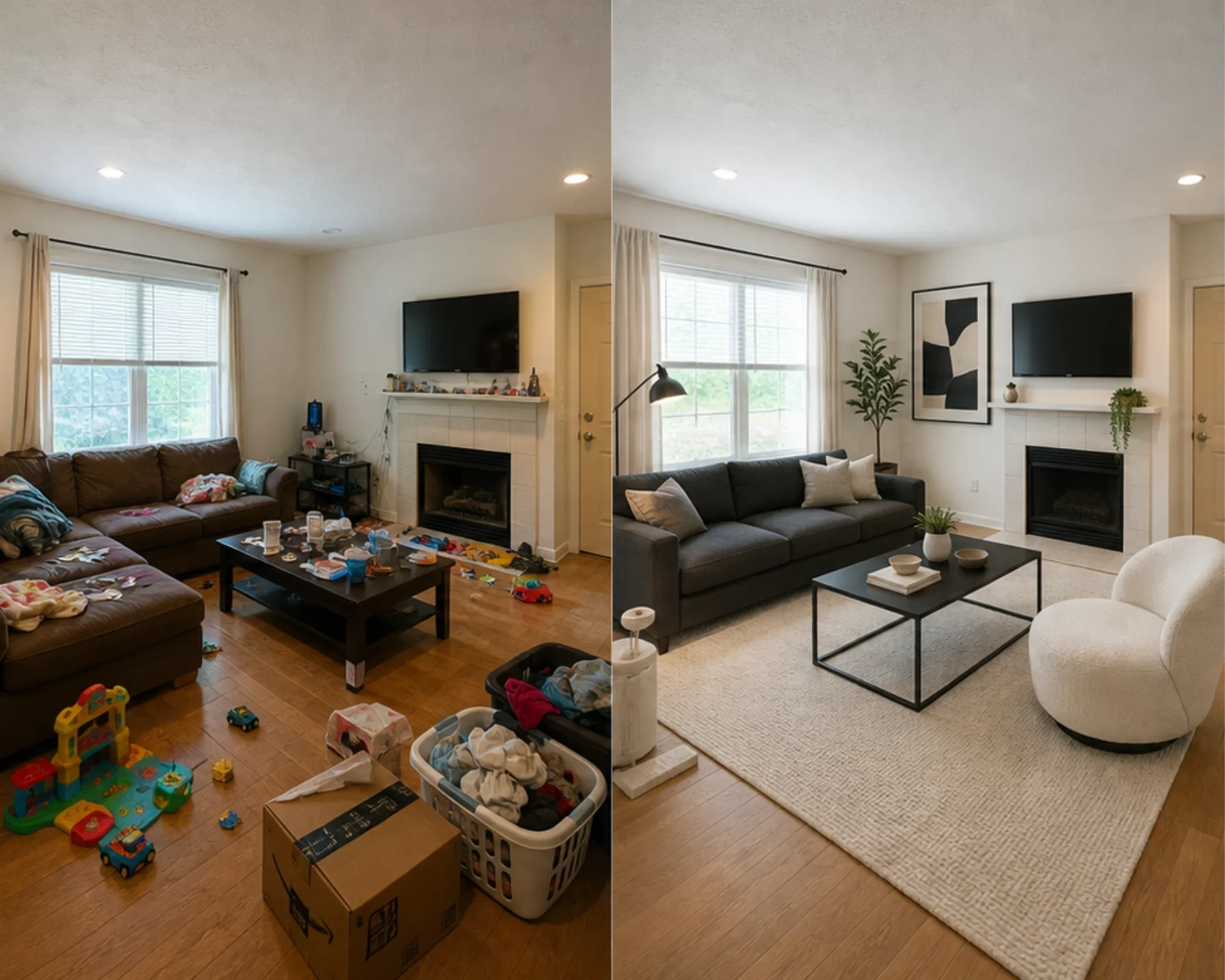 2
2 Preverite, ali lahko spalnica deluje vrhunsko, še preden zapravite za pohištvo.
 3
3 Predogled smeri sloga z ohranitvijo pravih sten, oken in vgrajenih elementov.
Preoblikujte katero koli sobo v treh preprostih korakih z našim orodjem za notranje oblikovanje, ki ga poganja AI.
Najboljše za
Najpogostejši primer vsakodnevne uporabe je zmanjšanje negotovosti pred porabo denarja: selitev v majhno stanovanje, nakup pohištva, izbira preproge, osvežitev najemniškega stanovanja ali odločitev, ali se splača slediti določeni smeri oblikovanja sobe. Agenti in gostitelji imajo še vedno jasno pot, ko gre za virtualno postavljanje.
Najpogostejša naloga načrtovanja
Naložite dejansko sobo, preizkusite, ali je določen slog ali postavitev verodostojna, nato izmerite, preden kupite barvo, preproge ali pohištvo.
Najboljše za: majhna stanovanja, načrtovanje selitve, zaupanje pri nakupu pohištva
Odločitev z visoko stopnjo namere
Uporabite kalkulatorje za velikost in razdaljo, nato pa s predogledom dejanske fotografije preverite, ali je smer videti preveč dominantna, premajhna ali vredna nakupa.
Najboljše za: preverjanje sedežnih garnitur, velikost preprog, zmanjšanje tveganja vračila
Profesionalna uporaba
Spremenite običajne fotografije nepremičnin v jasnejšo zgodbo o tem, kako bi se soba lahko počutila po lažji prenovi, še preden vložite v fizično opremo.
Najboljše za: predstavitve nepremičnin, priprave na oglede, sprehodi s prodajalci
Zavedeni prihodkov
Pred nakupom pohištva, ki morda ne bo dobro izgledalo na fotografijah, preizkusite, ali naj se spalnica ali dnevni prostor počutita bolj umirjeno, svetlo ali vrhunsko.
Najboljše za: izboljšave Airbnb, prenove sob za goste, poskusi z zasedenostjo
Preprosti krediti in naročnine
3 brezplačne generacije
0 €
100 kreditov / mesec
$9.99/mes.
400 kreditov / mesec
$24.99/mes.
Varno plačilo prek Stripe. Prekličite kadar koli.
Pogosto zastavljena vprašanja
Vse, kar morate vedeti o AI Room Designerju
RoomFlip.pro je orodje za oblikovanje sob z umetno inteligenco in virtualno postavljanje za fotografije resničnih sob. Naložite sobo, izberite smer in ustvarite realistične vizualne prikaze pred/po, ki pomagajo pri odločitvah o postavitvi, slogu, pohištvu, prodaji ali najemu.
Naložite eno fotografijo sobe ali majhen nabor fotografij, izberite smer stila in RoomFlip ustvari postavljene slike, ki ohranijo strukturo resnične sobe, hkrati pa dodajo pohištvo, dekoracijo, barve in svetlobne elemente. Rezultati običajno trajajo približno 15-30 sekund na sliko.
Da. RoomFlip podpira do 6 fotografij sob v enem naboru, kar je uporabno, ko potrebujete dosledne vizualne prikaze za seznam nepremičnin, najem Airbnb, načrt prenove ali predstavitev stranki.
Novi uporabniki prejmejo 3 brezplačnih kreditov po prijavi. Vsak predogled uporabi 1 kredit in lahko vključuje omejitve brezplačnega nivoja. Plačani krediti omogočajo več predogledov in čistejše možnosti prenosa. Za trenutne podrobnosti si oglejte našo stran brezplačno oblikovanje sob z umetno inteligenco.
Uporabniki z najvišjim namenom so lastniki stanovanj, najemniki in kupci pohištva, ki želijo sprejeti odločitev o resnični sobi, preden porabijo denar. Prodajni agenti, gostitelji in profesionalci za oblikovanje še vedno pridobijo vrednost, ko potrebujejo hitro postavljanje ali vizualne prikaze za predstavitev stranki.
Preizkusite brezplačno
Naložite fotografijo, si oglejte predogled razpoloženja in ustvarite smernice, ki jih lahko uporabite za opremo, odločitve o pohištvu ali načrtovanje. Začetni krediti so na voljo po prijavi.